
Internal
How to Add Icons to Your Flowchart in Flows?
MockFlow WieframePro offers a diverse collection of icons across multiple categories. Follow these simple steps to add icons to...
MockFlow WieframePro offers a diverse collection of icons across multiple categories. Follow these simple steps to add icons to your flowcharts:
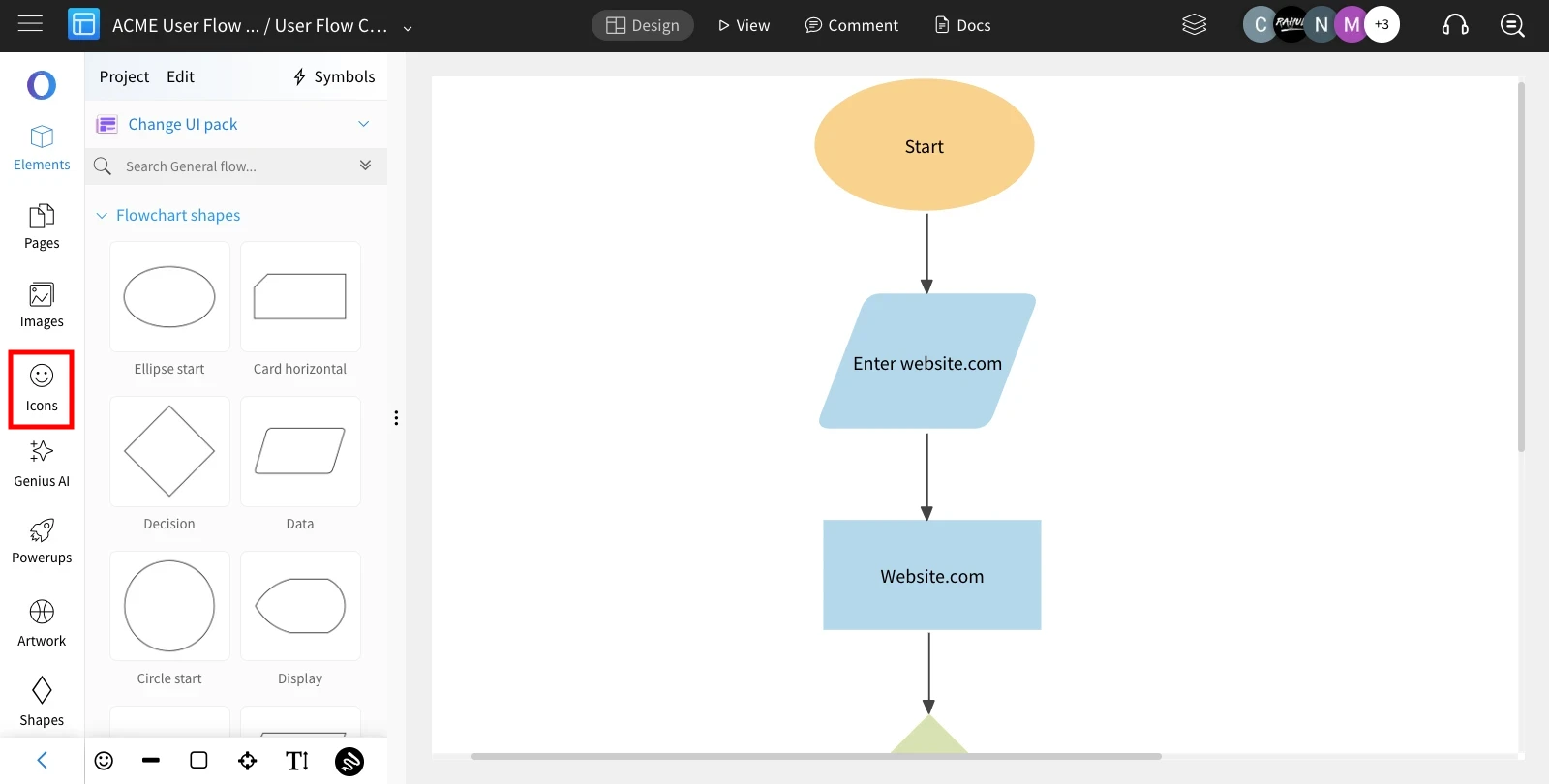
Once the shapes are connected in Flow Mode, click 'Icons' in the sidebar.
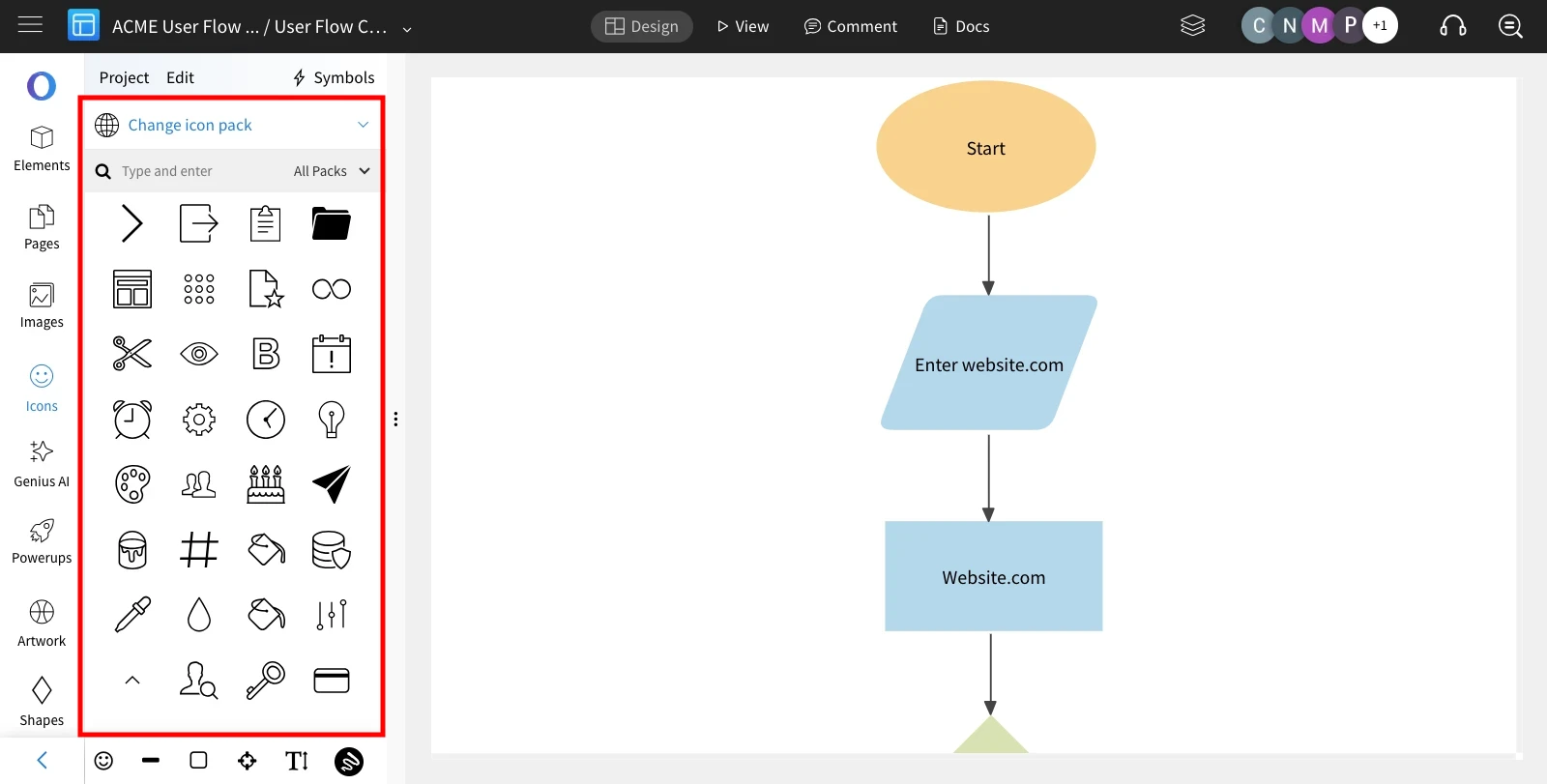
Choose from the list of icons that appear.
Select the desired icon and click on it to add it to the canvas.
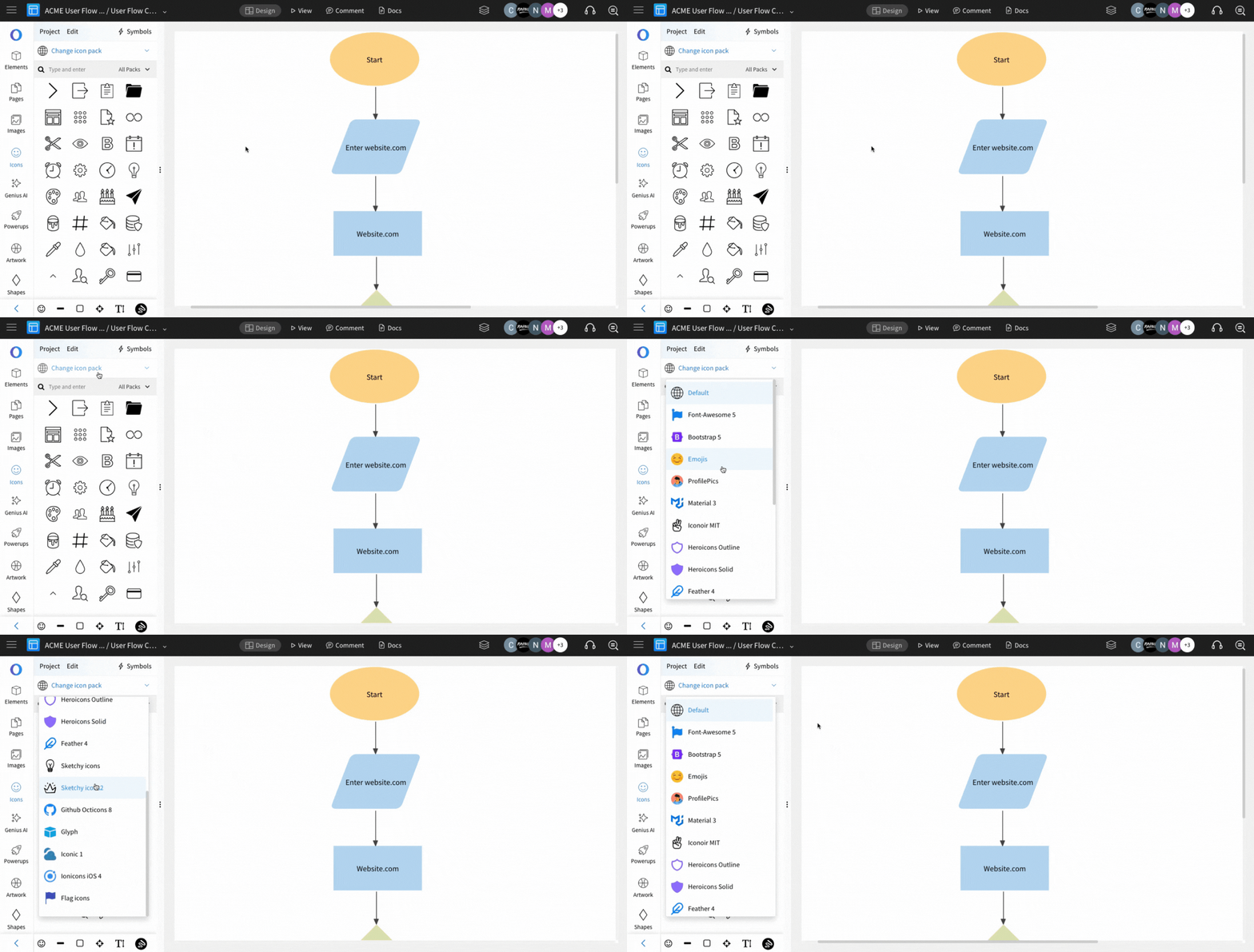
Easily filter icons based on categories by clicking the 'Change Icon Pack.'
Was this page helpful?