
Internal
How to Enable Dark Mode in MockFlow?
Seamlessly toggle between light and dark mode in MockFlow for a more comfortable design experience. The new dark mode is...
Seamlessly toggle between light and dark mode in MockFlow for a more comfortable design experience.
The new dark mode is available in both the dashboard and editor.
Log in to your MockFlow account, and the dashboard will open.
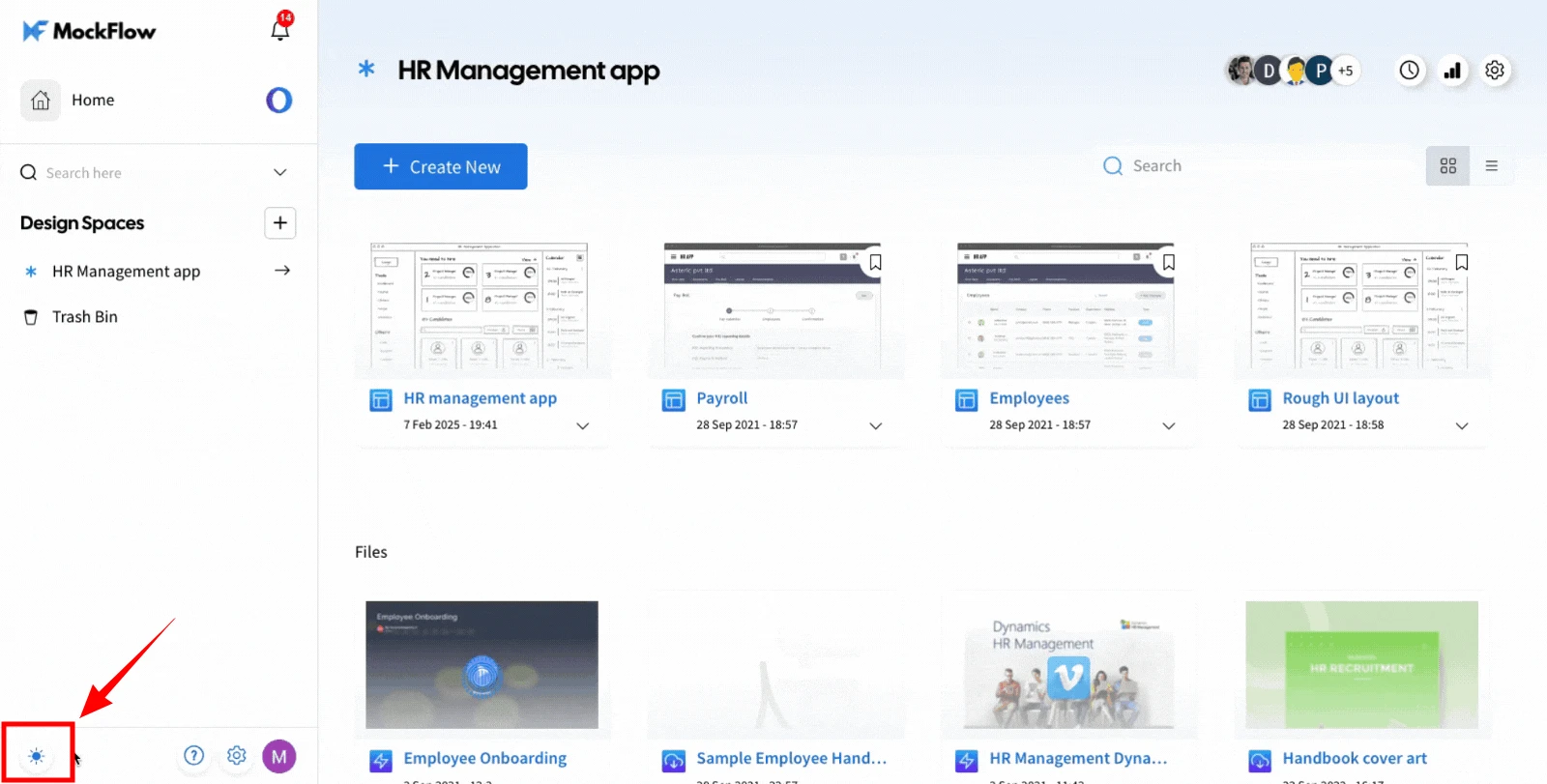
To switch between light and dark modes, use the toggle button located in the bottom left sidebar of the dashboard.
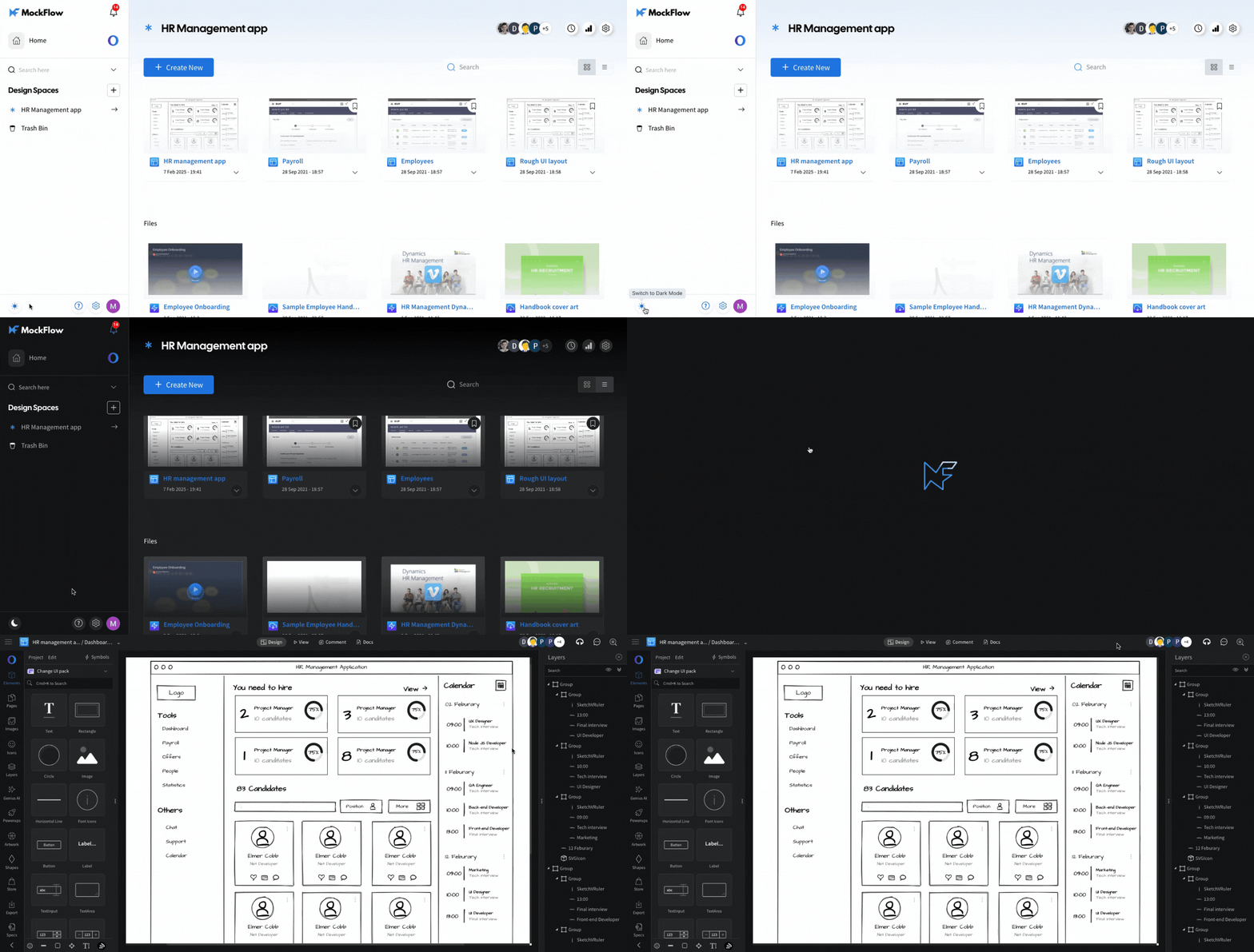
Note - The dark mode is saved between user sessions and also opens the editor in the same mode.
Was this page helpful?