Notes power up
Learn how to add Notes to your wireframe using the notes powerup in MockFlow WireframePro
The Notes Power-Up in MockFlow WireframePro helps you capture ideas, reminders, and feedback for every wireframe page - without cluttering your canvas. Once installed, it adds a dedicated notes option to each page in your project, making it easy to jot down thoughts while designing or to collect feedback later during team reviews.
This help article lists,
Steps to install the Notes power up, and
How to install Notes powerup?
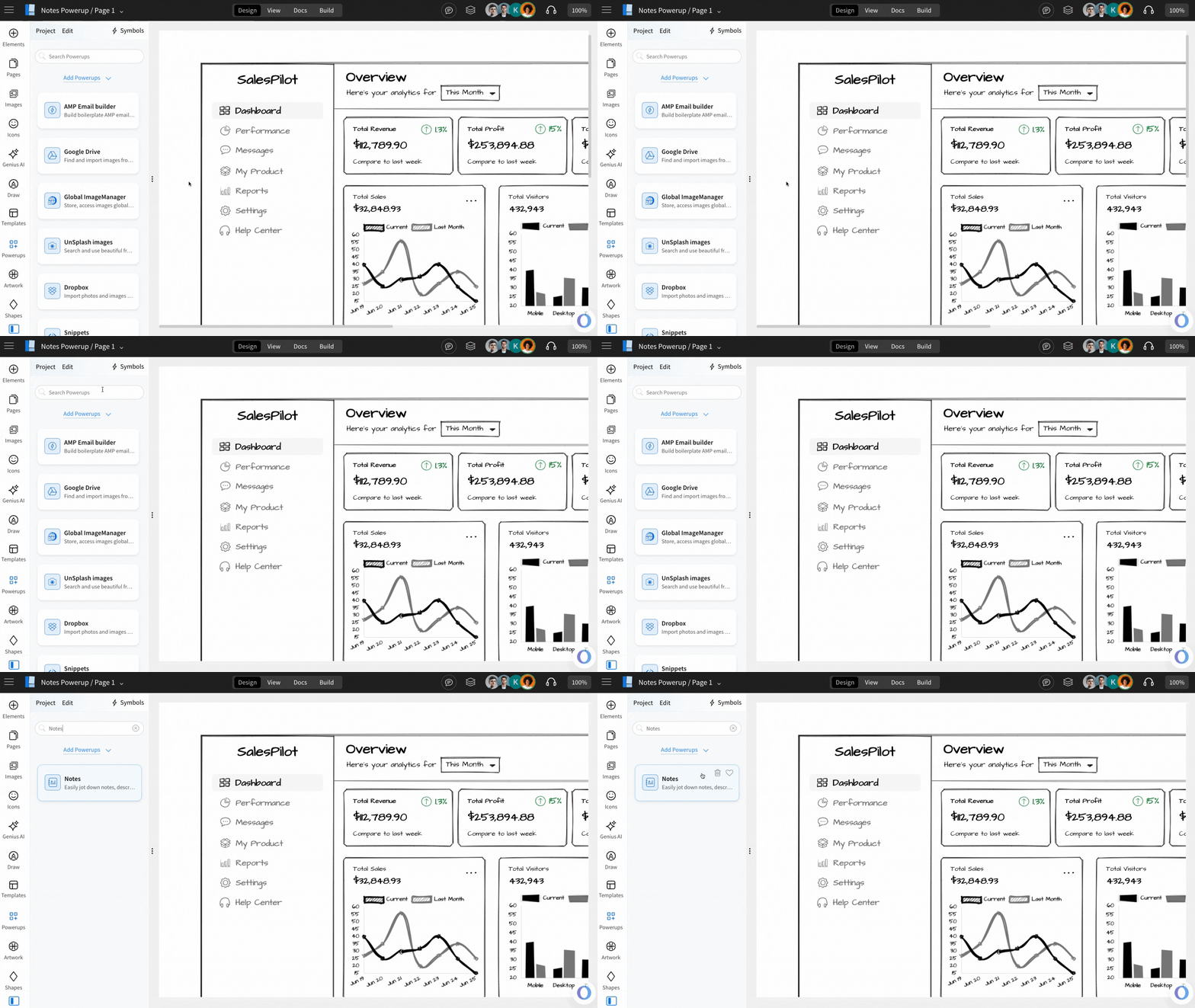
Inside the MockFlow WireframePro Editor, click on ‘Powerups’.
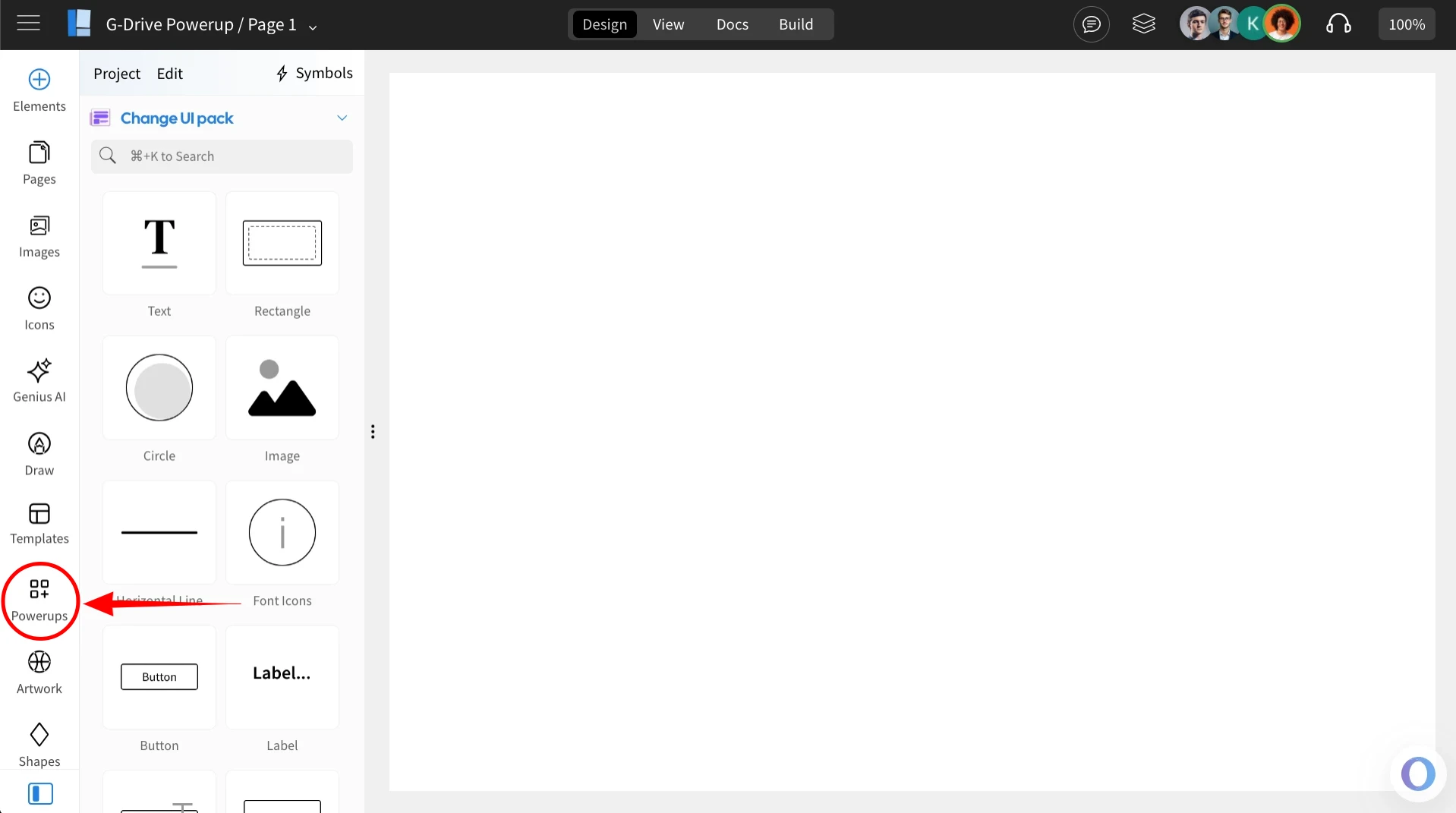
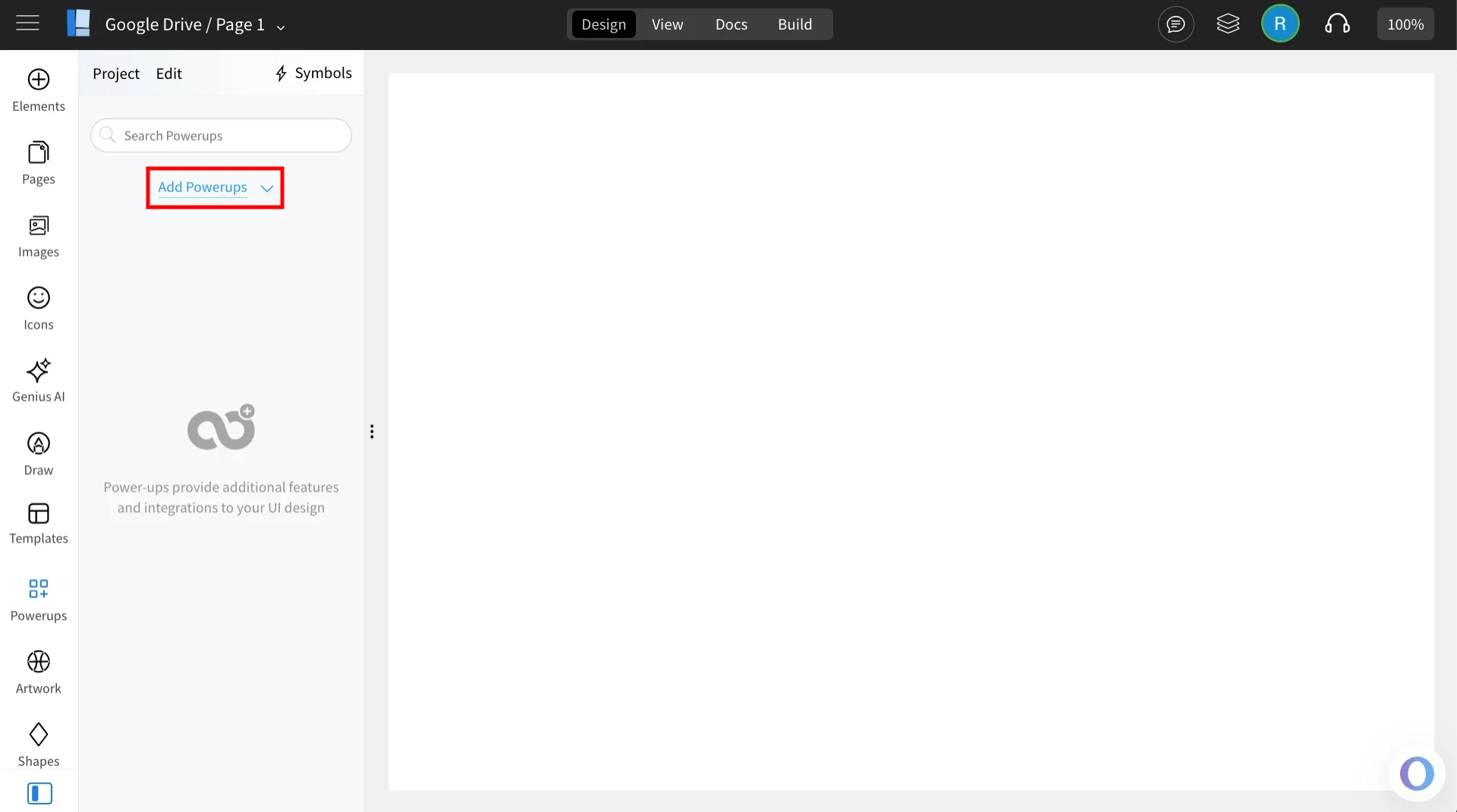
Click on the 'Add Powerups' to install the power up.
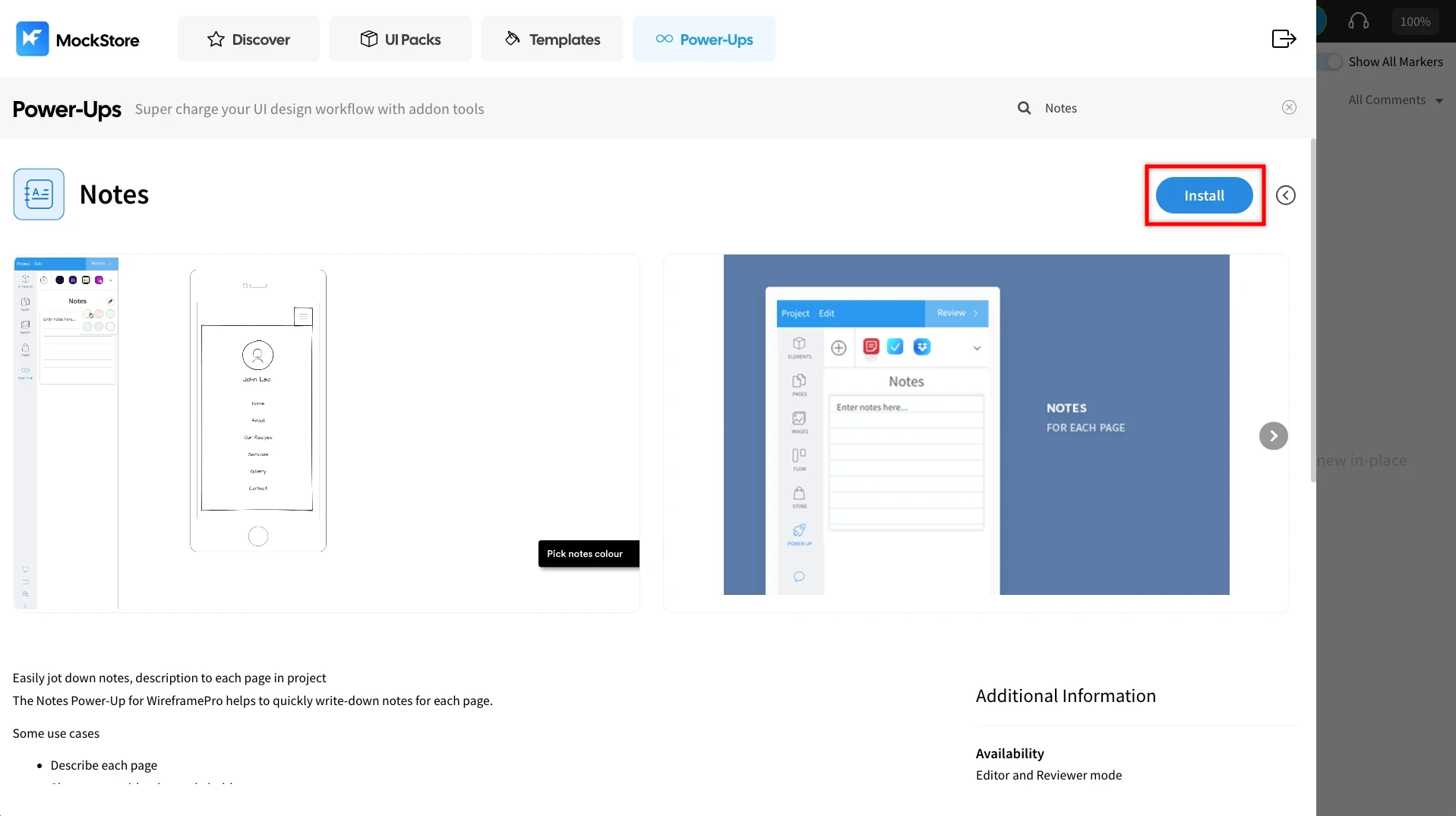
From the list of available power-ups, locate ‘Notes’ and click on it.
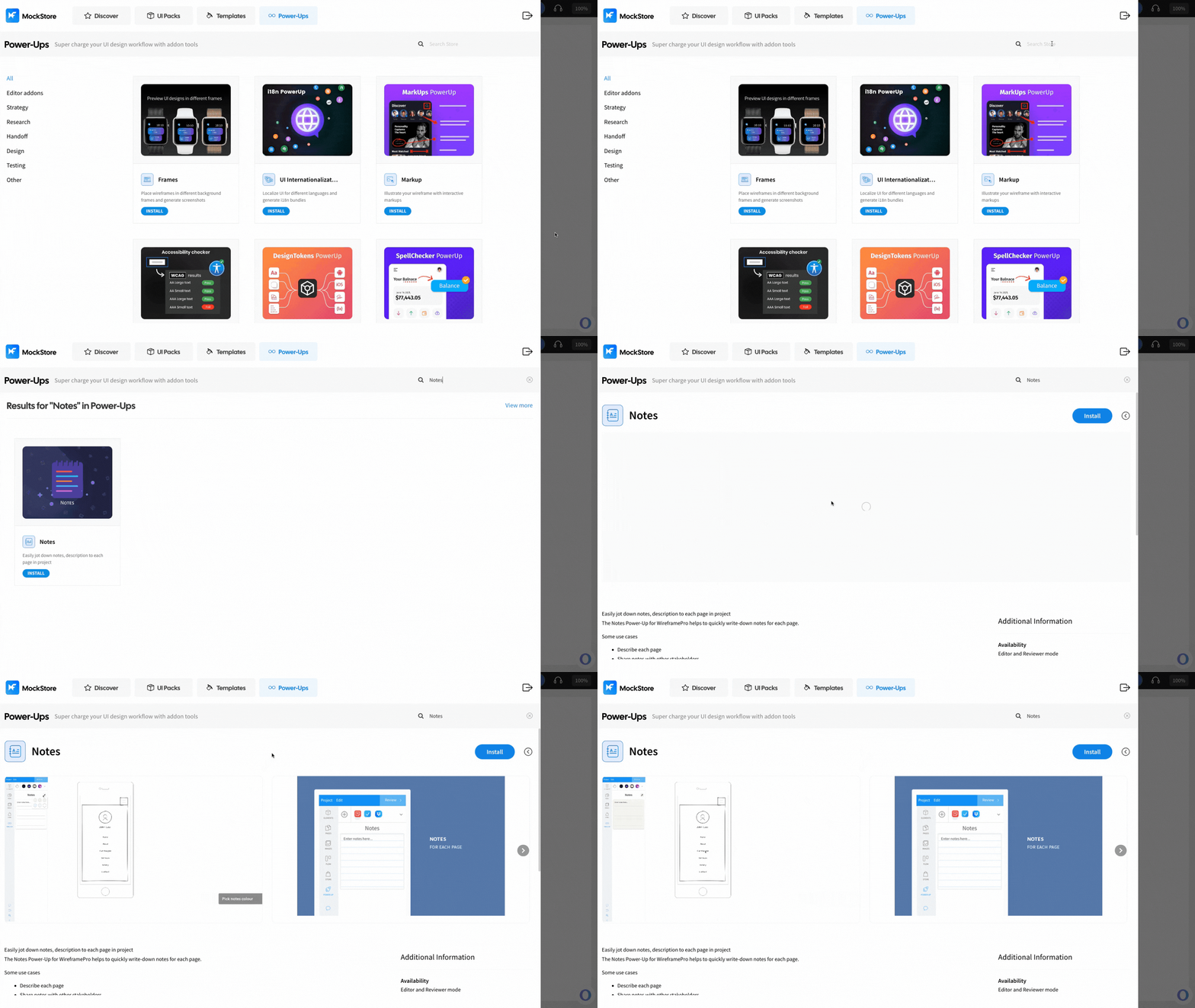
Click ‘Install’ to confirm. The power-up will be added to your editor.
Using the Notes Power up
Once installed, click on the ‘Notes’ power up under the 'powerups'.
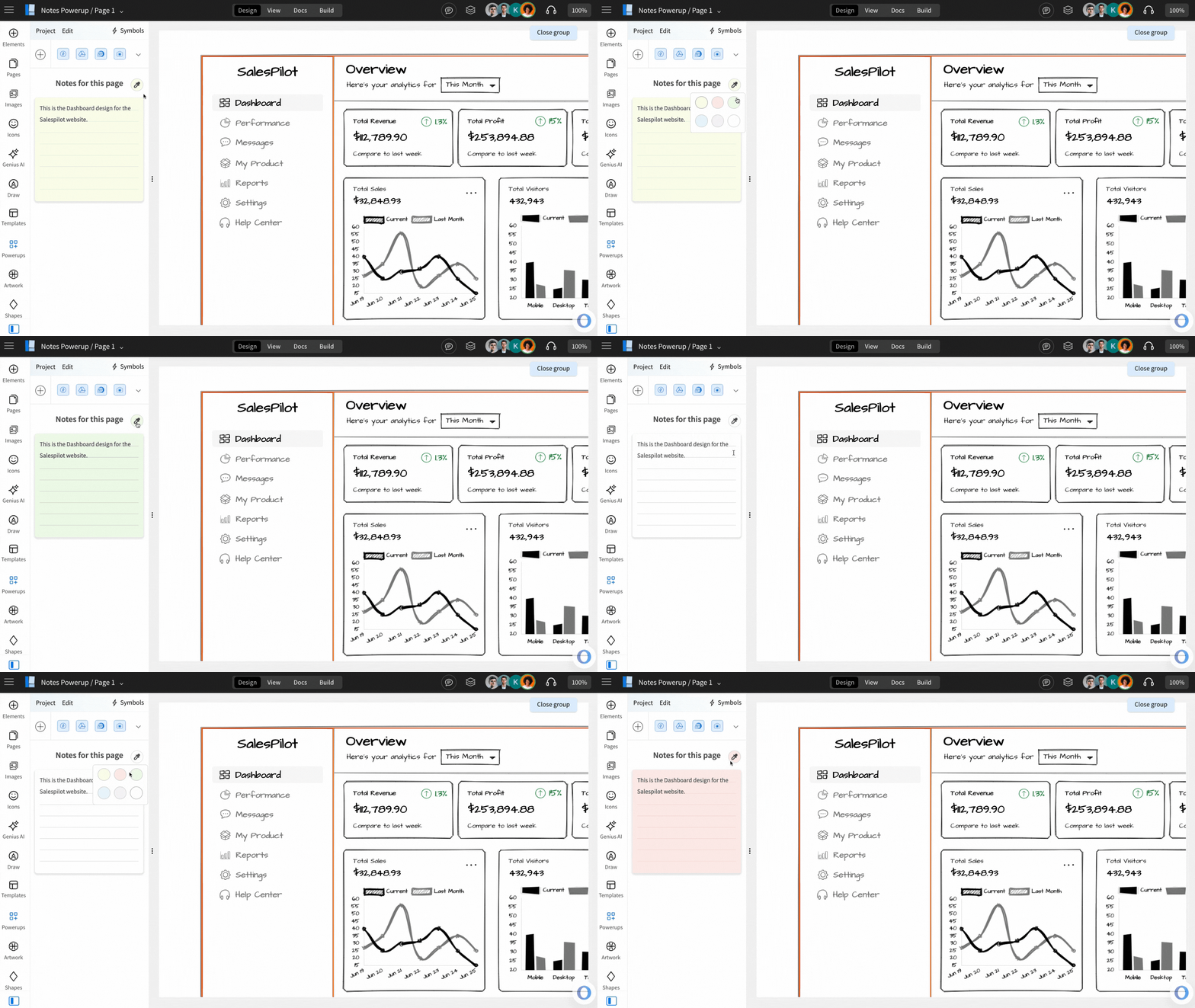
This opens up a notepad on the left sidebar where you can easily add notes to each page in your wireframe project. Simply click on the notes section and start typing your comments or ideas.
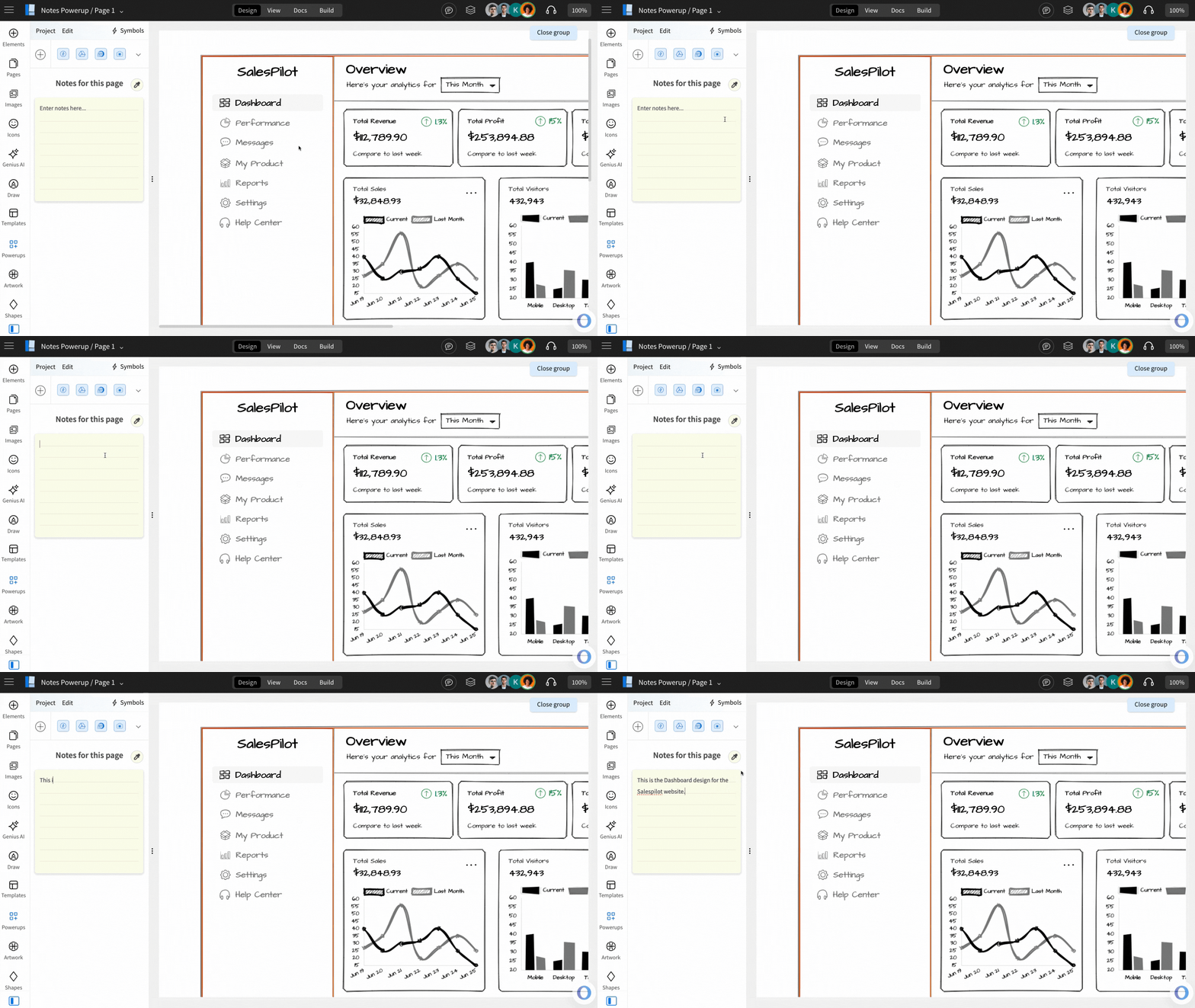
You can also personalize your notes by clicking the color picker icon - you can change the note color to match the tone or to highlight priority.