
Create Like this - with AI
Learn how to use “Create Like This” in MockFlow WireframePro to generate new wireframes from existing screens with consistent layout and visual style using MIDA.
Create Like This allows you to create new screens using an existing wireframe as a reference, so your layouts, components, and visual style stay consistent across generations. Follow the steps below to get started.
You can access this feature in 2 ways:
In the Right click menu after selecting a group of components
From inside Mida.
Option1: From right click
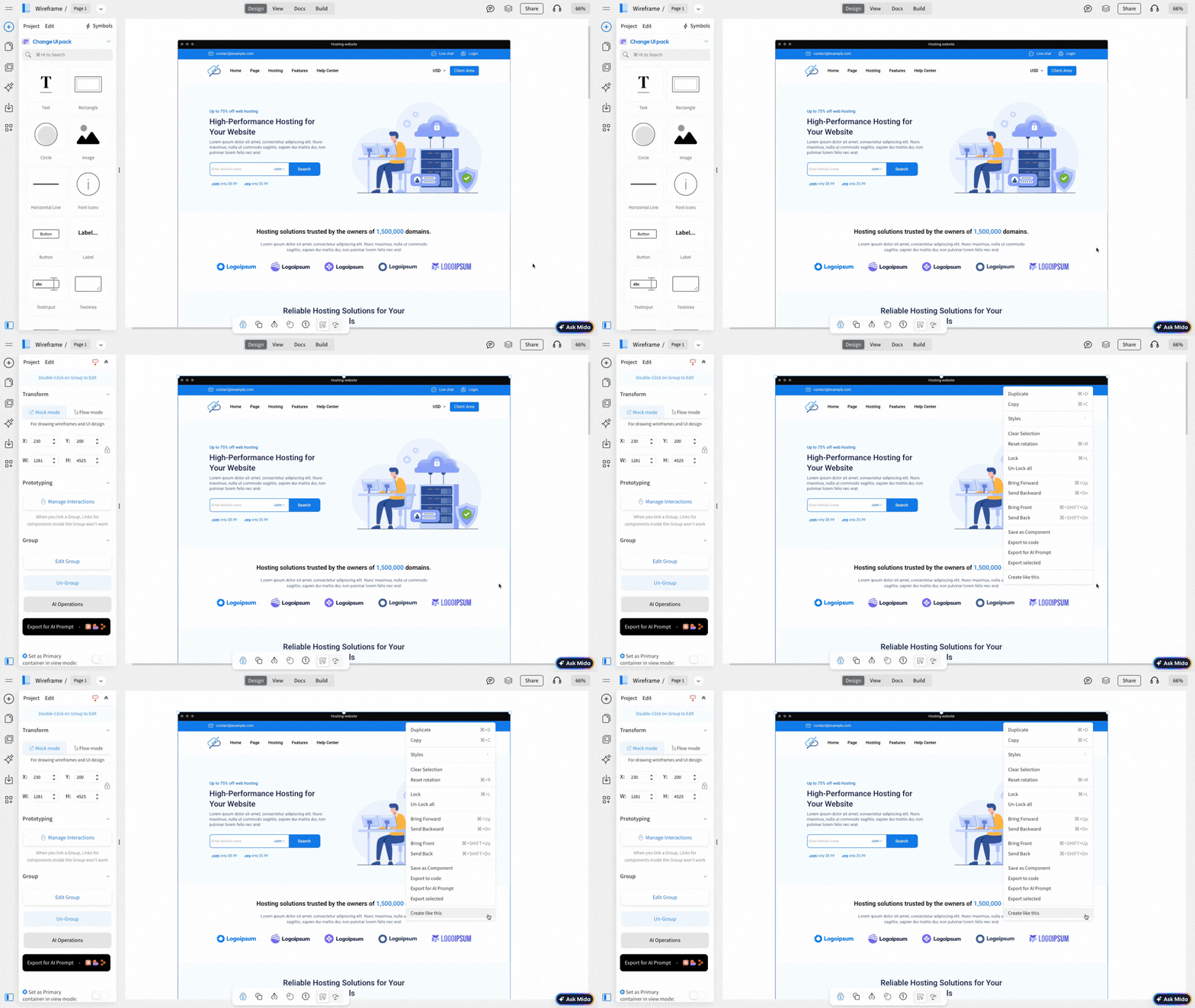
Click on the wireframe to select it, then right-click on it to use it as a reference.
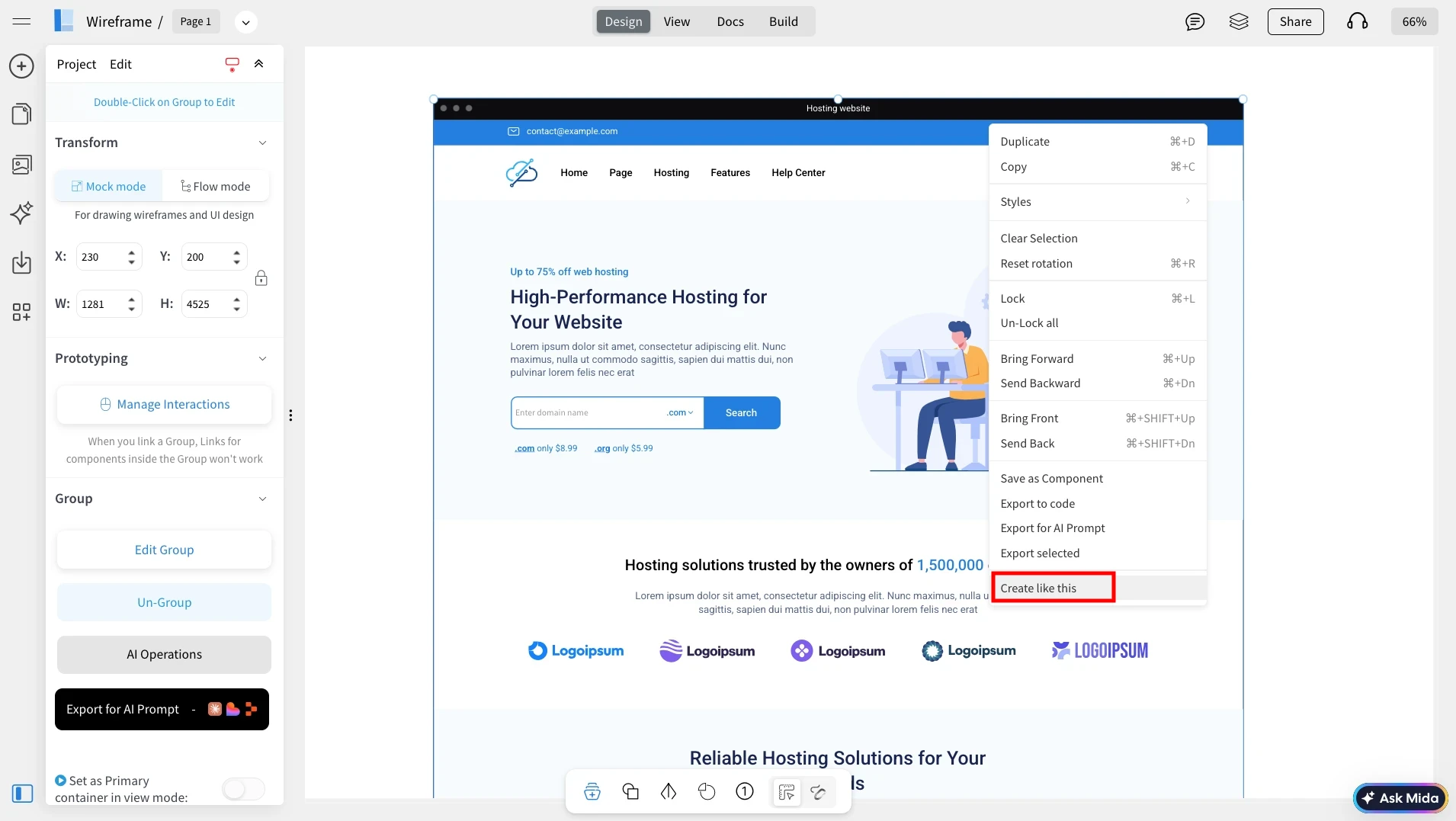
From the context menu, click on Create Like This to use the selected wireframe as the base style. This can also be used on a smaller selection like a section.
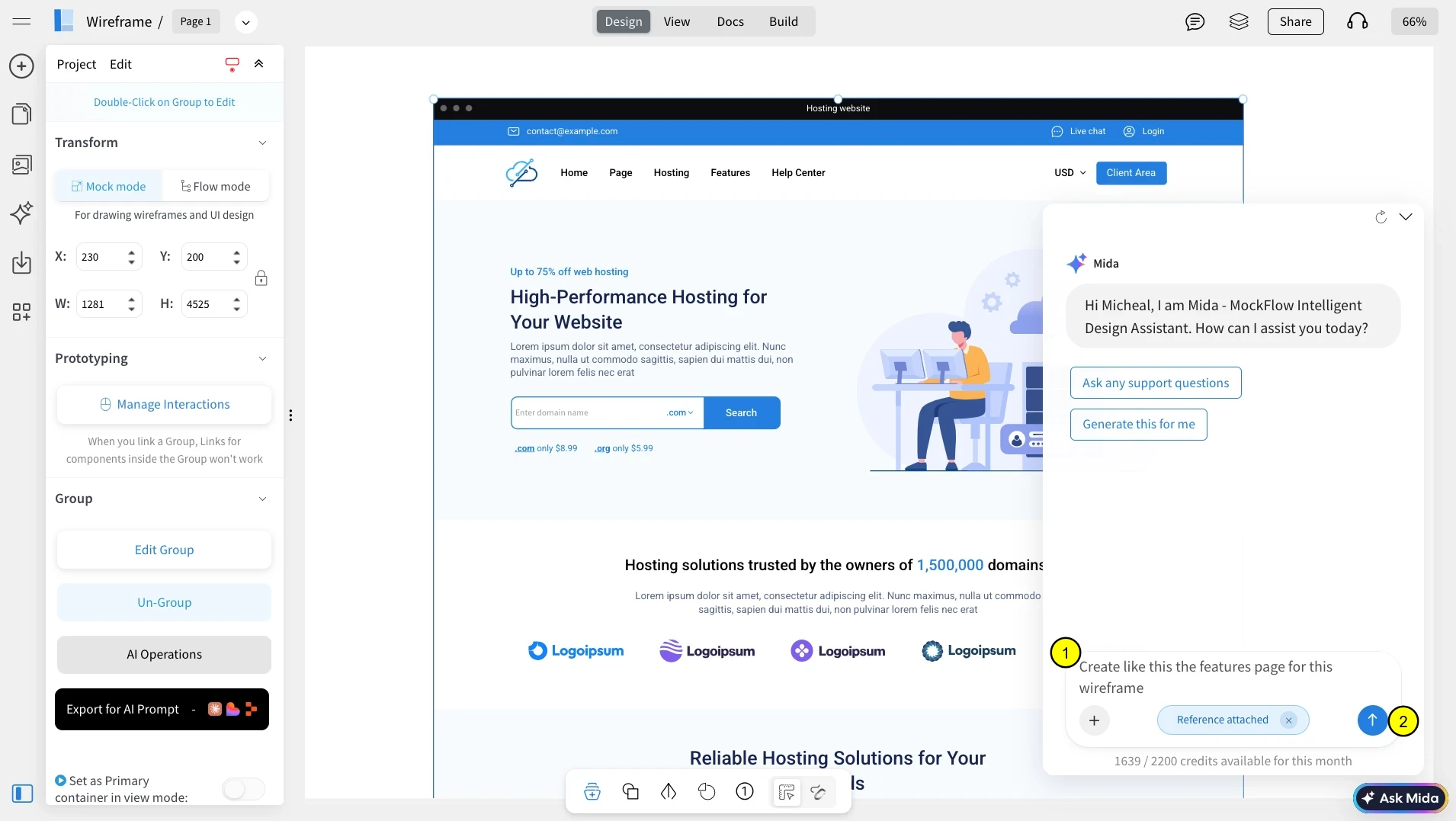
MIDA will open automatically. Describe the new screen you want to generate (for example: “Create a features page for this website”). And click Generate.
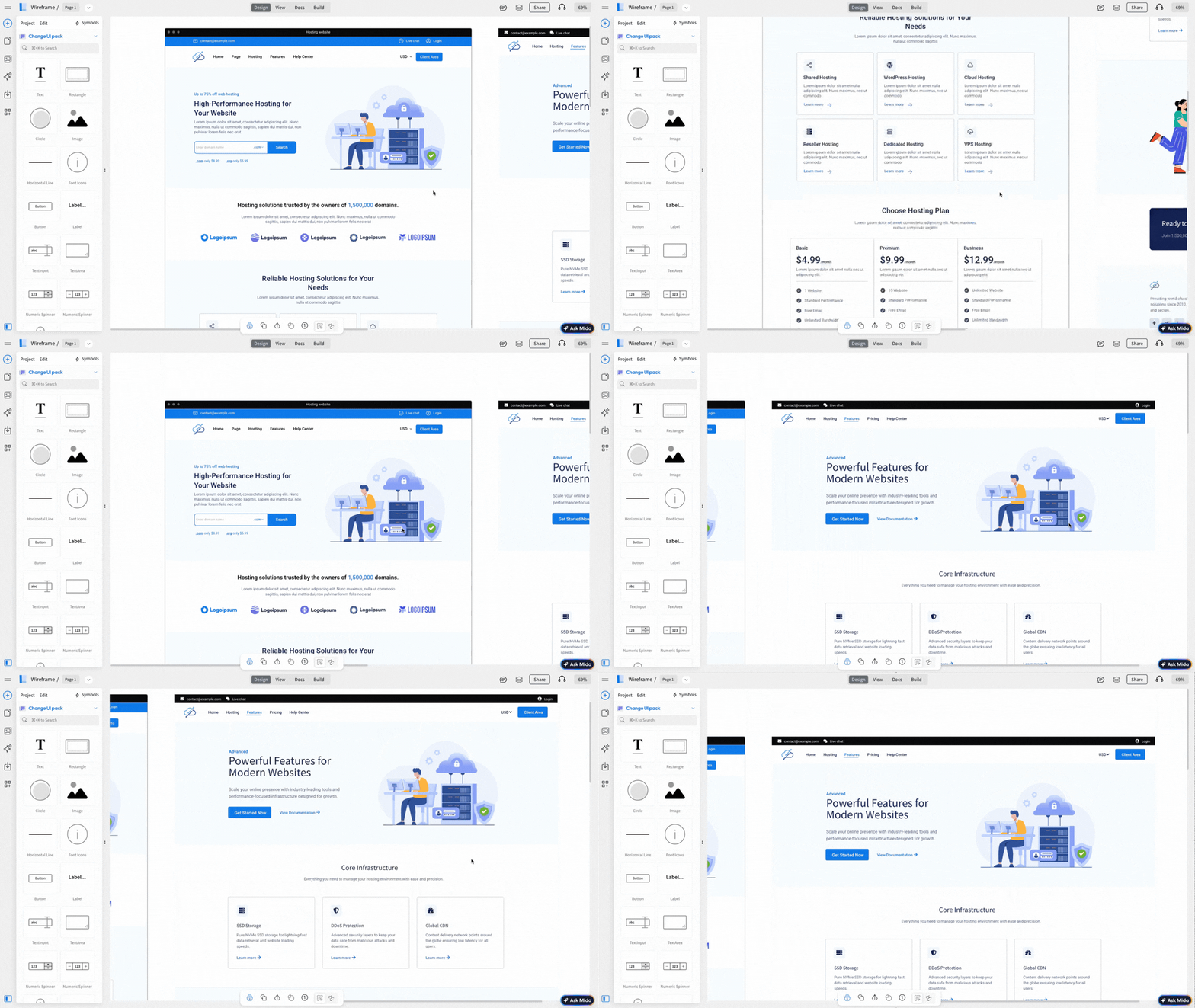
Within a few seconds, MIDA will create a new wireframe that follows the same structure, layout, and visual style as the reference wireframe.
Option 2 : From inside Mida
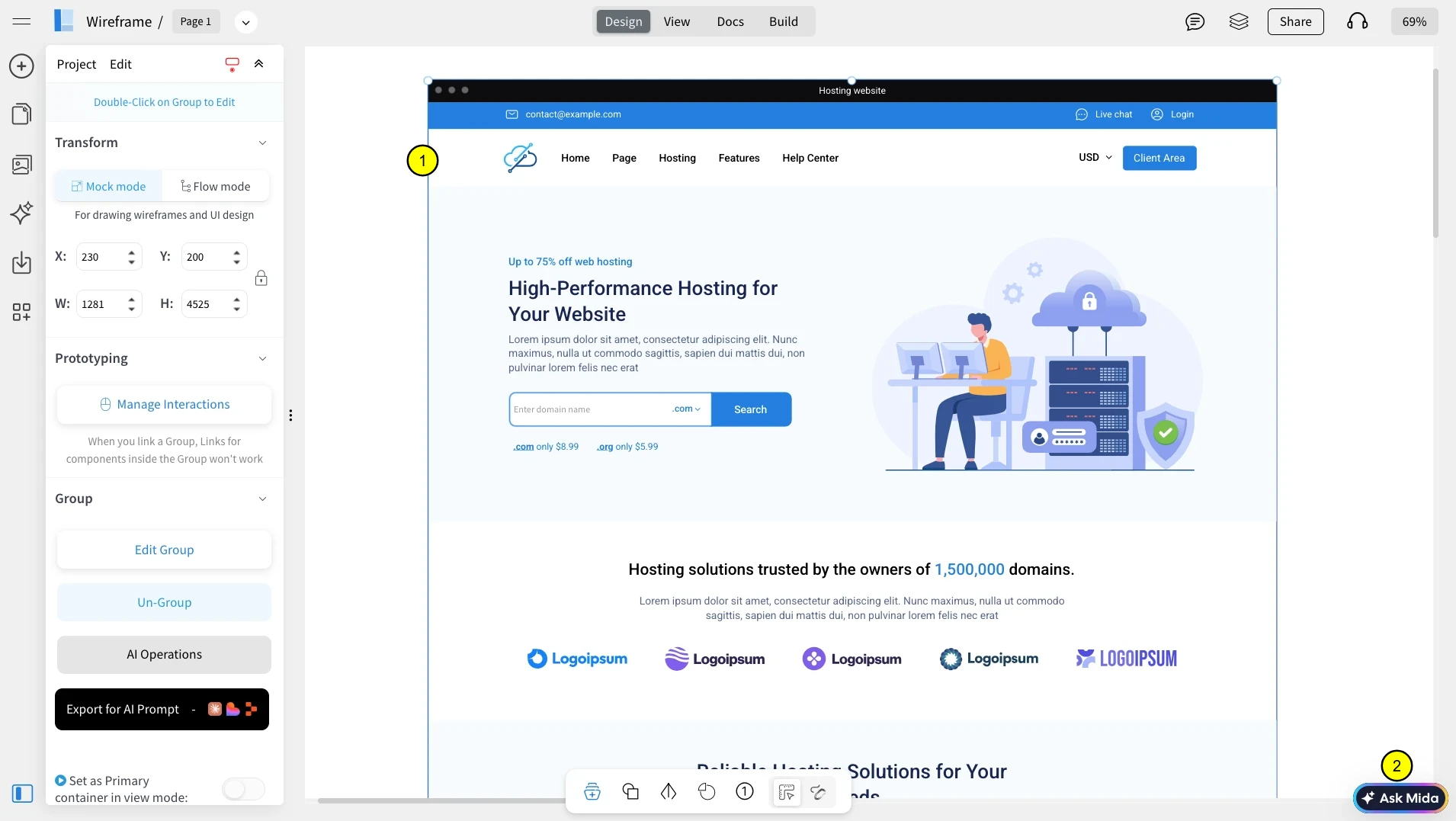
Alternatively, you click on the Wireframe followed by Ask MIDA.
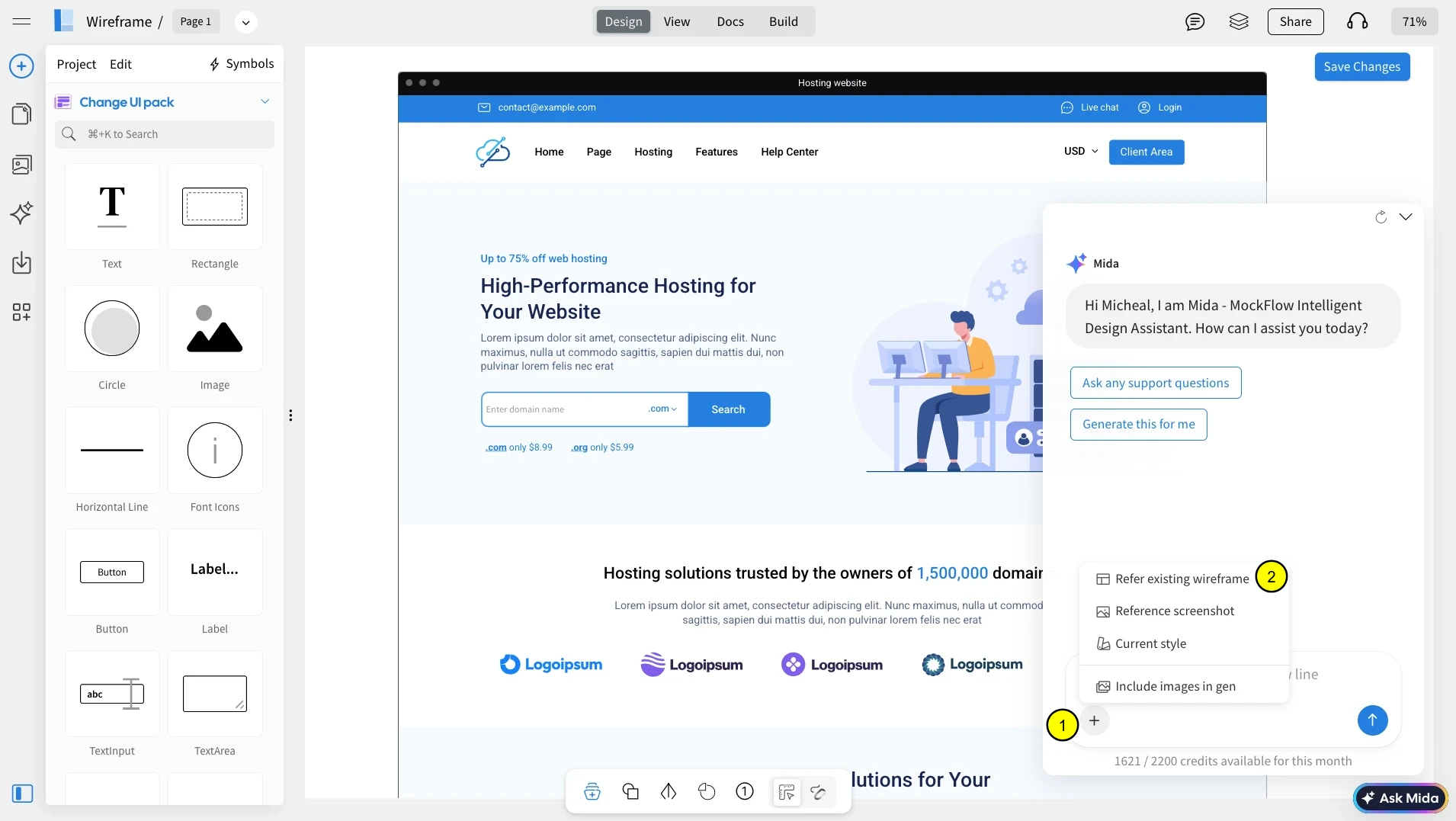
In MIDA, click the plus icon and choose Refer existing wireframe to select a screen as your style reference. There are also other options such as uploading a reference screenshot or take only style inputs from selection.
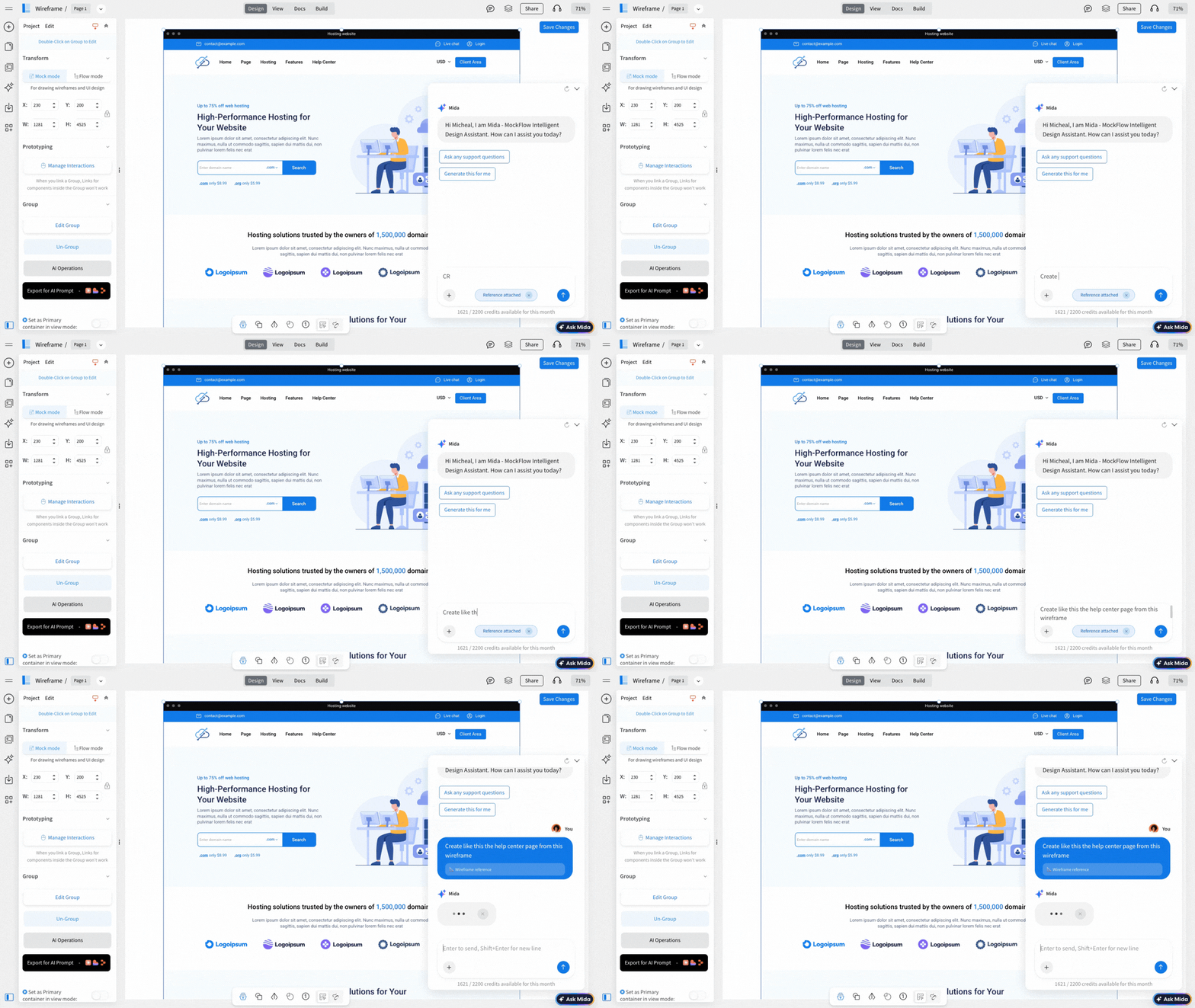
Enter a prompt mentioning “Create Like This” and describe the new screen you want based on the selected wireframe, then click Generate. MIDA will create a new wireframe with a consistent style and structure.
For a quick walkthrough, watch the video below to see how Create Like This works in MockFlow WireframePro.