
Internal
How to do freehand drawing in editor ?
Apart from ready made components, the user can also draw freehand in the page canvas by enabling draw mode. The following...
Apart from ready made components, the user can also draw freehand in the page canvas by enabling draw mode.
The following screenshots illustrate how to draw in the editor
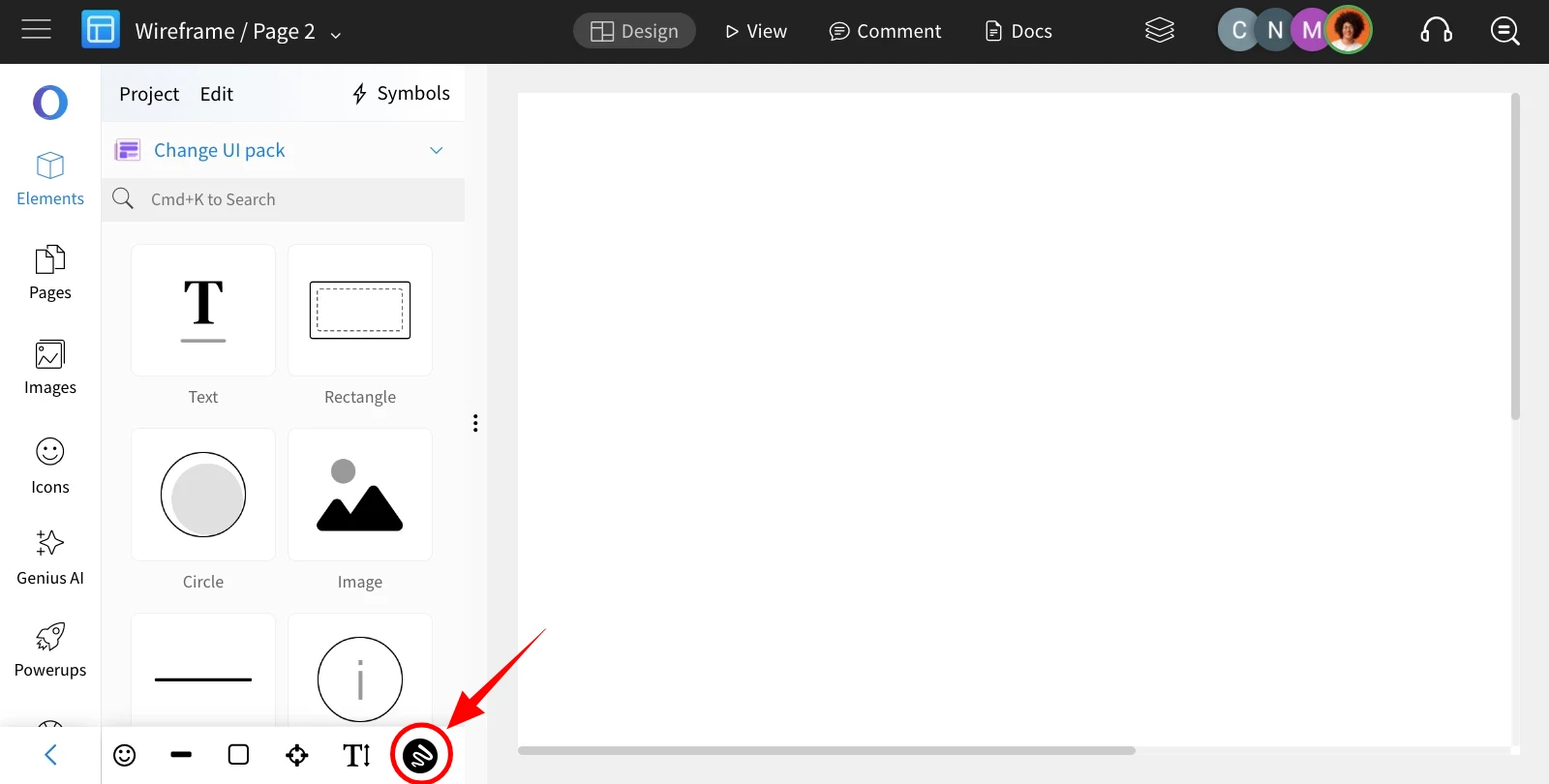
In the editor, click the 'Draw Mode' icon at the bottom of the components sidebar.
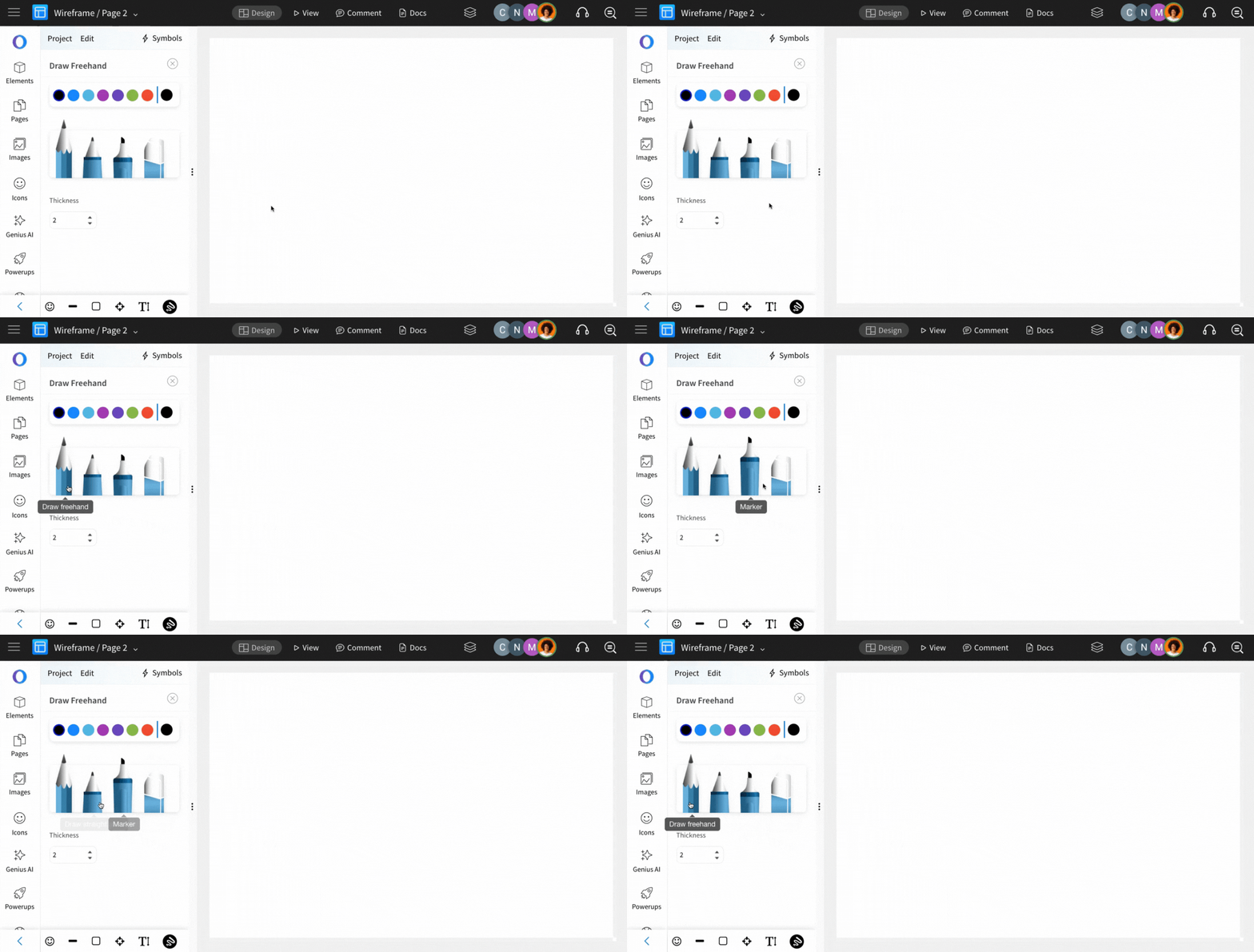
Select a drawing tool from the Draw Mode settings, such as Draw Freehand, Draw Straight Lines, Marker, or Eraser.
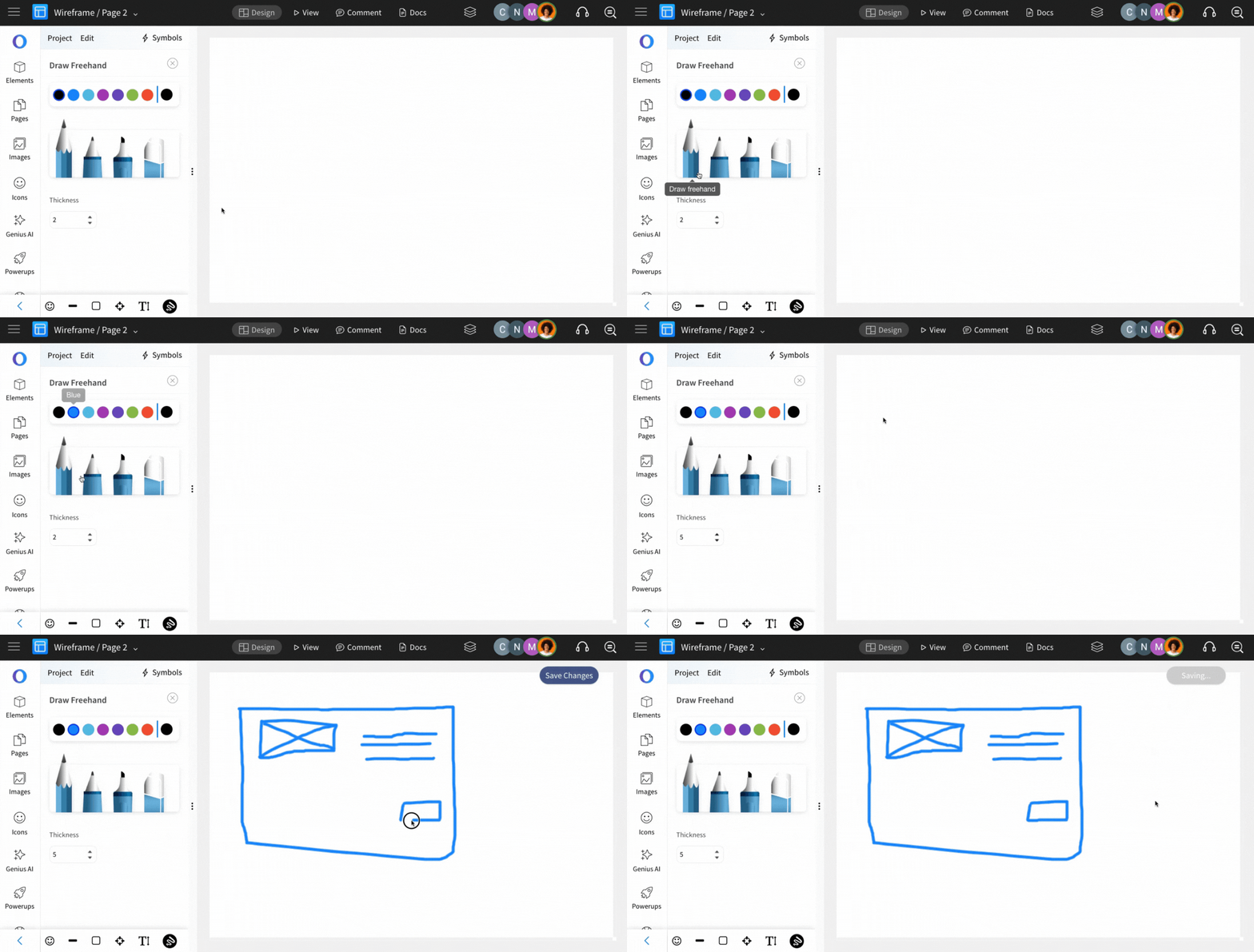
Customize your drawing by choosing a color and thickness, then start drawing on the canvas.
Once done, click the 'Save Drawing' button to save your work.
Was this page helpful?