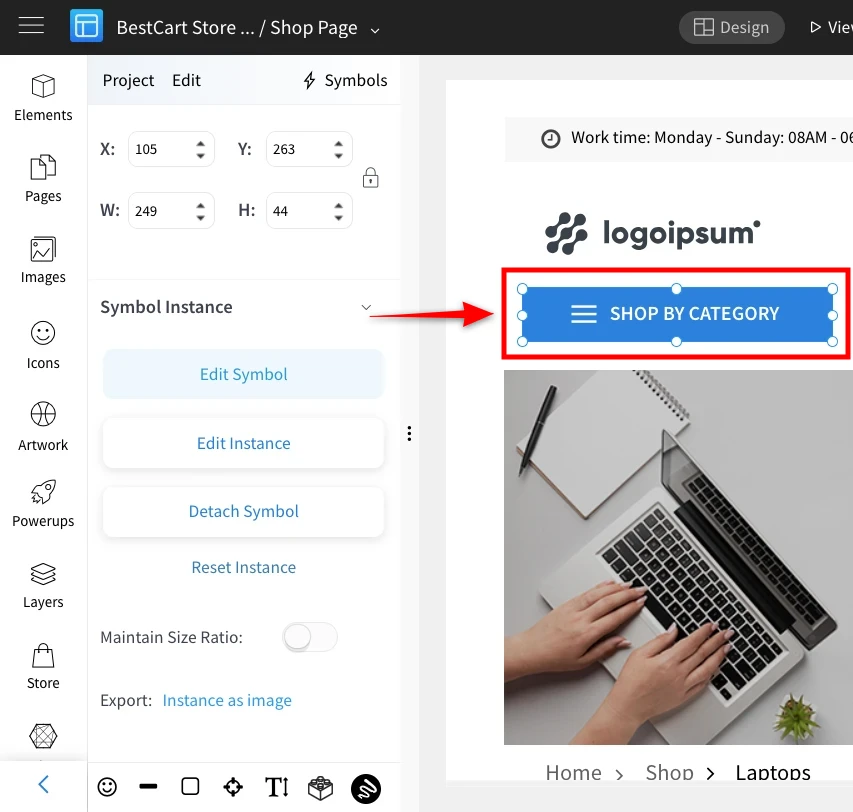
Reset instance in Symbols
If you have edited the symbol instance by using the 'Edit Instance' option or by double-clicking on the instance, you can go...
If you have edited the symbol instance by using the 'Edit Instance' option or by double-clicking on the instance, you can go back to the original symbol by using 'Reset Instance'. Any changes made while editing the instance can be reverted, returning it to its original form.
Select the instance, and then click 'Reset Instance' in the sidebar.
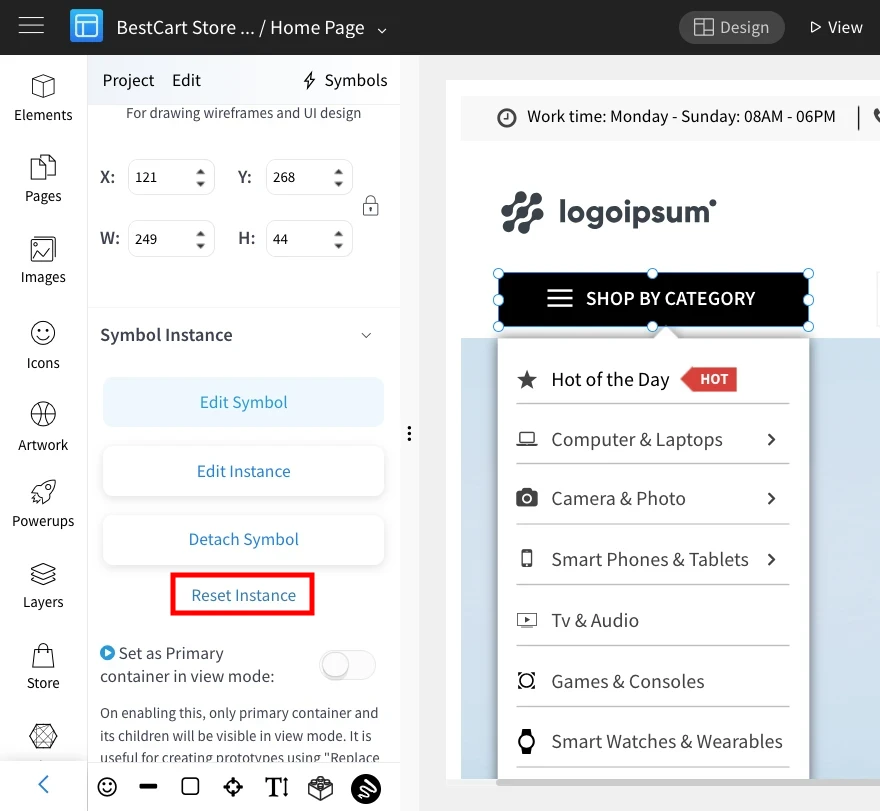
A confirmation alert will pop up; click 'OK' to confirm.

As you can see this is the difference between the original symbol and the edited instance - The original symbol had a blue background and now it is changed to black using the 'edit instance'.
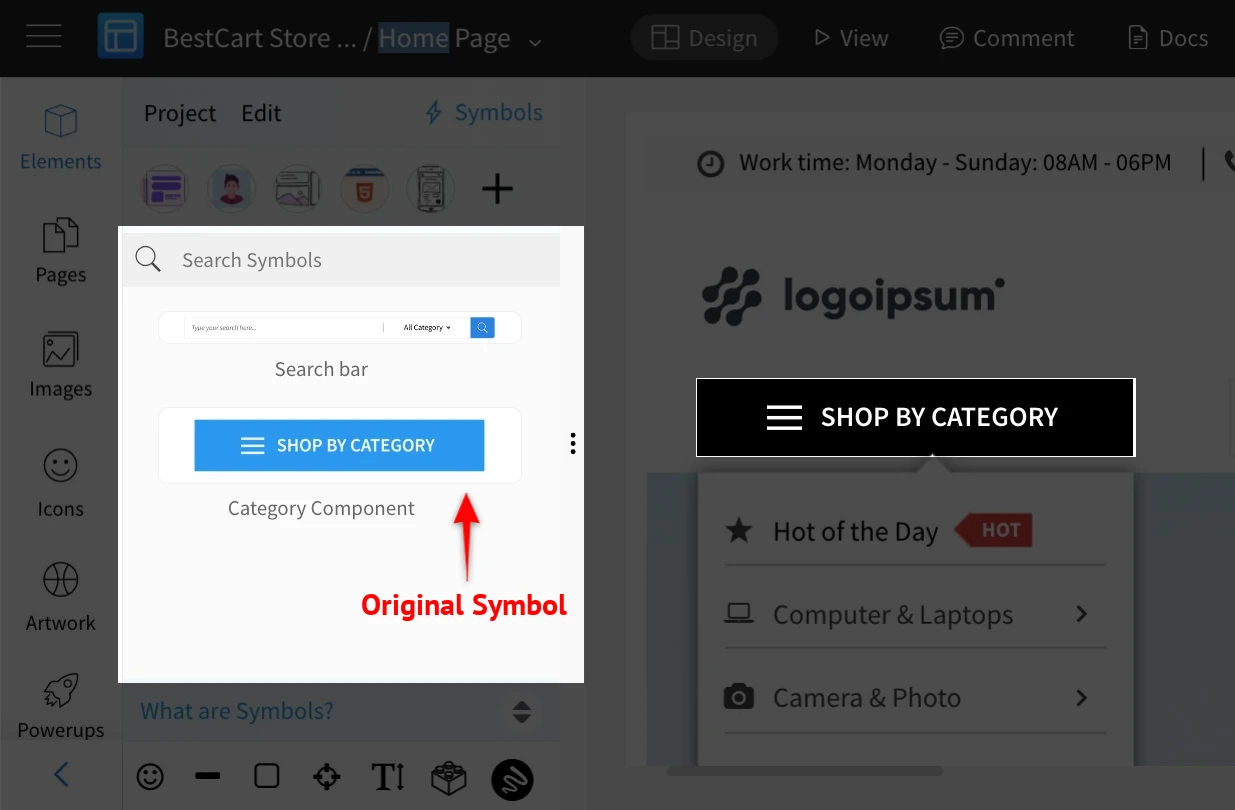
Once you do a 'Reset instance', you will see that the edited instance returns to its original form - with the blue background in this example.