
Internal
Sharing QR code for projects
Click on a project. Click 'Create link' to generate a public URL. Copy and paste the line in your browser tab. Click...
Click on a project.
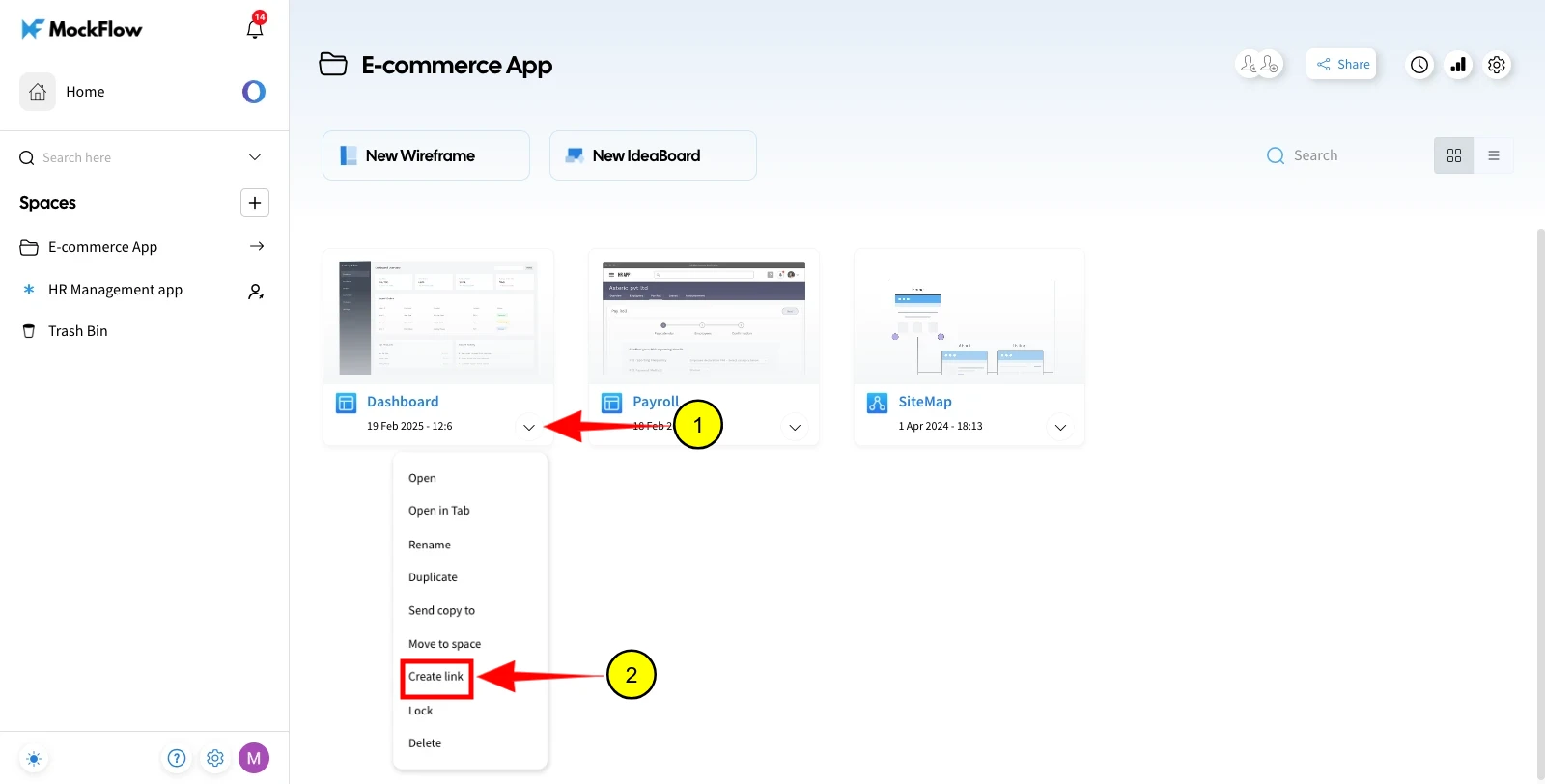
Click 'Create link' to generate a public URL.
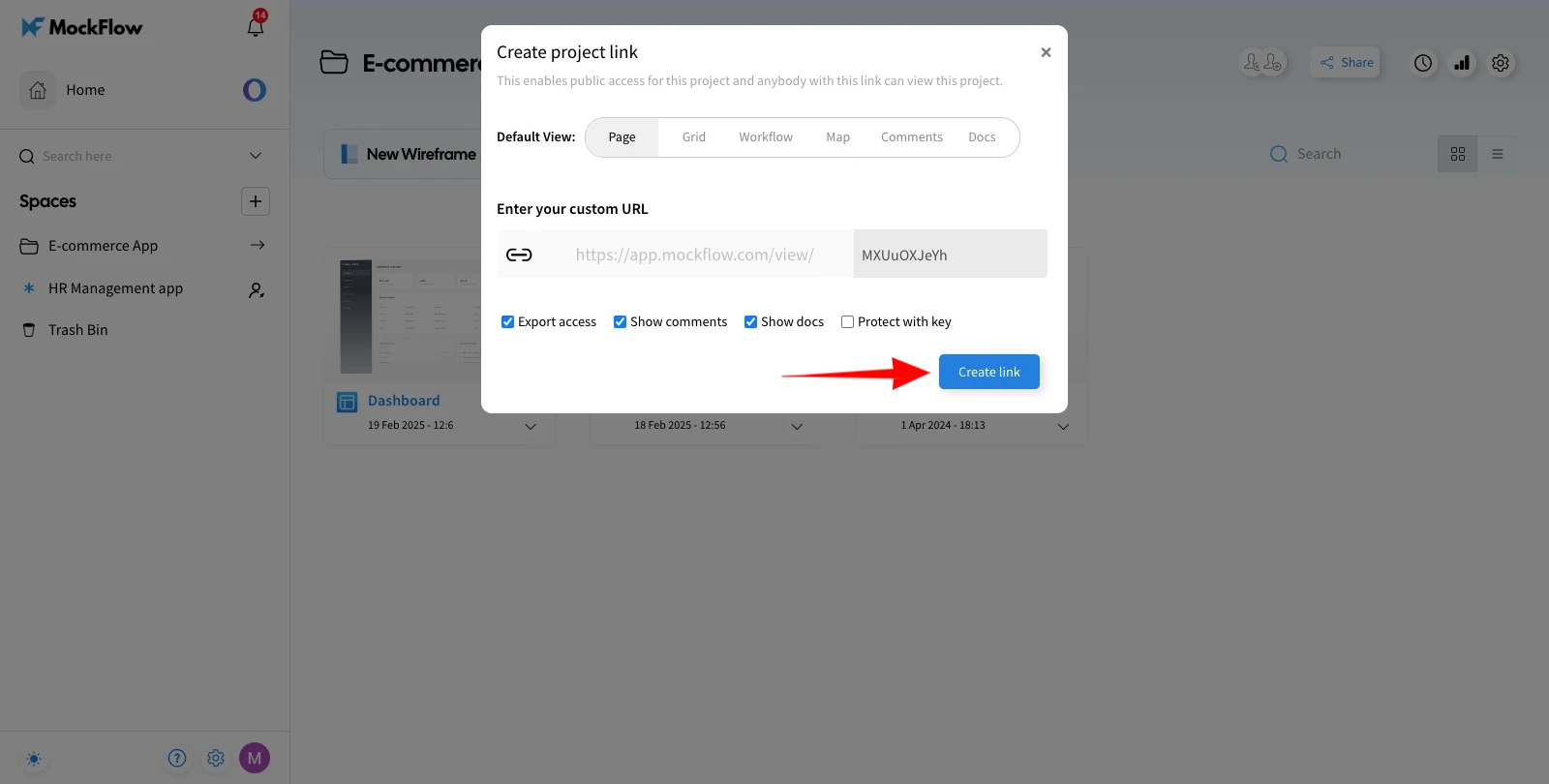
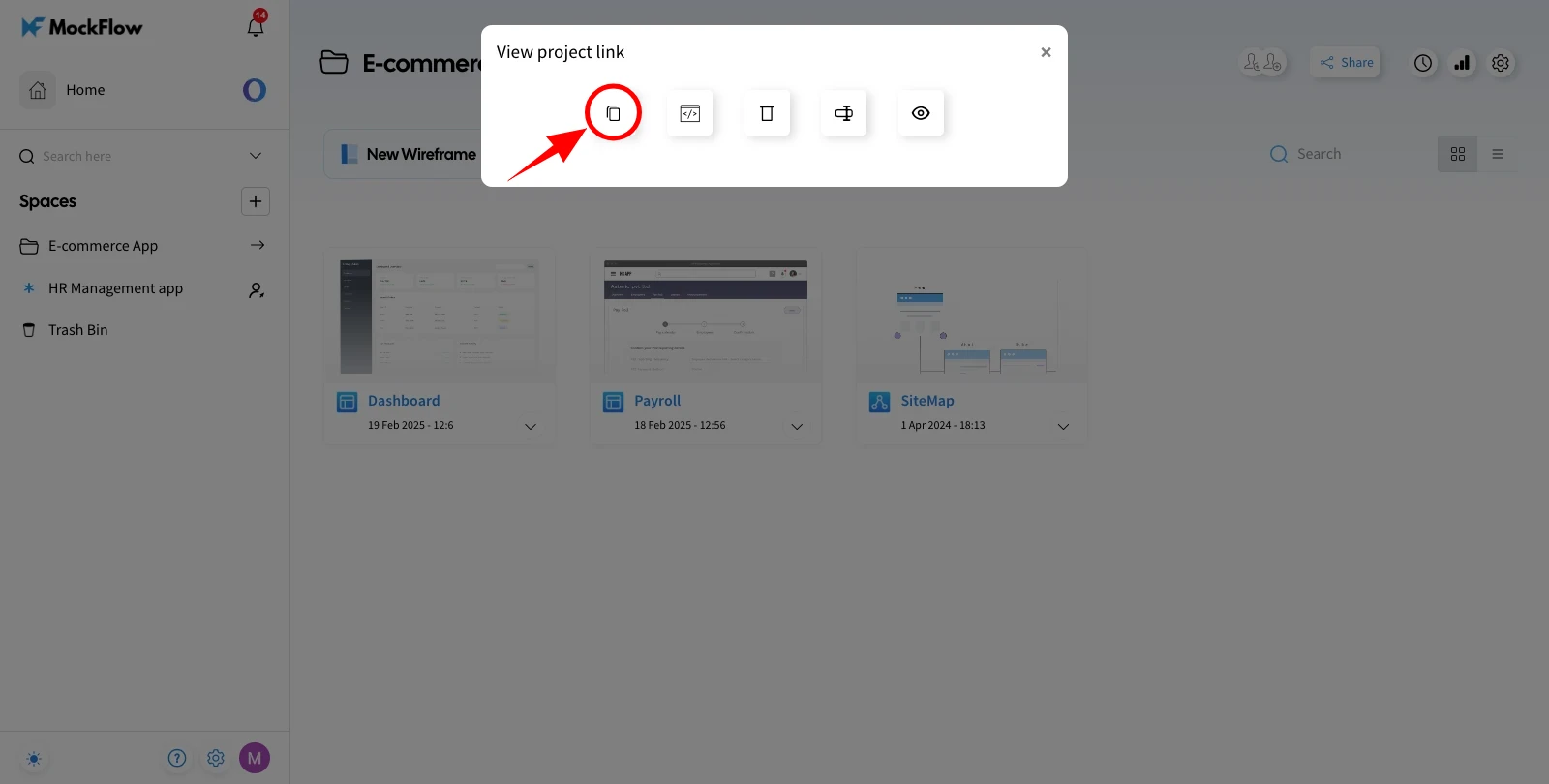
Copy and paste the line in your browser tab.
Click on the QR code icon in the sidebar.
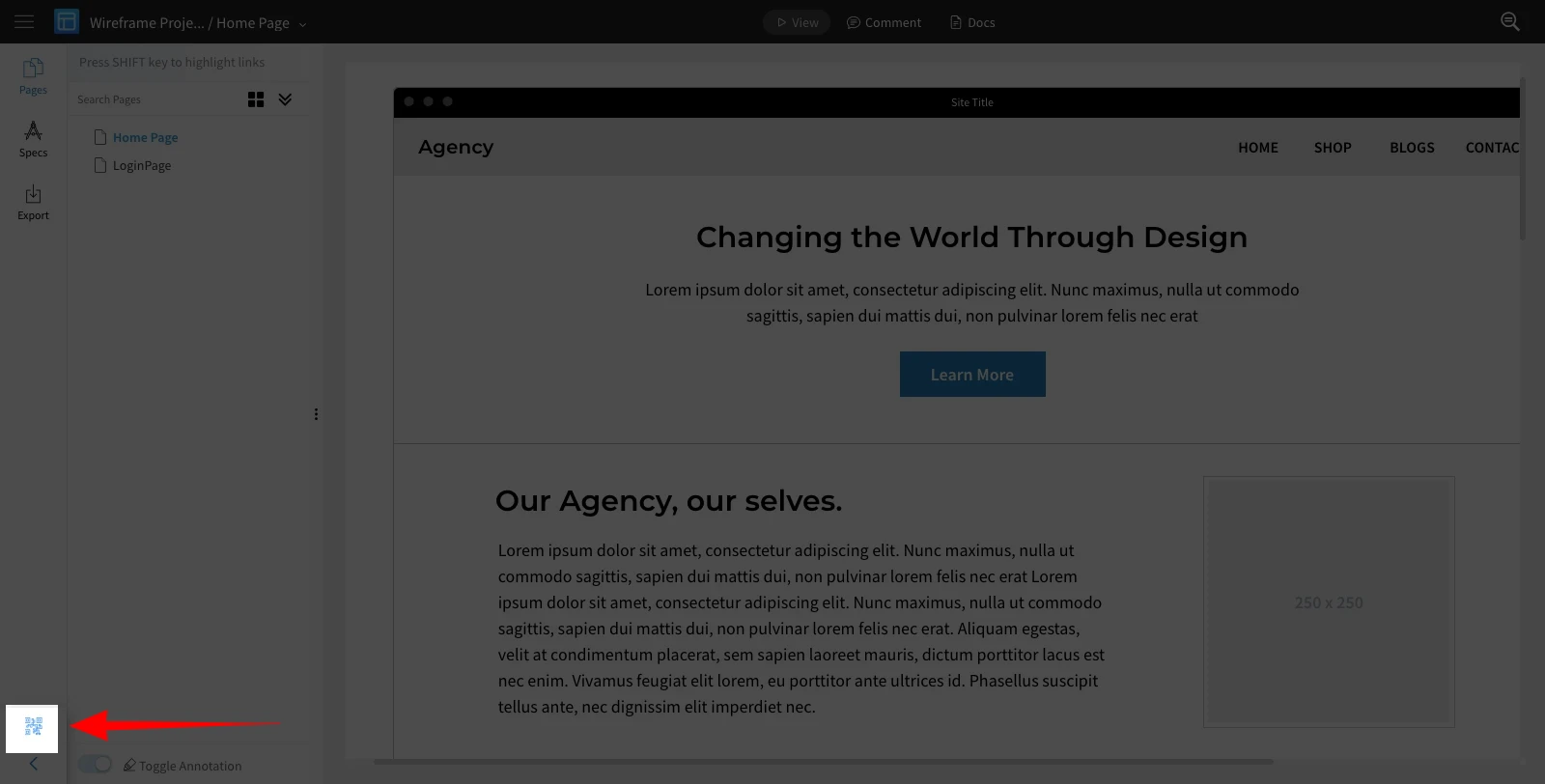
QR code generated is displayed on the screen. It can be downloaded as an image and shared.
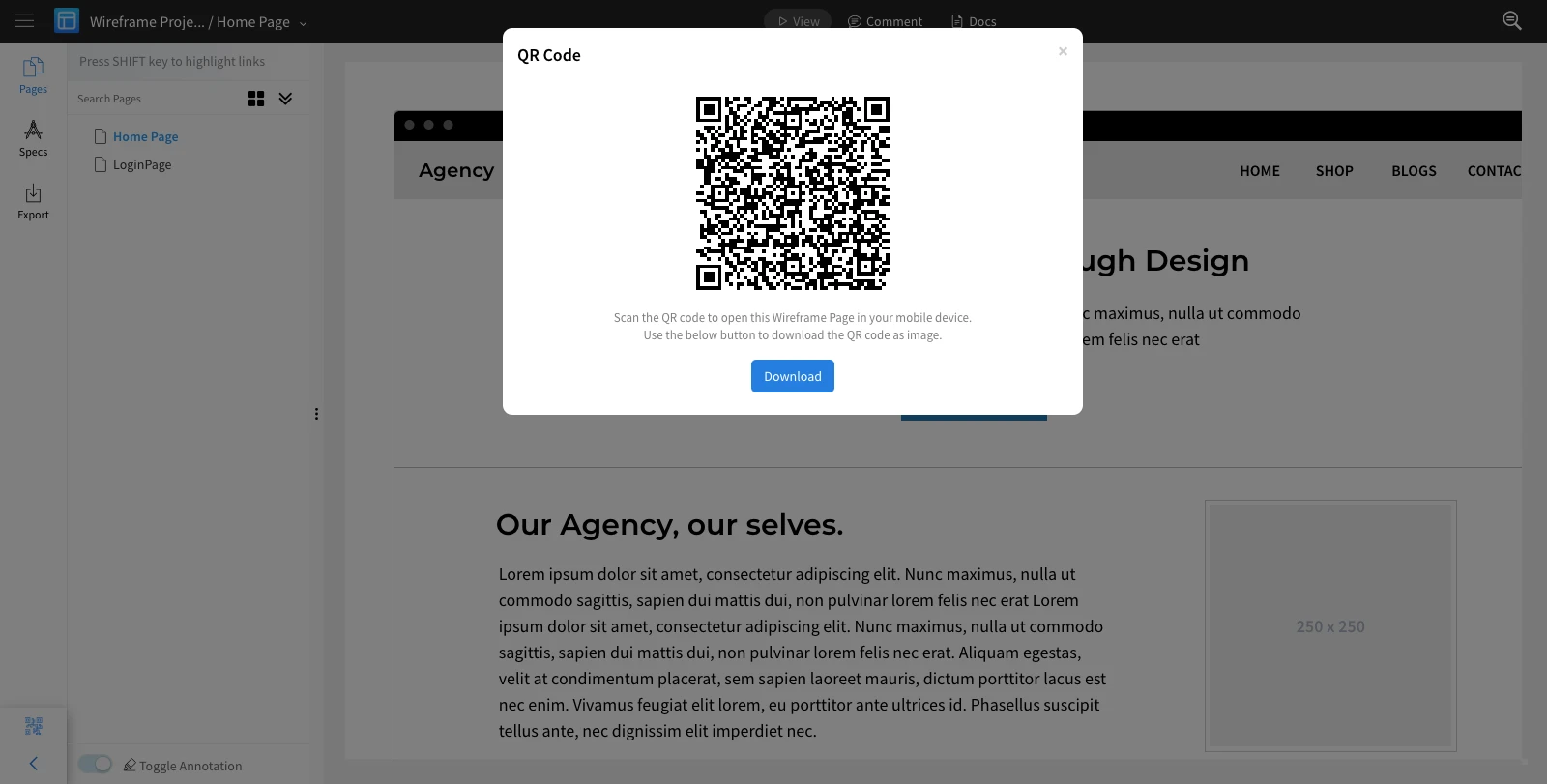
Note: Using the QR scanner app on your mobile device, the QR code can be scanned to open the wireframe in the mobile browser.
Was this page helpful?