
Internal
How to track team activity?
You can track your team member activities on the board using the 'Board Activity' feature. Hover over the MockFlow Board icon (in...
You can track your team member activities on the board using the 'Board Activity' feature.
Hover over the MockFlow Board icon (in the top left) and click on 'Toggle Board Activity' from the dropdown.
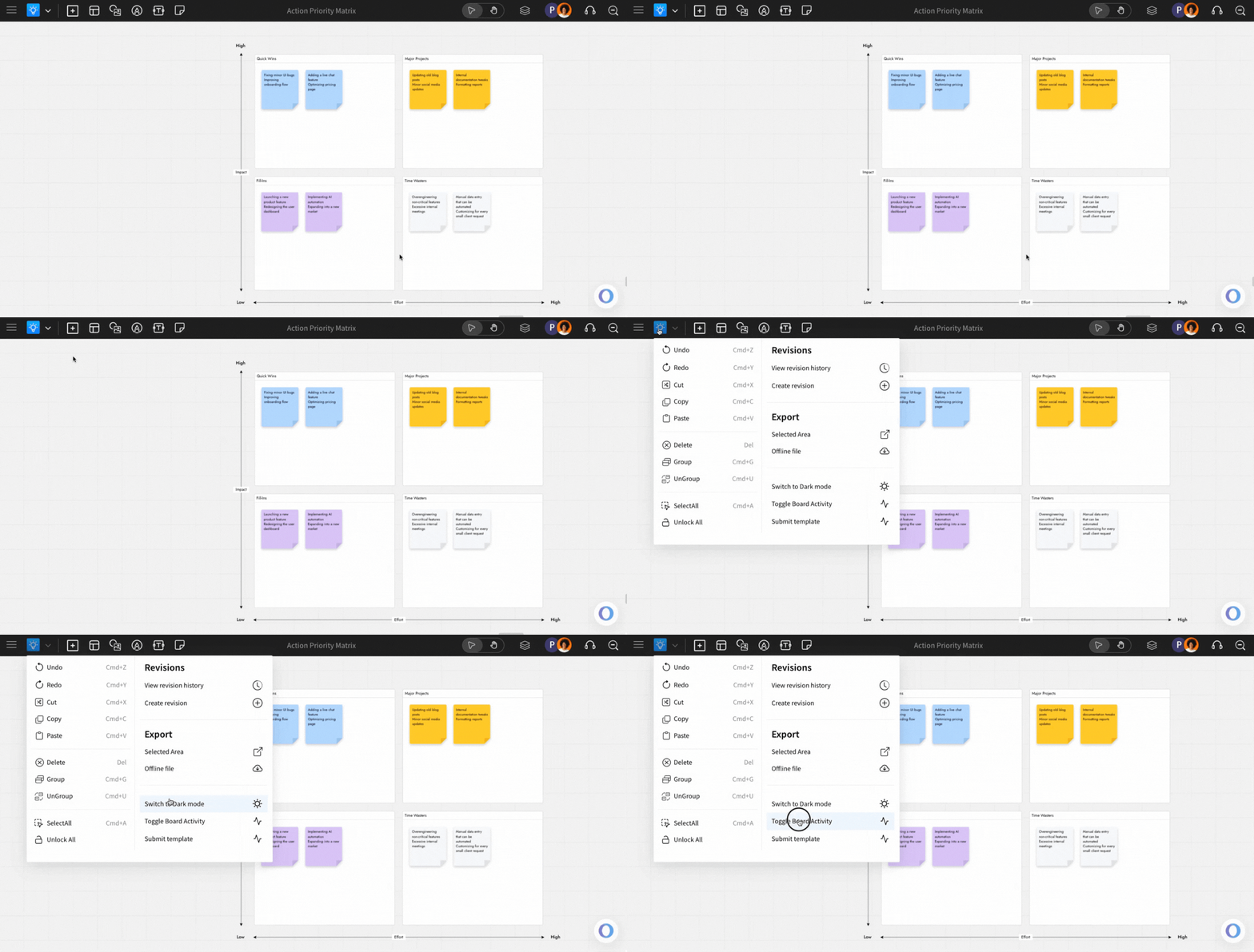
This opens the Board Activity sidebar, where you can view the list of activities with additional information.
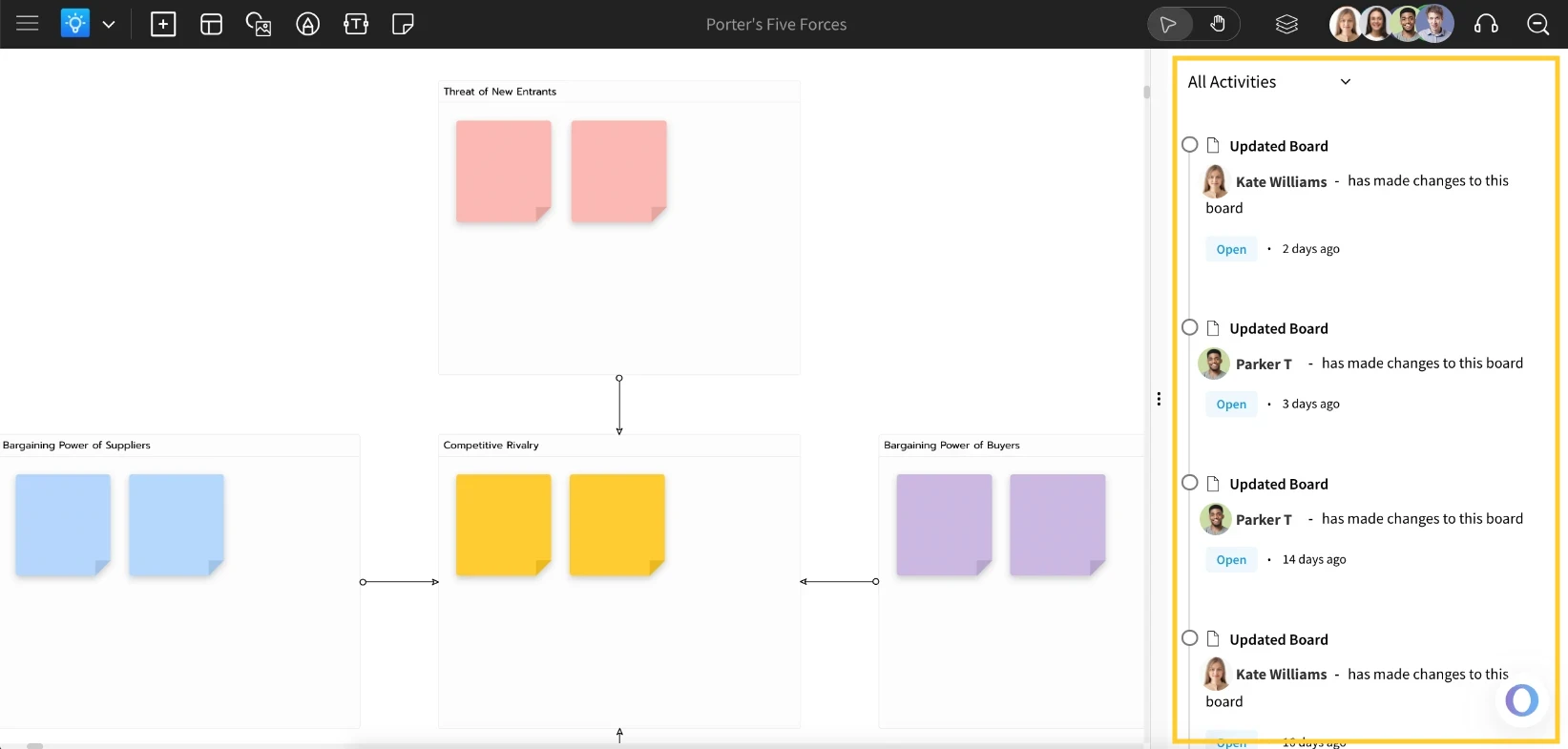
Note: The Board activity feature is available only in the MockFlow Board Business plan.
Was this page helpful?