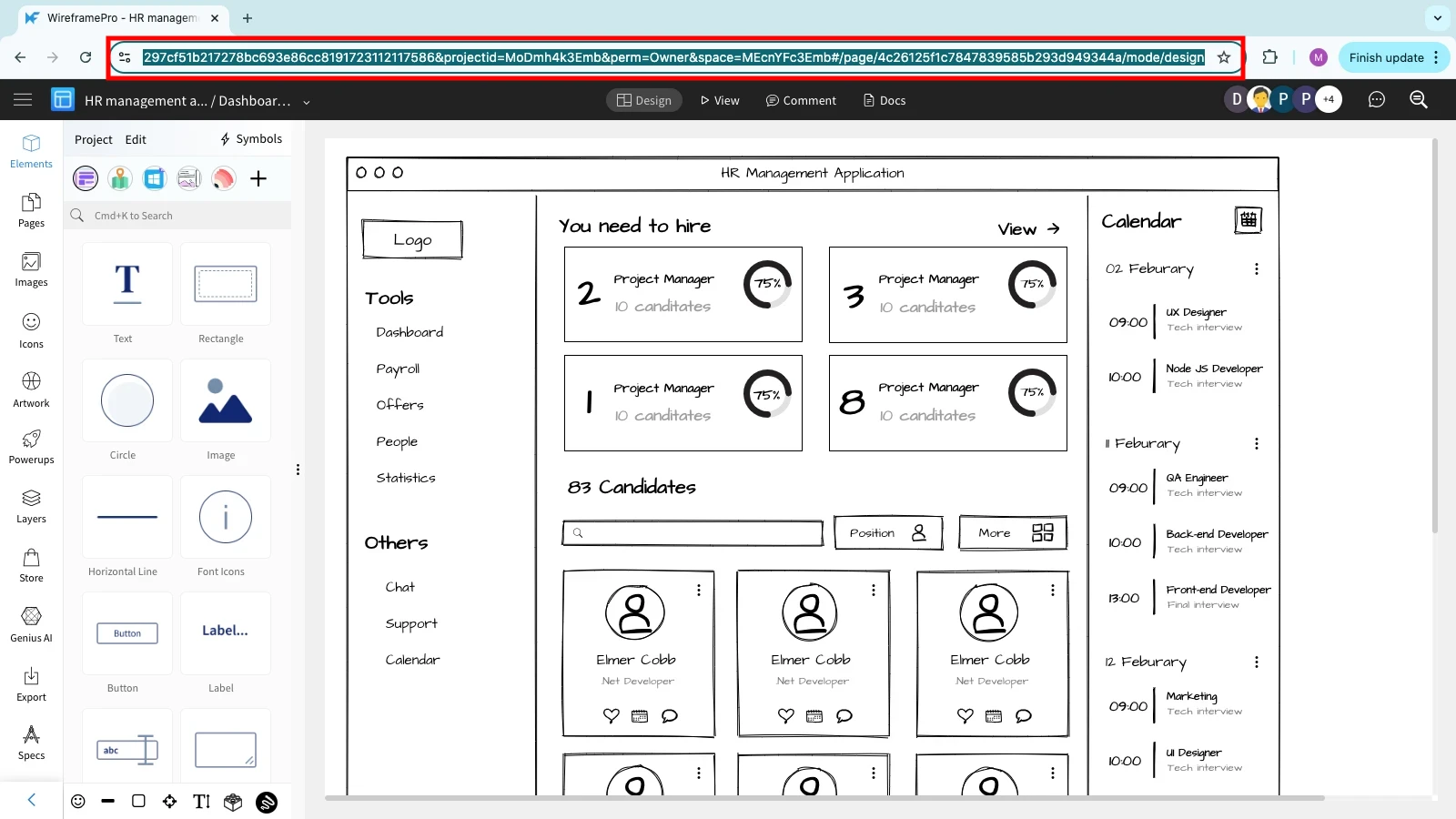
How to share URL for a specific page in WireframePro project?
To share the URL of a specific page in a WireframePro project, follow the steps below: Create a public URL for the entire...
To share the URL of a specific page in a WireframePro project, follow the steps below:
Create a public URL for the entire project by following the steps mentioned in this article.
Now open the project's URL. Example: https://wireframepro.mockflow.com/view/instagram_iphone
Example: "Search" page URL:https://wireframepro.mockflow.com/view/instagram_iphone#/page/D86c63b1e2575c8119b362a4b9b8f4e60
Example: "Camera" page URL:https://wireframepro.mockflow.com/view/instagram_iphone#/page/D883901b2c44c4535258273c1e3c564c4
Copy and paste the URL of the page you want to share from the browser's address bar. When other users open this URL, they will be automatically taken to that specific page in that project.