Code Block
Use code block to discuss and brainstorm on code snippets within your team using the online whiteboard tool from MockFlow - MockFlow Board.
Code Blocks help teams to present technical ideas with clarity and structure. They preserve proper syntax and formatting, making it easy to share code snippets or commands during brainstorming sessions.
How to add a code block?
Click on the 'add' icon on the board, locate 'Code Block,' and drag it onto the canvas.
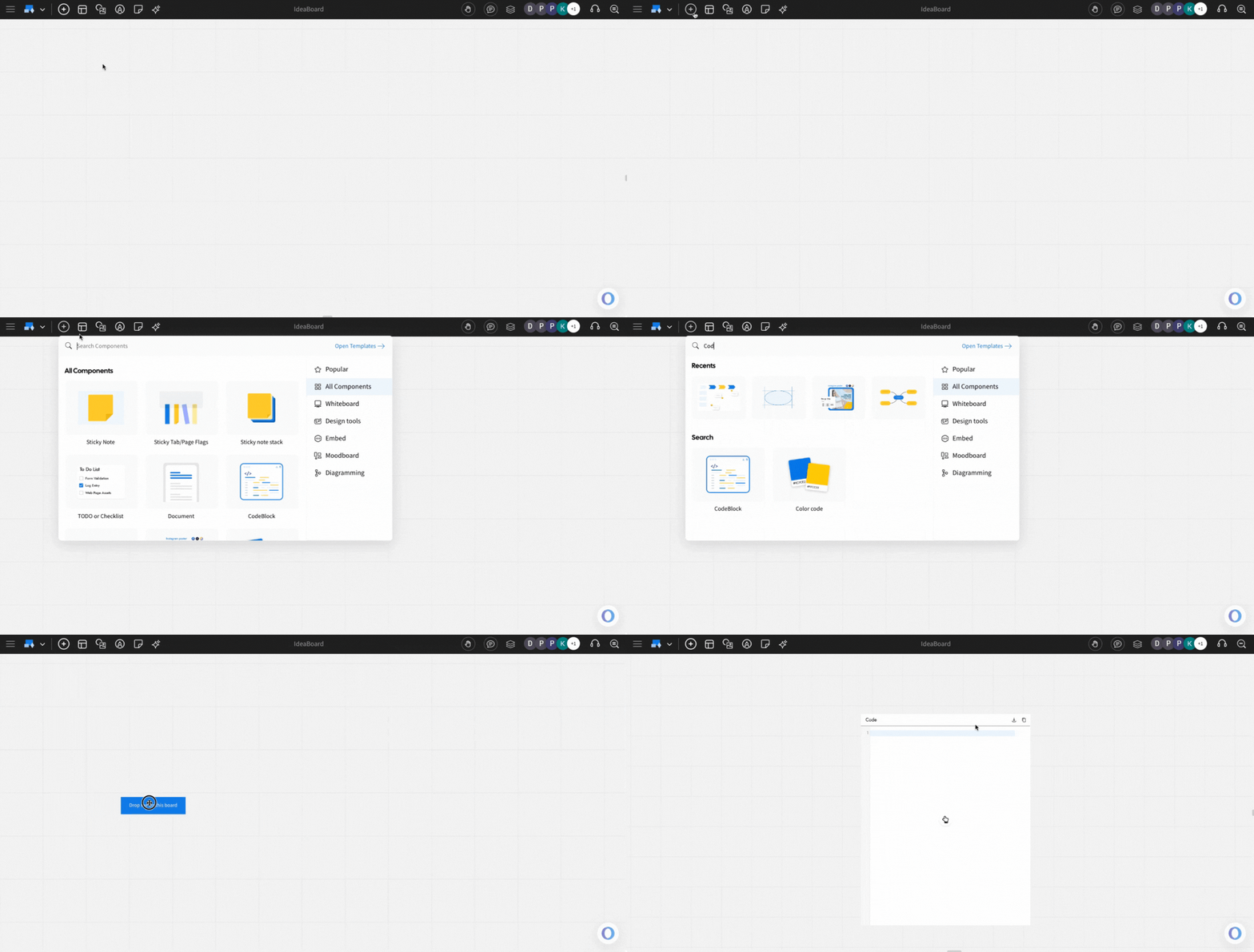
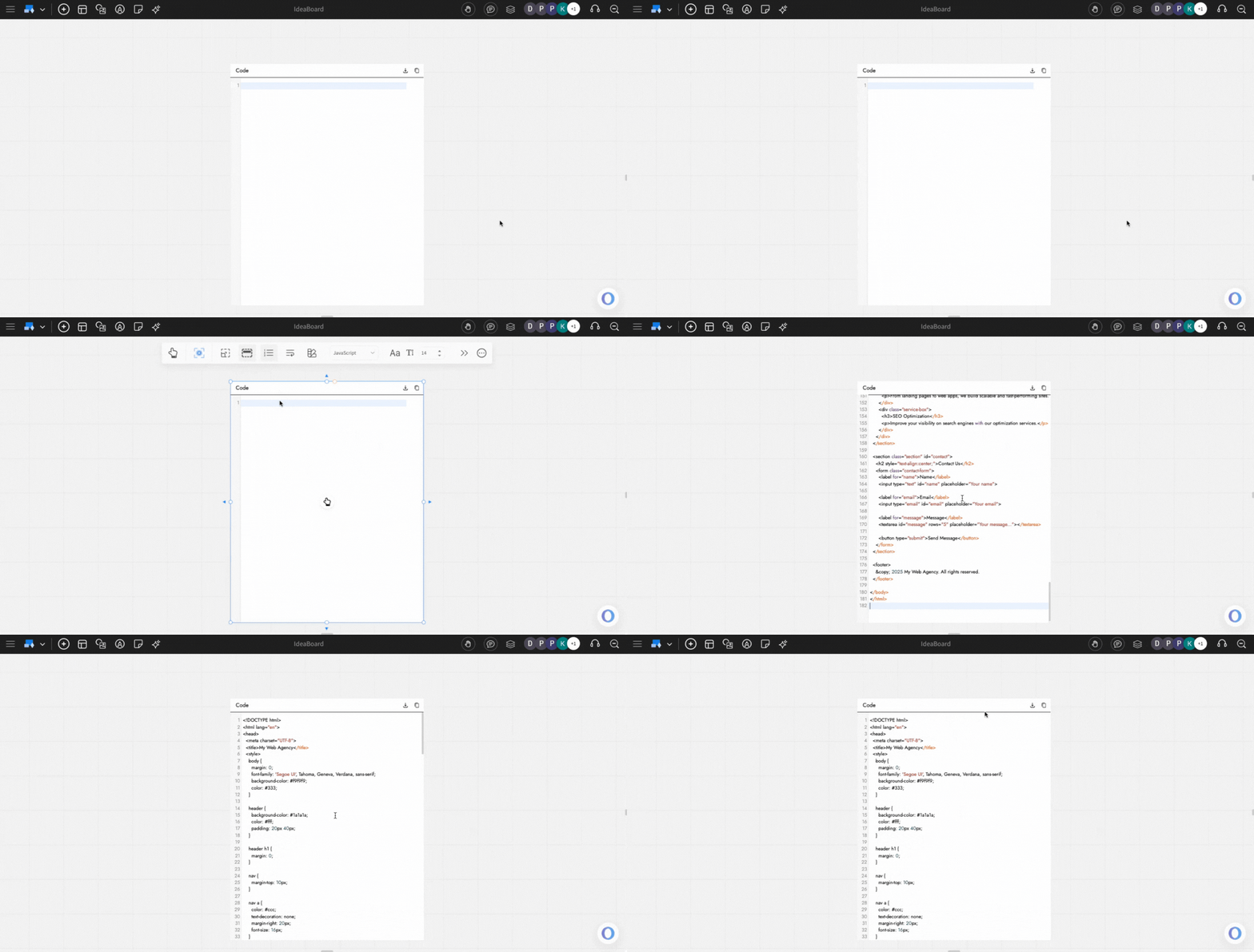
Once the code block is added, just double-click and start adding your code snippet.
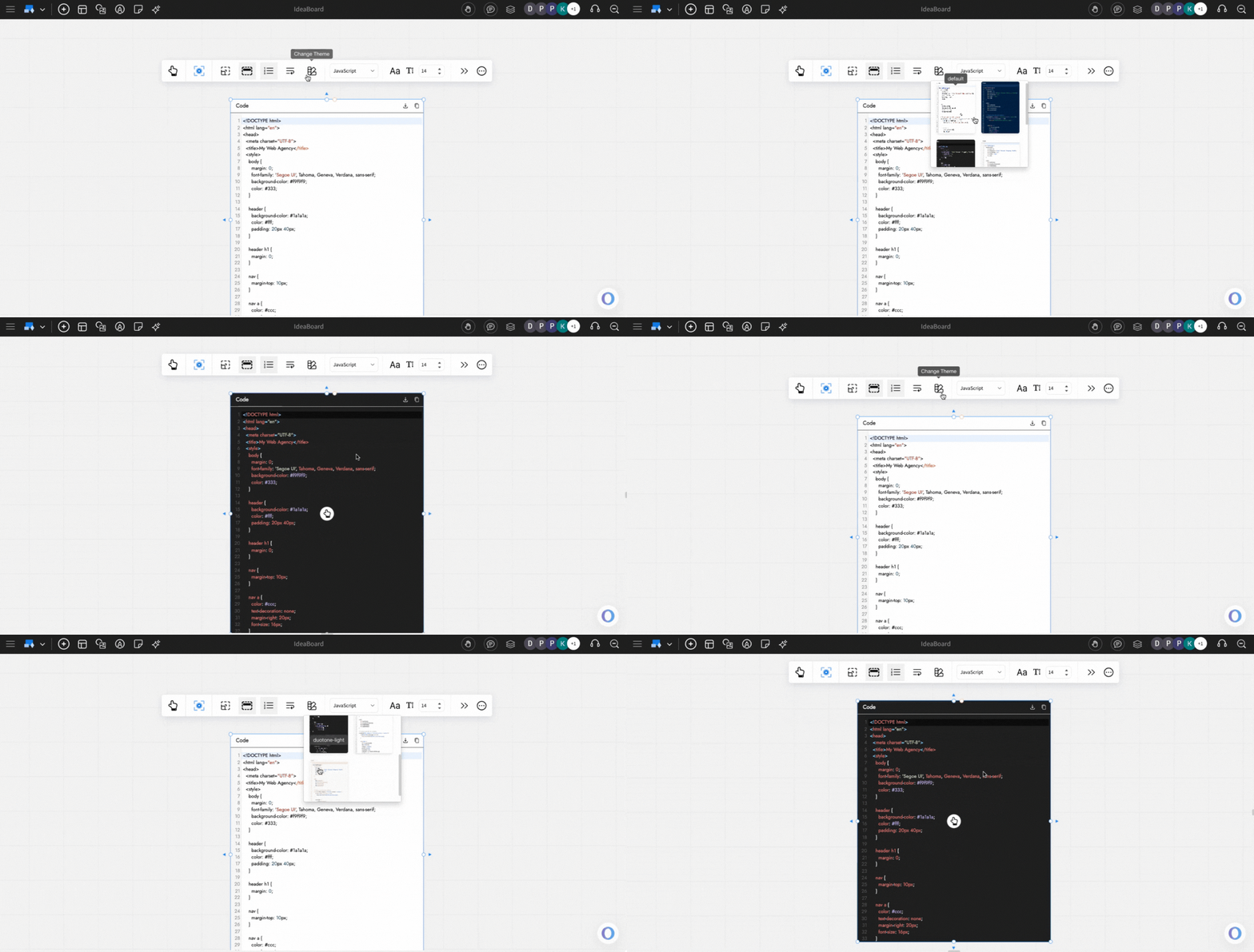
Change theme in a code block: The code block theme can be changed by using the 'Change Theme' option from the quick toolbar.
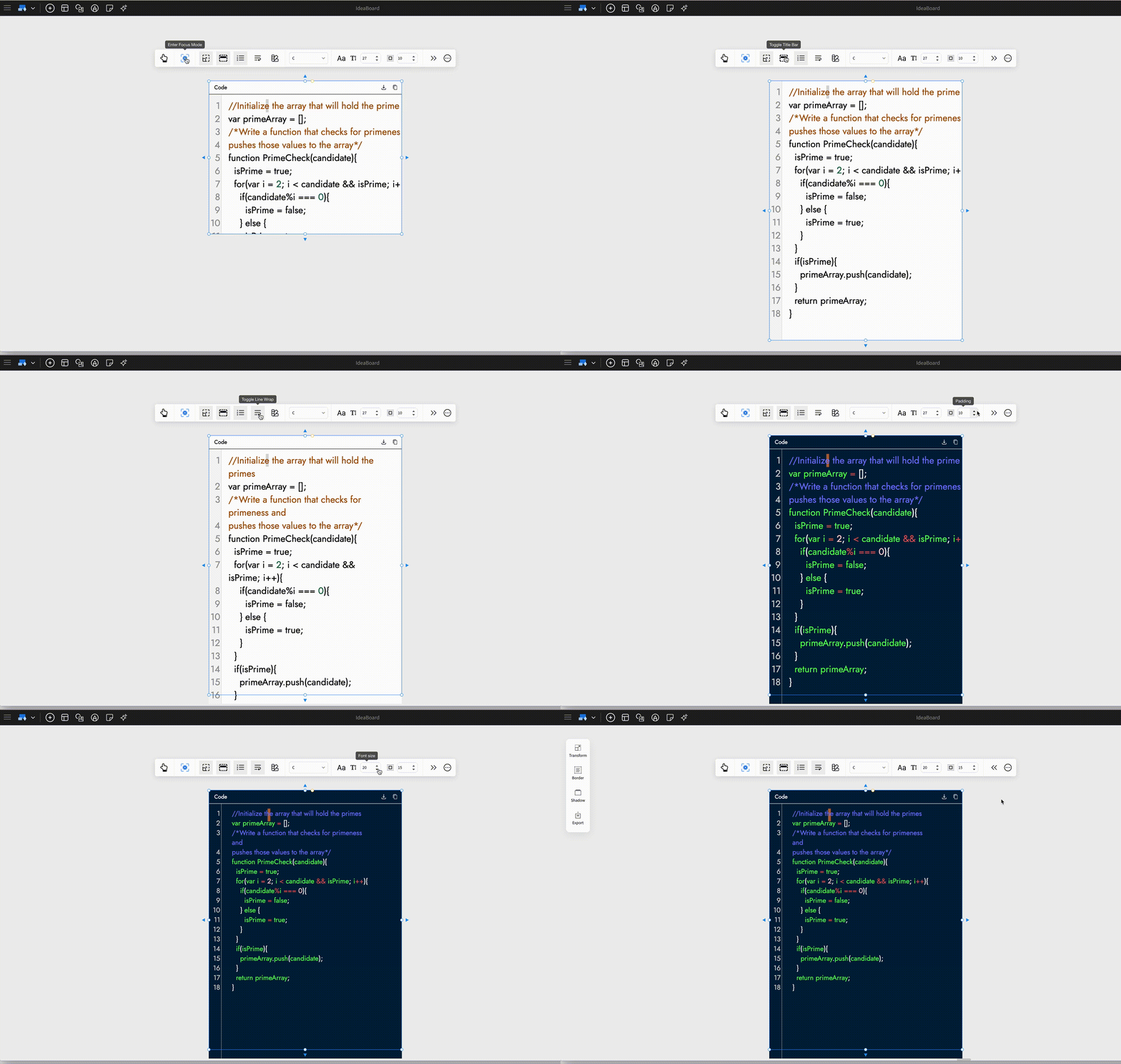
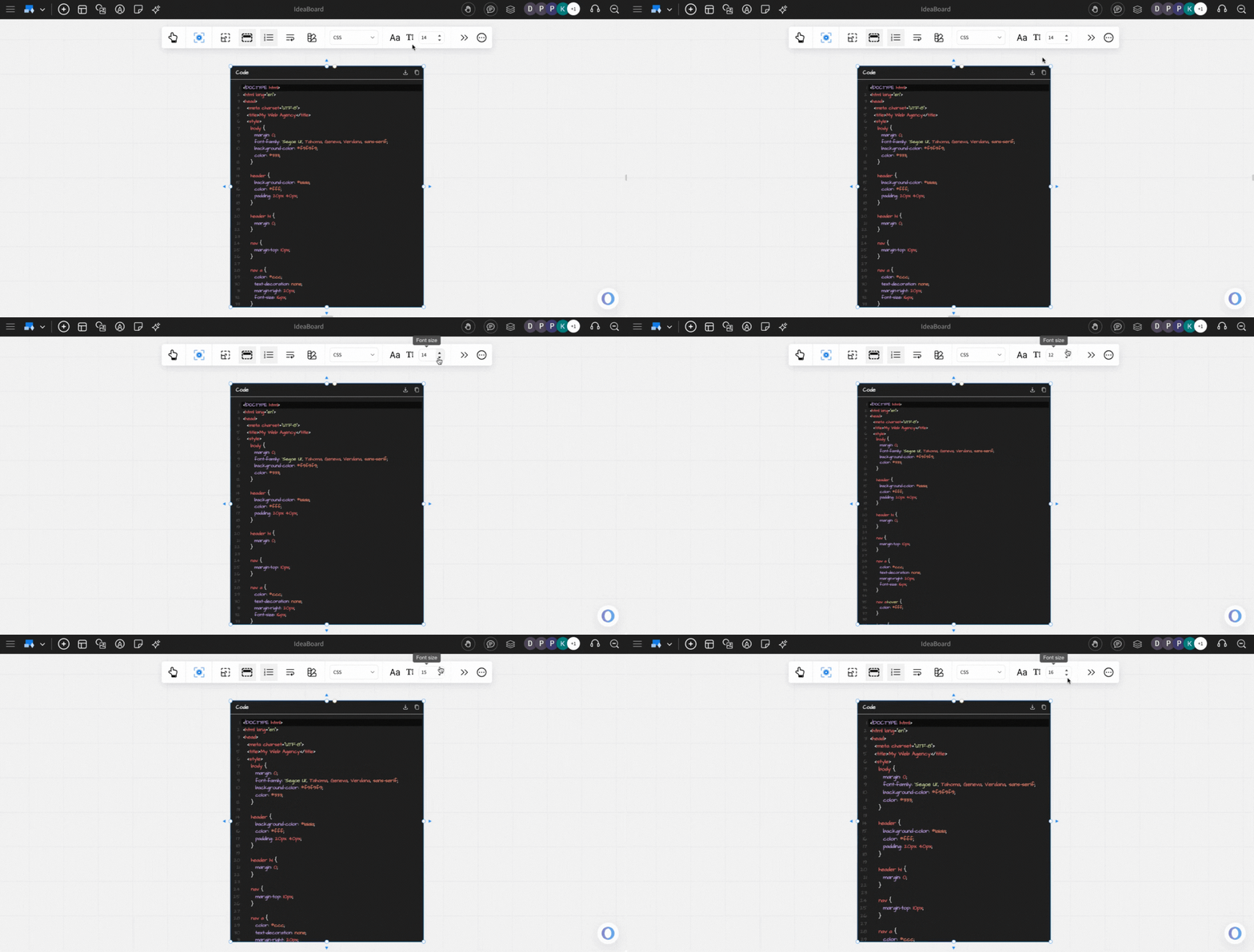
Font settings in code block: Font settings, such as font size, font family, can be changed using the respective options in the quick toolbar.
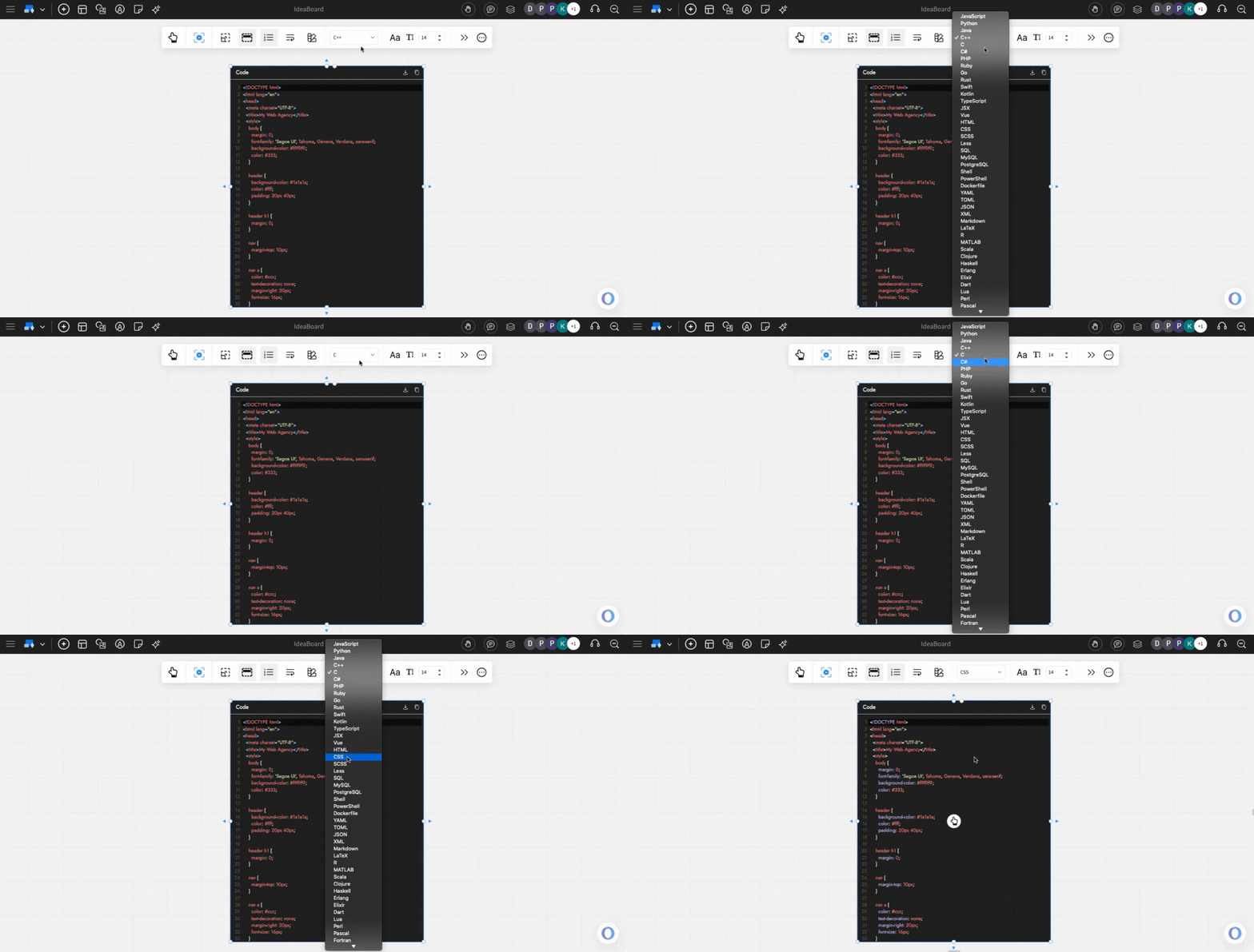
Code Language: By default, the code block has Javascript selected. You can change this anytime using the dropdown, which lists various options (such as Python, Java, HTML,CSS and more), so that the code syntax formatting is done accordingly.
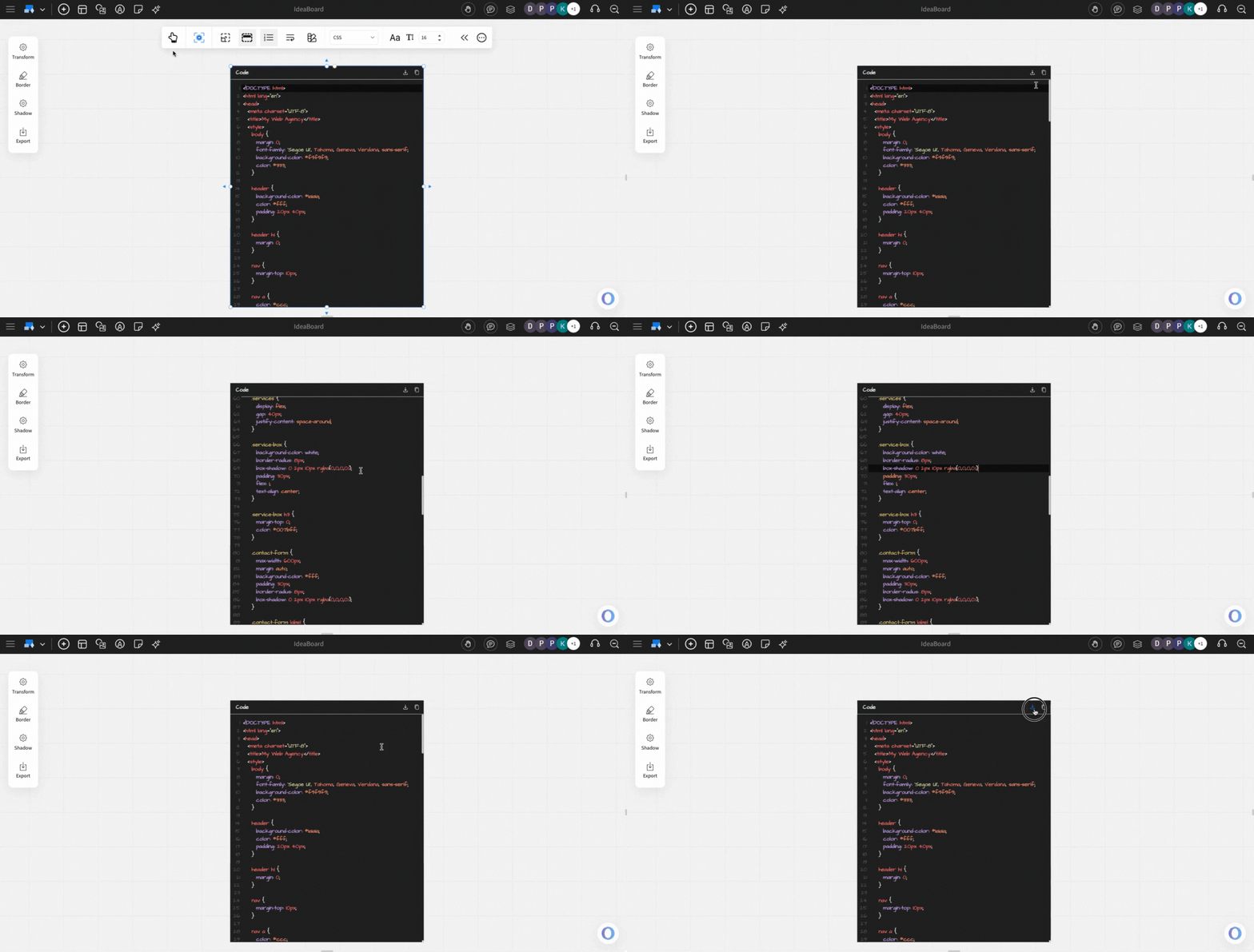
Exporting the Code Block: You can export the code by using the 'Export' option in the advanced settings toolbar.
Additional options: You can also turn on/off these options inside the code block:
line numbers
code block title
Auto-height - expand the code component as the code length increases.
Line wrap
Padding - Margin for your code block.