Merge across multiple UI packs
Switching between different component packs while wireframing might become inconvenient sometimes, especially when the user does...
Switching between different component packs while wireframing might become inconvenient sometimes, especially when the user does not find all the required components in a single UI pack. Also, for performance reasons, component search always works within the selected pack only and not globally across packs.
To overcome the above shortcomings, MockFlow WireframePro provides a feature to bundle multiple UI packs into a single pack. For example, you can combine 'Handdrawn components pack' and 'Handdrawn icons pack' into a single UI pack. You can follow the below procedure to create Merge UI pack which is similar to creating custom component packs as described here - https://support.mockflow.com/article/99-how-to-create-and-share-custom-component-packs
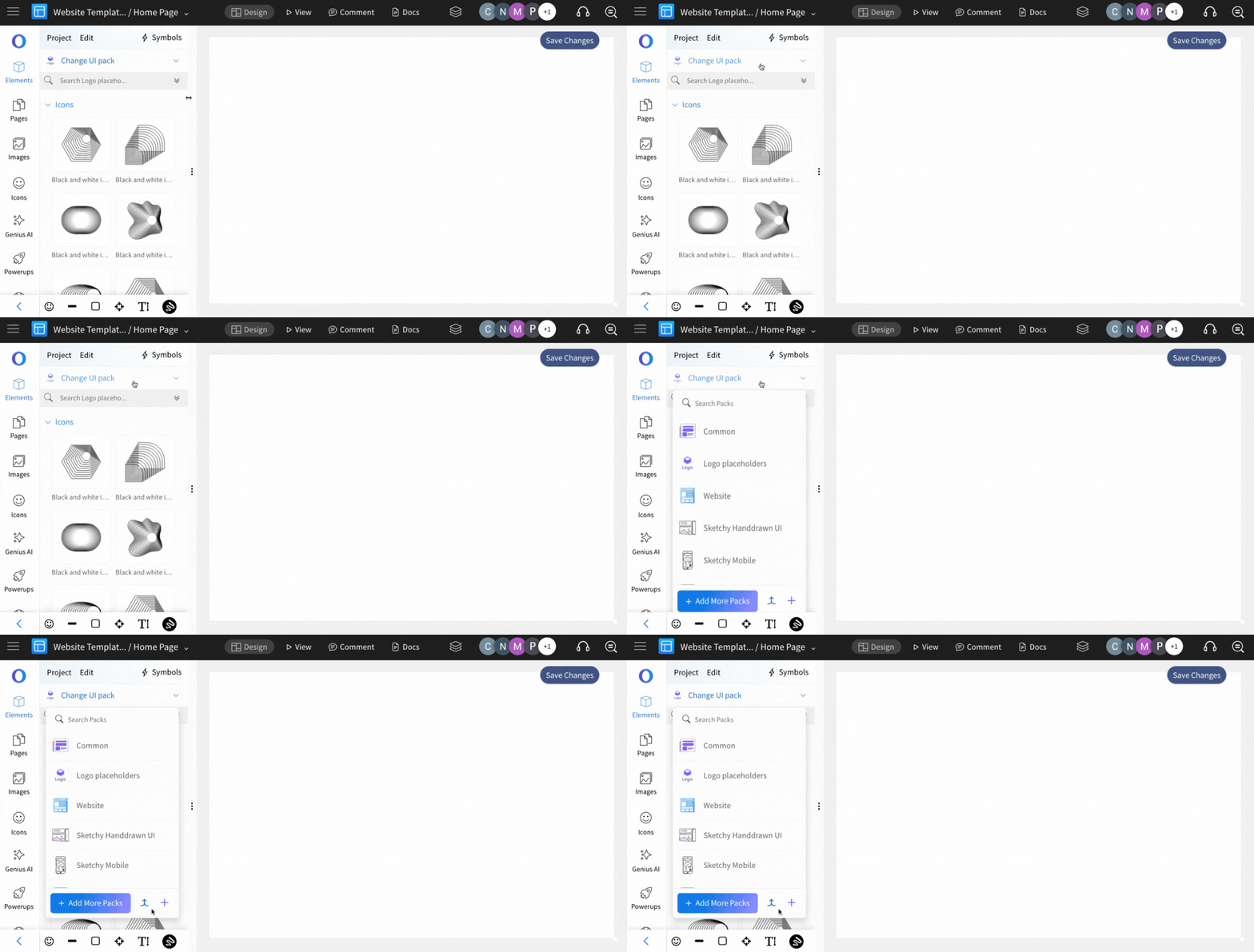
In the Wireframe Editor sidebar, click the 'Change UI Pack' dropdown to view the available packs.
Click the 'Merge UI Pack' icon.
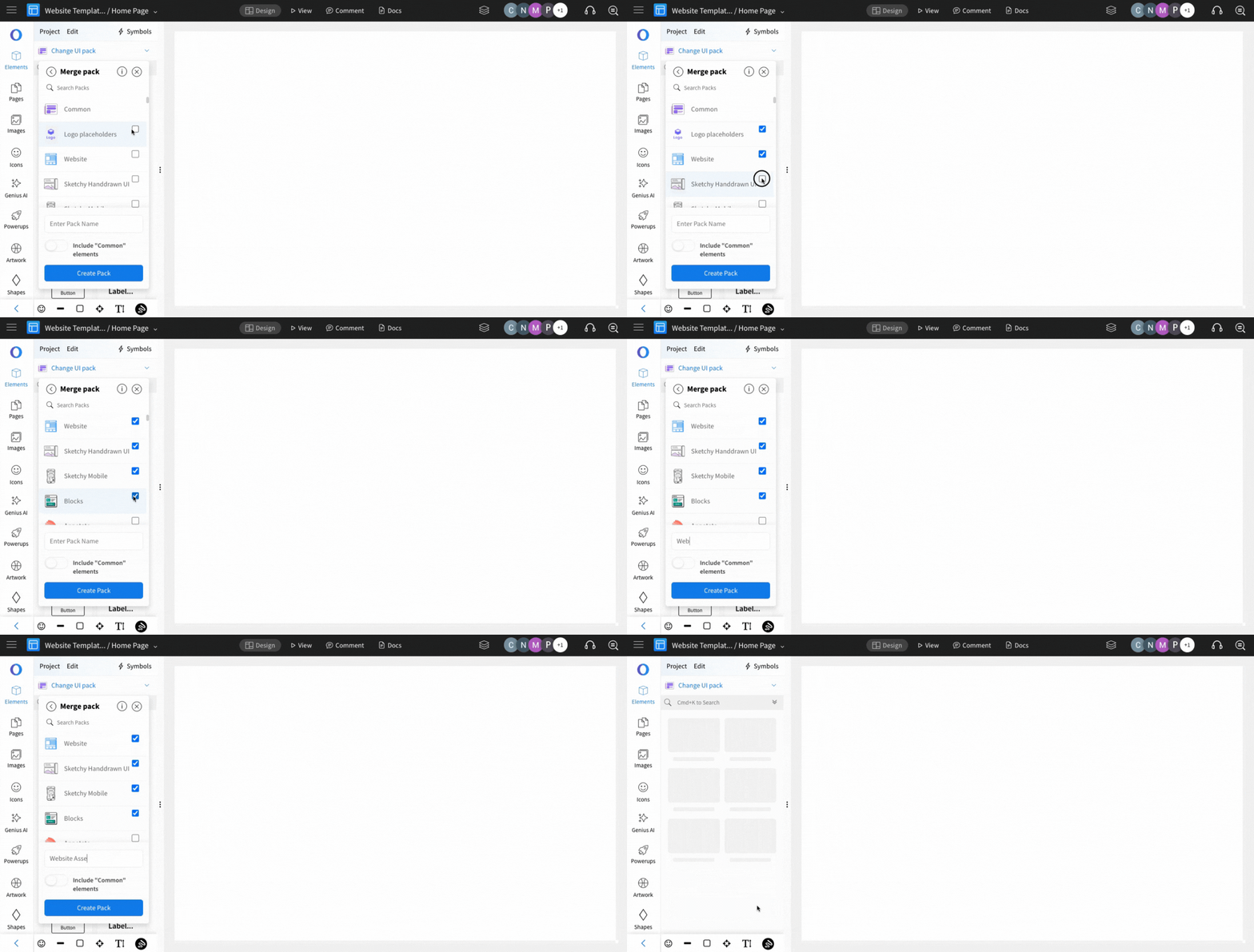
Select the UI Packs you want to include in your custom pack.
Enter a name for your merged pack and click 'Create Pack'.
Your merged pack will now include components from all the selected packs.
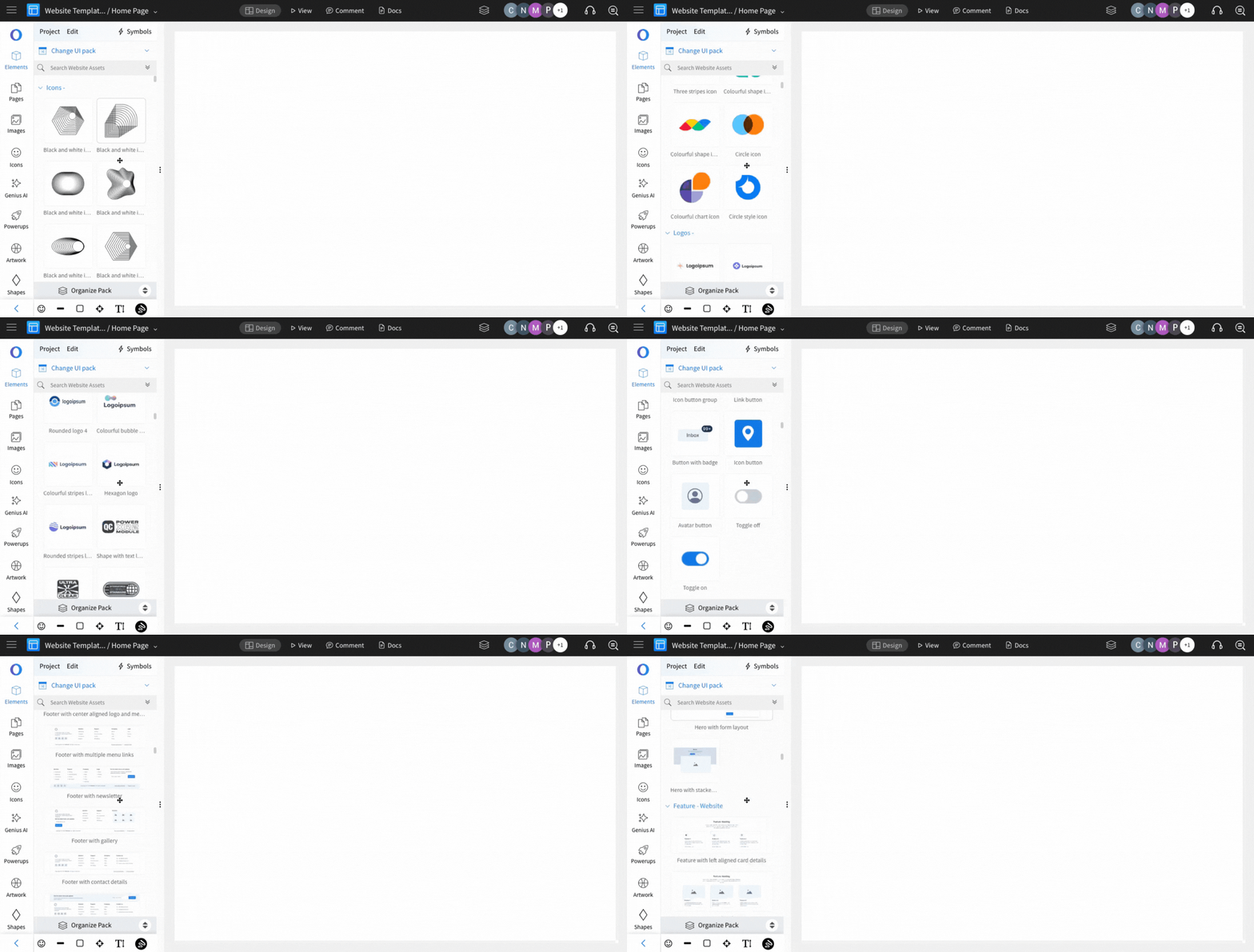
To modify the custom pack, click the 'Organize Pack' button.
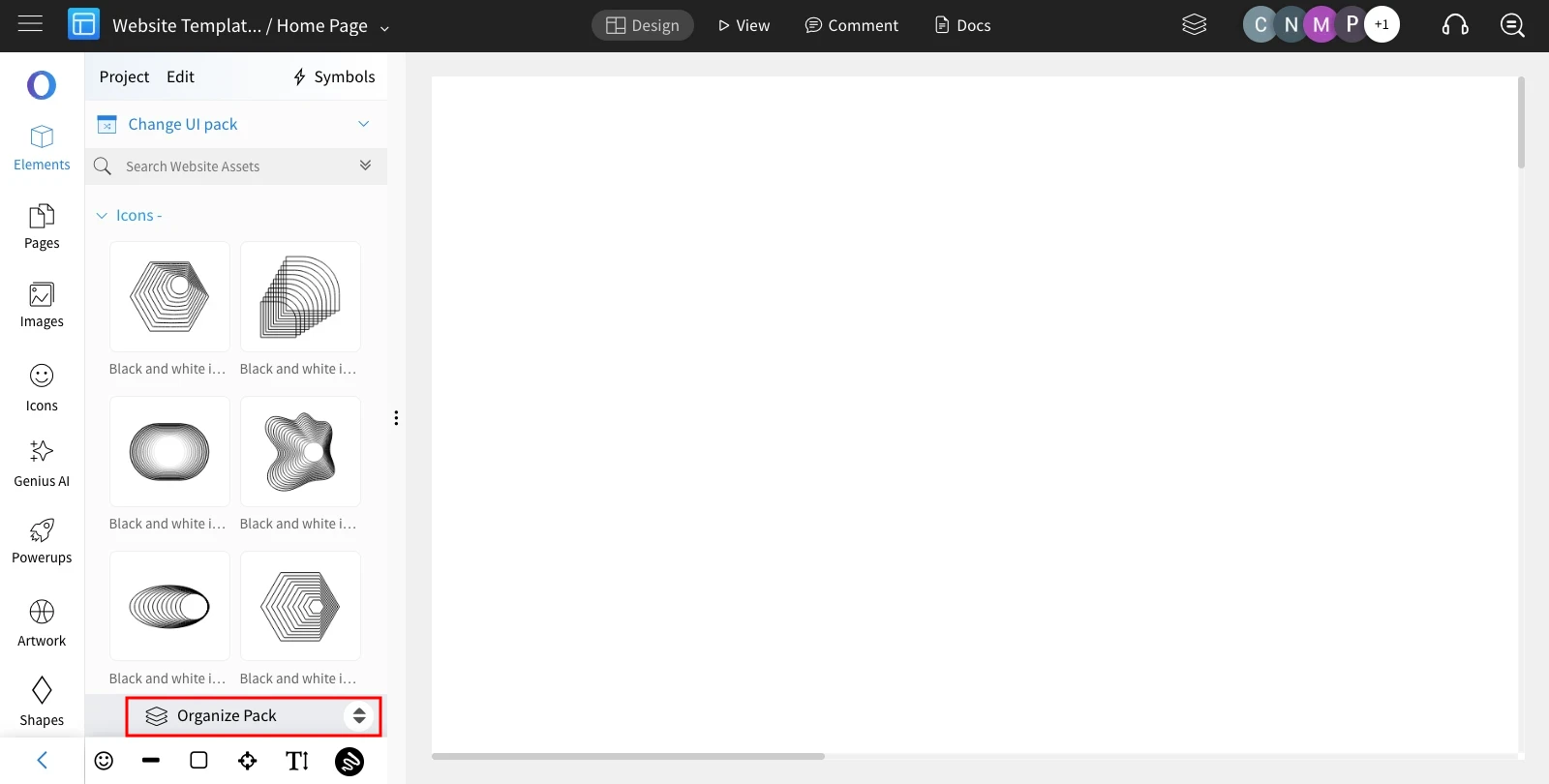
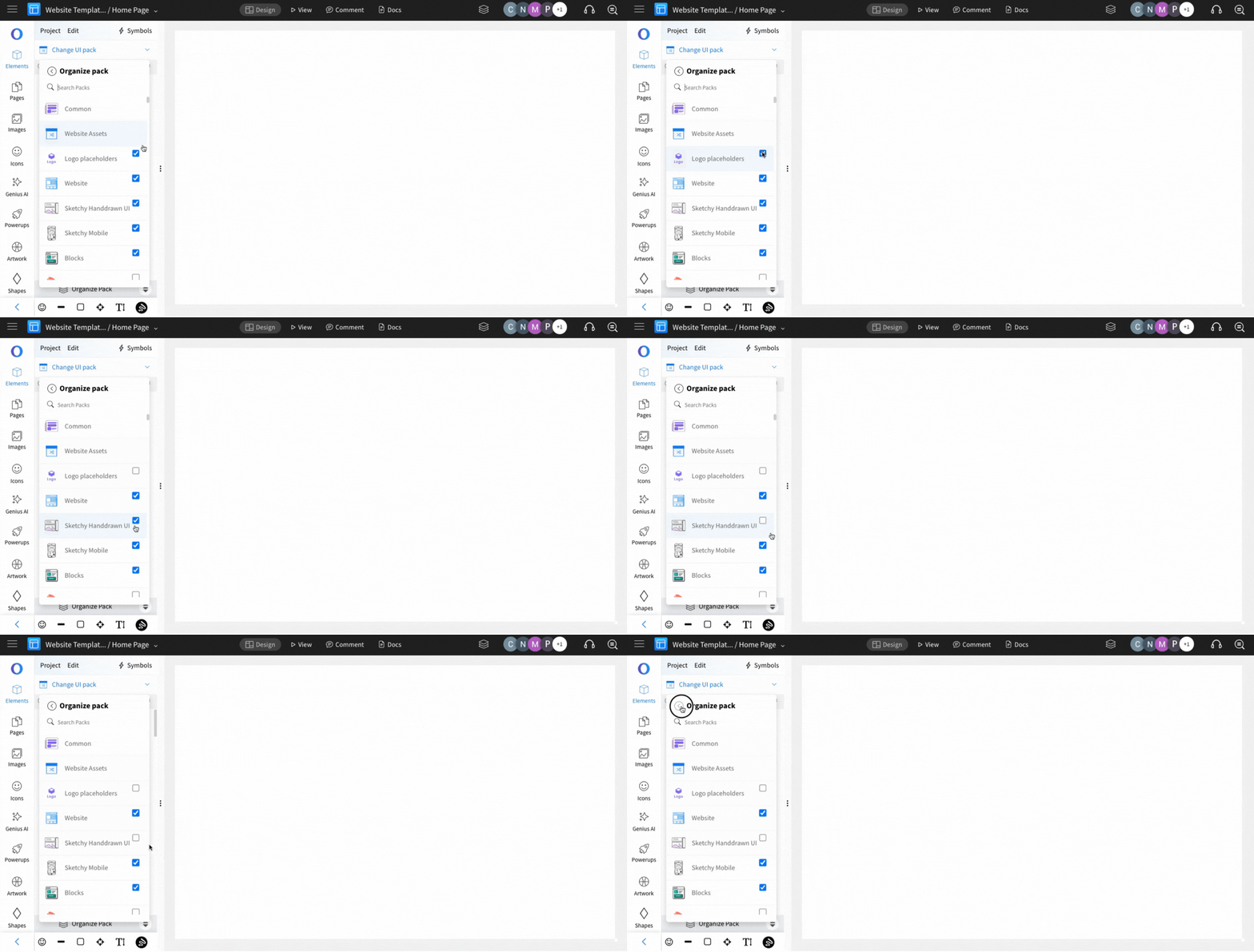
Unselect any UI Packs that are not needed.