
Internal
How to attach files to a node in SiteMap ?
Each node in a SiteMap might represent a page in a website or a screen of a mobile app. Therefore it is important that designers...
Each node in a SiteMap might represent a page in a website or a screen of a mobile app. Therefore it is important that designers add details to their information architecture in terms of files. Files can be attached to SiteMap in the form of specification documents, UI designs, Reference images etc.
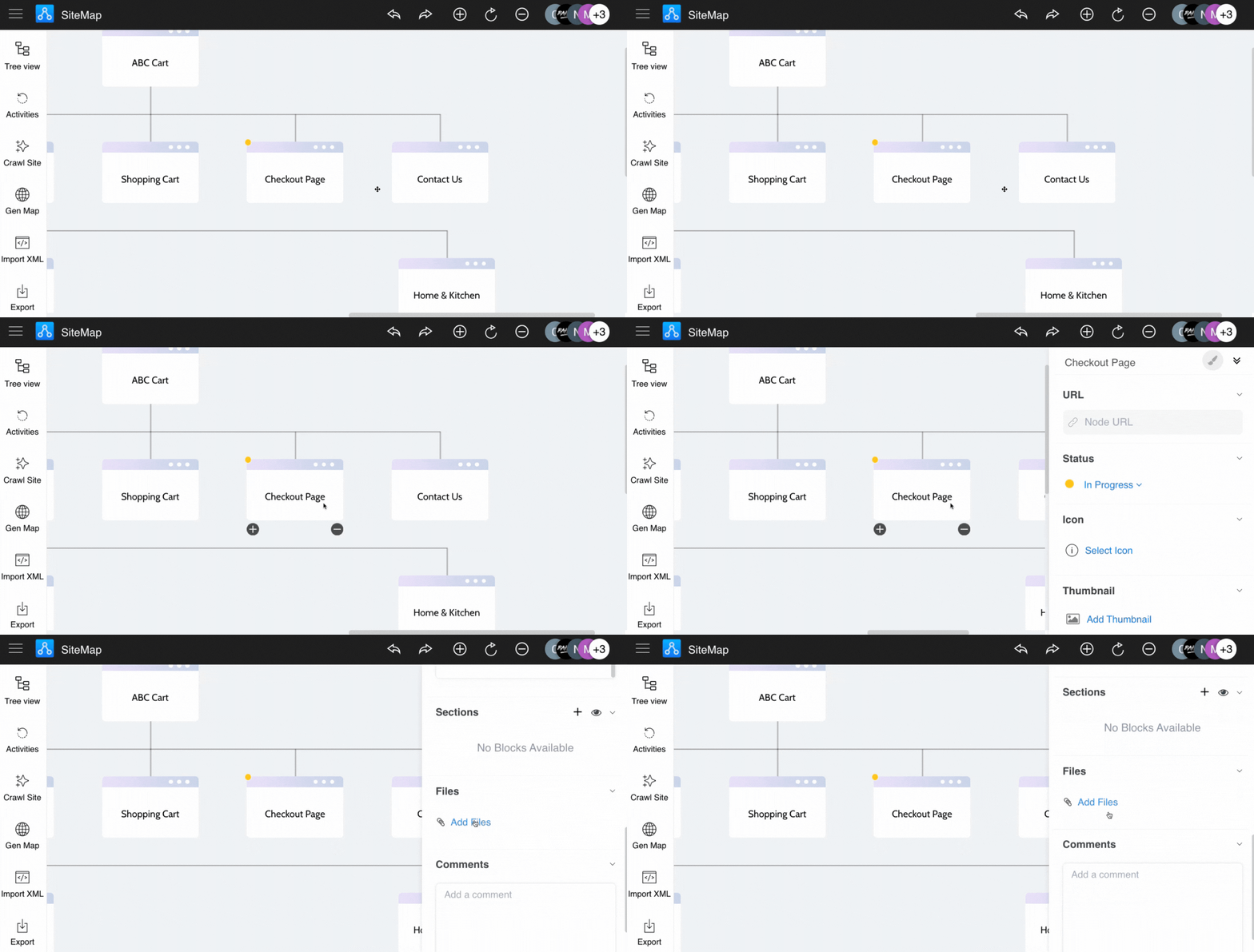
Click the node, and open the sidebar.
Then click on the 'Add Files' from the Files section.
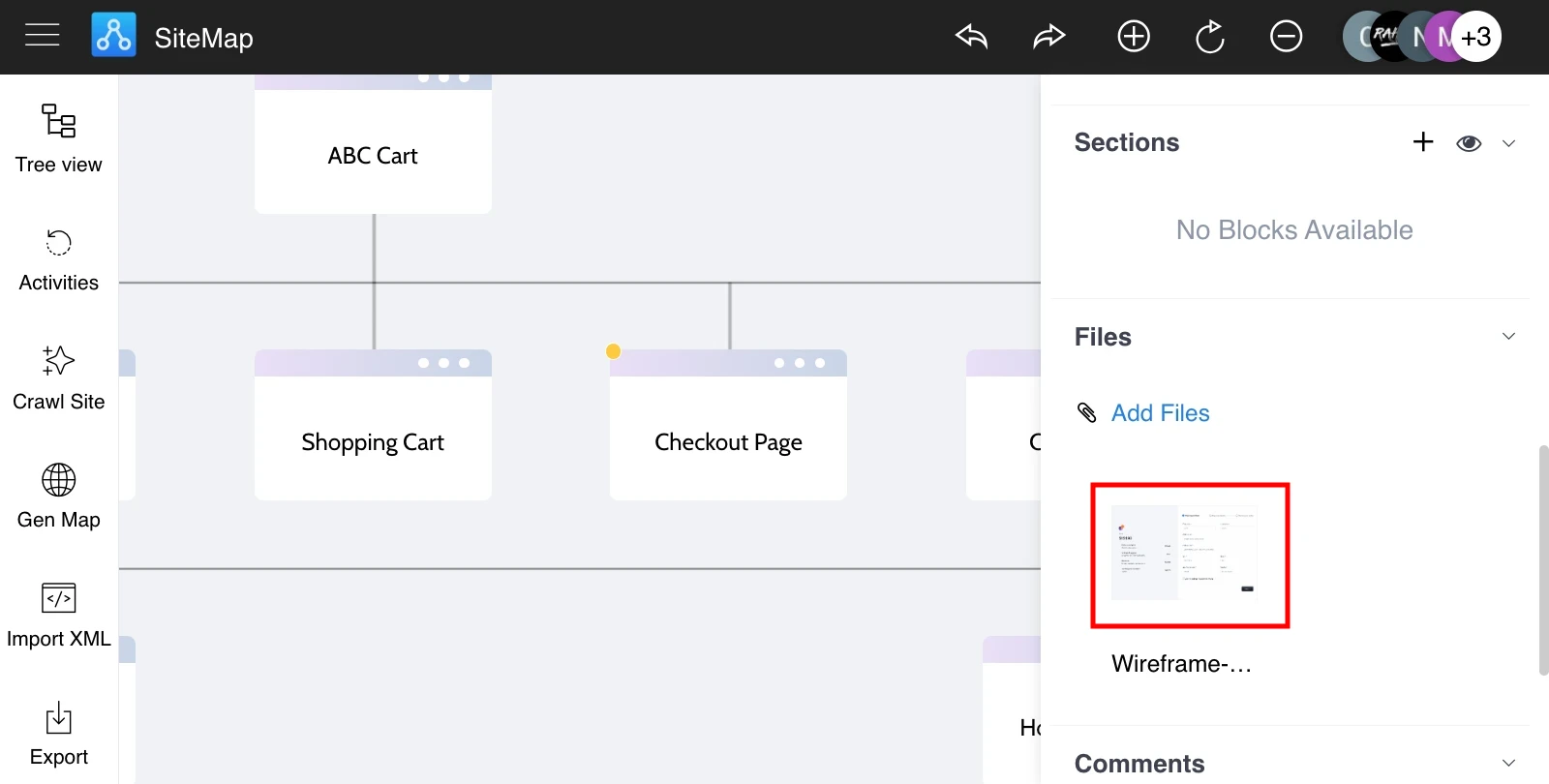
The file will be attached to the SiteMap node.
Was this page helpful?