
Internal
How to add thumbnails to SiteMap nodes ?
Thumbnails visually represent nodes in user interface flows. SiteMap app provides hundreds of popular layouts for web and mobile...
Thumbnails visually represent nodes in user interface flows. SiteMap app provides hundreds of popular layouts for web and mobile as thumbnails. Also users can upload and set their own image as thumbnails to nodes.
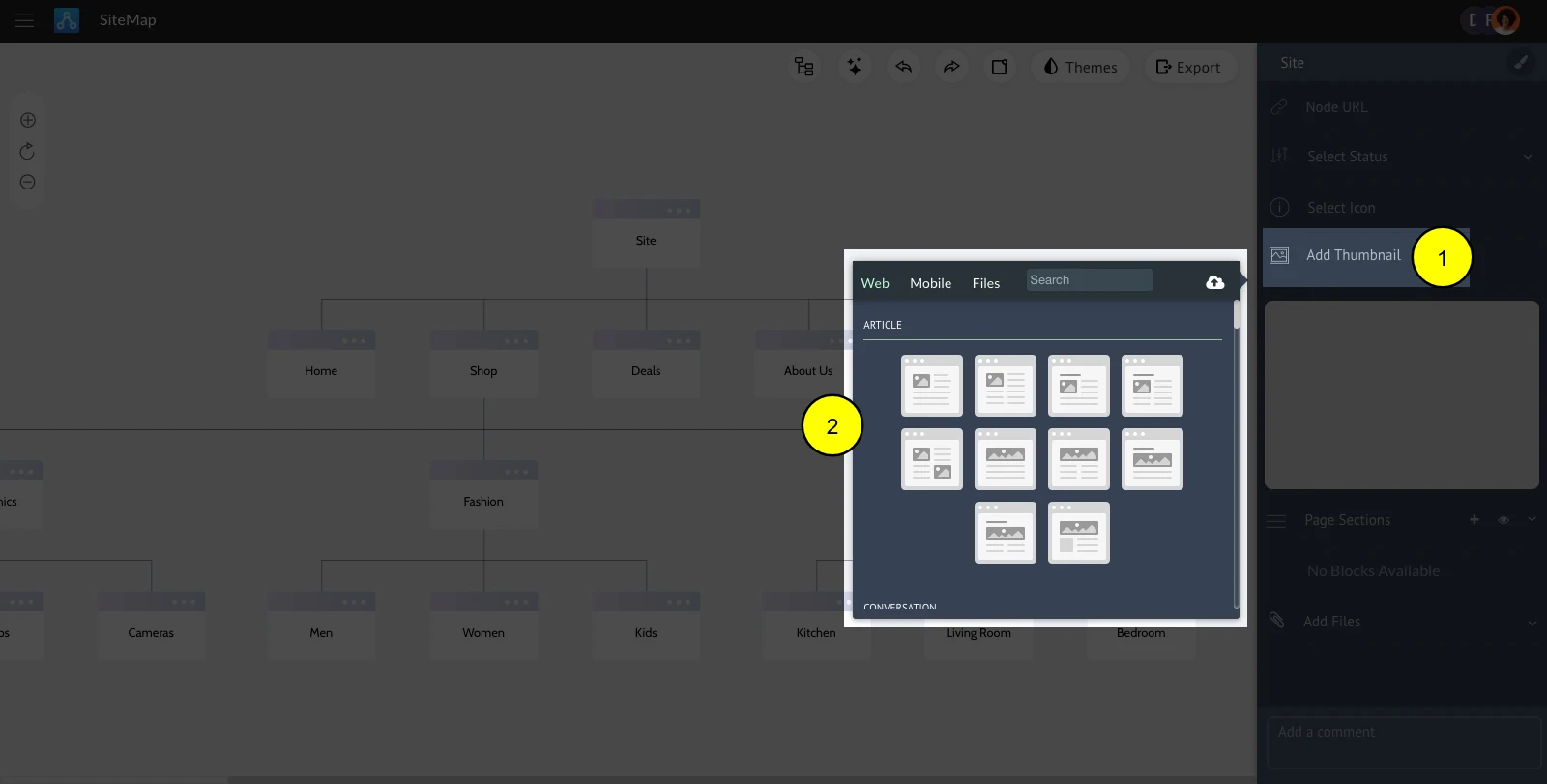
Click the node.
Choose "Add thumbnail."
Choose the required thumbnail type.
Select the thumbnail.
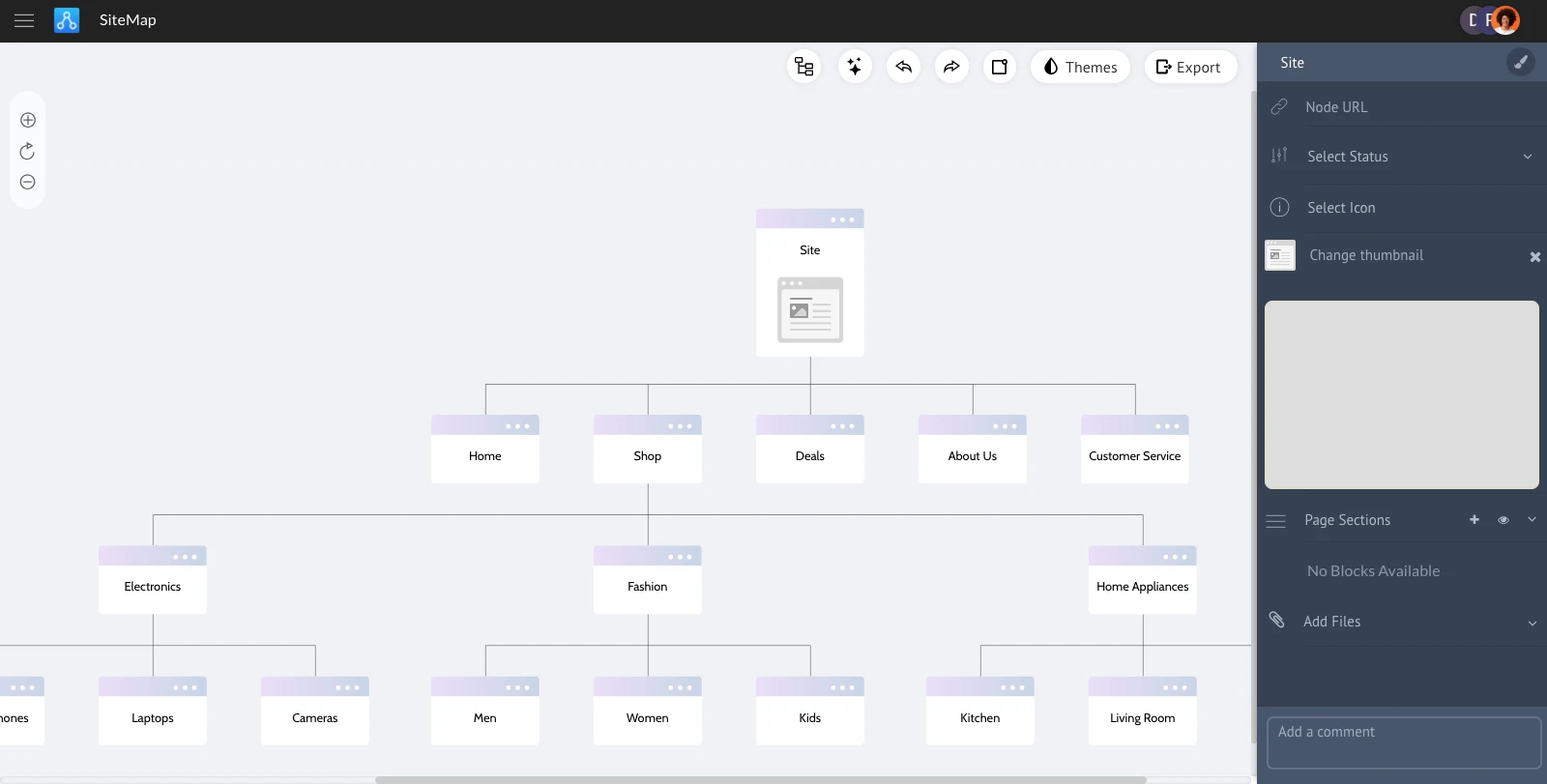
Selected thumbnail will be added to the node.
Was this page helpful?