How to create project public link from editor?
You can share a project using a public link, allowing anyone to view it in view mode. Follow the steps below to create a public...
You can share a project using a public link, allowing anyone to view it in view mode. Follow the steps below to create a public link within the editor:
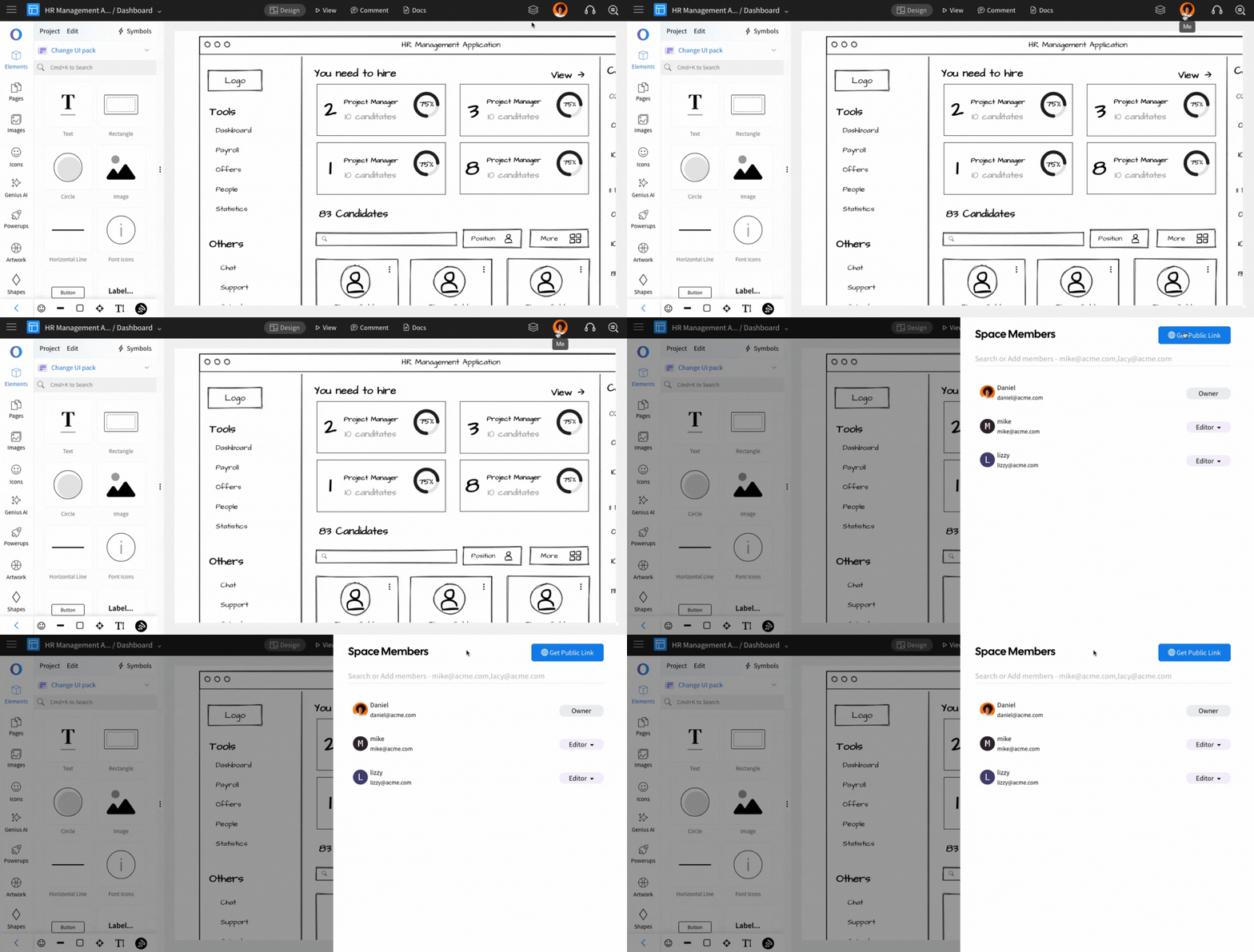
In the WireframePro editor, click on Space Members at the top left.
The Space Members sidebar will appear, displaying the list of members in the Design Space.
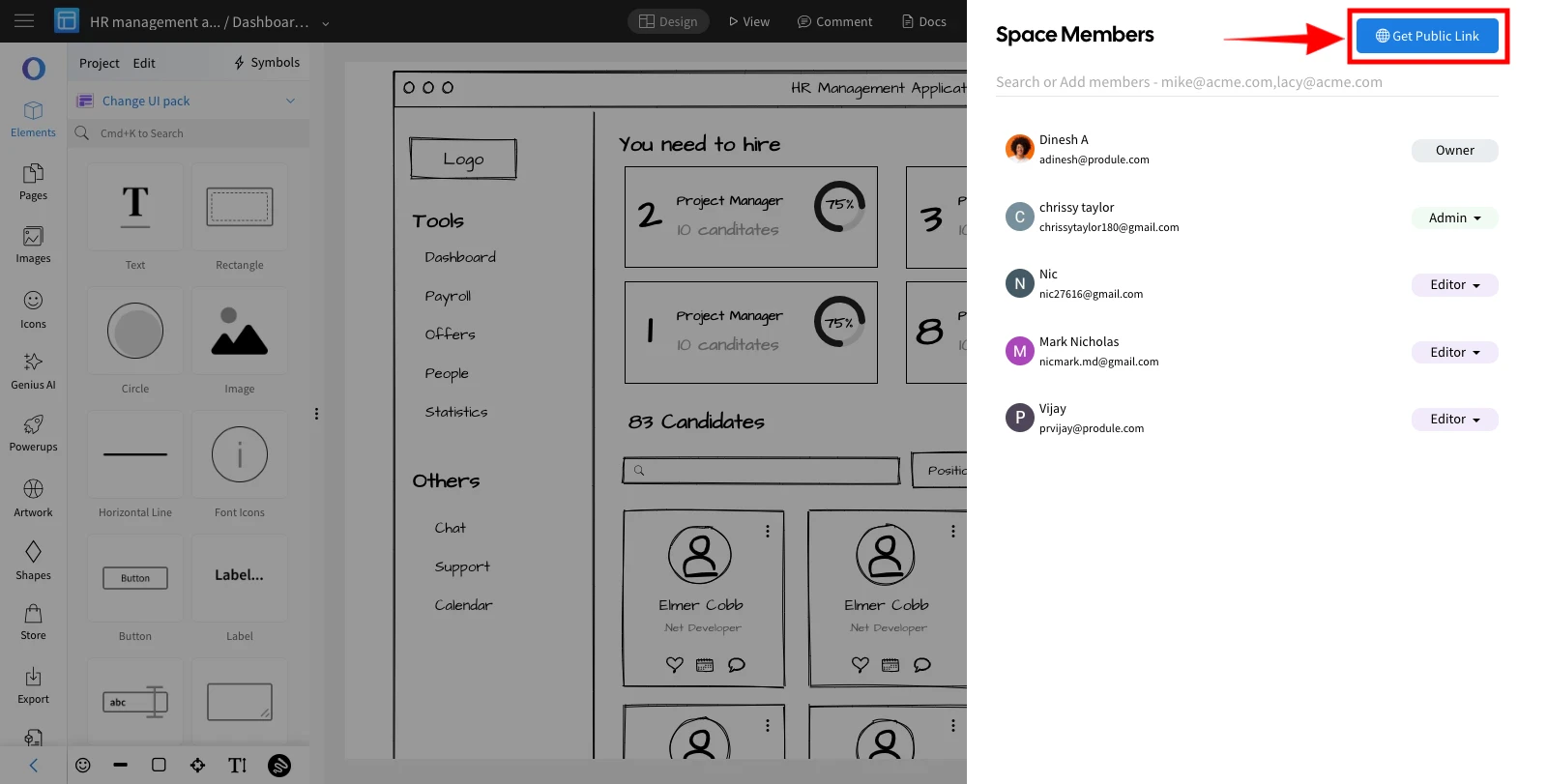
Click on the Get Public Link button.
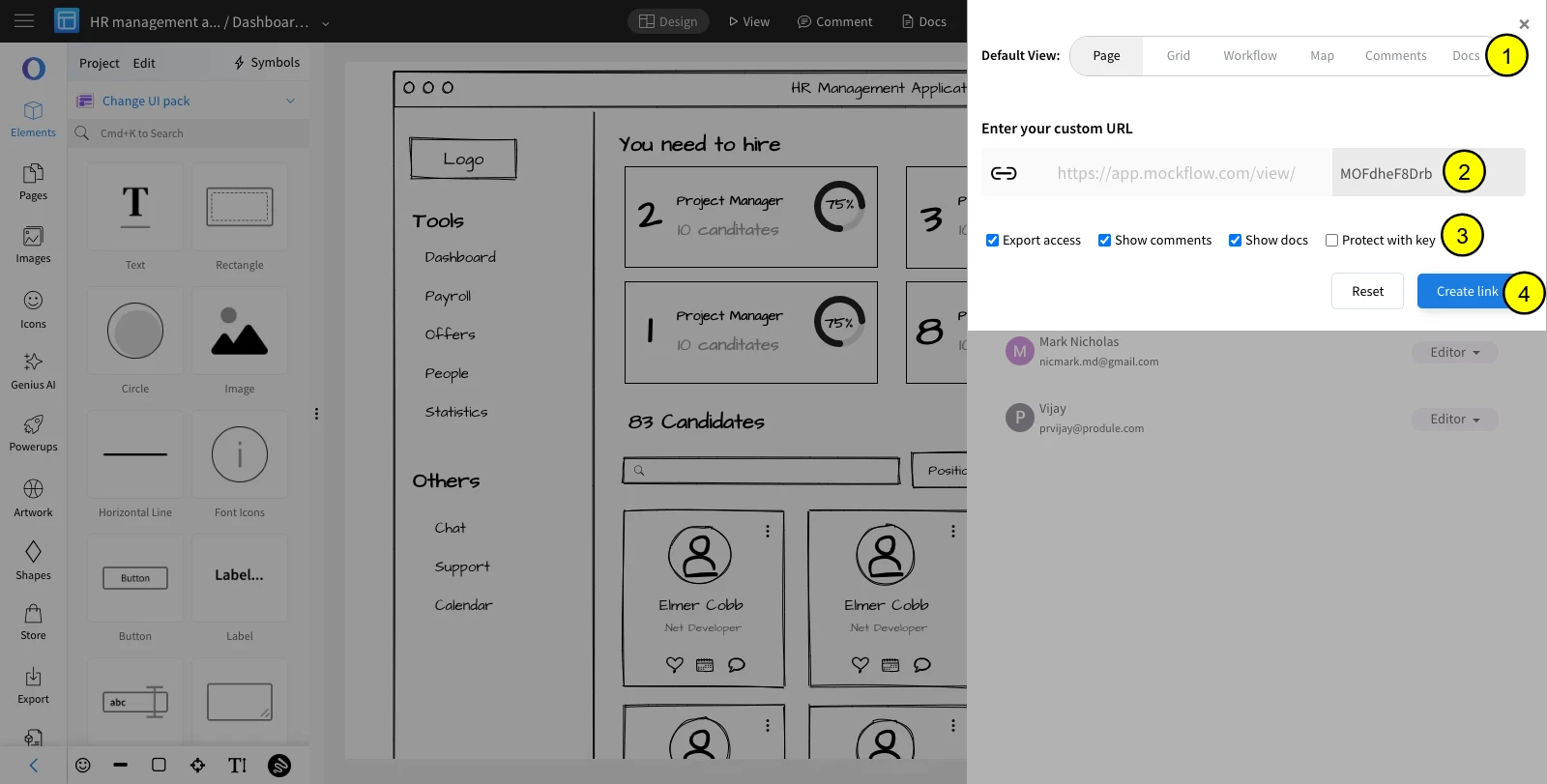
Select Create Link to generate a public link for the project.
In this step, you can choose
The default view to open the project - wireframe page [page], or grid of all available pages in the project [grid], or workflow view, or map view, or comments mode, or docs mode.
Customize the public URL
Advanced controls to restrict access to export/comment/docs, and to secure the public link with a secure key.
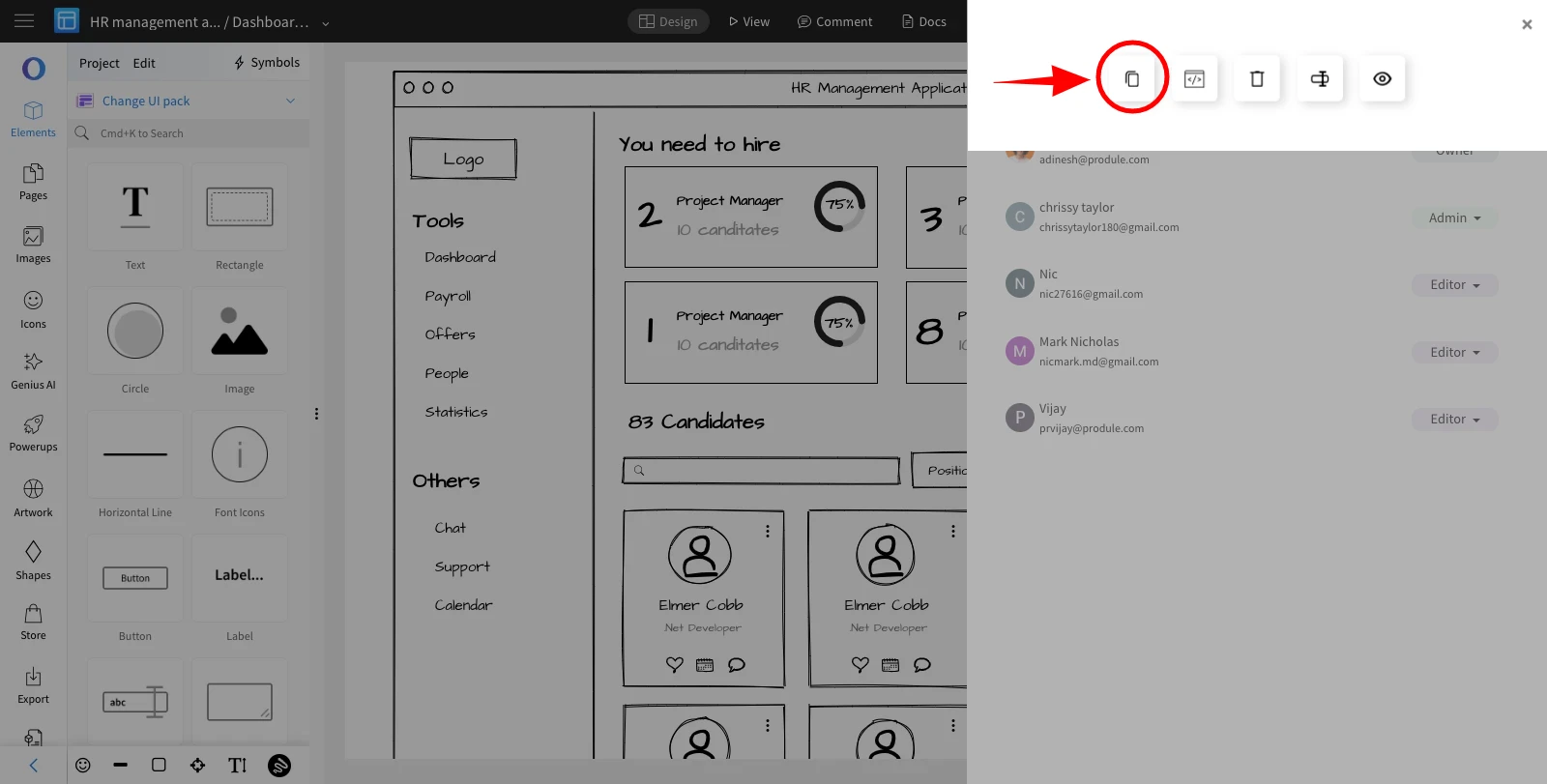
Once the link is created, click copy icon to share the public link.