
Internal
How to duplicate/'save as' a project?
To duplicate or 'save as' an existing project, Click on a project item in the dashboard and select 'Duplicate' from the menu....
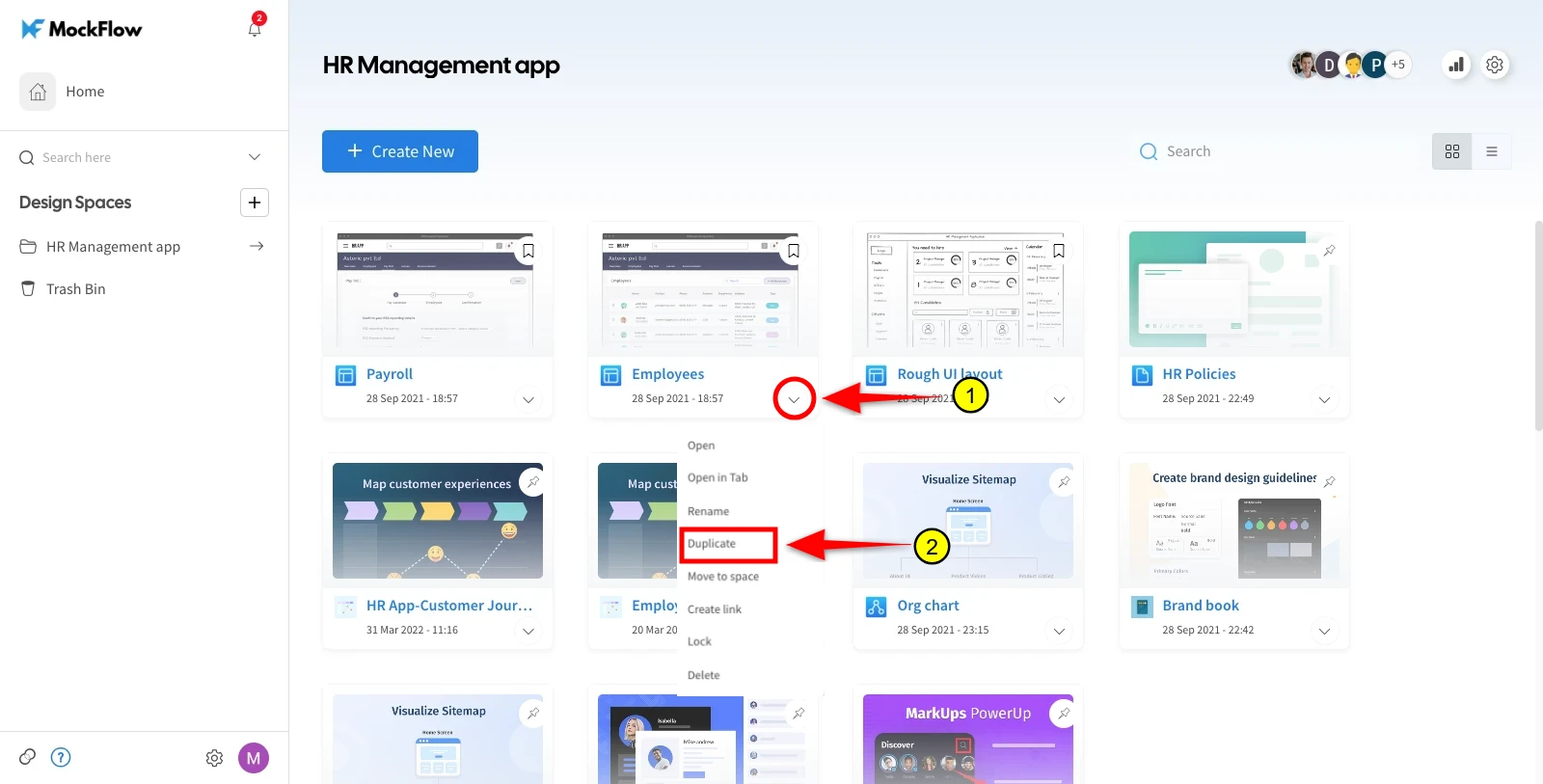
To duplicate or 'save as' an existing project, Click on a project item in the dashboard and select 'Duplicate' from the menu. This creates a full copy of the selected wireframe project excluding comments.
Note: The new project created is independent of its original copy.
Click the project item in the dashboard.
Click the dropdown icon option.
Select "Duplicate."
Was this page helpful?