
Internal
How to set my account DP / avatar ?
We recommend setting up a profile picture (DP) for your MockFlow account. It personalizes your dashboard by prominently...
We recommend setting up a profile picture (DP) for your MockFlow account. It personalizes your dashboard by prominently displaying it. Also, the DP is used in comments, chats, emails, shared projects, and in member listing within your team. DP helps to quickly identify the user and avoids misrepresentations.
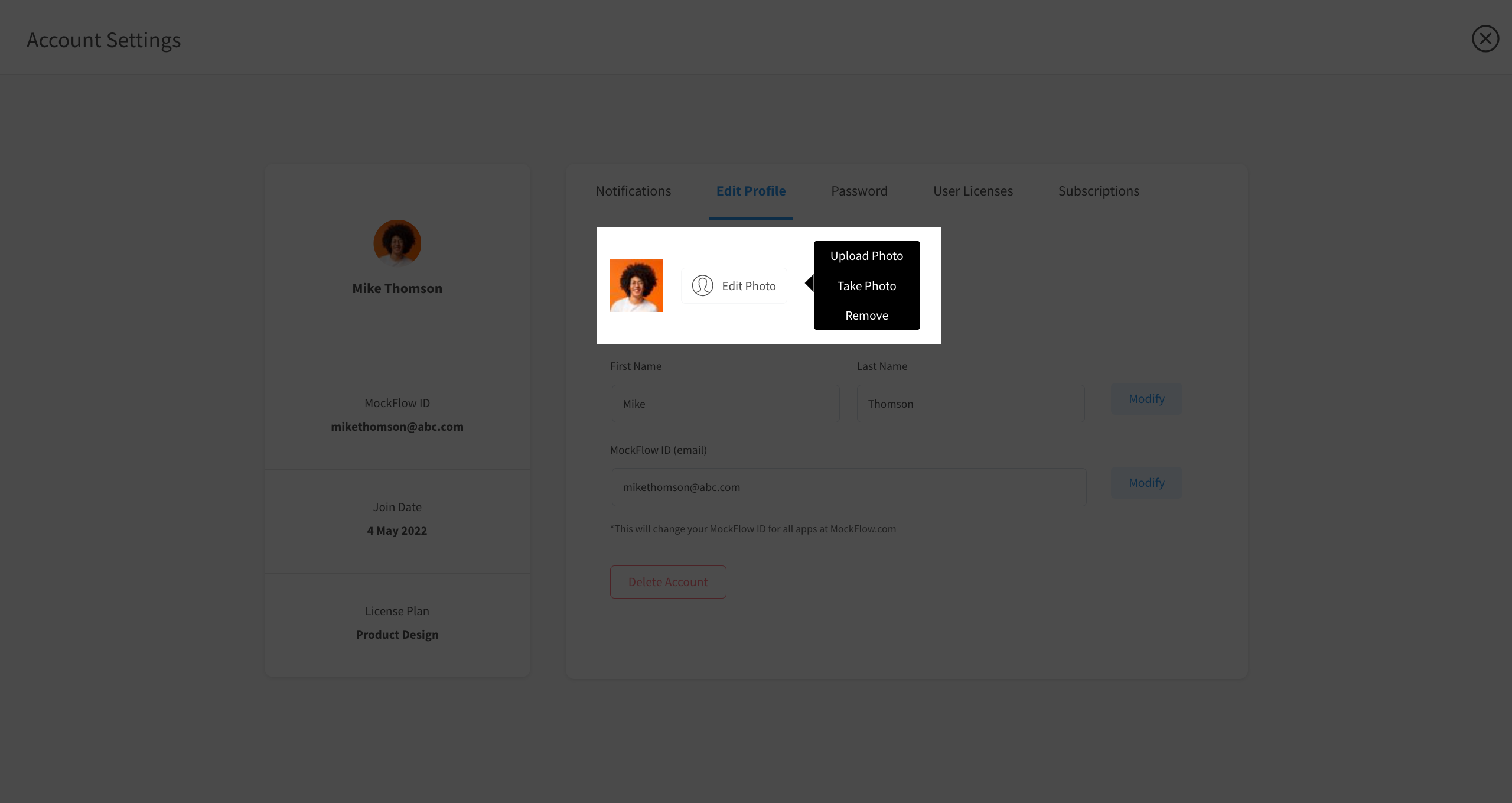
The profile picture can be set up in account settings. There are options to upload your pic or take an instant photo using your webcam.
Was this page helpful?