
Internal
How to customize styling of specific nodes in SiteMap ?
Styling of specific nodes in a SiteMap can be customized in background color and font color. This will be useful in cases when...
Styling of specific nodes in a SiteMap can be customized in background color and font color. This will be useful in cases when the designer wants to visually separate or highlight certain nodes in the SiteMap from others using color coding.
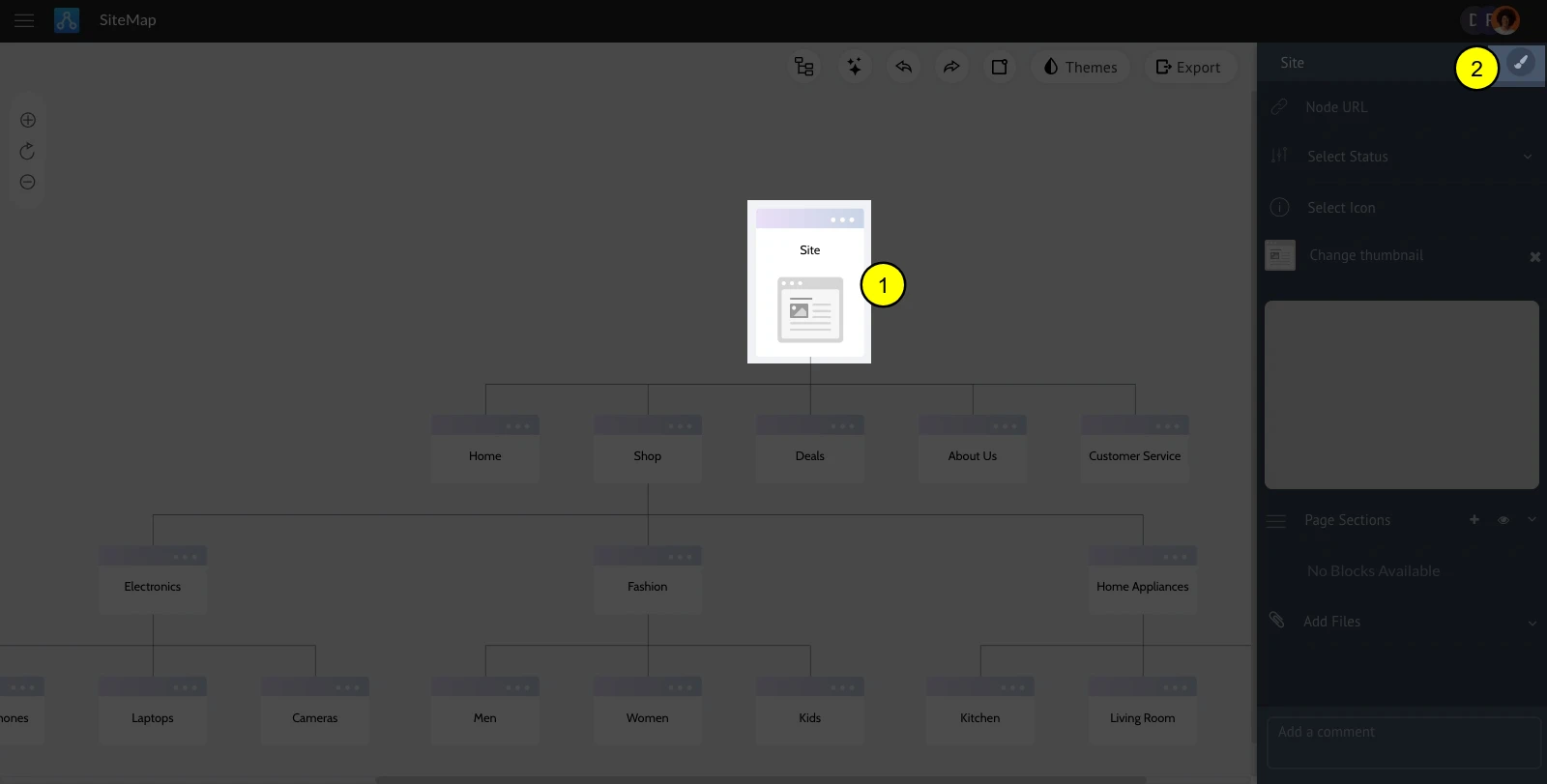
Select the node.
Click the brush icon.
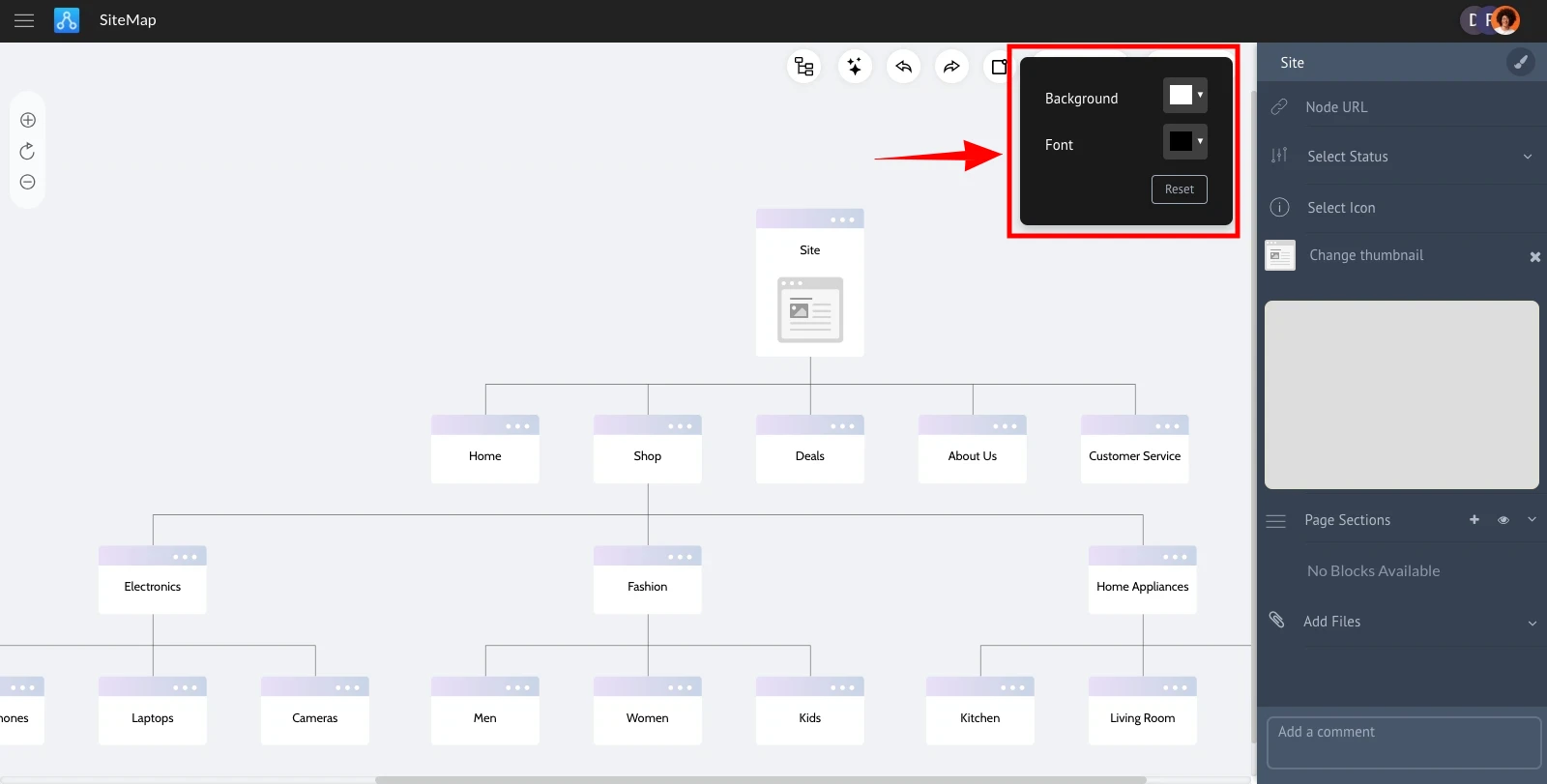
Click to change the background color.
Click to change the font color.
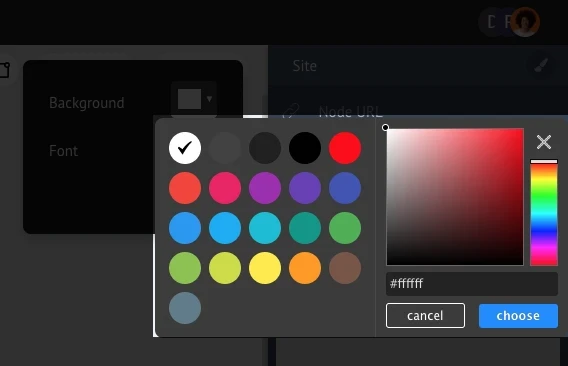
Choose a color to apply to the node.
Was this page helpful?