
Convert URL to editable Wireframe
MockFlow's "URL to Wireframe" feature converts any existing website layout to an editable wireframe in a click. This is...
MockFlow's "URL to Wireframe" feature converts any existing website layout to an editable wireframe in a click. This is incredibly useful for redesign projects, or creating quick prototypes inspired by existing sites.
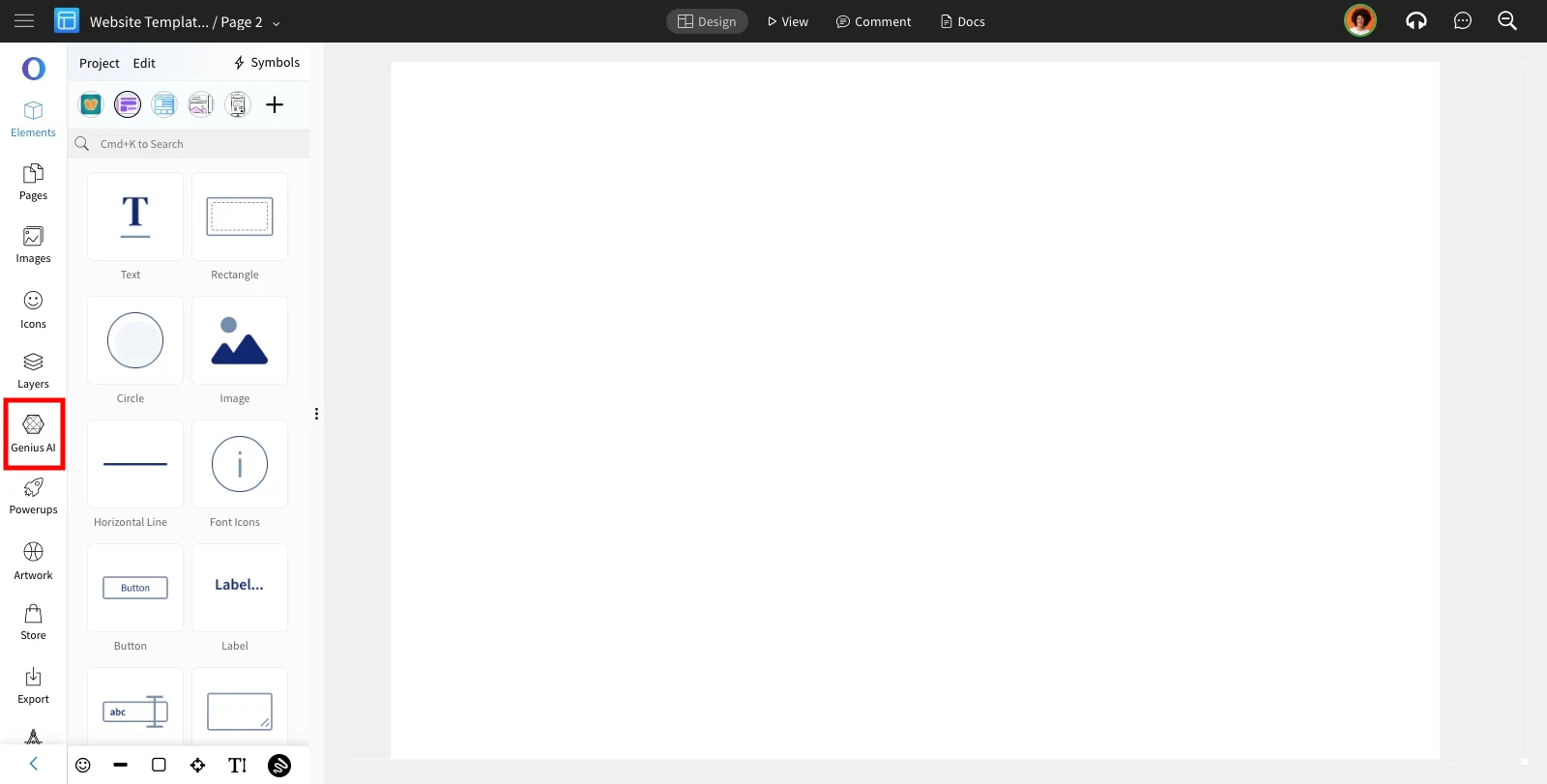
Inside the Wireframe editor, click on the 'Genius AI' from the editor sidebar.
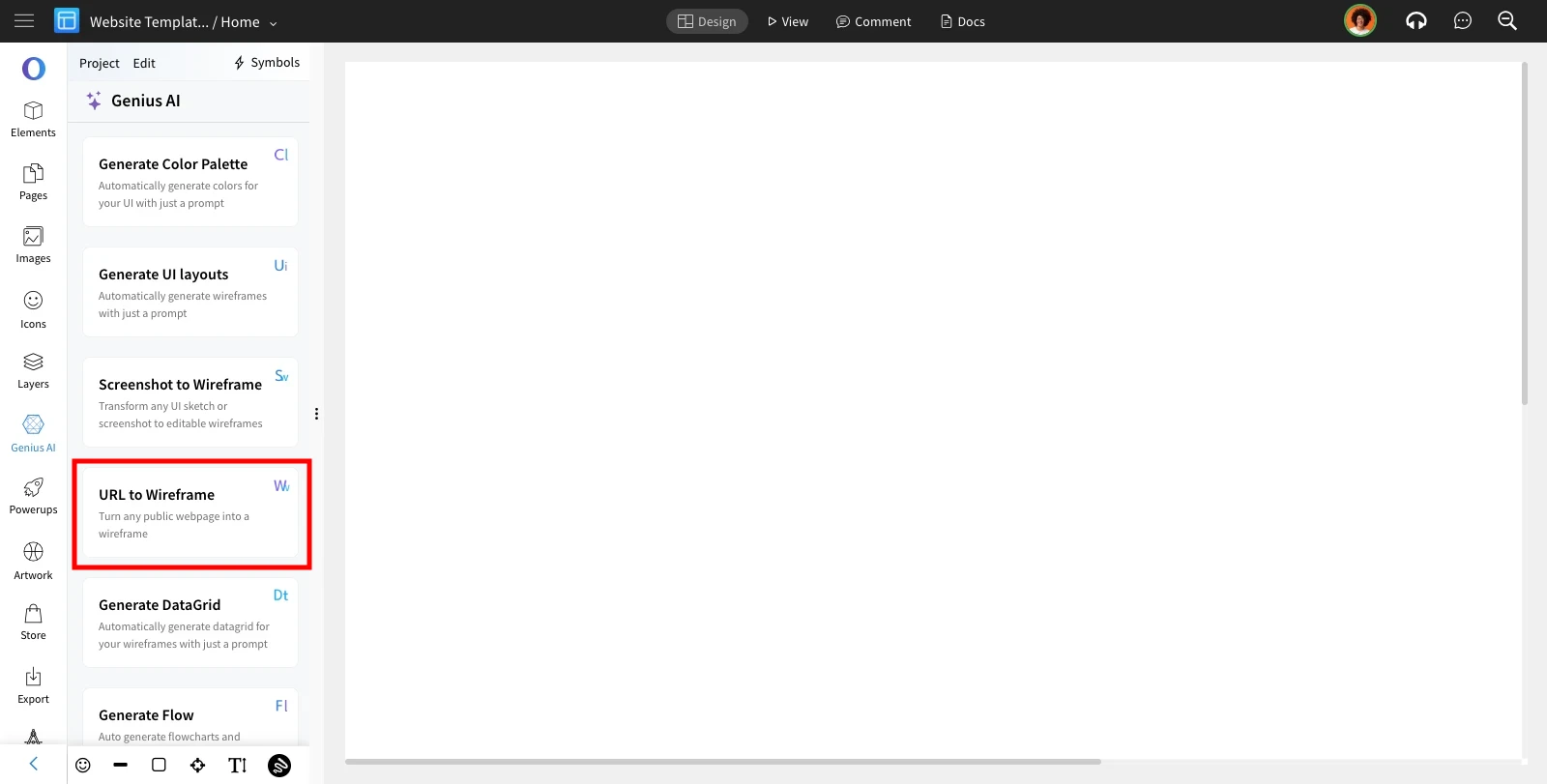
Choose 'URL to Wireframe' from the AI features list.
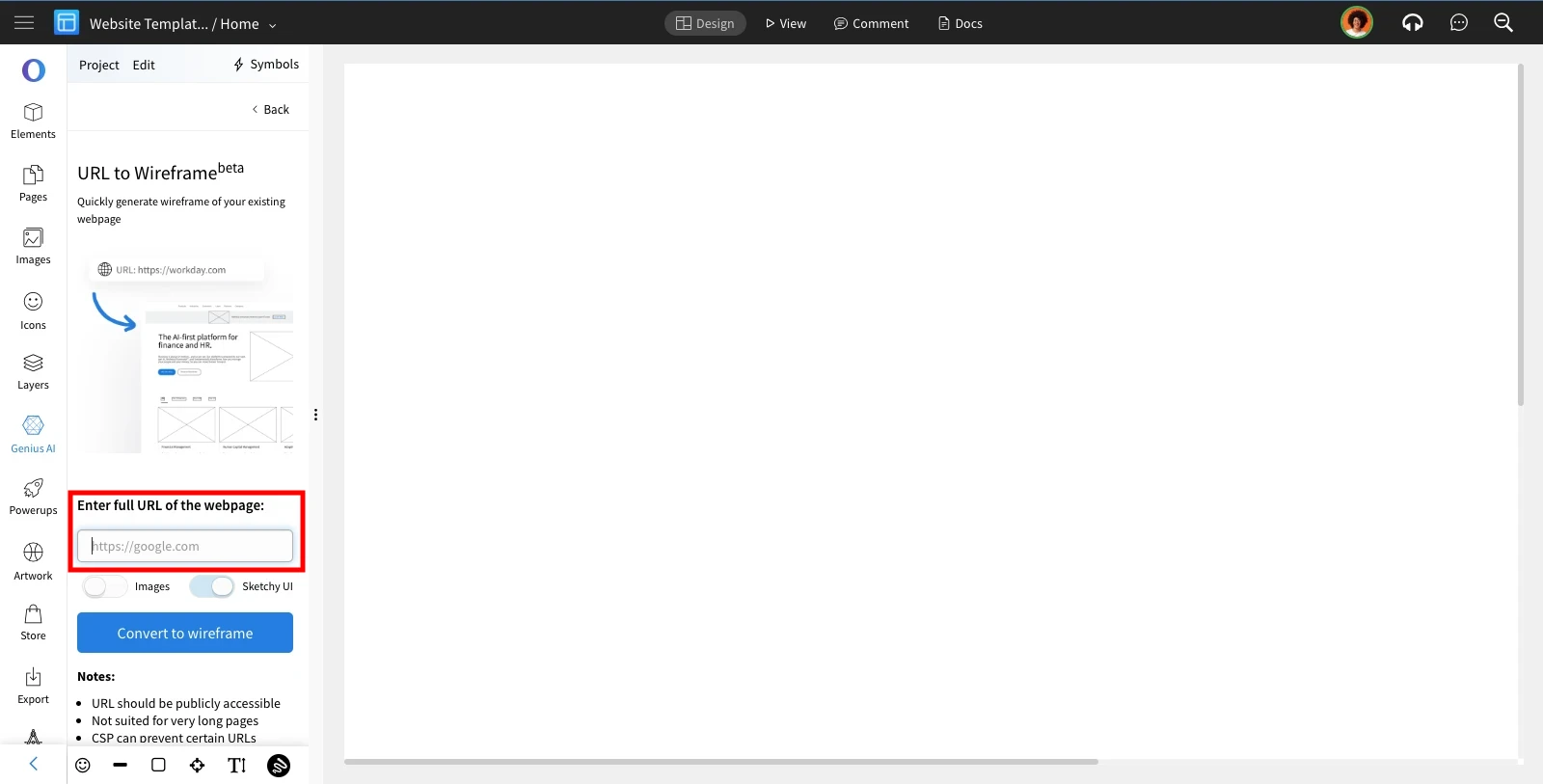
Enter the url of the webpage which needs to be converted to wireframe and click on 'Convert to Wireframe.'
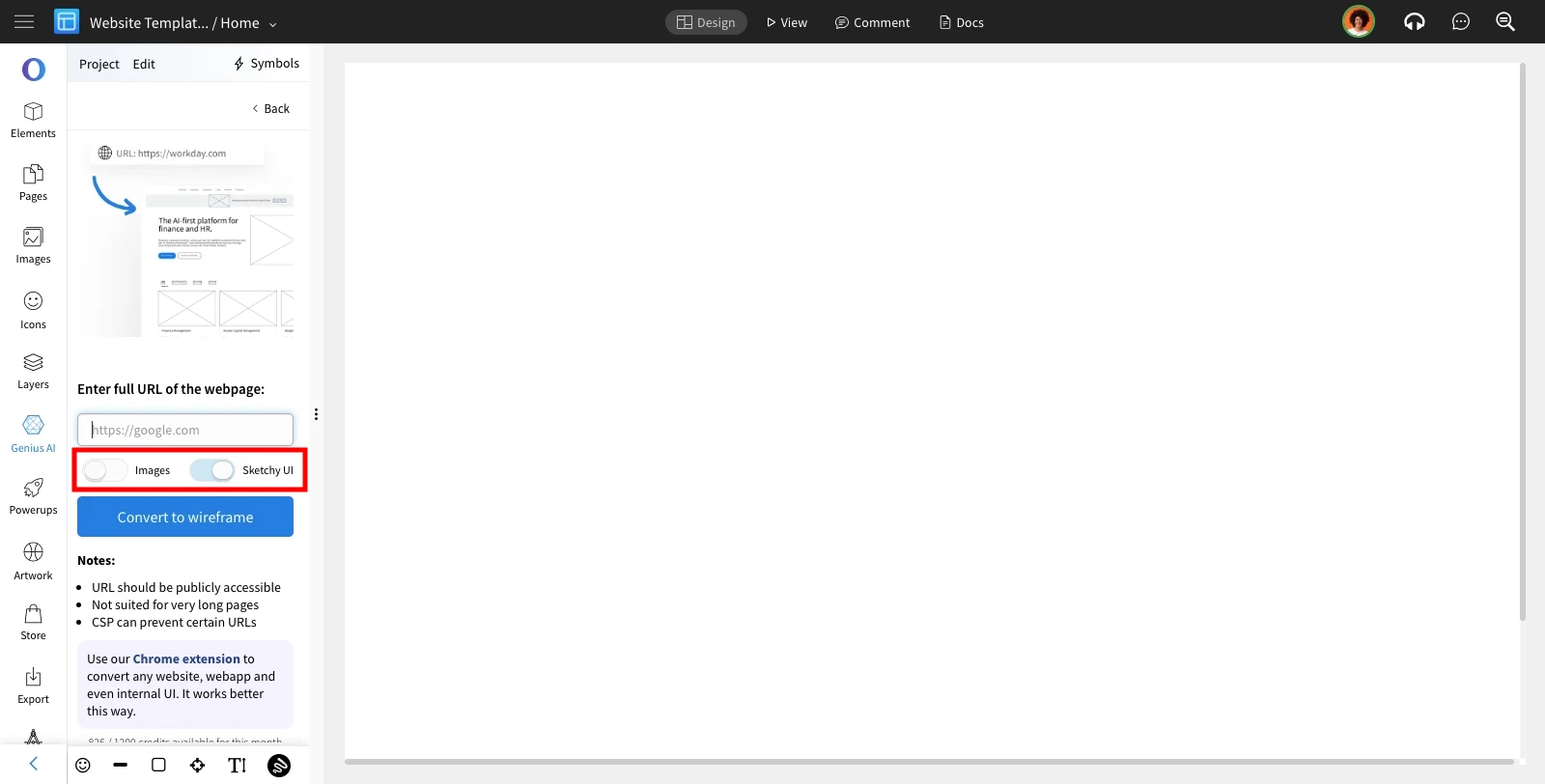
4 There are 2 options when using this feature.
When the "Images" toggle is on, images will appear from the URL. If it's off, a image placeholder will be displayed instead.
Toggling the "Sketchy UI" option will generate the wireframe in a sketchy style.
The given URL will be converted to a wireframe.
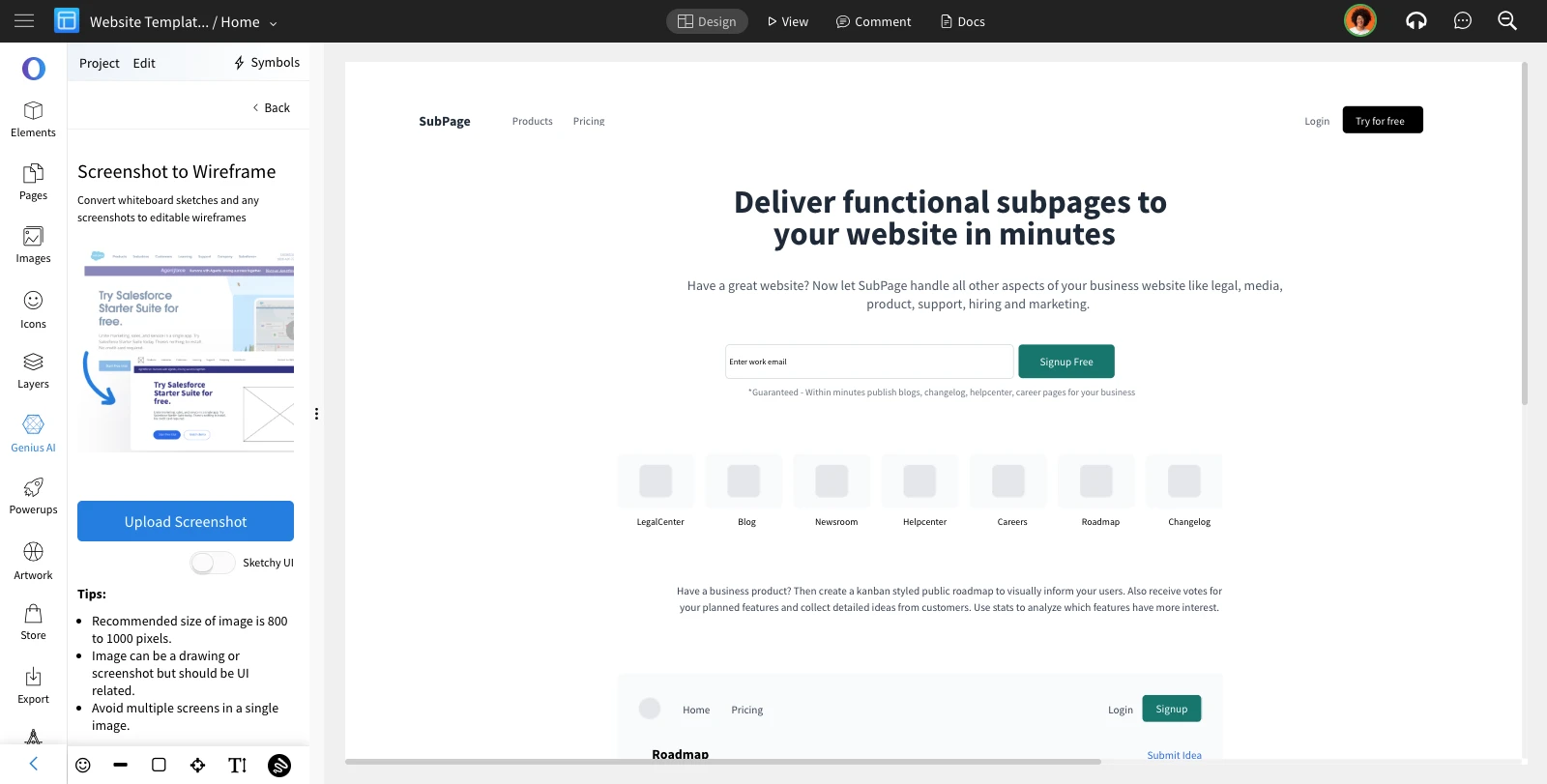
Note: The url to wireframe works well with most of the websites providing the basic layout structure in an editable wireframe form.
However, there might be some inconsistencies where too many animations or effects are present on the website. Images might not be captured in some cases.