
Internal
How to change the license role of an user?
You can change the license role of a MockFlow user by following these steps. From your MockFlow dashboard, click on the profile...
You can change the license role of a MockFlow user by following these steps.
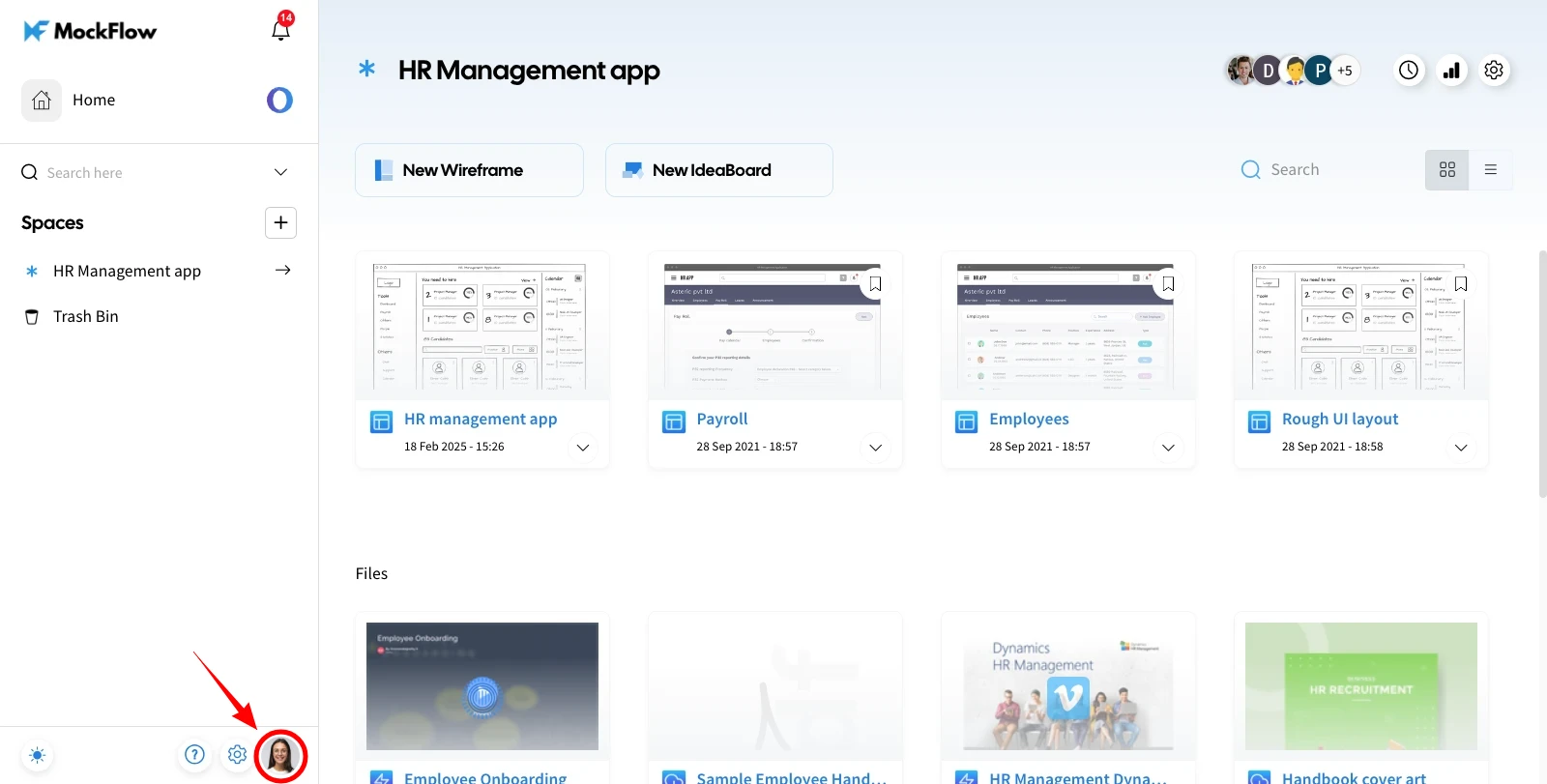
From your MockFlow dashboard, click on the profile icon, and a sidebar will appear with options to access the account page.
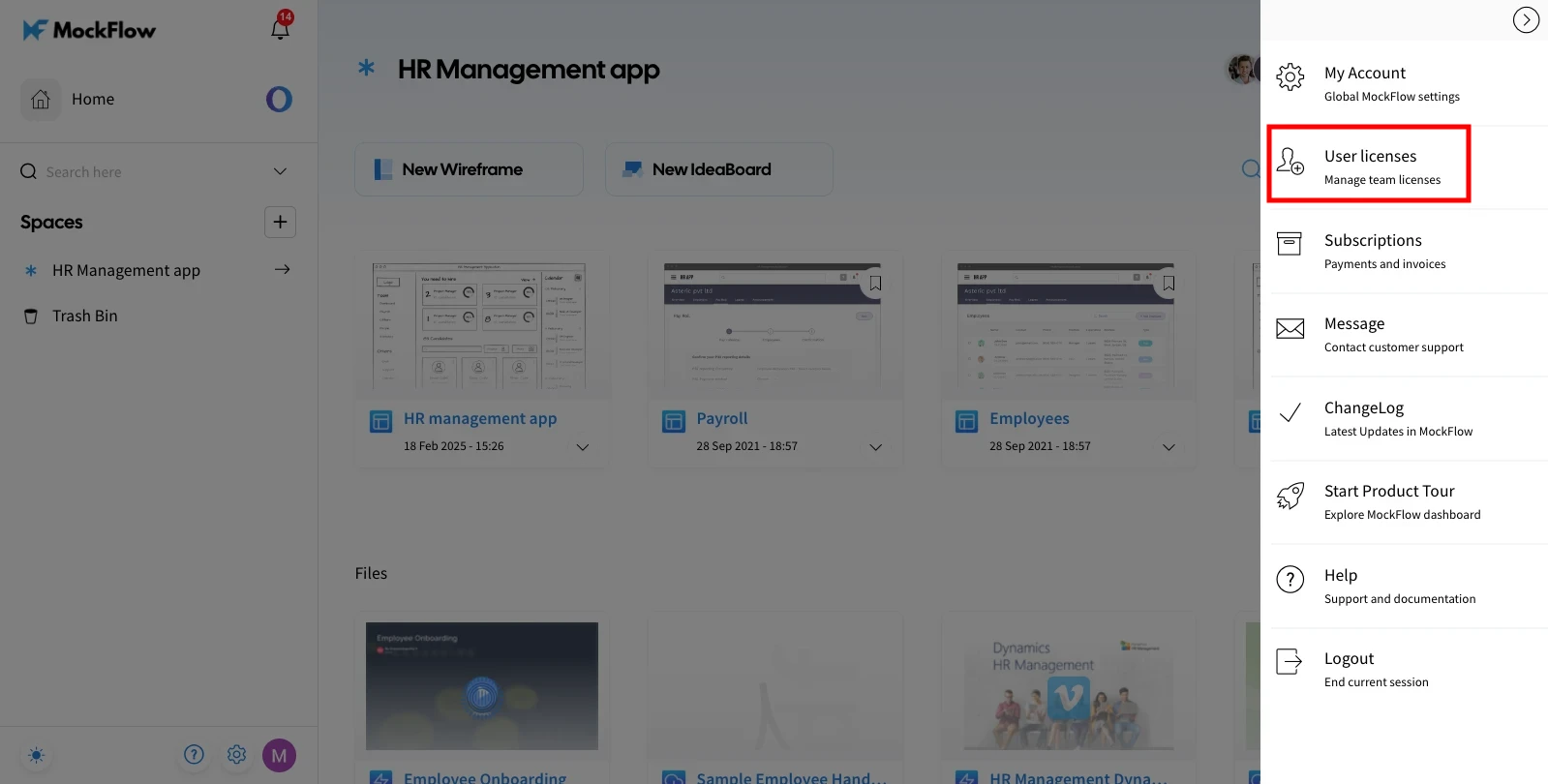
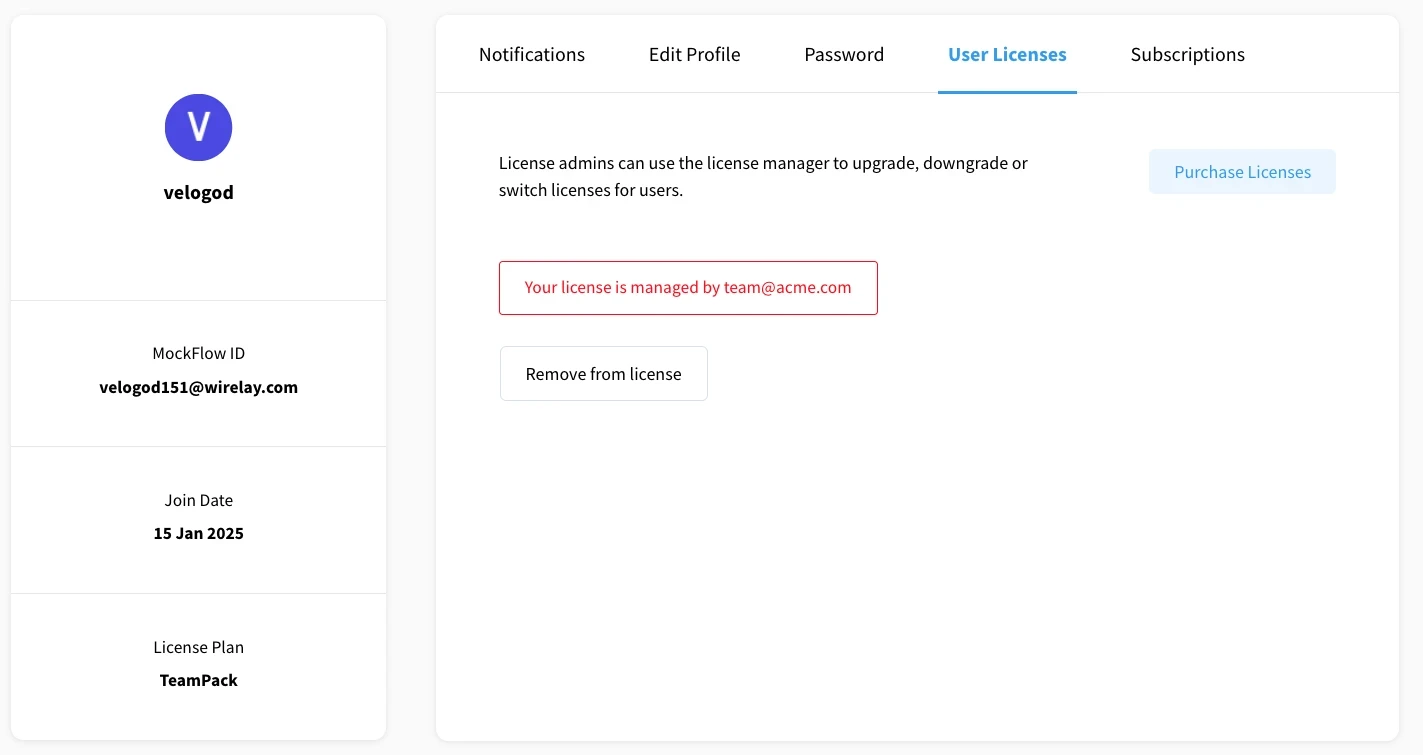
Click on "User License" from the list.
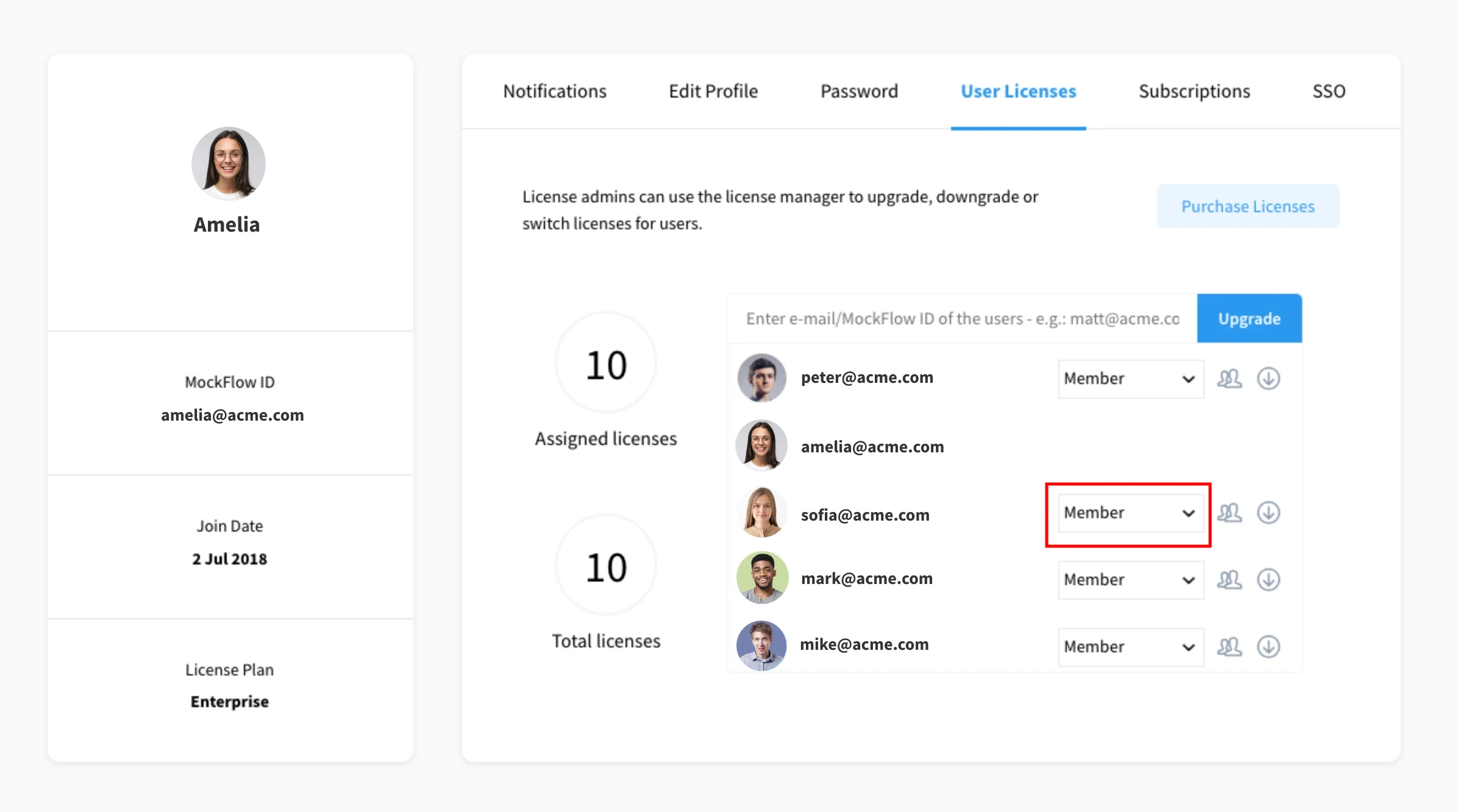
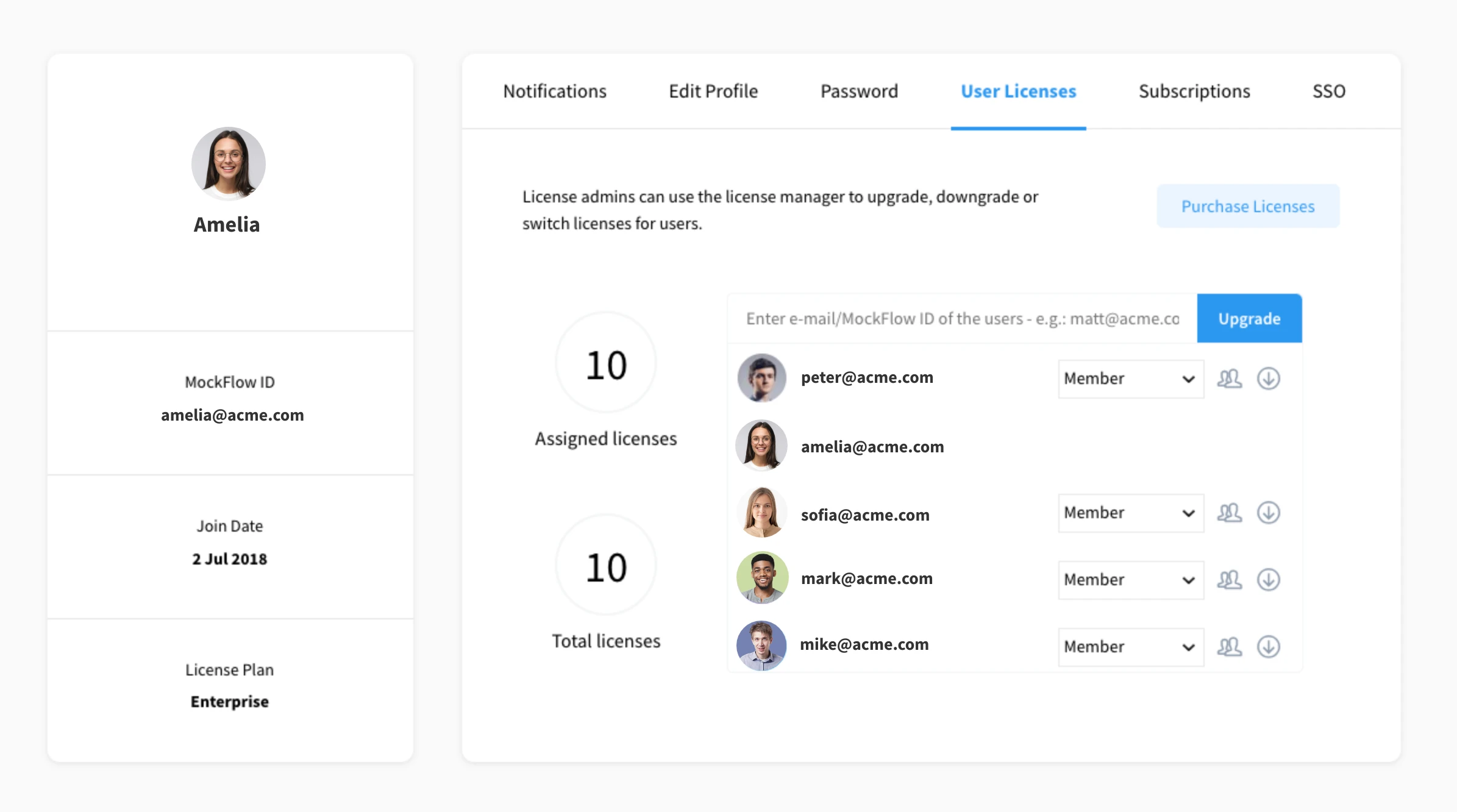
To view the list of shared licensed users, click on the member dropdown.
You can change the license for a user as either a Member or a License Admin.
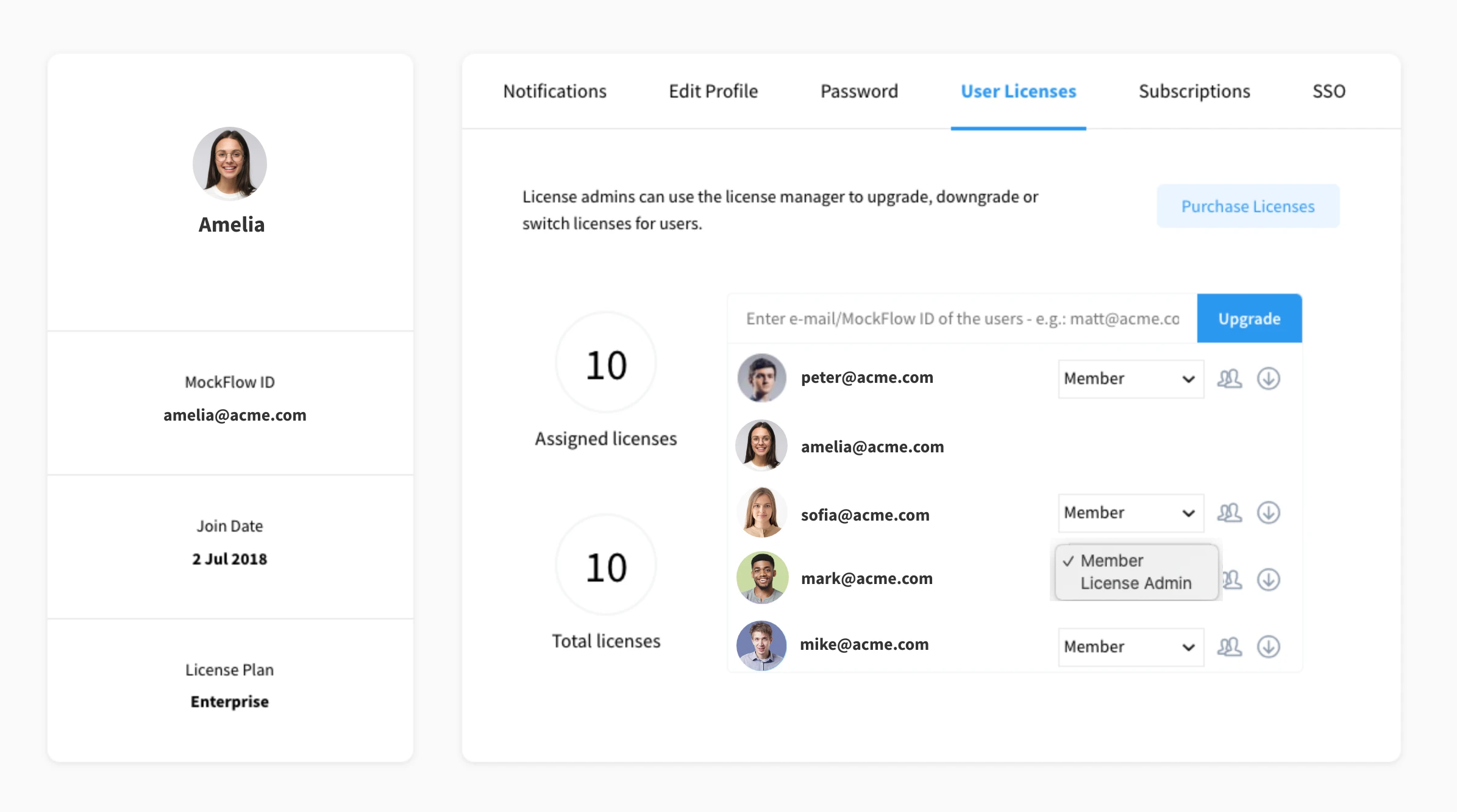
Member
License Admin – License admins can use the License Manager to upgrade, downgrade, or switch licenses for users.
Was this page helpful?