
Internal
How to use Minimap in WireframePro?
The Minimap in wireframing provides a quick, zoomed-out view of the entire design, making navigation seamless. To access the...
The Minimap in wireframing provides a quick, zoomed-out view of the entire design, making navigation seamless.
To access the Minimap, hover over the 'Zoom' icon in the top-left corner of the Wireframe editor.
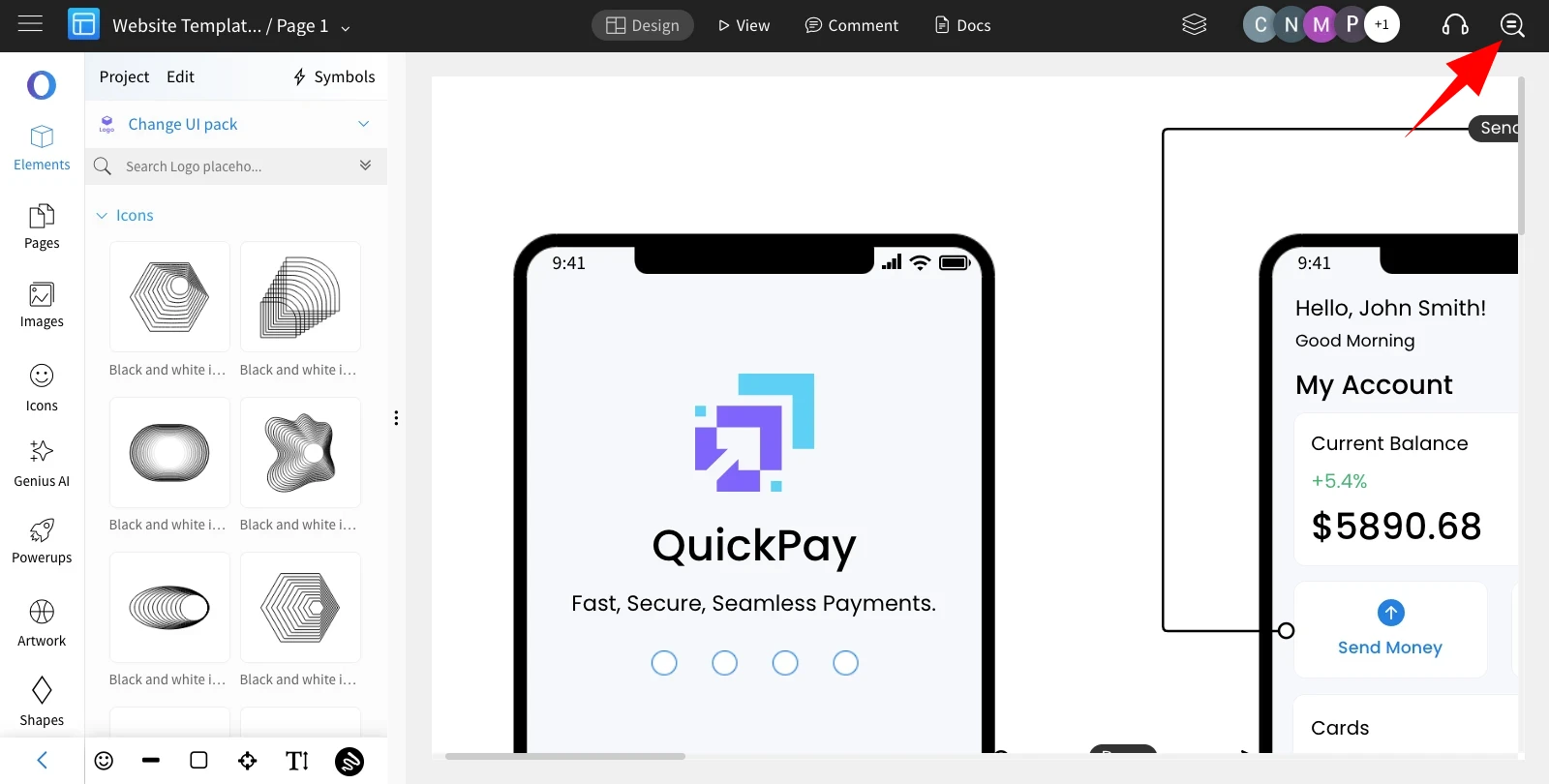
The Minimap will appear, providing a zoomed-out view of the entire Wireframe editor. Click anywhere on the Minimap to instantly navigate to that specific area on the canvas.

You can check out more articles on Zoom Options in MockFlow.
Was this page helpful?