
Internal
How to Export Front-End Code from a Wireframe?
After converting a section of your wireframe or an entire page to code using the build mode, you can export or download the code...
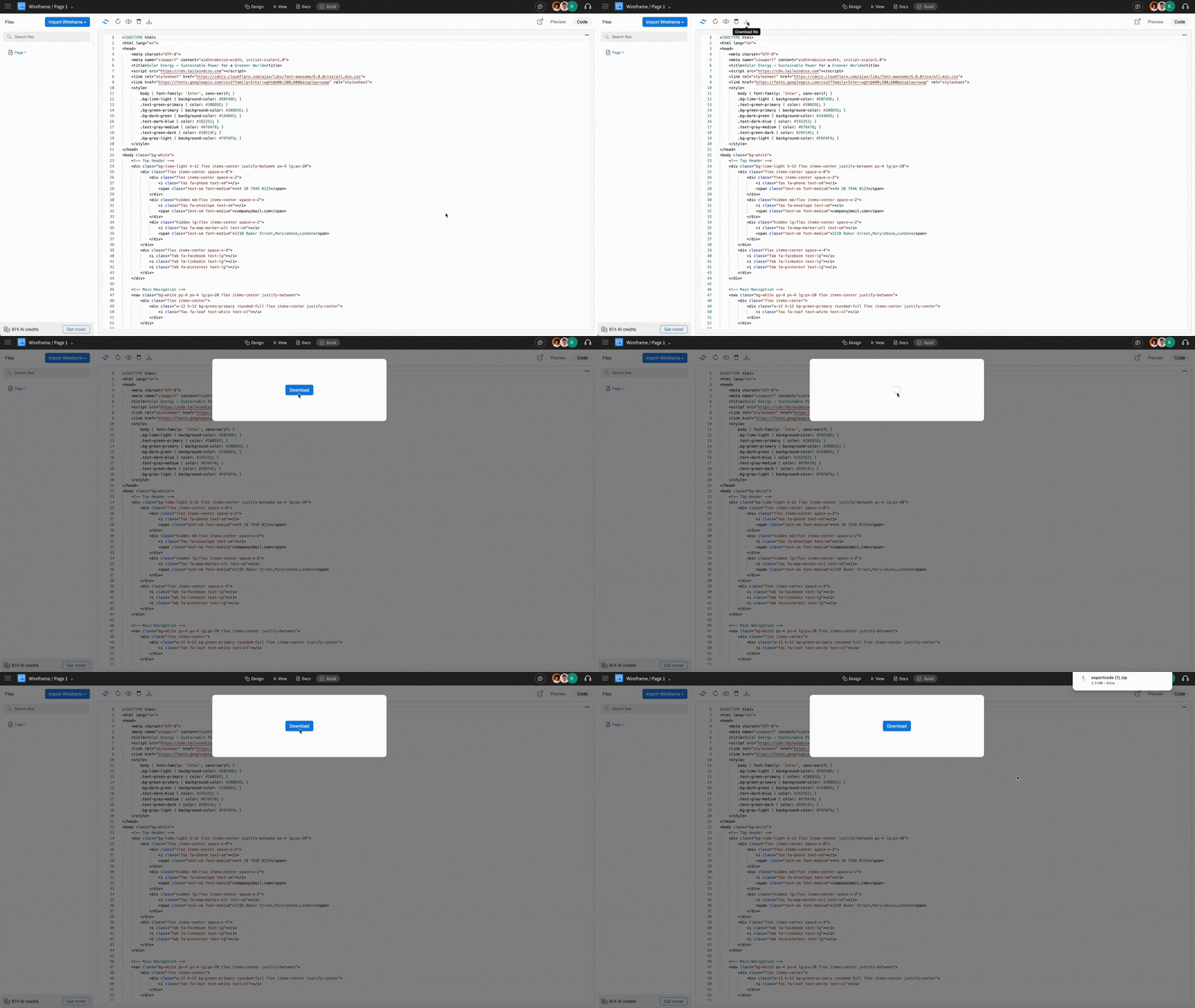
After converting a section of your wireframe or an entire page to code using the build mode, you can export or download the code to your device using the export option.
To download the code, click ‘Download File’ and then click on the ‘Download’ button to save it to your device.
The exported code can be integrated into your code repository - whether you’re updating an existing app, creating a website, or building a new project from scratch.
Exporting the full page may consume more AI credits. To optimize usage, consider exporting only the selected parts.
Was this page helpful?