
How to Convert a Full Wireframe Page into Code?
Turn your full-page Wireframes into ready-to-use to use frontend code instantly using MockFlow's Build Mode. Follow these...
Turn your full-page Wireframes into ready-to-use to use frontend code instantly using MockFlow's Build Mode. Follow these instructions below,
Inside your WireframePro editor, click on the ‘Build’ option from the top menu.
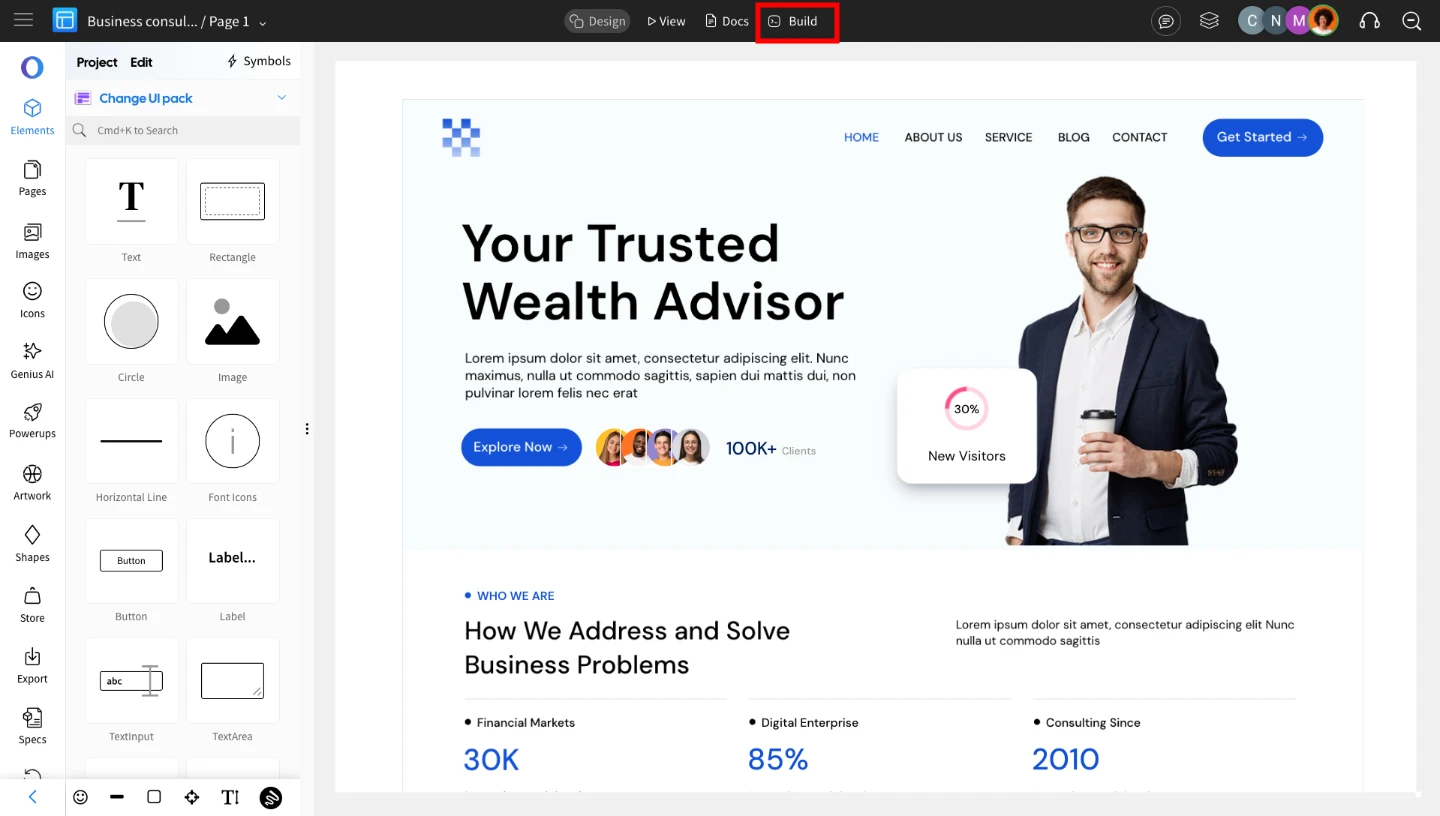
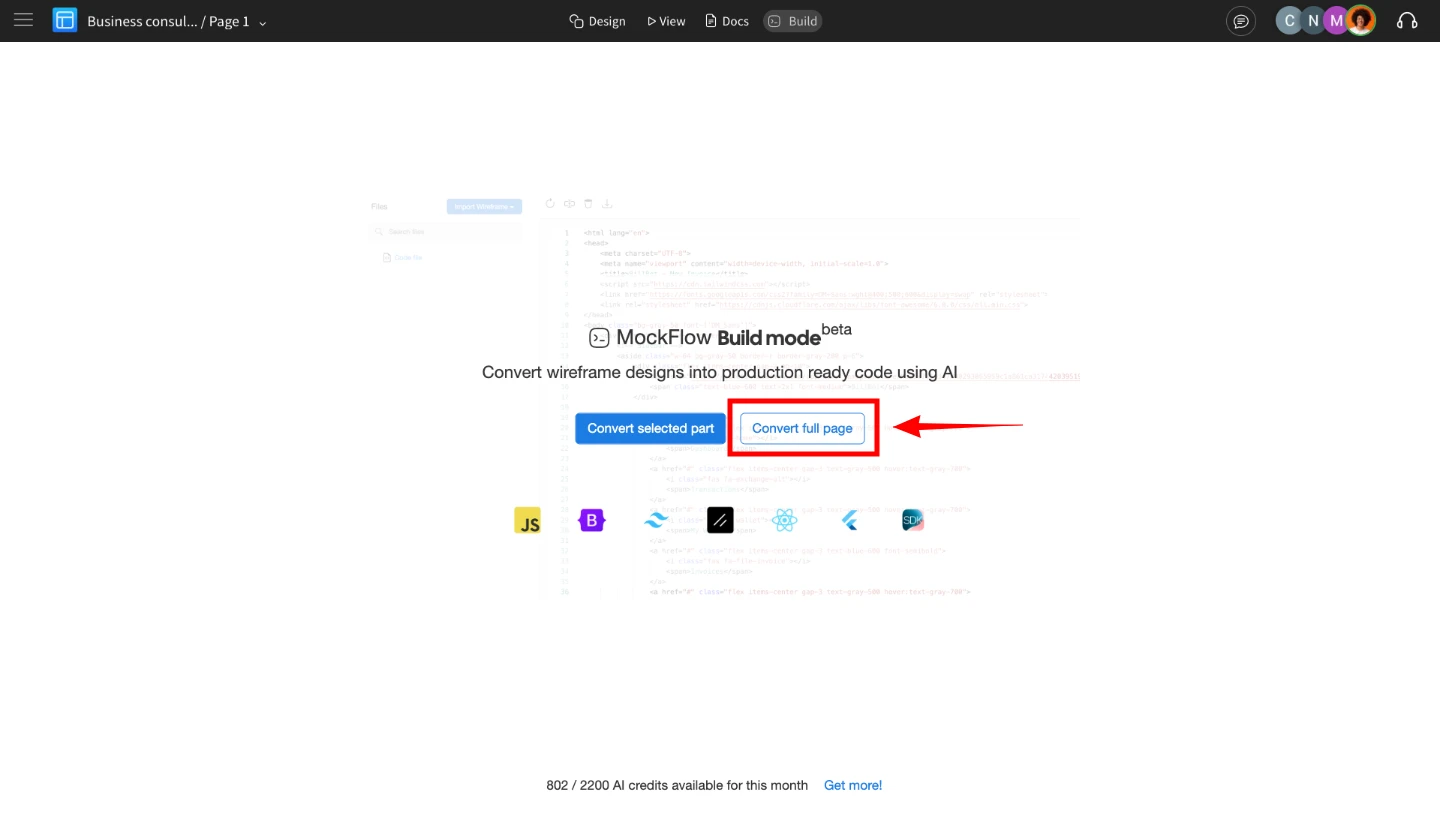
You’ll see two options: click on 'Convert Full Page.'
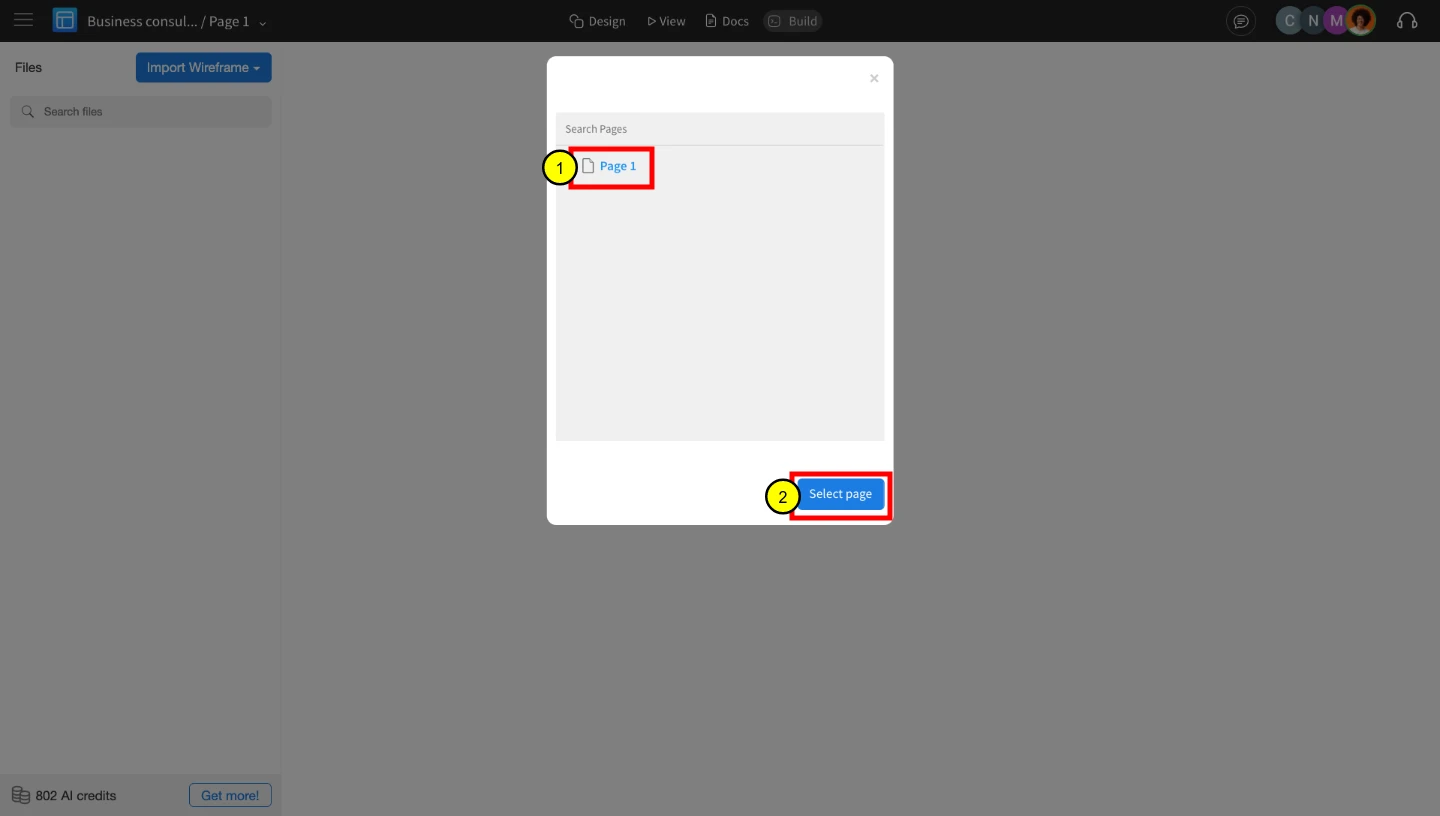
Next, select the wireframe page you want to convert and choose the type of code you want to generate.
MockFlow supports multiple frameworks like Tailwind, Bootstrap, and more. Select your preferred code type, then choose a specific version based on the selected framework. Click ‘Convert’ to begin the code generation process.
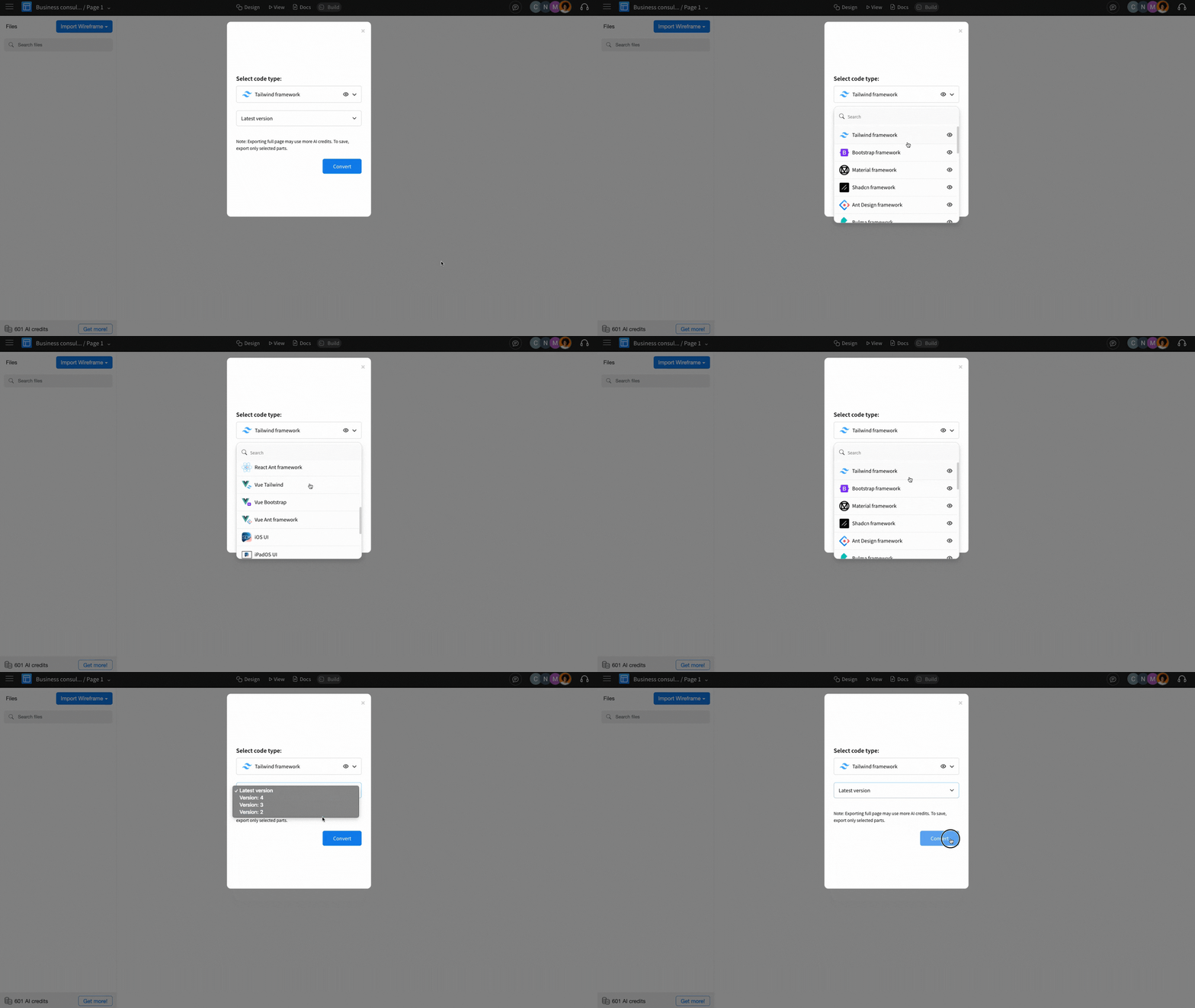
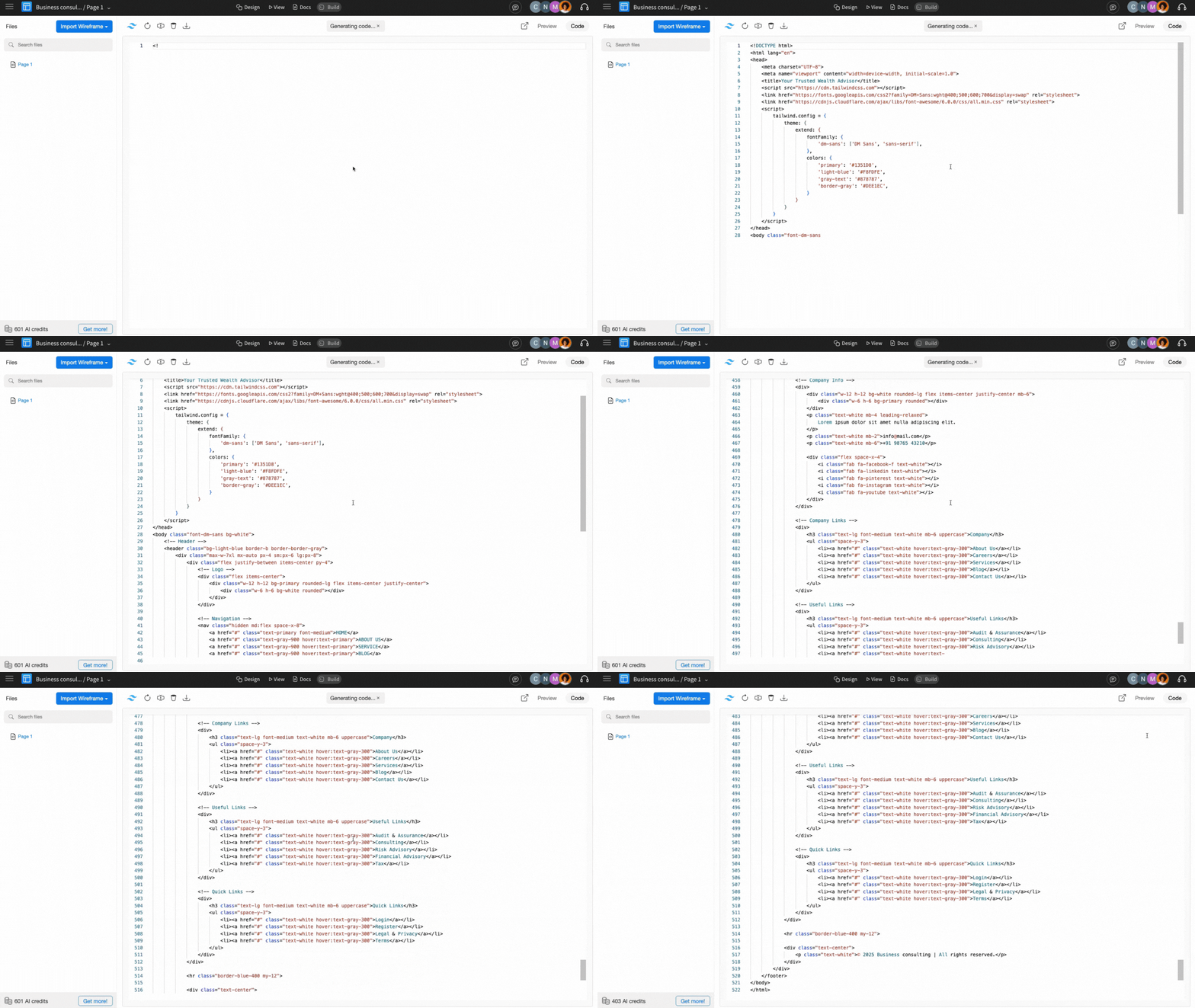
5 On clicking Convert, the code generation process for the selected framework begins. Click OK once the generation is complete.
To see how your code exactly renders as UI, click on the 'Preview' option from the top right corner.
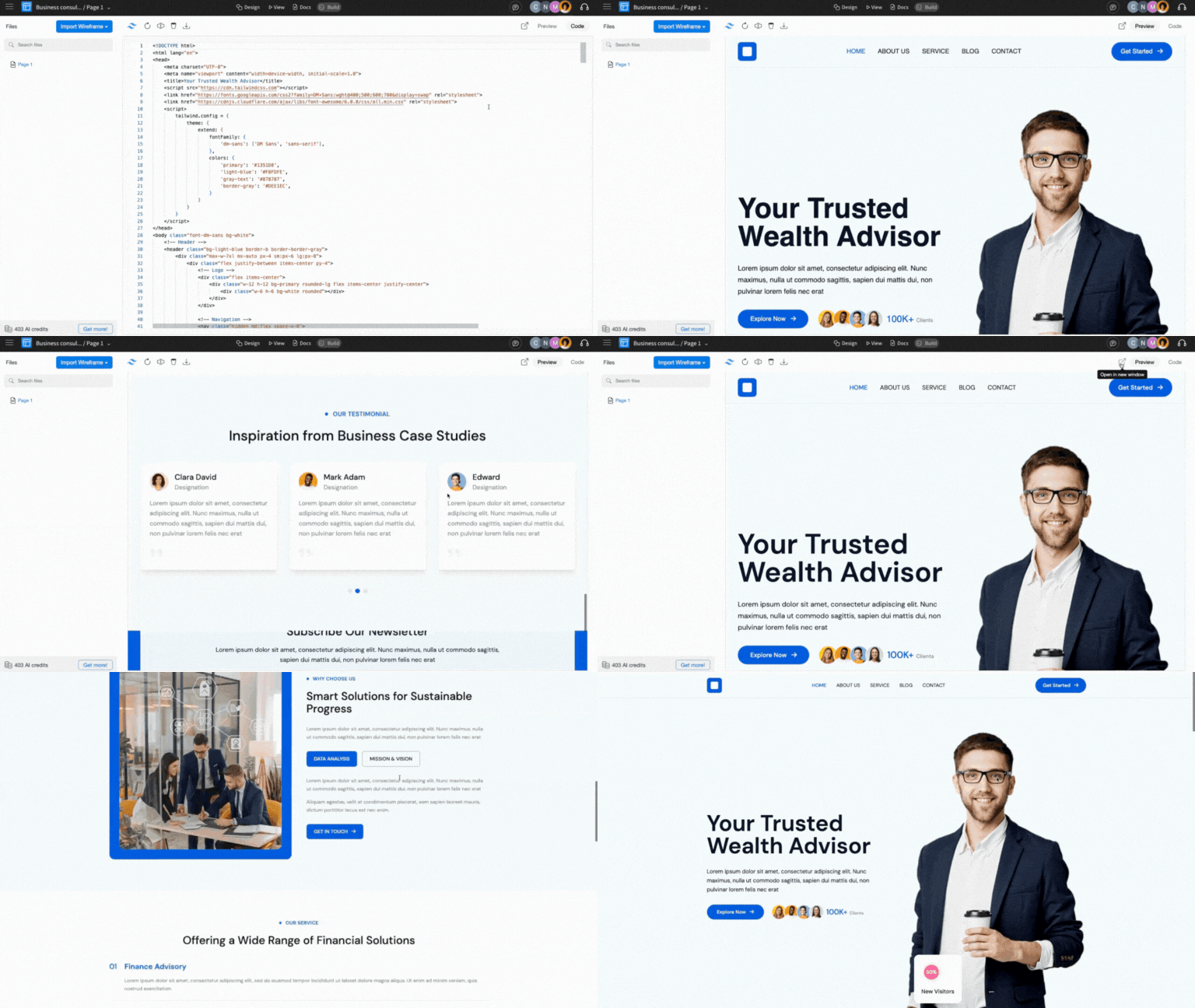
The code can be exported by clicking on the download icon in the top menu bar. Refer to this article to learn how to export the frontend code.
Here's a video demonstrating this MockFlow Build Mode Feature: