
Internal
How to change SiteMap theme?
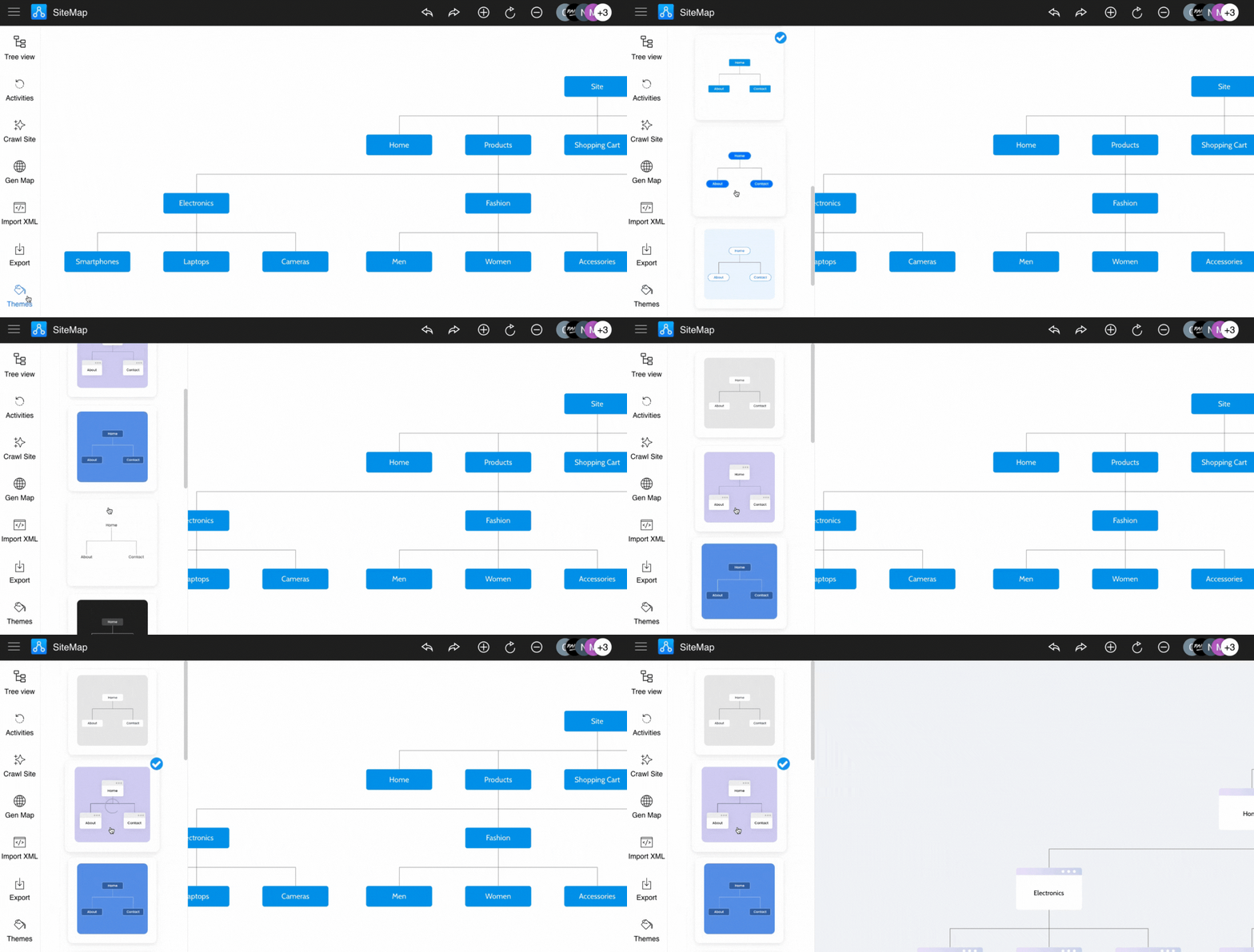
Instantly change the look and feel of your sitemap design using themes by following the steps below: Click on the 'Themes' icon...
Instantly change the look and feel of your sitemap design using themes by following the steps below:
Click on the 'Themes' icon from the SiteMap editor sidebar.
Select the desired theme from the list.
Was this page helpful?