
Internal
Differences between MockFlow's web and desktop apps
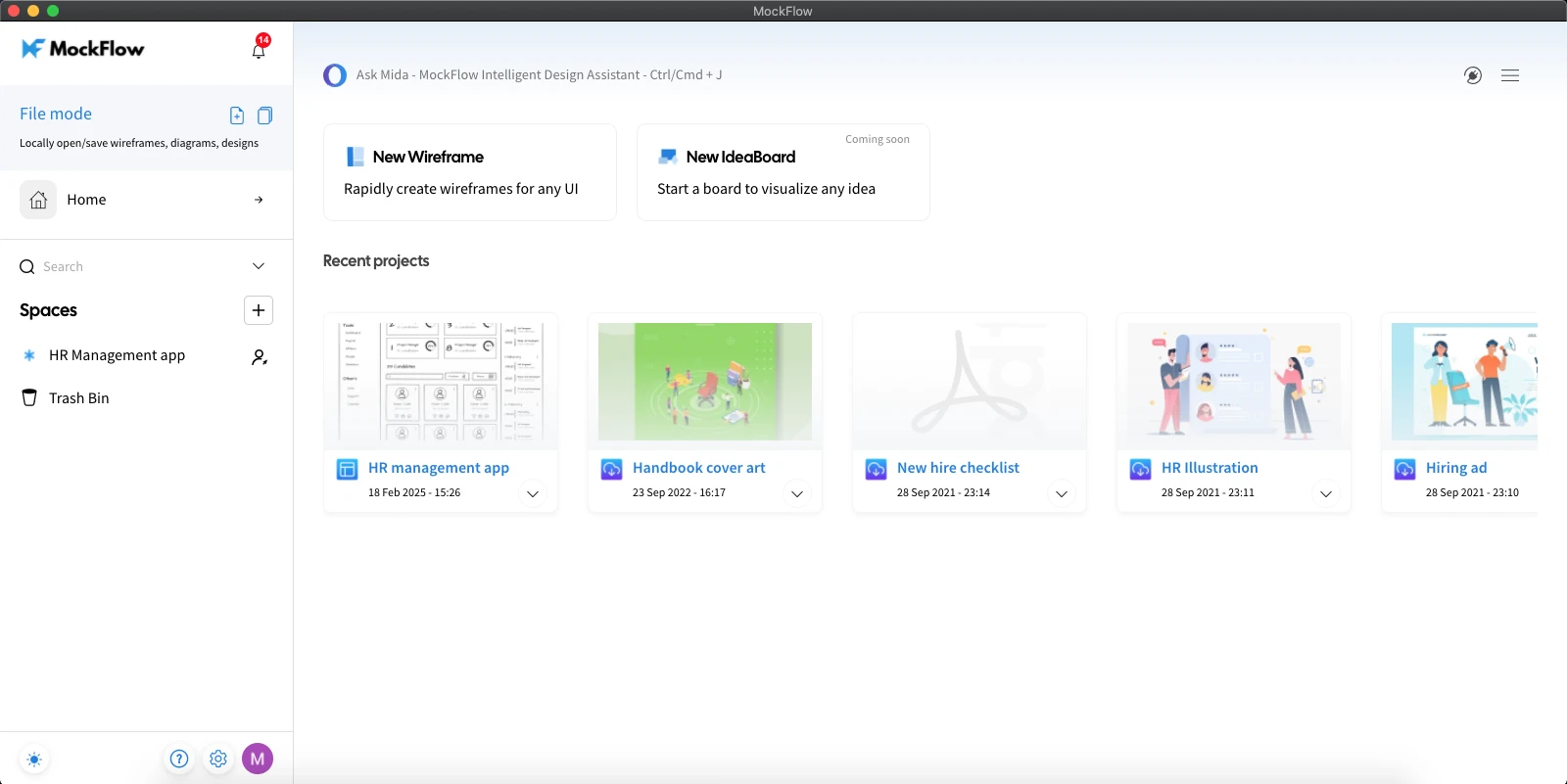
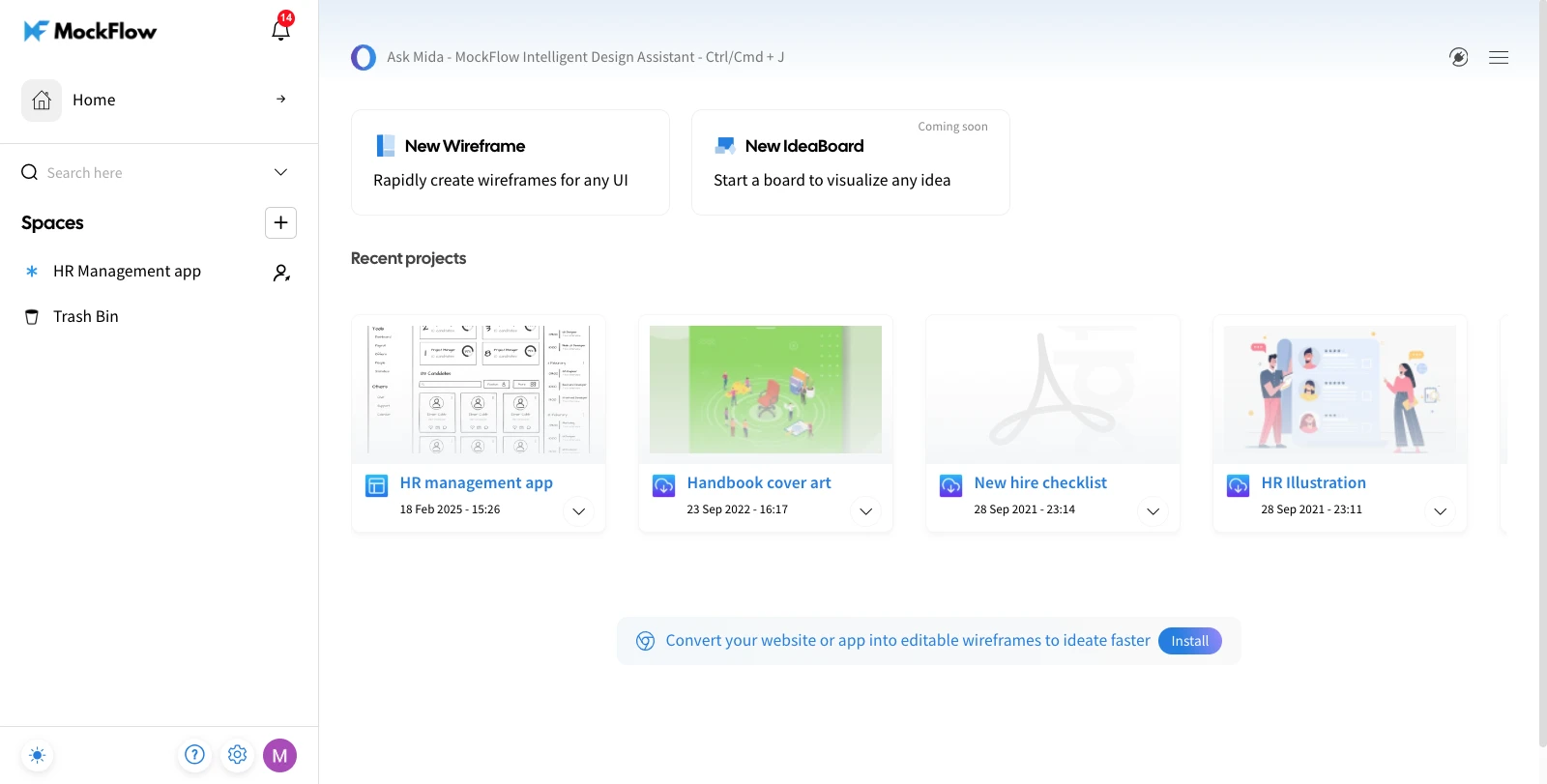
The desktop app is basically an extension of the web app that provides all online features plus improved performance, native...
The desktop app is basically an extension of the web app that provides all online features plus improved performance, native keyboard shortcuts, native application menus and easier access. If you are going to spend a lot of time wireframing, we recommend you to use the Desktop client as it uses less resources and its stability is not dependent on the browser. It is available for both Windows and Mac OS.
Note: The desktop app is not a standalone application and requires access to MockFlow servers for functioning.
For more details and downloads, click here.
Desktop App
Web App
Was this page helpful?