
Internal
Export cloud projects to offline .wire file
If you want to take your cloud wireframe projects fully offline and use them with the offline file mode available in MockFlow...
If you want to take your cloud wireframe projects fully offline and use them with the offline file mode available in MockFlow WireframePro desktop app for Yearly subscriptions, then follow the steps below:
Steps to export cloud projects to .wire file format
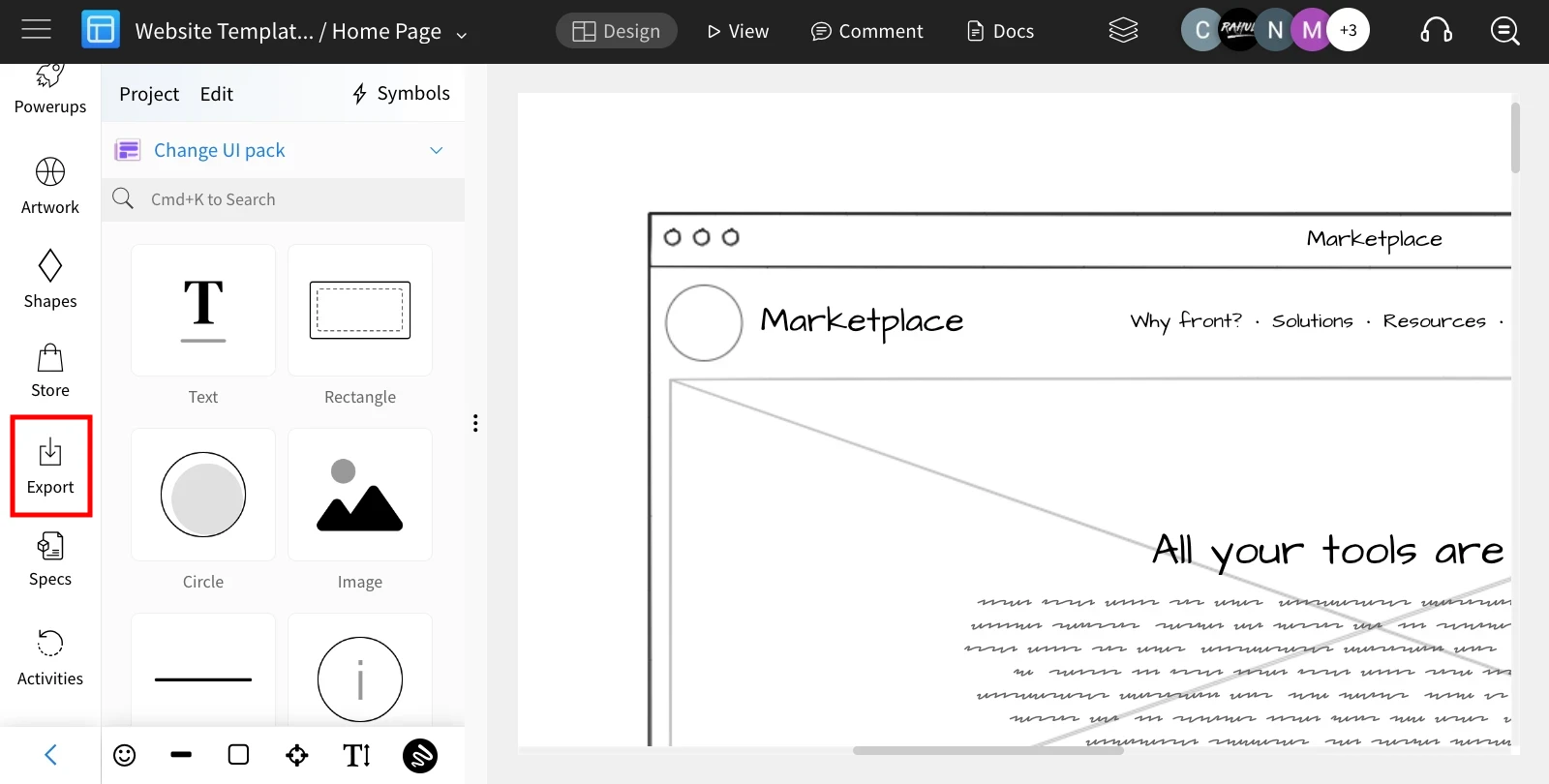
In your MockFlow editor, select 'Export' from the sidebar.
Choose 'Offline File' to download the project as a
.wirefile and click on 'Export Wireframe as .wire file.'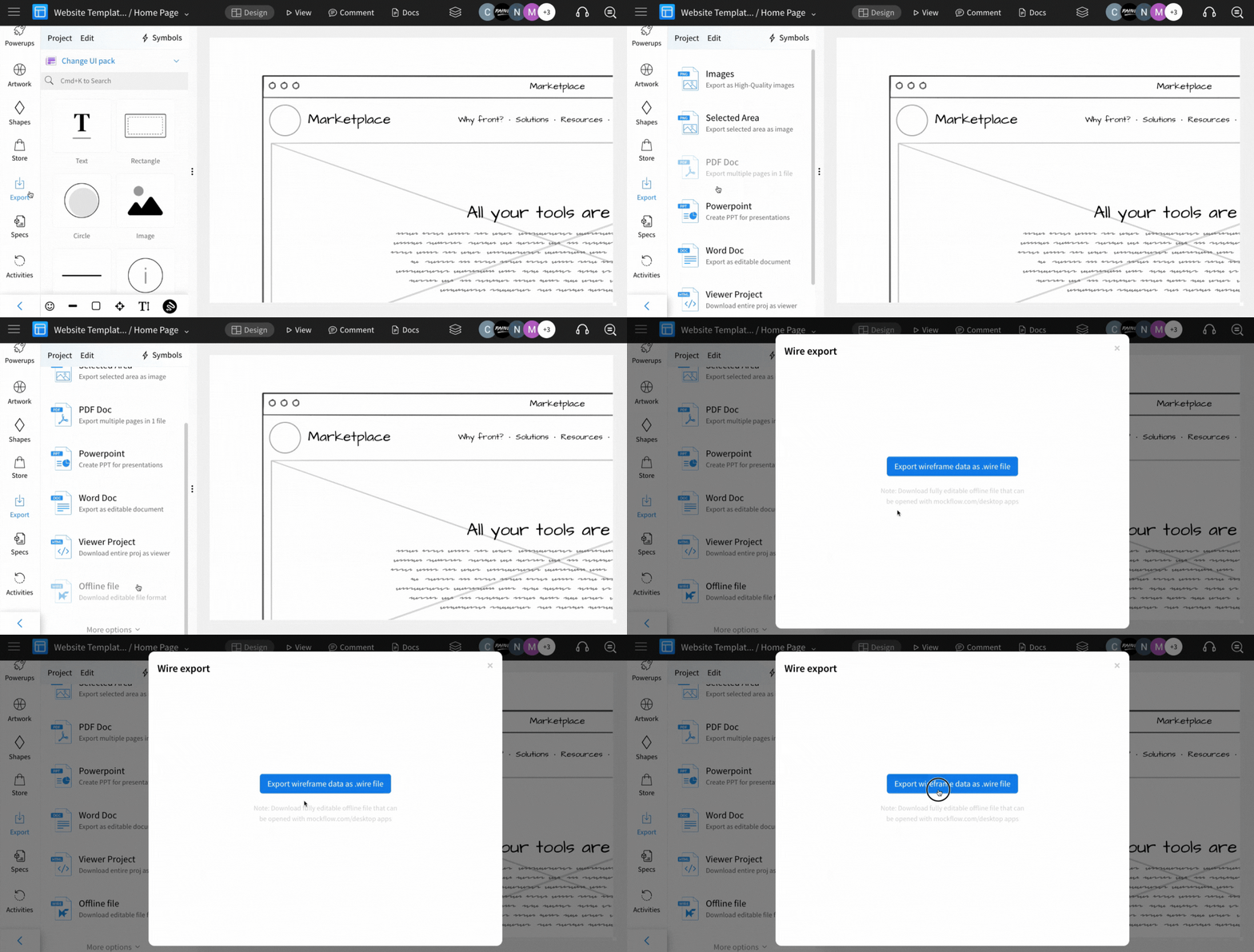
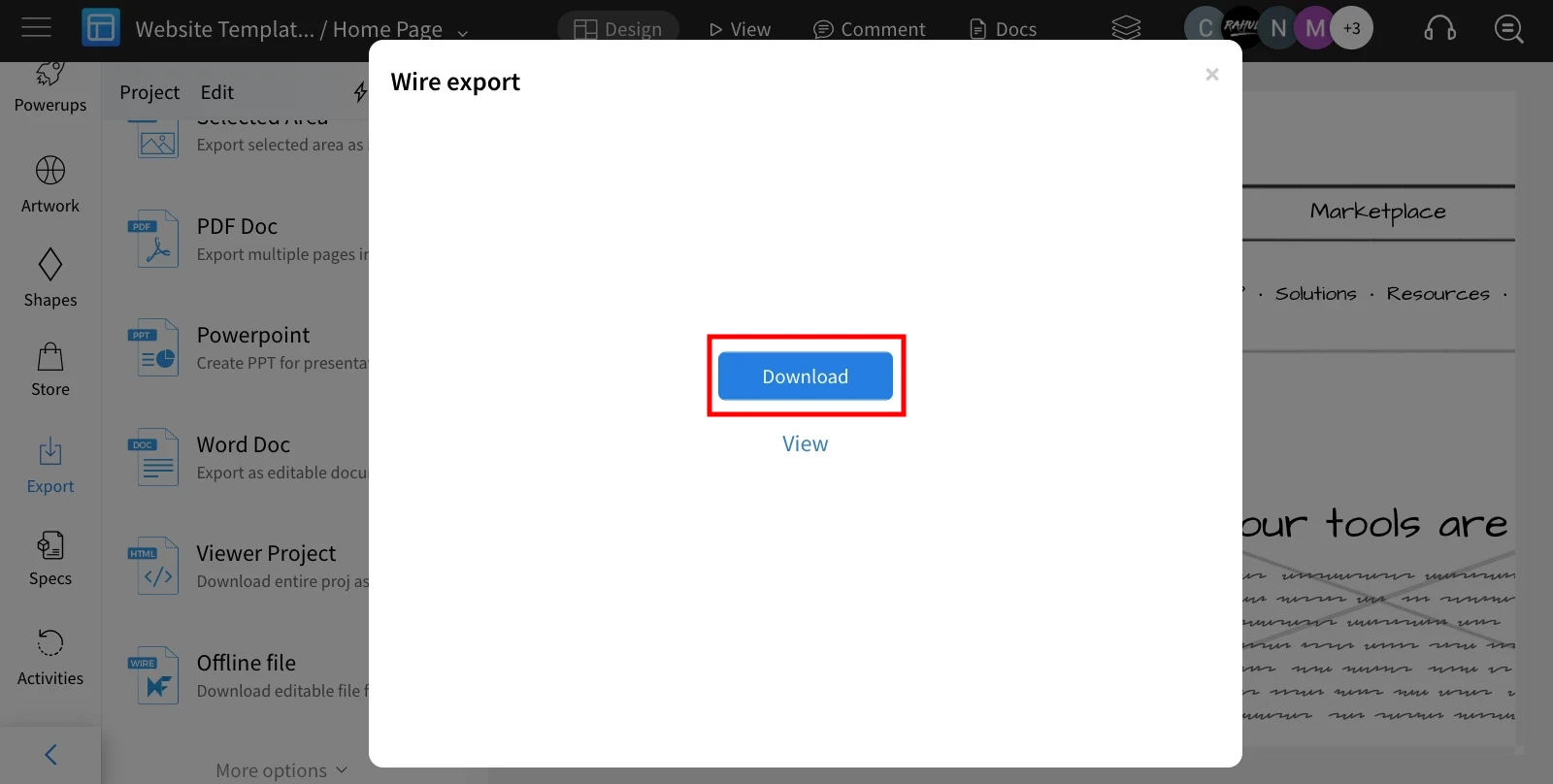
And finally, click on the 'Download' to export the wireframe file to an offline file.
Was this page helpful?