
Internal
How to zoom the SiteMap ?
SiteMap can be scaled using the zoom settings, which is always present in the left end of the project. Using the following...
SiteMap can be scaled using the zoom settings, which is always present in the left end of the project.
Using the following shortcuts:
Cmd+ to zoom increase
Cmd- to zoom decrease
Cmd0 to reset 100%
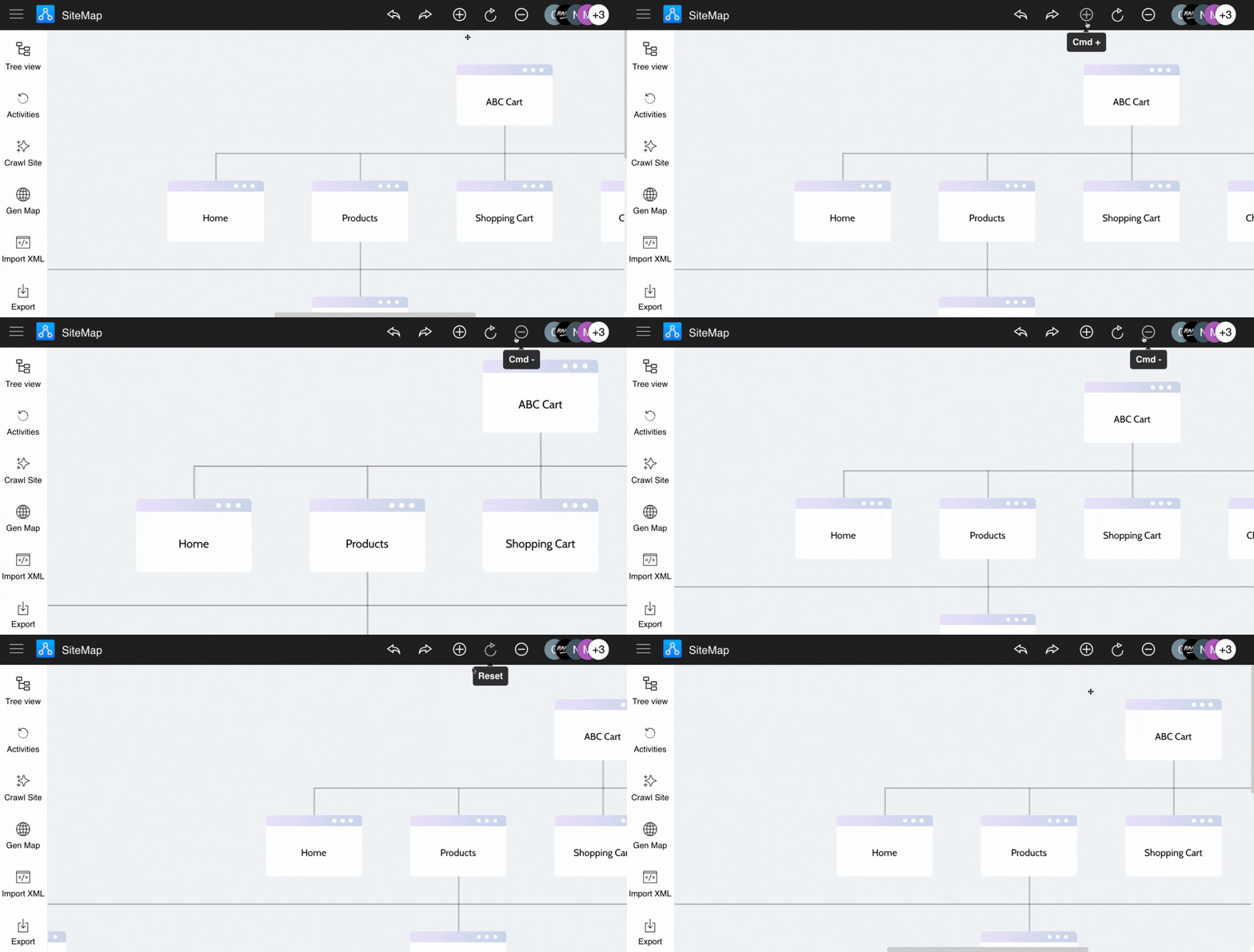
Click to zoom in sitemap.
Click to reset the sitemap editor frame.
Click to zoom out sitemap.
Was this page helpful?