Finding Components in MockFlow Board
In MockFlow Board, the different components required for all your whiteboarding needs can be found under these 3 options:...
In MockFlow Board, the different components required for all your whiteboarding needs can be found under these 3 options:
Components - Stickies, sections, embeds, etc.
Shapes, Icons & Images - Shapes & icons for Diagramming, image libraries & uploads.
Templates - pre-built templates to give you a head start.
Most used components:
Draw - For freehand drawing
Text
Stickies
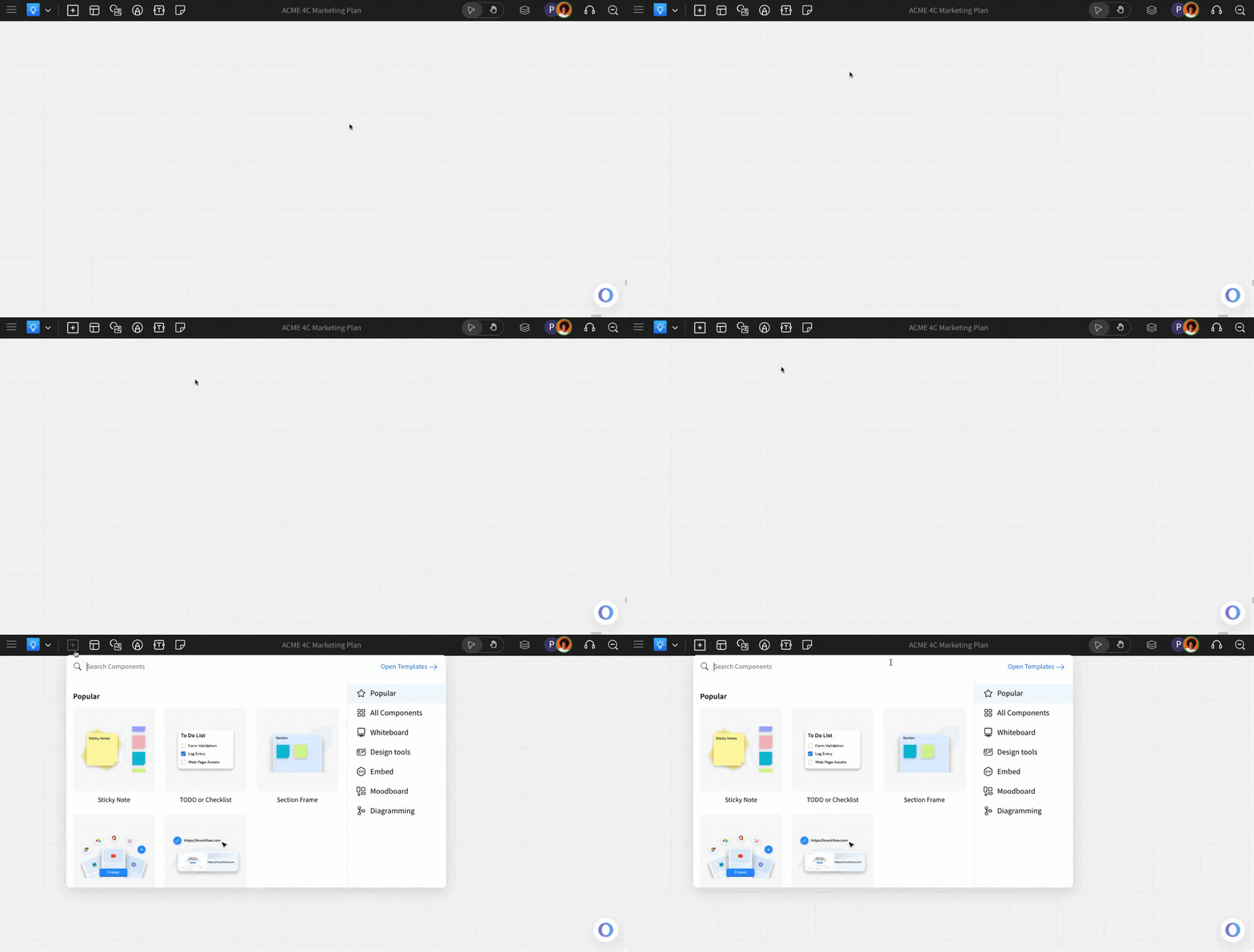
Hover over the 'Add' icon to access all components categorized under different groups. Your recently used components will also appear here.
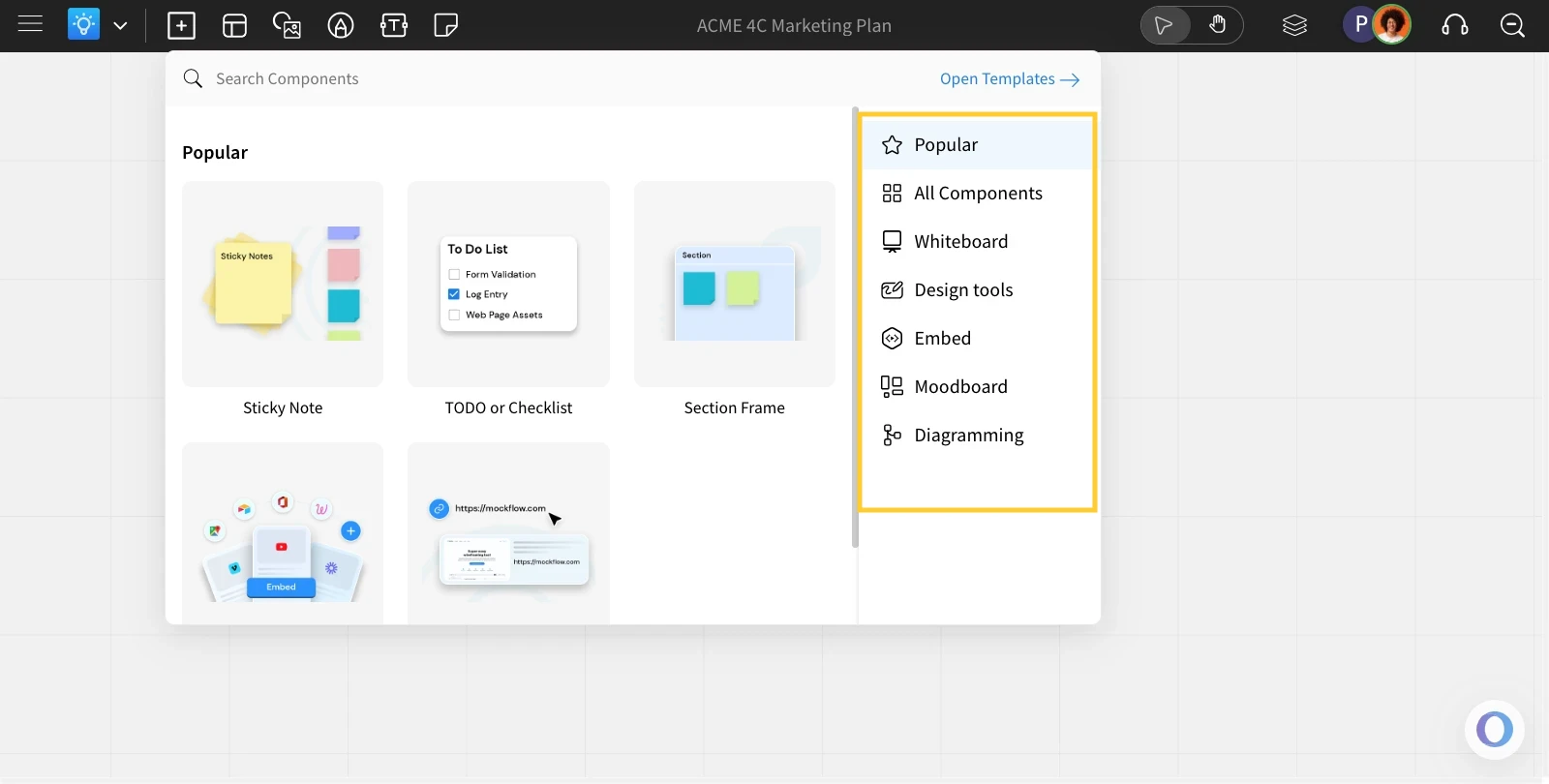
Use categories to filter and find the desired component quickly.
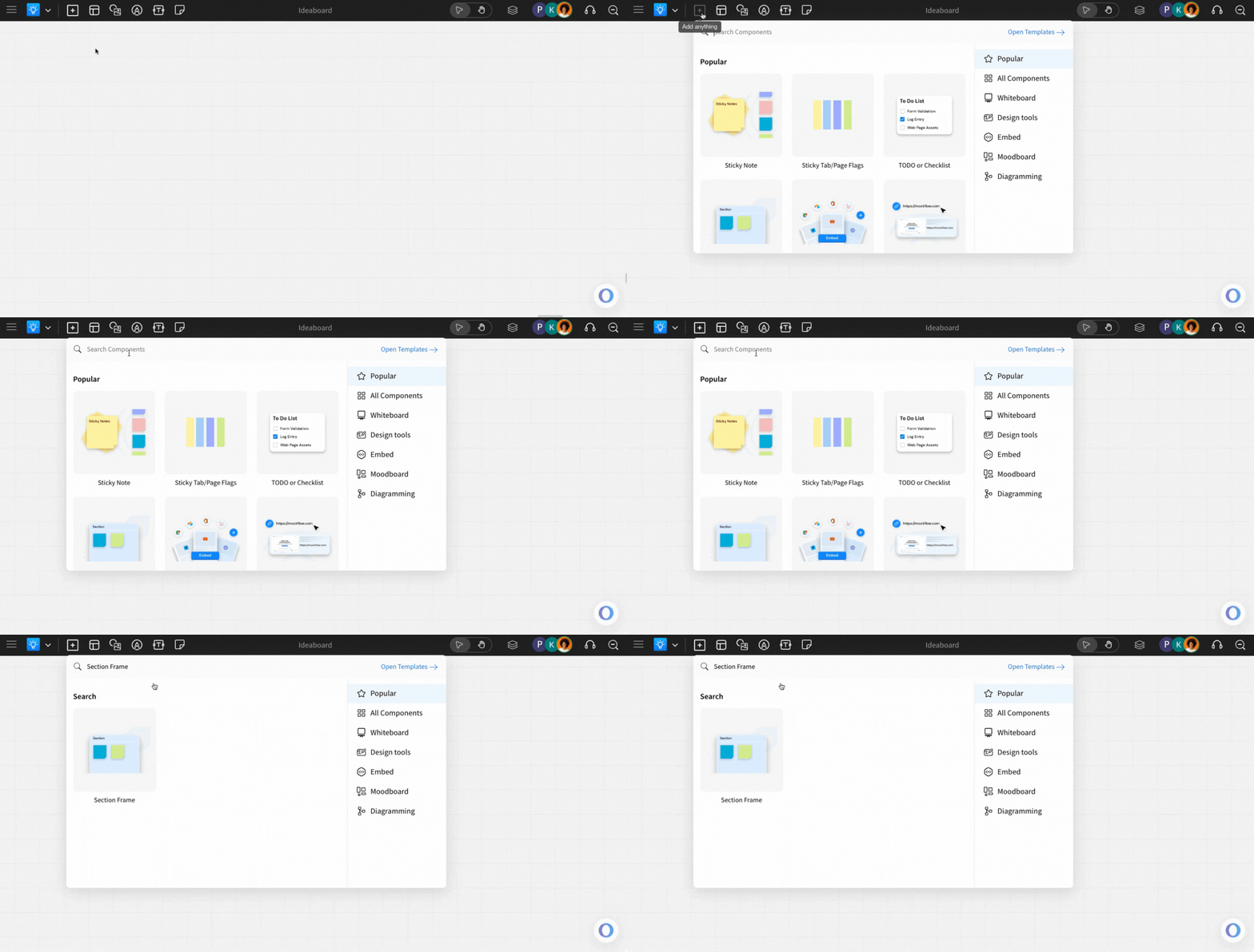
You can also search for components using the components search bar.
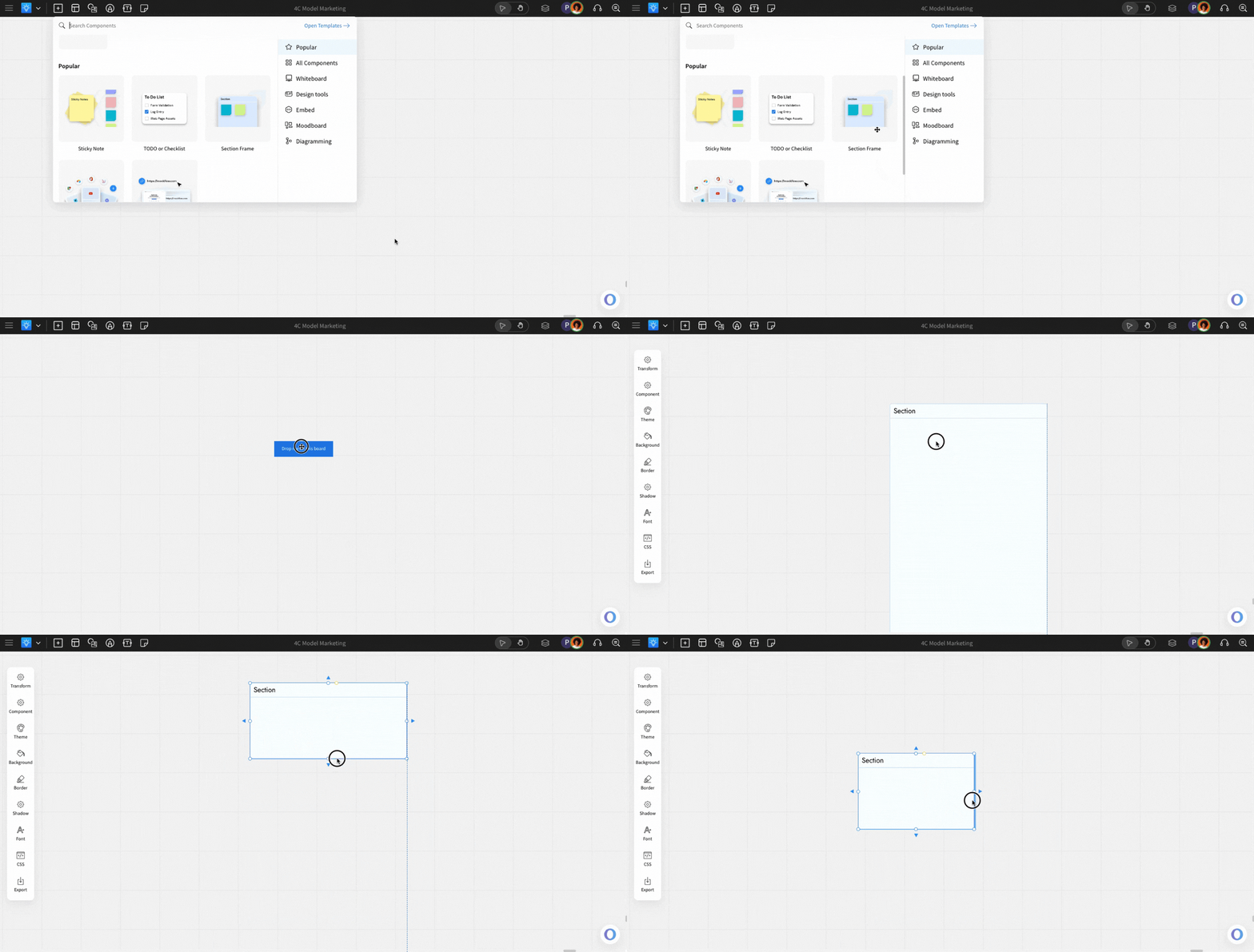
You can click on or drag & drop the desired component onto the canvas.