
Internal
How to Access Build Mode?
The Build Mode can be accessed inside MockFlow using the following steps below Log in to your MockFlow Account, and you can...
The Build Mode can be accessed inside MockFlow using the following steps below
Log in to your MockFlow Account, and you can either create a new wireframe project or use an existing one.
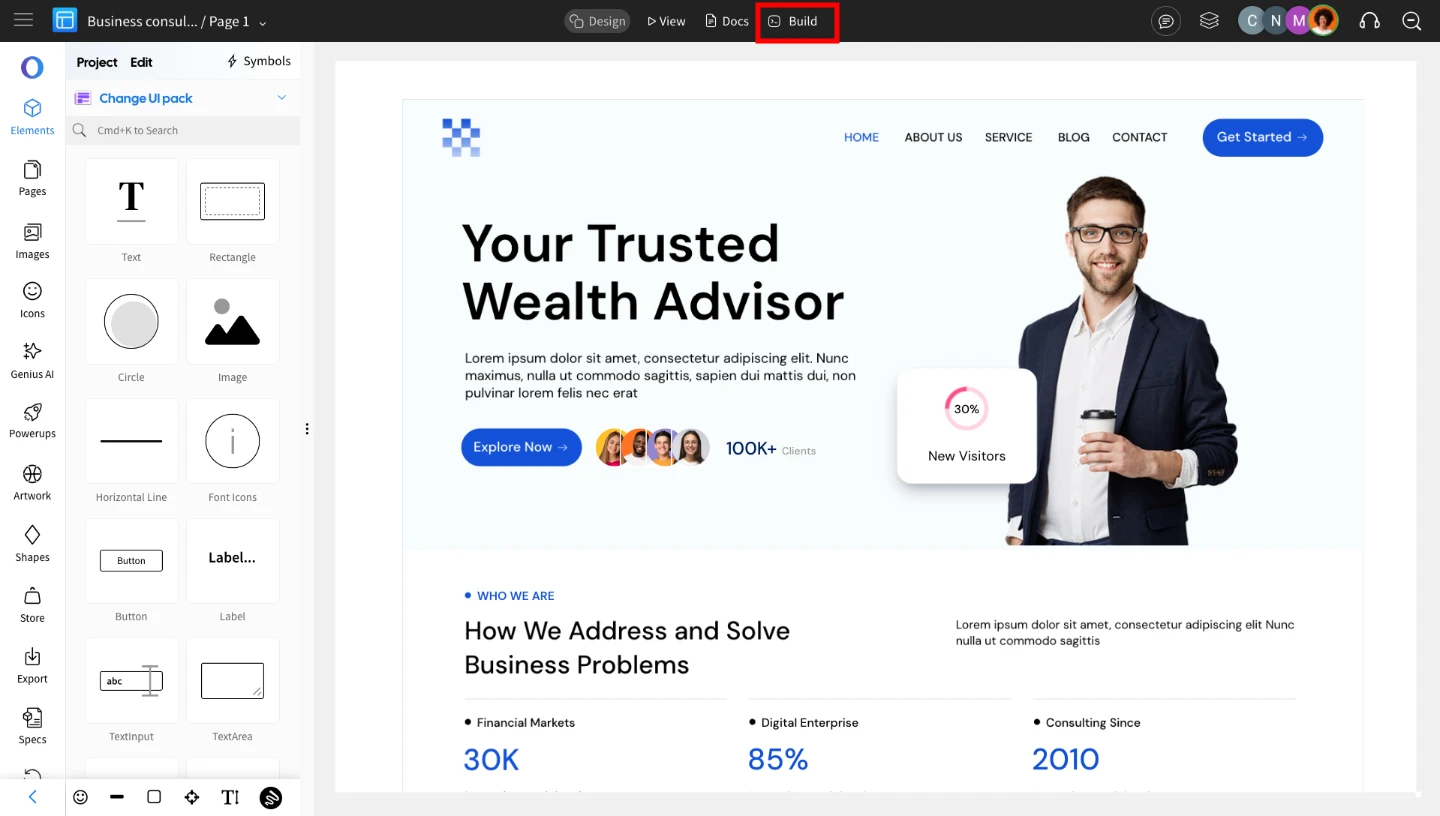
Inside your WireframePro editor, click on the ‘Build’ option from the top menu.
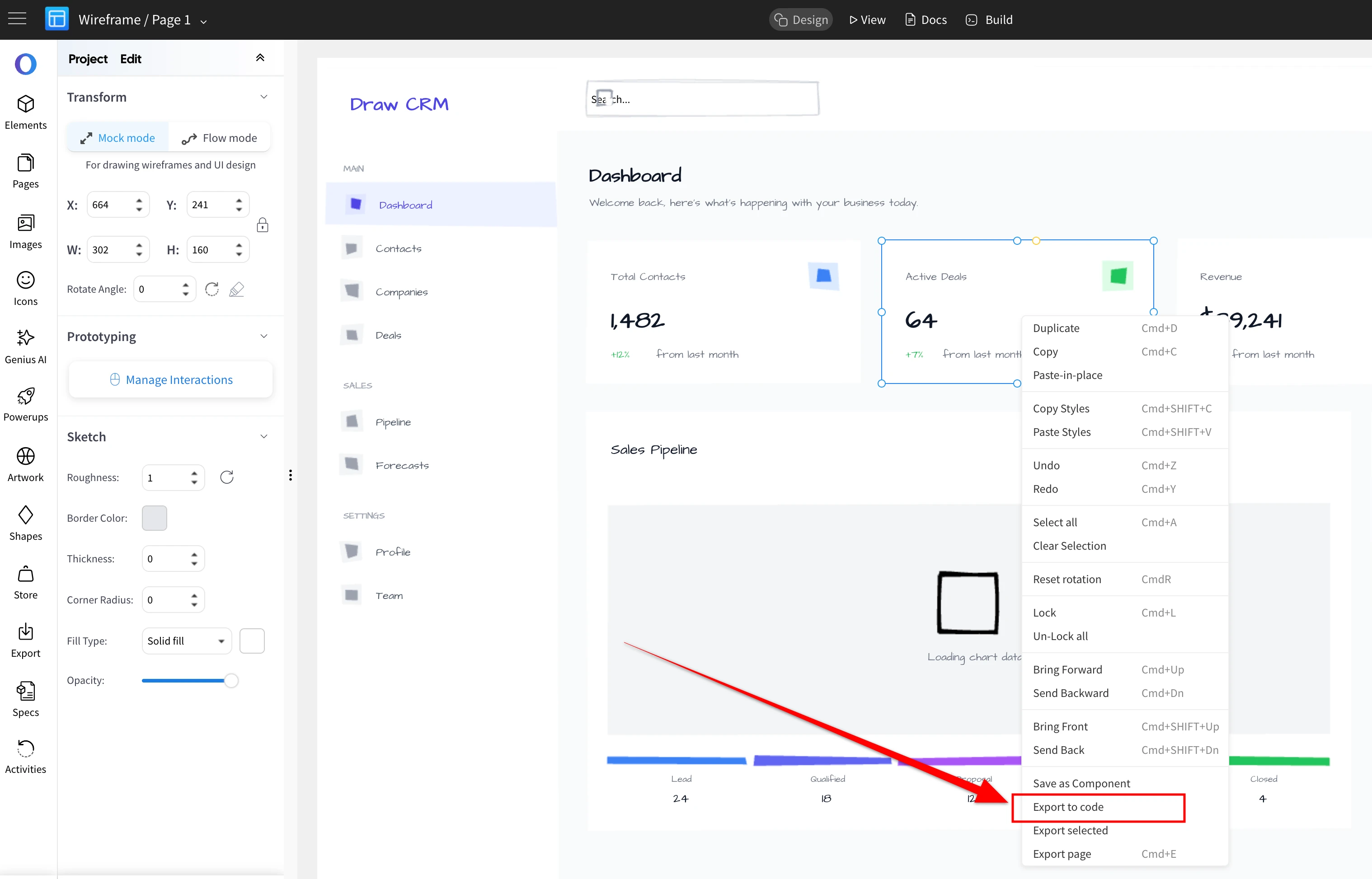
Alternatively, the build mode option can be accessed from the right-click menu too.
The frontend code generation uses AI credits.
Was this page helpful?