



Run operations from one board.
Map the process, plan the places and schedule the people on one shared board, with AI that drafts each part for you.

 Elena
 Lucas

A whiteboard for operations is a shared board where an operations team maps how work gets done, where it happens and who does it. In MockFlow one online whiteboard holds the swimlane of a process, a map of your sites and routes, the floor plan of a new location, the shift table and the opening checklist, and AI drafts any of them from a sentence. It suits operations leads, store and site managers, office managers and event planners who need everyone working from the same plan.
Map the process. Find the slow step.
A swimlane shows every step and who owns it, so the handoff that holds everyone up is easy to see.
 Mida
Every café email is re-typed into the order sheet, about 25 minutes a day, so the bake list waits until mid afternoon.Re-type into sheet
Two ideas: move the cut off to 1 pm, or let an automation read the order emails into the sheet.Automations, Max
Elena asks where café orders get stuck.
Mida reads the swimlane and the order sheet and points at the re-typing step. Draw the lanes by hand, or describe the process and AI lays them out. See Create a swimlane diagram, the process mapping tool and the AI swimlane diagram generator.
Plan the sites, the routes and the rooms.
Pin your locations, draw the delivery route, shade where your supplies come from and lay out the new site, right beside the process they serve.
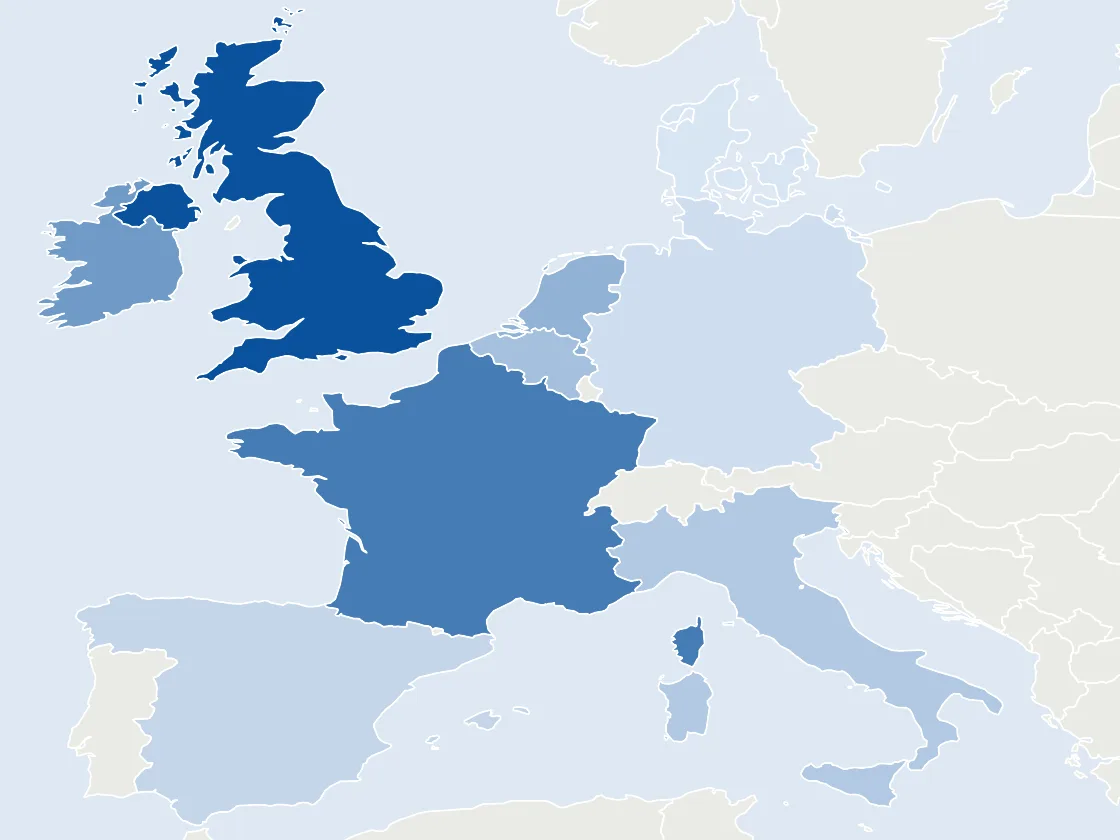
Every site, the production room and where the flour comes from.
Pin Maps marks each site, Strategy Map draws routes and zones, Region Maps shades countries or states by a value, and the Floor Plan frame lays out rooms, doors and furniture. Each one can start from a prompt. See Pin places on a map, Color regions on a map, Plan on a map and Draw a floor plan, or try maps with AI.
An operations planning board the whole team sees.
One request drafts the week. The drivers, the bakers and the shop staff open the same board.
 Plan Saturday deliveries for our three shops
| Stop | Shop | Arrive | Status |
|---|---|---|---|
| 1 | Old Town | 5:40 | |
| 2 | Market Hall | 6:05 | |
| 3 | Harbour St | 6:30 |
Elena plans Saturday from the bakery.
Mida drafts a timeline of the run and the van stops, and the drivers see each status change as it happens. Reviewers view and comment for free.
Schedule the people and the big days.
Dates on a calendar, jobs on a checklist and the numbers in a spreadsheet, next to the plan they belong to.
Hire two shop staff
Order uniforms and aprons
Train on the new till
Print opening day flyers
Invite the neighbours for tasting
| A | B | |
|---|---|---|
| 1 | Item | Cost |
| 2 | Oven and proofer | $8,400 |
| 3 | Counter and shelves | $3,250 |
| 4 | Signs and menus | $900 |
| 5 | Opening stock | $1,150 |
| 6 | Total | $13,700 |
The opening, planned in one place.
Calendar, TODO or Checklist and Spreadsheet are on every plan, and each has its own AI button. See Add a calendar, Track tasks with a checklist and Work with numbers in a spreadsheet.
Boards that update themselves.
Turn a weekly routine into an automation and the board is ready before you are. Max

Automations read Google Calendar, Zoom, Google Sheets, Slack and more, with 60 runs a month on Max. Browse automation templates or see What are automations. For plans that must stay off the cloud, keep them as files with the offline whiteboard.
Ready made for operations teams.
Templates, apps, AI experts, skills and automations that fit the work. Apps and games and AI experts need Plus, automations need Max.
Templates
All templates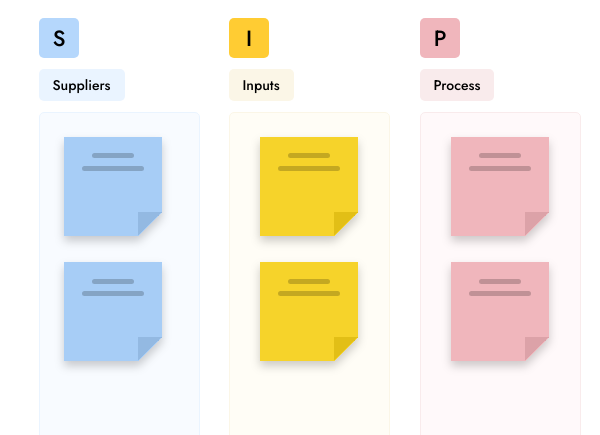


Apps and games
All artifacts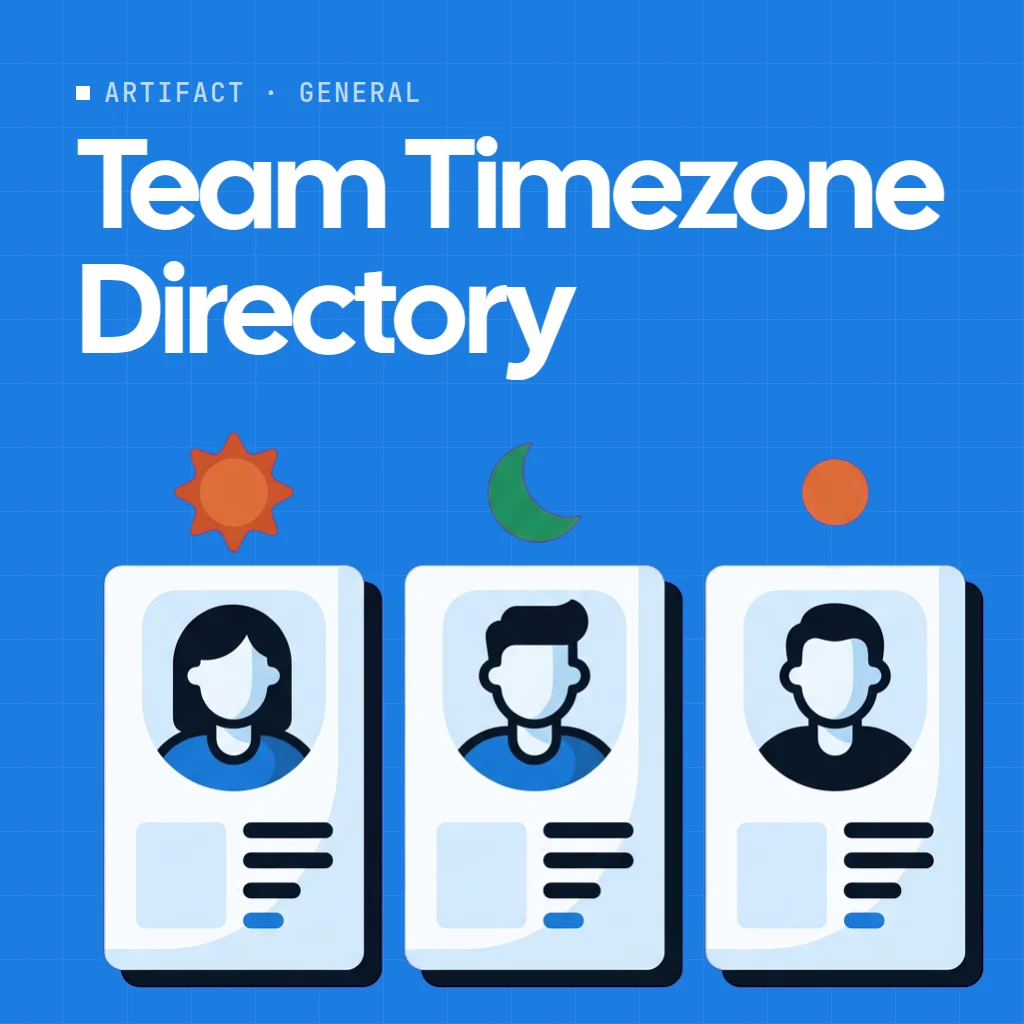
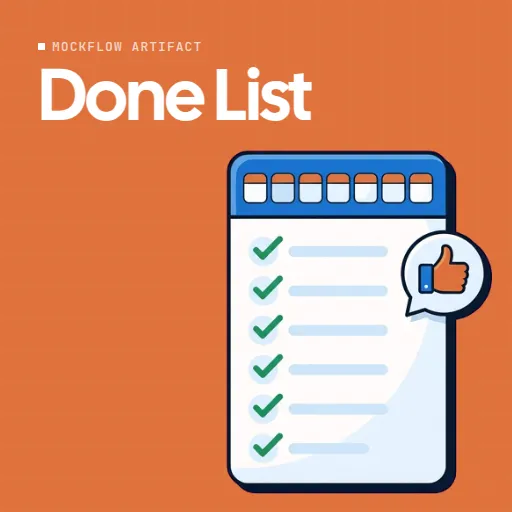
AI experts
All Concept Builders Process SOP ArchitectTakes a messy recurring process and lays it out clearly, who does each step, which tools they use, where approvals sit, and what to do when things go sideways.

Agent skills
All skills


Automations
All automation templates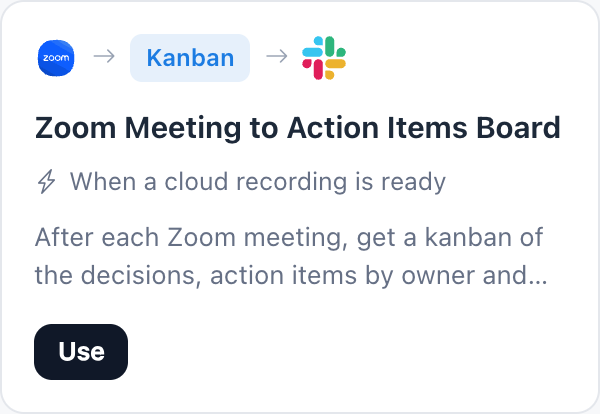
Start free. Add the team when you are ready.
Every component on this page is on every plan. Plus and Max add editors, AI experts, meetings and automations. Compare plans.
| Feature | Basic | Plus | Max |
|---|---|---|---|
| Swimlanes, maps, floor plans, checklists, calendars, spreadsheets | |||
| Projects | 4 | Unlimited | Unlimited |
| People who can edit | 1 | As many as you add | As many as you add |
| People who can view and comment | 5 reviewers | Unlimited | Unlimited |
| AI credits each month | 100 | 800 per editor | 2,000 per editor |
| AI experts (Concept Builders), apps and games | |||
| Team chat, audio meetings, polls and timers | |||
| Automations | 60 runs a month | ||
| Offline board files in the desktop app | Yearly plans |
For other teams: Designers Developers Product managers Teachers Marketing teams Workshops All solutions Whiteboard for meetings Enterprise
Operations whiteboard questions.
What is a whiteboard for operations?
Can I map a process with swimlanes?
Can I plan locations, routes and floor plans?
Can AI help plan operations?
Can the board update itself every week?
Is the operations whiteboard free?
Can staff view the plan without paying?
Can I keep sensitive plans off the cloud?
Open a board in one click and sketch the process. Sign up free to use AI, share it with the team and keep it.


 Brainstorm with MockFlow MCP


