Your team's board, anywhere.
MockFlow helps remote product teams wireframe, brainstorm and plan together, wherever they are.
Visual planning and UI design for remote workflows.
MockFlow brings the board and WireframePro, a rapid UI design tool, together in one collaborative platform, so your remote team can think, plan and design in real time.
Everyone in sync, in any time zone.
Brainstorm, plan and design together from any device, with communication, live editing and feedback tools built in. Add time zone tools and icebreaker games right on the board.

Built in chat and calls
Use text chat, voice or video calls in real time, or leave messages for async replies, without switching tools.

Presentation mode
Walk your team through designs or boards with screen sharing and presentation view, made for reviews and remote demos.

Threaded, resolvable comments
Keep feedback organised in threads and resolve comments to track progress and close the loop.

Suggest design variations
Propose alternate layouts, copy or components right inside a comment, so feedback is clear and actionable.
Role based sharing
Give reviewer, editor or admin roles to teammates and stakeholders for smooth cross functional work.
Version history
Review changes, see who made them, and restore earlier versions without breaking your flow.
Live cursors
See who is viewing or editing with real time presence, ideal for working sessions together.
AI that keeps async work moving.
Generate ideas, diagrams and wireframes in moments, so progress never waits for the next meeting.

AI wireframe generator
Generate editable wireframes from a prompt so everyone can react to a layout sooner.
Learn more
Brainstorm with AI
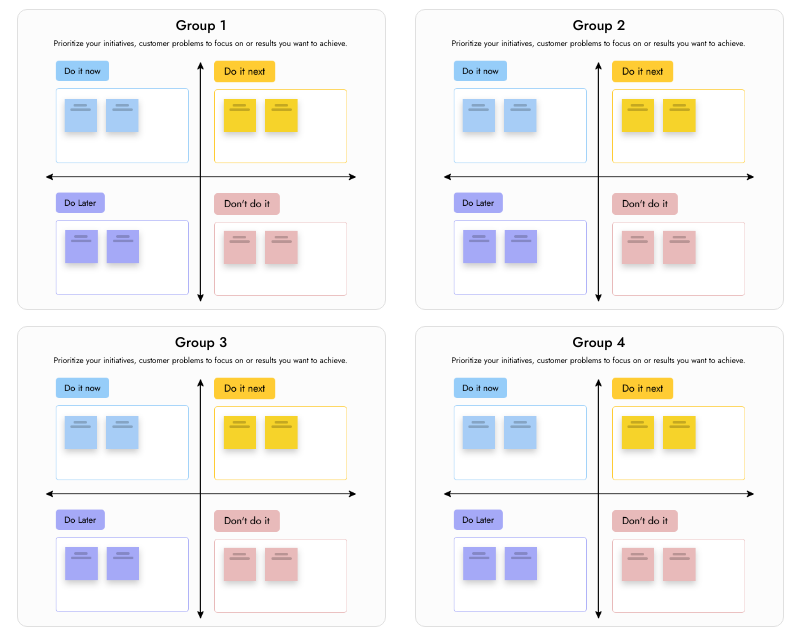
Start async ideation with sticky note layouts for SWOT, prioritisation and more.
Learn more
Sitemap with AI
Turn a product idea into a visual sitemap that defines scope together.
Learn more
Mindmaps with AI
Create structured mindmaps that share context across time zones.
Learn moreTemplates made for remote teams.
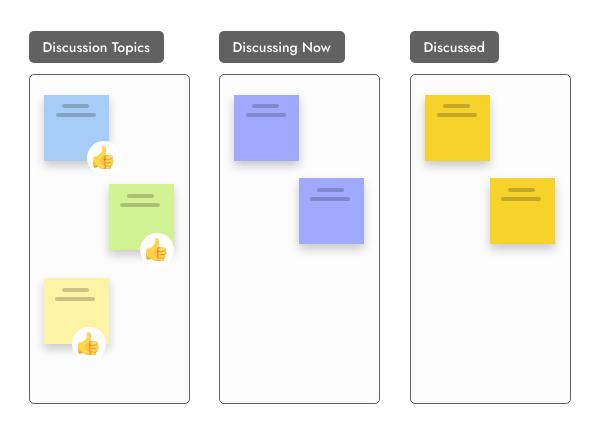
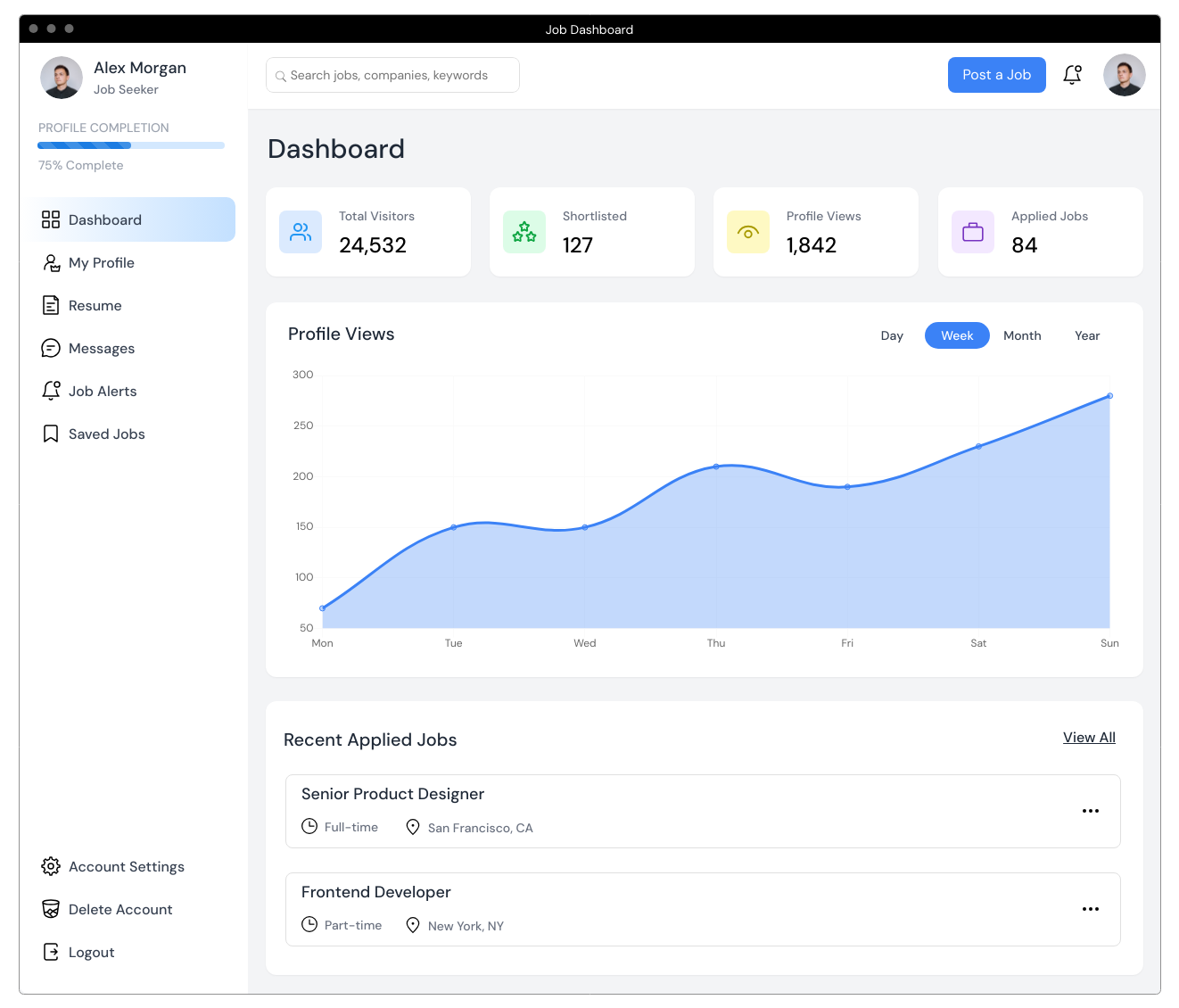
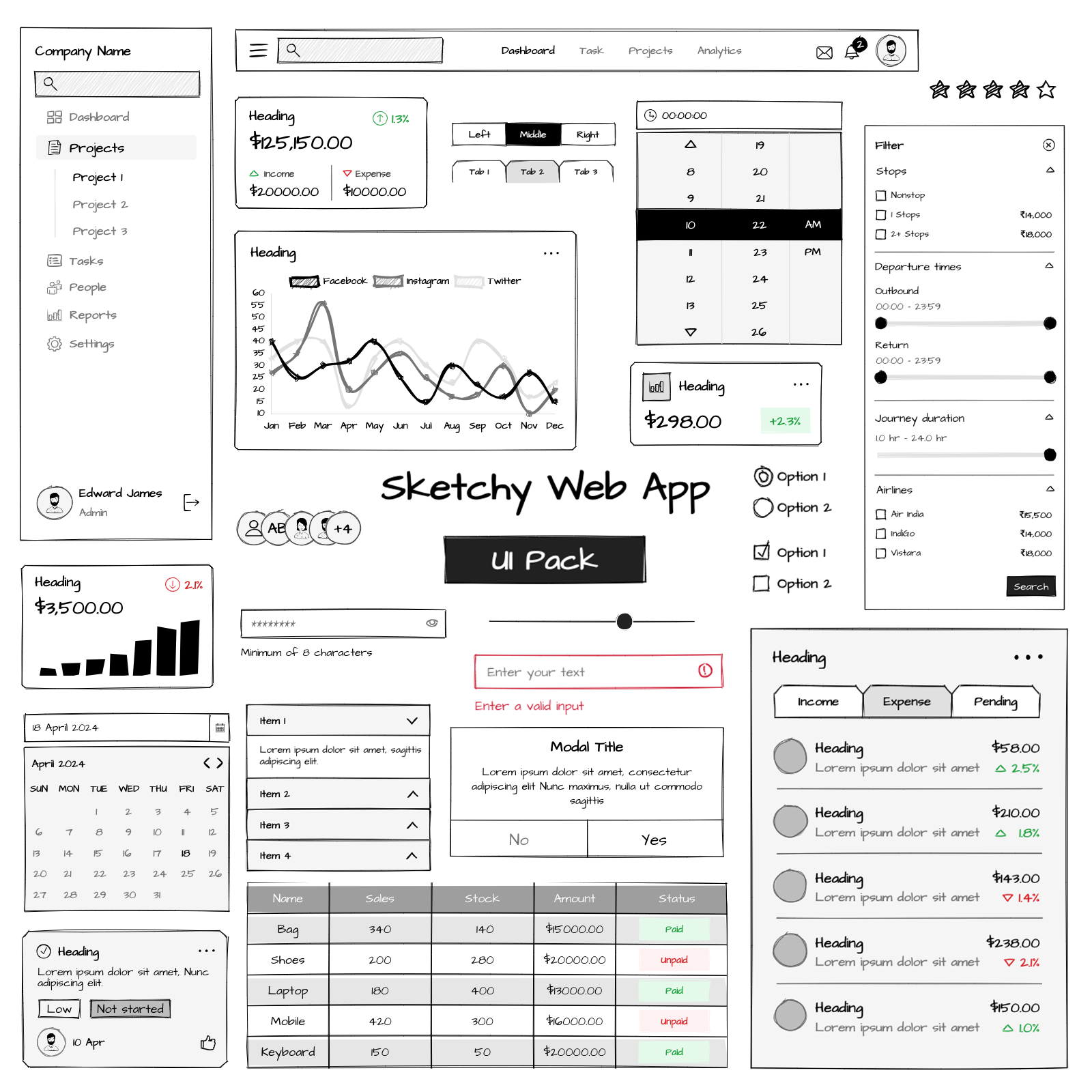
Workshop formats, planning boards and UI kits ready to import and run with your team.


Open a blank board in one click and share the link with your team. Sign up to keep it.




 Brainstorm with MockFlow MCP



