




Mind maps for visual thinking.
Create, expand and transform mind maps instantly. MockFlow's AI generates ideas, structures your thinking and helps you visualize concepts, faster than ever.

From topic to mind map in seconds.
Just tell MockFlow what you're working on. It generates a complete mind map, with branches, sub topics and ideas, ready to refine.
Ask Mida to expand a branch, suggest new angles or restructure the whole thing. It's mind mapping through conversation, not clicks.

Built for flow, not friction.
The map stays tidy and easy to read while you think, so your attention stays on the ideas.
Auto layouts
Add branches, move nodes and expand ideas while the layout adjusts automatically. No manual dragging and no overlapping nodes. Your mind map stays clean and readable, no matter how big it gets.
Rich formatting
Use colors, icons and text styles to highlight priorities, group themes or add visual hierarchy. Your map becomes easier to scan, share and act on.
Keyboard friendly
Keep your hands on the keyboard and your mind on the ideas. Add nodes, navigate branches and edit content without touching your mouse.
A smarter mind map creator.
Ideas don't always stay in one format. What starts as a brainstorm might need to become a project brief, and a concept map might work better as a flowchart. With MockFlow you don't rebuild from scratch. One click, and AI transforms your mind map into the format you need.
- Document to mind map
- Mind map to document
- Mind map to flowchart
- Mind map to to-do list
- Rebuild with Mida. Ask for a new structure and keep your ideas.

Turn any webpage into a mind map.
Found an article worth remembering? A competitor page worth analyzing? A research paper worth understanding?
Don't copy-paste into a doc. Don't bookmark it and forget.
Click the MockFlow extension and turn it into a mind map you can actually use.
- Articles and blog posts. Extract key themes and takeaways.
- Research papers. Visualize methodology, findings and conclusions.
- Competitor pages. Analyze messaging and positioning.
- Documentation. Turn technical content into concept maps.
- News and reports. Capture facts and relationships visually.
AI reads the page. You get the map.
Mind map as a team, in real time.
The best ideas come from building on each other's thinking. MockFlow makes it easy to brainstorm together, in the same room or across the world. Your whole team can contribute to the same mind map, live or async.
Live cursors
Watch cursors move, see branches grow and build on each other's ideas as they happen.
Team chat
Start a text chat, voice call or video call directly inside your board. No switching apps.
Multimedia comments
Drop comments with a text note, a quick voice note or a video to explain your thinking.
Share and export
Share a link for real time collaboration, or export your mind map as an image.
Mind mapping for students, teams and thinkers.
A student preparing for exams thinks differently than a PM planning a roadmap, and a researcher synthesizing sources has different needs than a creative brainstorming campaigns. MockFlow adapts to how you work, with AI that meets you where you are.
Students
Turn lecture notes and reading into study maps that make revision easier.
Educators
Map out lessons and topics, and build maps together with your class.
Product teams
Plan roadmaps, group feature ideas and turn the map into tasks.
Content creators
Outline posts, videos and courses as topic maps before you write.
Researchers and analysts
Bring sources, findings and open questions into one connected view.
Creative teams
Brainstorm campaigns and concepts together, then shape the best ones.
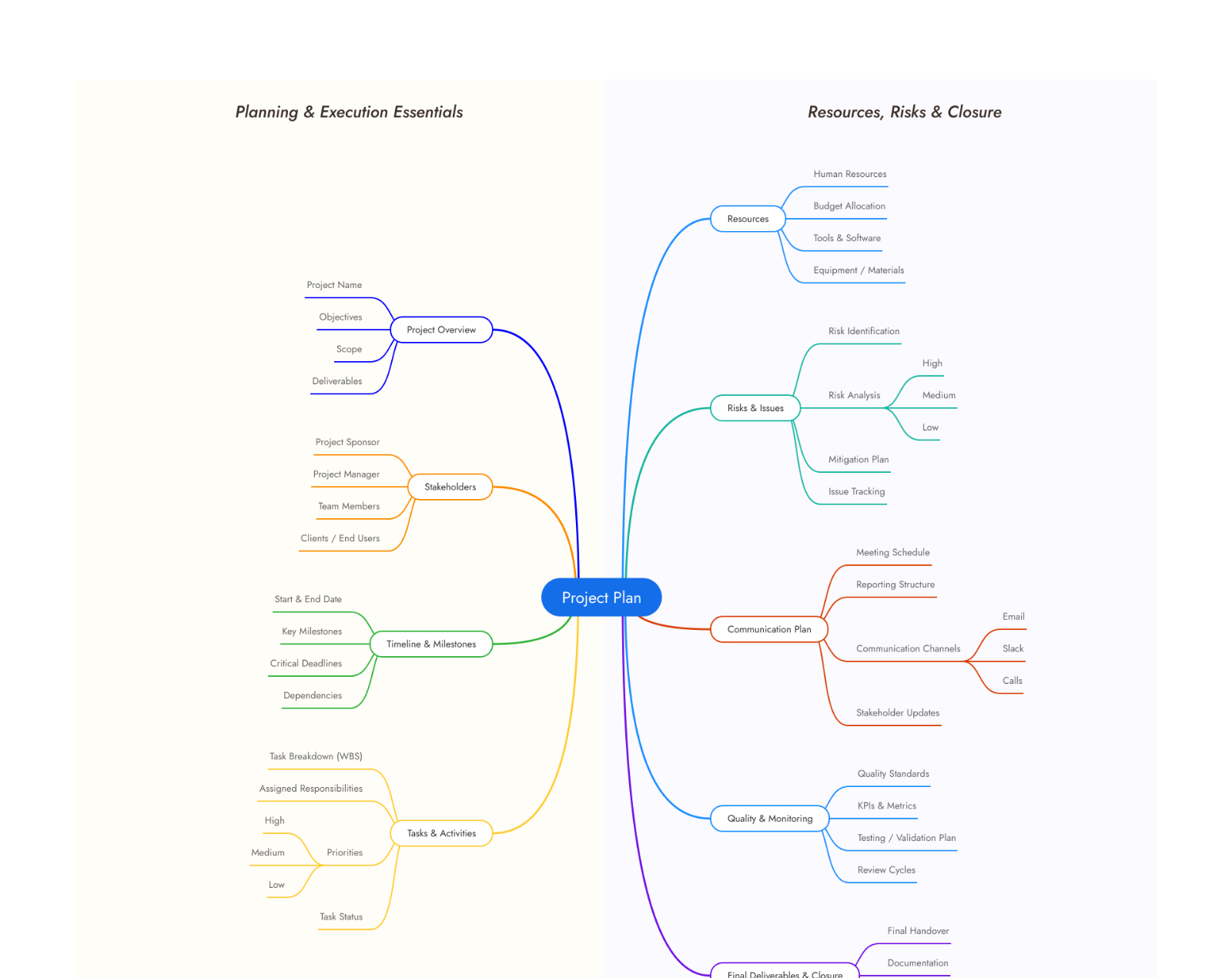
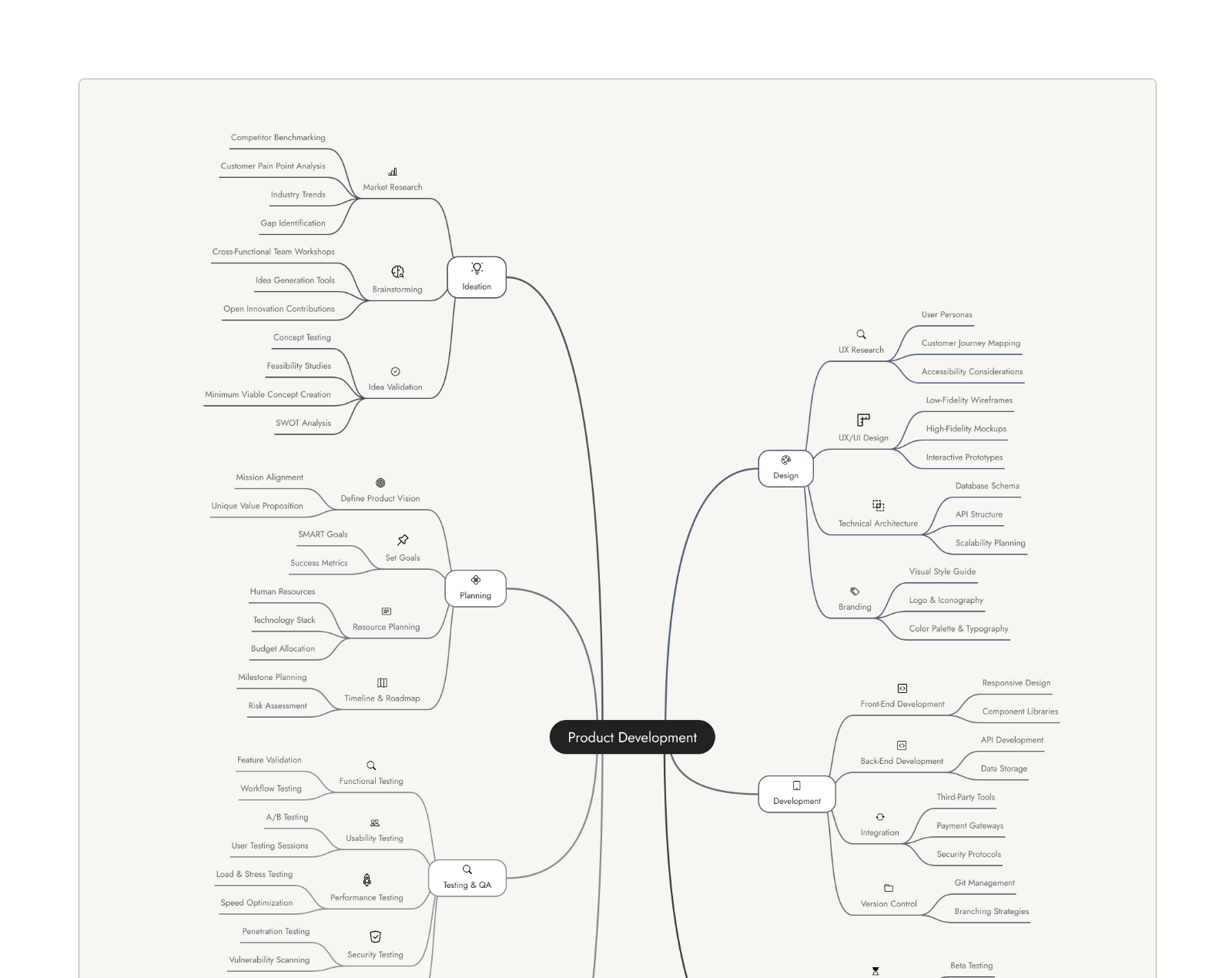
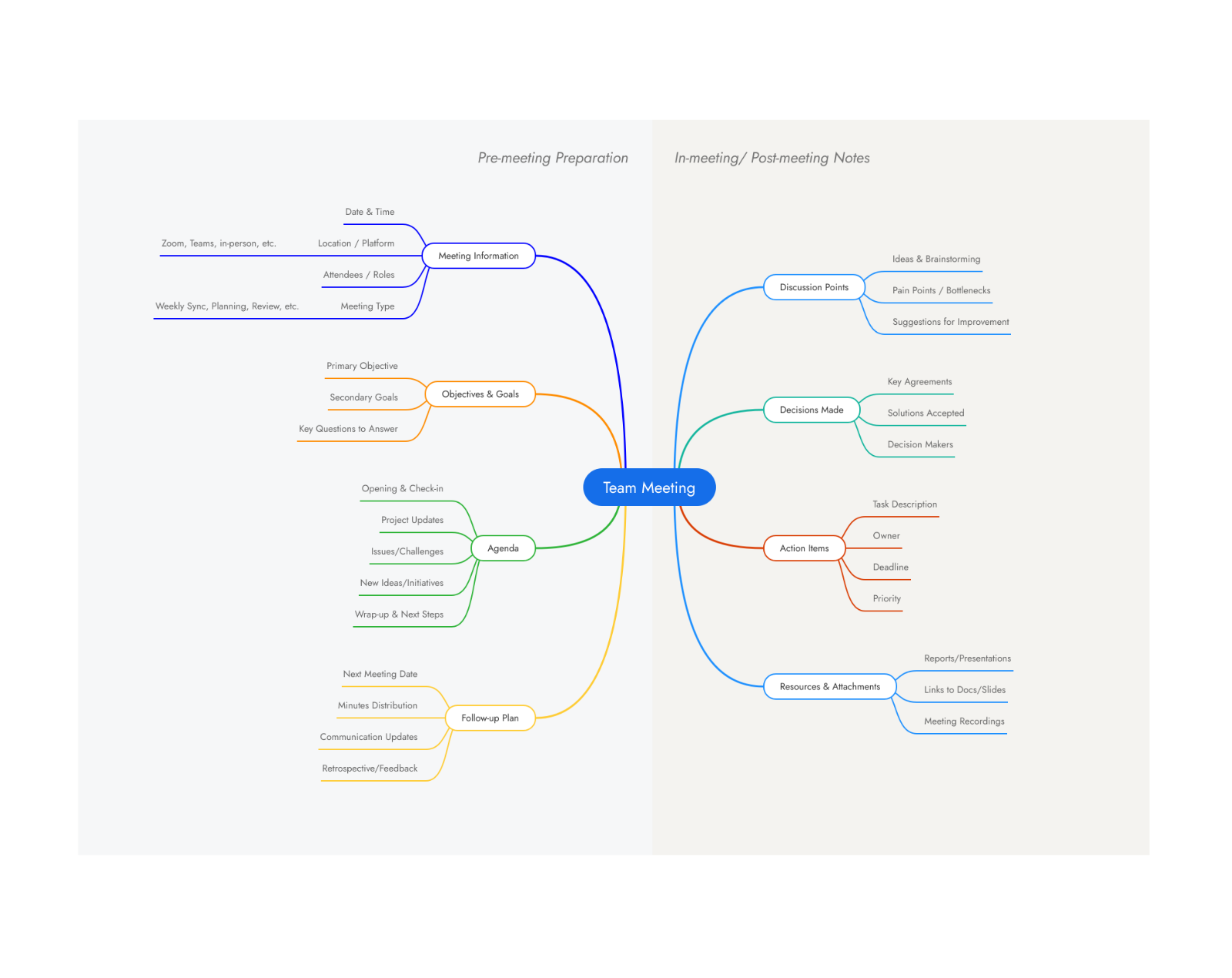
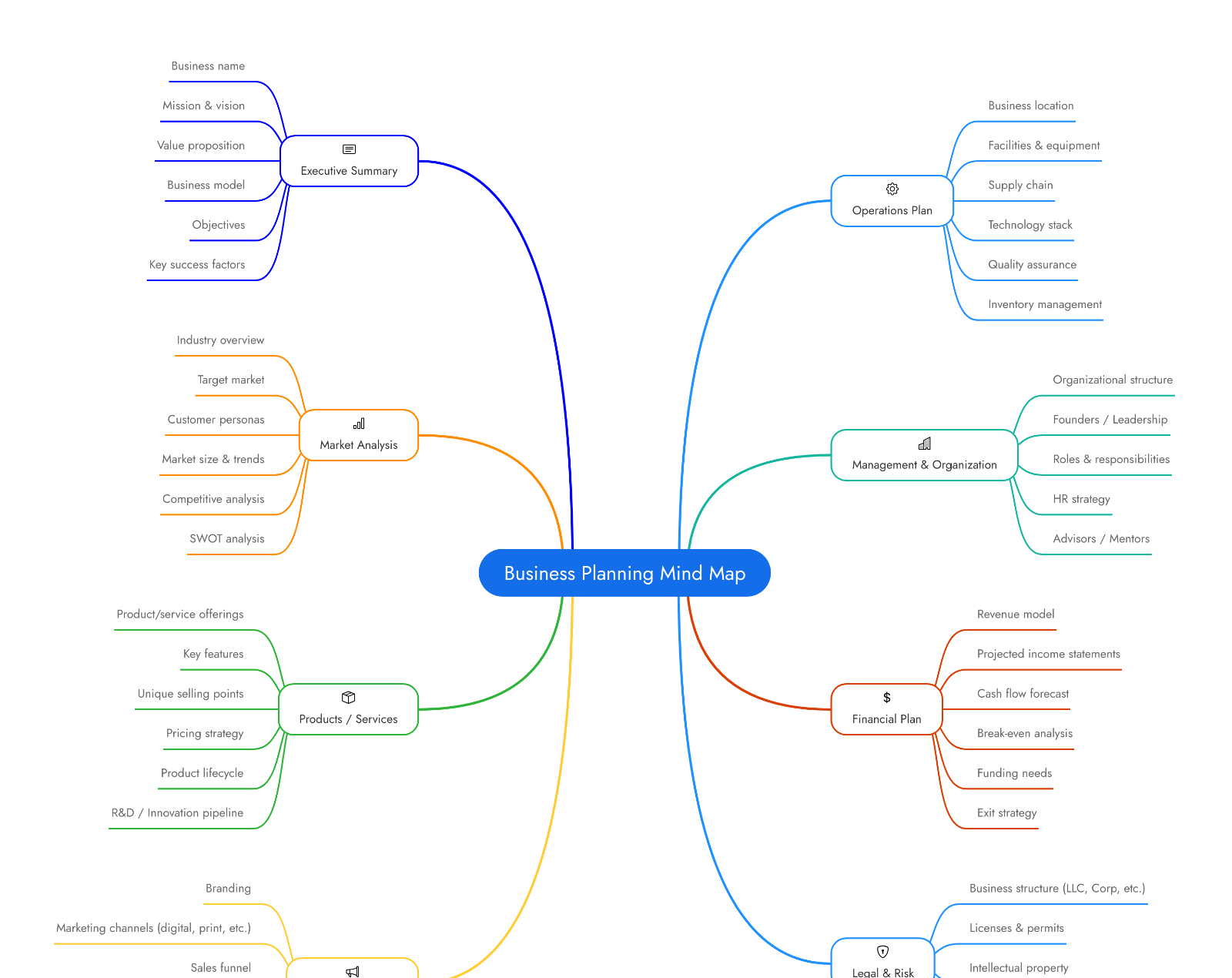
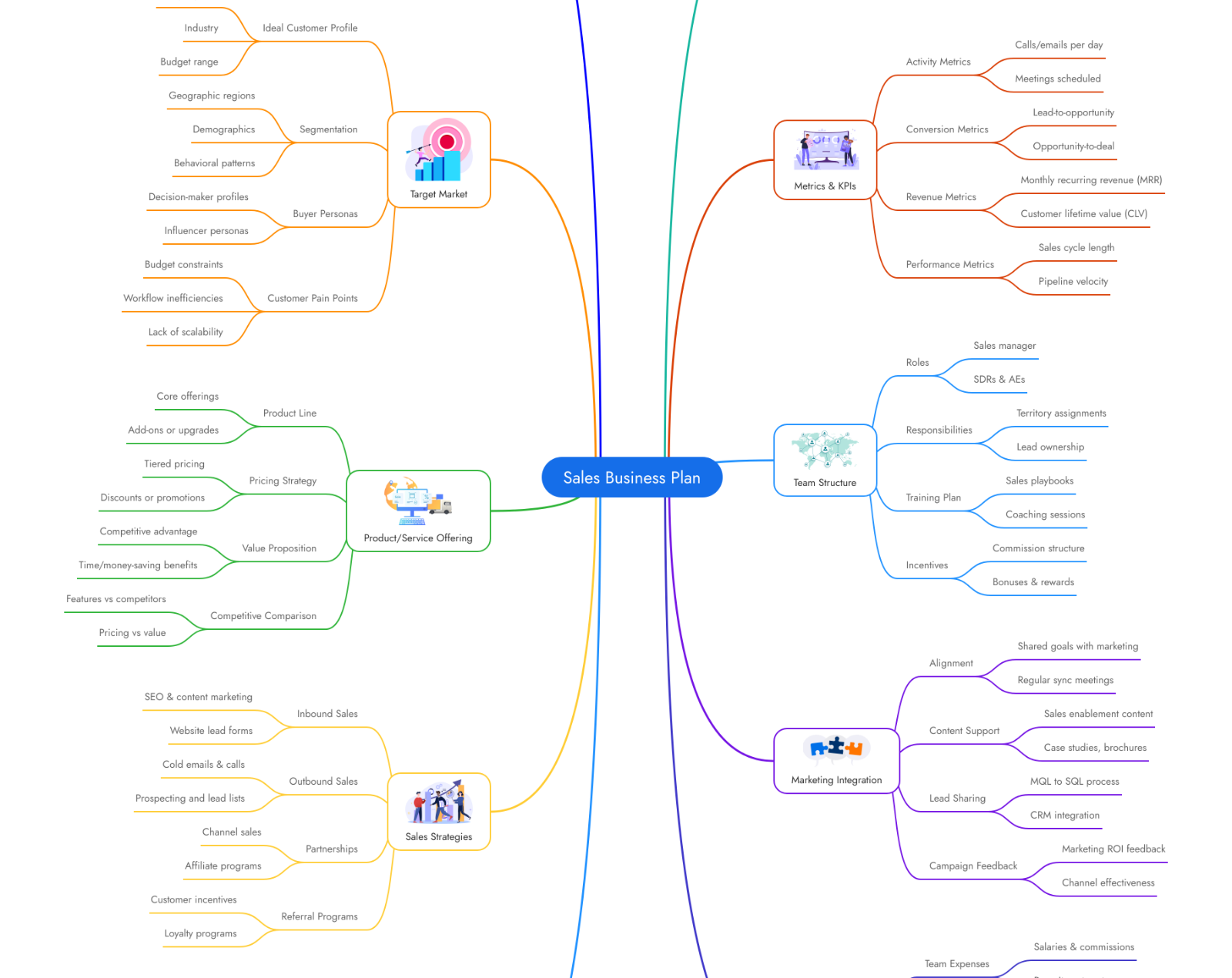
How to create a mind map with MockFlow.
Creating a mind map in MockFlow takes minutes, not hours. Start with your own ideas, let AI generate a first draft, or transform existing content into a visual map. Here's how.
- Create a new board in MockFlow.
- Add a mind map component to your board and type your central topic in the main node.
- Build out from your central idea. Add branches for sub topics, themes, categories or related concepts.
- Stuck on a branch? Click it and ask AI to expand it with more ideas, sub topics or details.
- Use colors, icons and formatting to communicate visually.
- Convert the mind map to any format you want.
- Invite your team to collaborate.

Frequently asked questions.
What is a mind map?
What is a mind map maker?
Can AI generate a mind map for me?
How are mind maps different from outlines?
Can I collaborate on my mind map design?
Do I need to install anything?
Start your first mind map today.
Brainstorm, plan and organize ideas on the board, on your own or with your team.
Tell Mida the topic you want to explore and it starts the mind map for you.
More about the AI mind map maker



 Brainstorm with MockFlow MCP


