



Draw the system before you build it.
Architecture, schemas, flows and the sprint on one shared board, drawn by AI or by the coding agent you already use.

 Lucas



 AI
A whiteboard for developers is where the thinking around the code happens: how the services fit together, what the tables look like, which call fails first and what ships this sprint. MockFlow puts cloud architecture, ER and sequence diagrams, code, specs and sprint boards on one online whiteboard. AI draws a first version from a sentence, or Claude Code and Codex draw it from your repo, and the team reviews it together in one place.
A system design whiteboard that reads your code.
Ask your coding agent in the terminal. The diagram lands on the board your team already has open.
 Claude Code~/checkout
> Draw our cluster from k8s/
k8s/shop/checkout.yaml kind: Deployment
k8s/shop/svc.yaml kind: Service
k8s/data/pg.yaml kind: StatefulSet
Read 9 manifests in k8s/
Drew 3 namespaces and 8 objects
Claude Code~/checkout> Map the monorepo's packages and who owns them
apps/ web api worker
packages/ ui sdk config
Read package.json in 6 packages
Read CODEOWNERS
Drew a tree of 9 nodes
Claude Code~/checkout> Who owns which service and what calls what?
services/ api payments web
CODEOWNERS @payments-team @storefront
Read 5 services and CODEOWNERS
Found 5 calls and 3 owners
Drew a knowledge graph
Claude Code~/checkout> Turn last night's incident log into a runbook
02:14 alert: checkout 5xx above 2%
02:19 rollback api v2.41
02:31 provider degraded, backup on
Read incident-0412.log
Drew a swimlane in 3 lanes
From manifests. Claude Code reads k8s/ and draws each namespace, service and deployment with Kubernetes icons.
From the repo layout. A tree diagram of apps and packages, with the owner of each from CODEOWNERS.
From the code and CODEOWNERS. A knowledge graph of services, teams and the calls between them.
From an incident log. A swimlane runbook with a lane for the on call engineer, the API and the payments provider.
Your agent reads files on your computer and never uploads them; only the drawing is saved. Prefer the board? Ask Mida, or use the AI cloud architecture generator, database diagram generator and sequence diagram generator.
An architecture diagram whiteboard for the whole team.
One picture of the system that everyone can point at, correct and keep.
 Draw our analytics pipeline from the dataflow/ jobsClaude Code Drew 5 services on Analytics pipeline
Elena maps the analytics pipeline before Friday’s review.
Claude Code draws it from the Dataflow job files, and the team comments on the real diagram instead of a screenshot. See Create a cloud architecture diagram.
The spec, the code and the sprint, beside the diagram.
A whiteboard for software teams keeps the decision next to the work it starts.
Write it, show it, plan it.
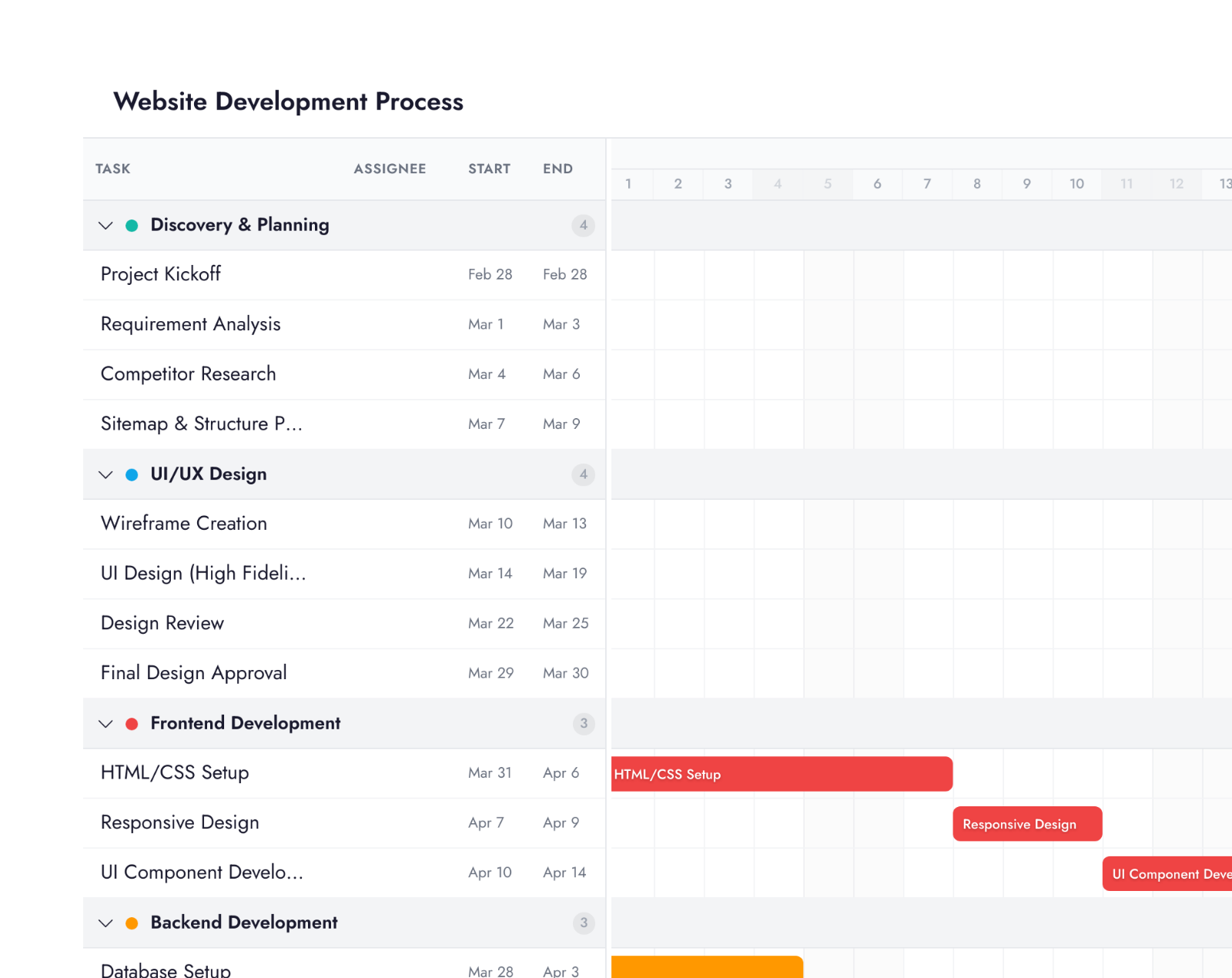
A document for the spec, a code block with syntax highlighting, a kanban board and a Gantt chart for quick planning of the release.
Your agent, your credits.
The drawing runs on the AI subscription you already pay for, with no MockFlow AI credits.
Plugins for Claude Code and Codex
Stay in your terminal. The agent draws on the board open in your browser through MockFlow Bridge, and follow ups change the same drawing.
# in Claude Code
/plugin marketplace add mockflow/mockflow-claude-plugin
/plugin install mockflow@mockflow
# once per computer
npm i -g @mockflow/mockflow-bridge
mockflow-bridge
Set up the Claude Code plugin Set up the Codex plugin
MockFlow MCP for any coding tool
Create boards from Claude Code, Cursor, VS Code with Copilot or Codex, without a board open.
npm install -g @mockflow/ideaboard-mcp
mockflow-ideaboard-mcp login
mockflow-ideaboard-mcp
# then add it to your tool
claude mcp add --transport http -s user \
  mockflow-ideaboard http://localhost:21193/mcp
Connect MockFlow MCP MockFlow MCP
Every plan. Basic runs Claude Code through Bridge on one board with a daily number of free generations. Plus and Max include Bridge Pro: unlimited generations, several boards, other agents and reading a local folder. Max adds connected tools such as Jira. MockFlow Bridge on each plan
Ready made for developers.
Templates, apps, AI experts, agent skills and automations from the MockFlow library.
Templates
All templates

Apps and games
All artifacts
AI experts
All Concept Builders API ArchitectA messy list of data requirements turned into a clean, developer-ready API structure: endpoints, data models, authentication, and error handling.


Agent skills
All skills


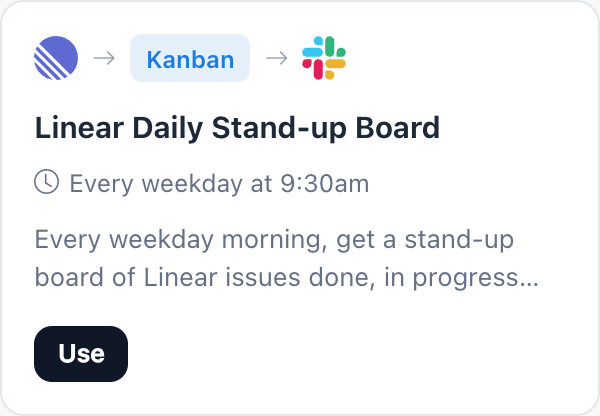
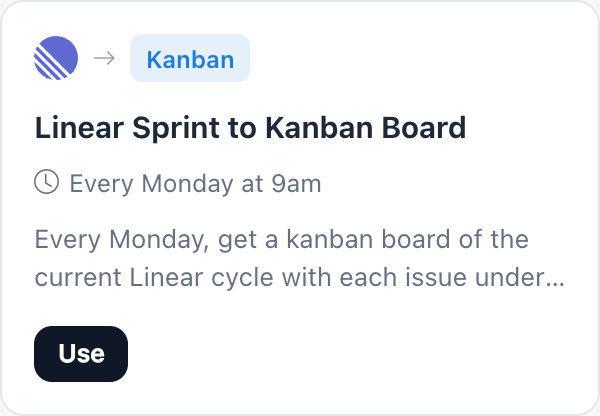
Automations
All automation templates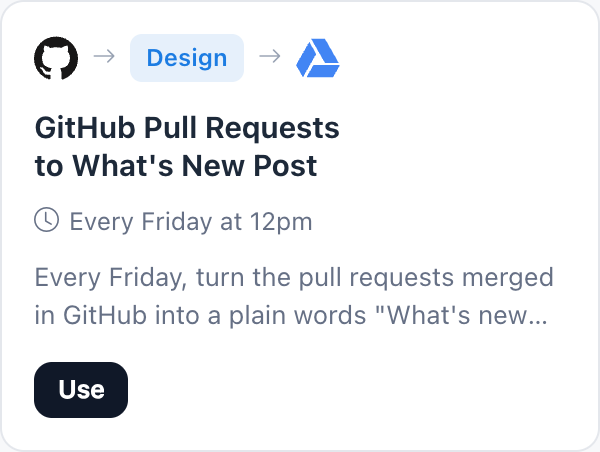
Free for side projects, ready for teams.
Basic is free forever for personal and nonprofit work. Compare plans.
| Feature | Basic | Plus | Max |
|---|---|---|---|
| Cloud, ER, sequence and flowchart diagrams | |||
| Code blocks, documents, kanban and Gantt charts | |||
| People who can edit | 1 | As many as you add | As many as you add |
| AI credits each month | 100 | 800 per editor | 2,000 per editor |
| Your own agent through Bridge | Claude Code, daily limit | Unlimited, every agent | Unlimited, every agent |
| Agent reads a folder on your computer | |||
| Connected tools such as Jira, Notion and Slack | |||
| Wireframe to code with Build mode |
More boards by role: designers, product managers, workshops and every team. Diagram pages: architecture diagrams, UML diagrams and AI whiteboard.
Developer whiteboard questions.
What is a whiteboard for developers?
Can I draw AWS, Azure, Google Cloud and Kubernetes diagrams?
Can Claude Code or Codex draw on the board?
Does MockFlow upload my code?
Can I put code on the board?
Can I plan sprints on the same board?
Can I turn a design into code?
Is the developer whiteboard free?
Open a board in one click and sketch the system by hand. Sign up free to use AI, connect your agent and share the board.


 Brainstorm with MockFlow MCP


