Free online UML diagram maker.
Create UML diagrams in minutes with the intuitive MockFlow online UML diagram maker, for free.
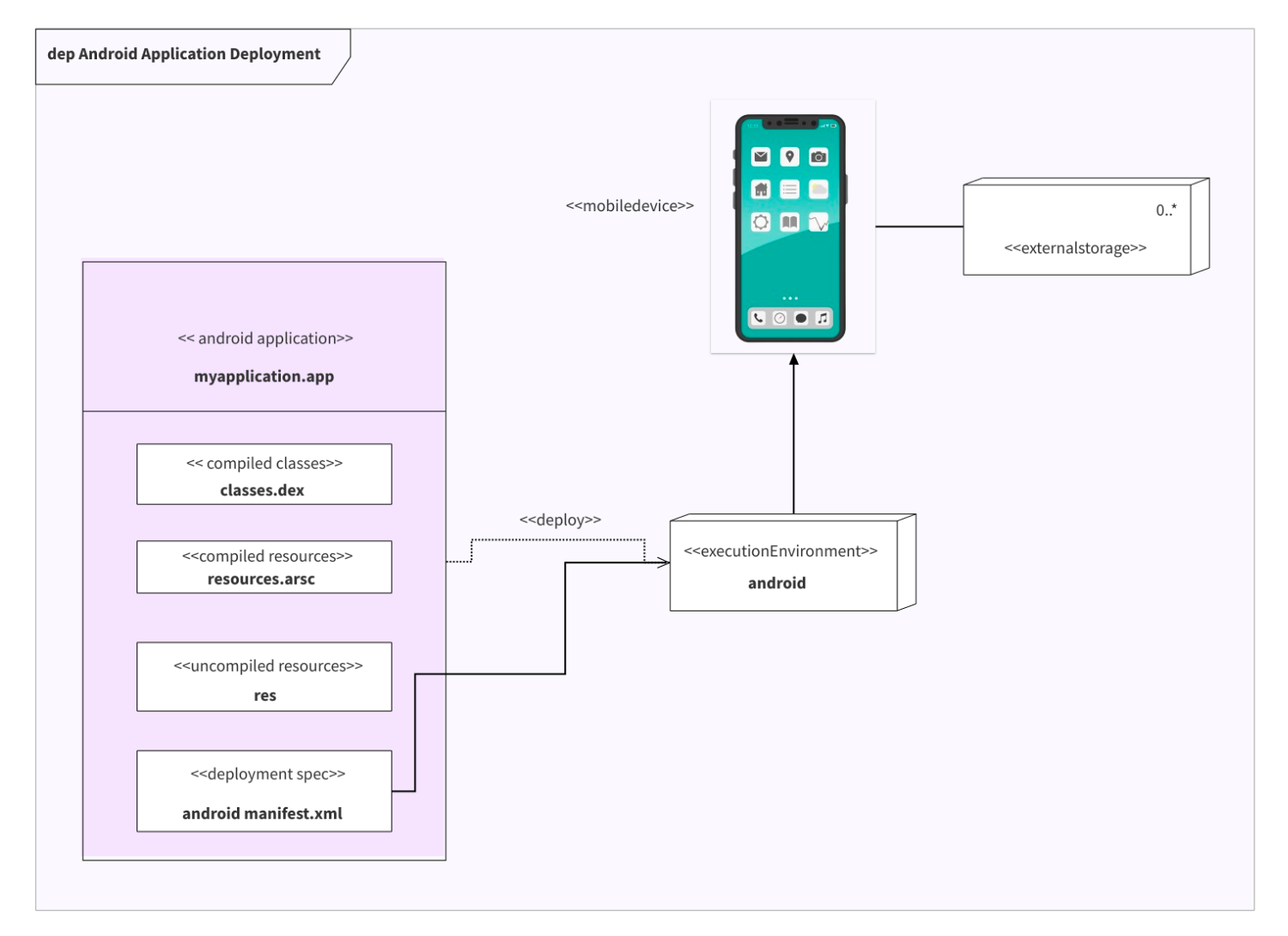
The easiest way to draw UML diagrams.
Structural and behavioural diagrams with the right notation, all on the board.
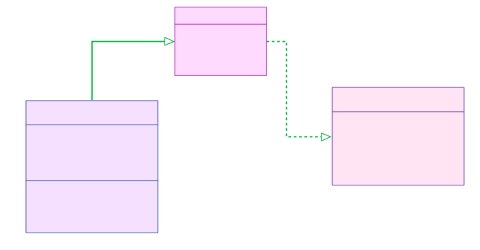
UML class diagrams
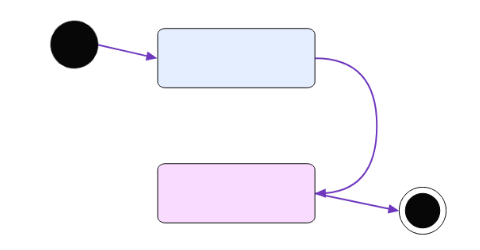
UML activity diagrams
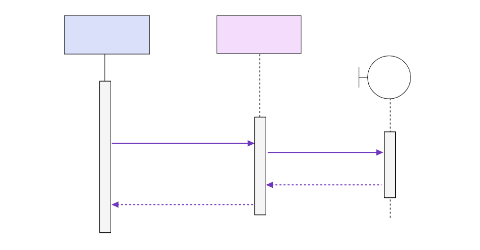
UML sequence diagrams
Generate with AI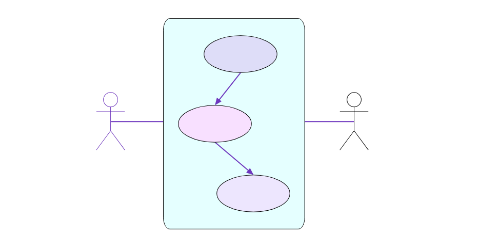
UML use case diagrams and more
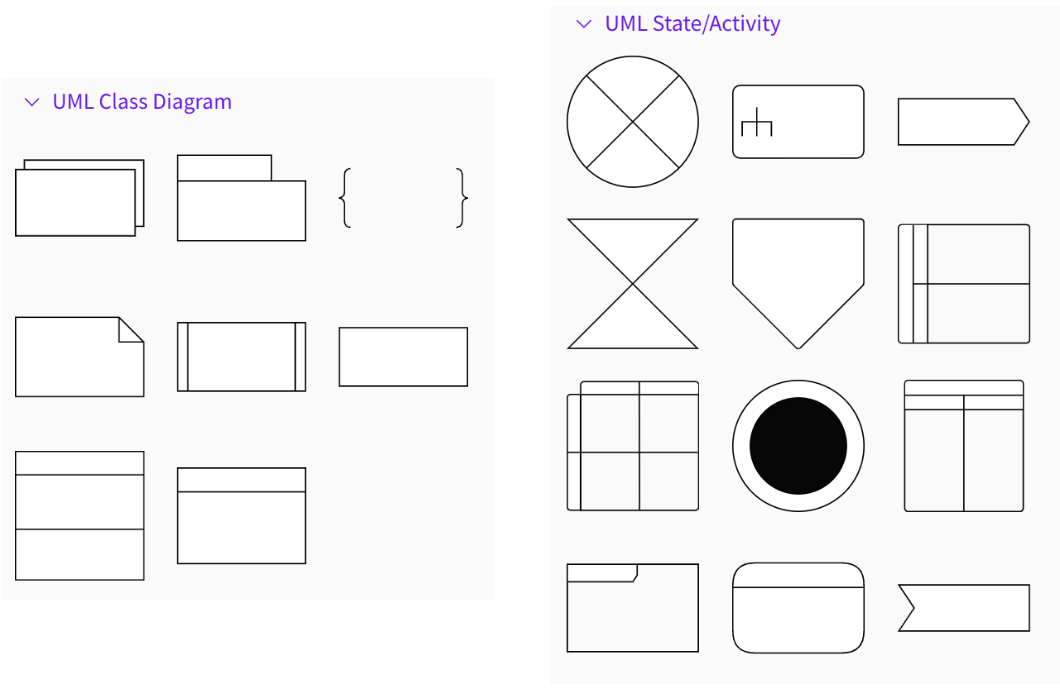
A built in shape library.
Build professional UML diagrams in less time using the built-in UML components shape library which has you covered for all types of UML diagrams.
Made for software development teams.
The UML Diagram tool from MockFlow is an easy-to-use tool ideal for both technical members like developers, data scientists, software engineers as well as non-technical members such as managers and other stakeholders to collaborate and create the perfect structural or behavioural modelling diagrams.
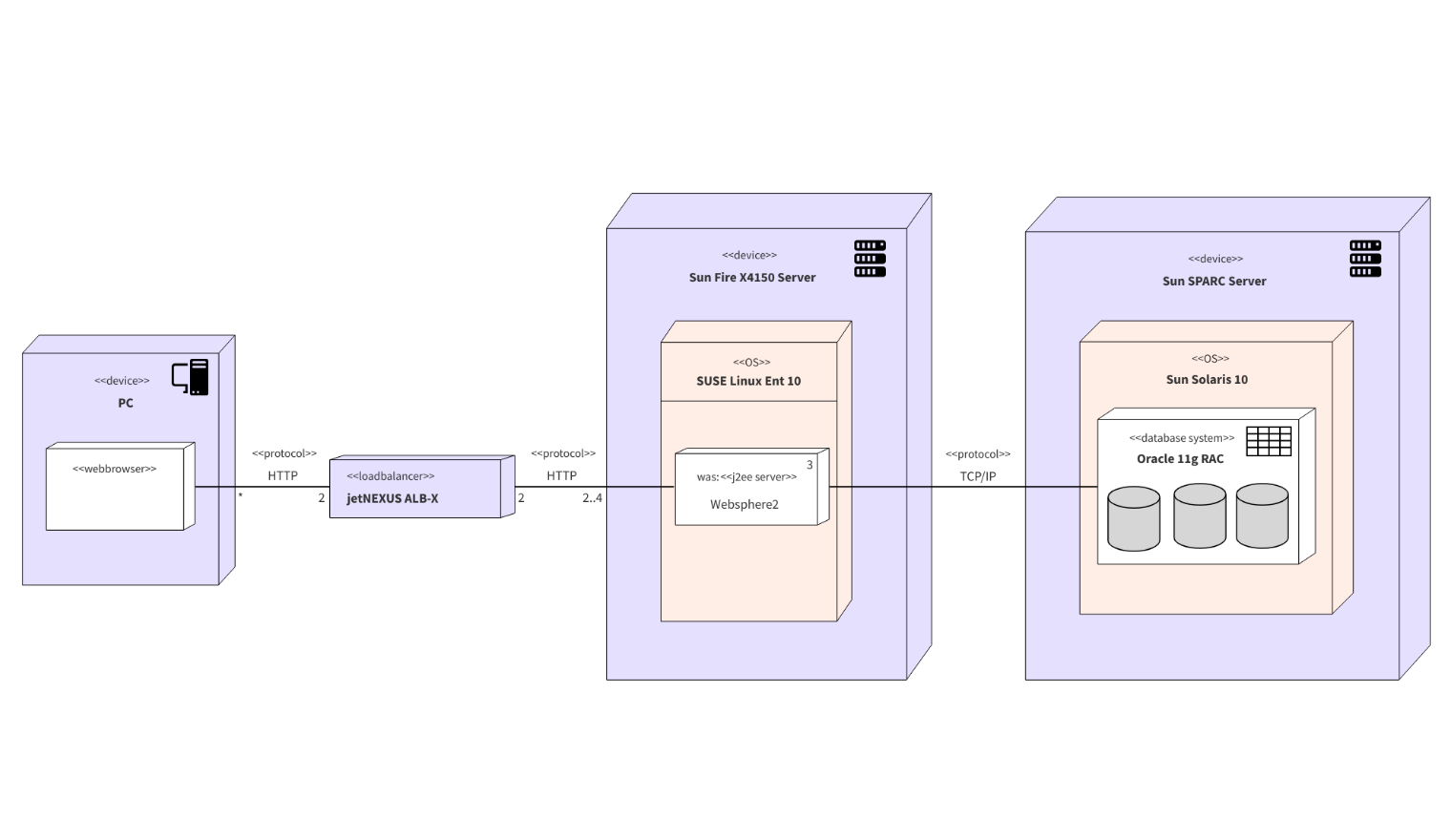
Describe your system, get a UML diagram.
Name your classes, actors or messages and AI draws the diagram with proper UML notation.
"UML class diagram for a library system with Book, Member, Loan and Librarian classes"
UML diagrams with AI
Class, sequence, activity and use case diagrams generated from a plain language description.
Open the UML generatorShare with your team, work on desktop.
Build UML diagrams together online, or keep going in the desktop app.
Collaborate and share UML diagrams
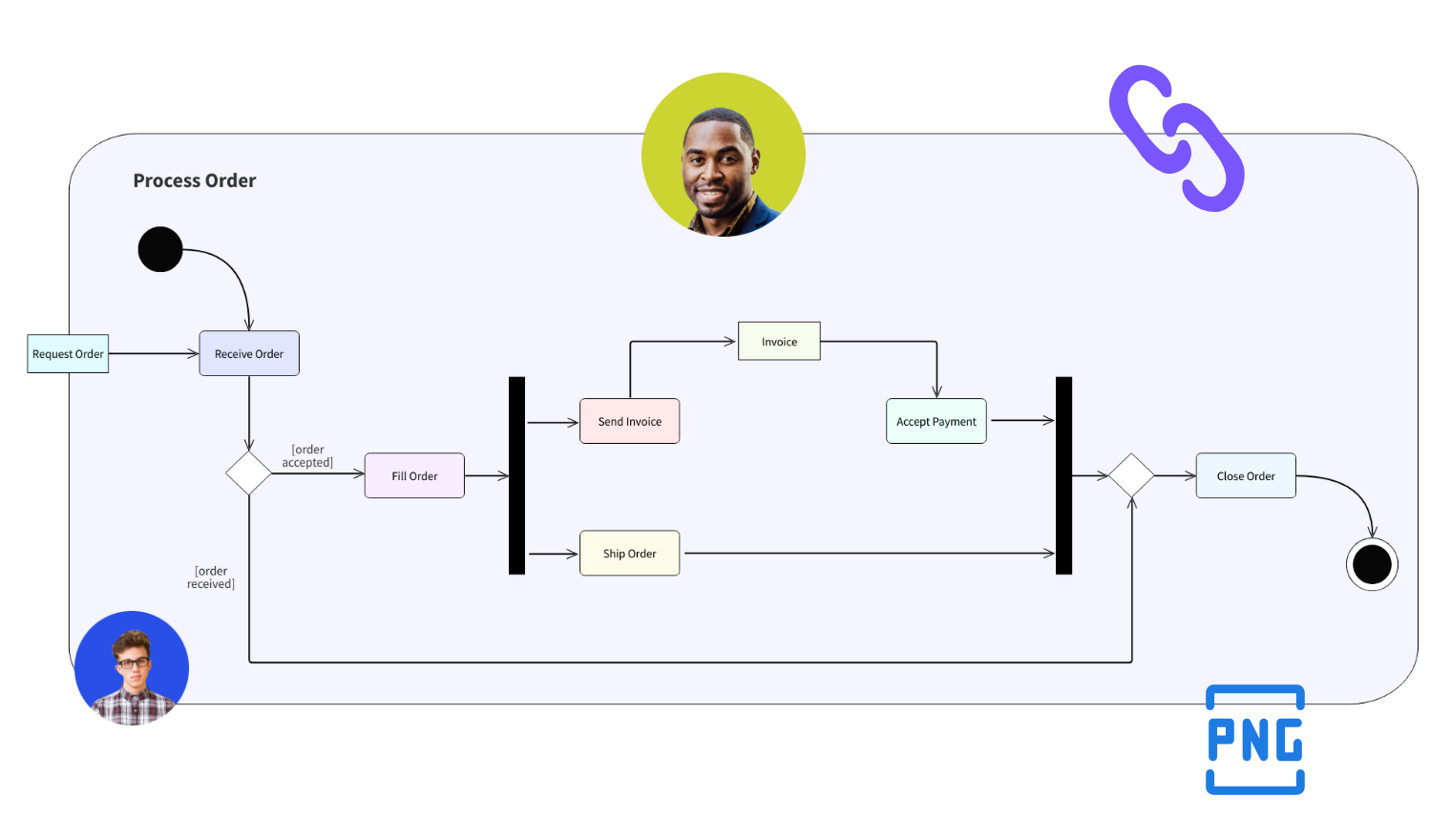
Export your UML Diagrams into images and share offline or share with a public link with one click. You can also bring your team members to MockFlow and build the UML diagrams together collaboratively.
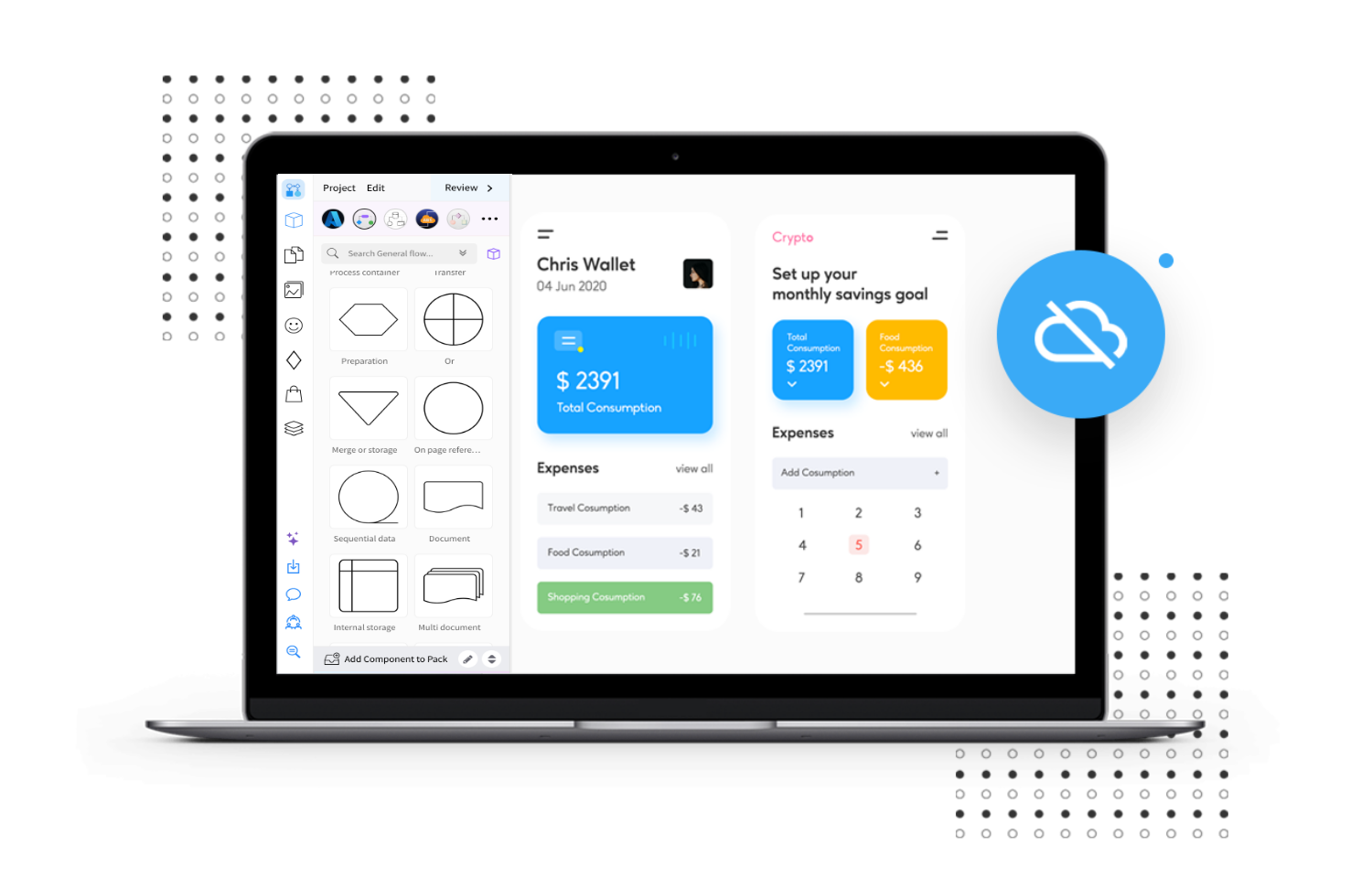
Create UML diagrams offline
MockFlow offers a desktop app for both Windows and macOS platforms for increased productivity and efficiency. You can create and store UML diagrams locally with the offline mode.
Get the desktop appCreate UML diagrams online with the MockFlow UML diagram tool.
UML shapes, connectors and AI on one board your whole team can edit.
Describe your system to Mida and it draws the UML diagram on a new board.
AI UML diagram generator



 Brainstorm with MockFlow MCP



