



The Jamboard alternative for classes and teams.
Sticky notes, drawing and images, just like a jam, plus AI, mind maps, polls and meetings on one free board.
 Mida · Digitalize Whiteboards

 Sam





MockFlow is a free online whiteboard that takes the place of Google Jamboard, which Google retired at the end of 2024. Students and teams add sticky notes, draw with a pen and drop in images, just as they did on a jam, and the same board also holds mind maps, PDFs, polls and timers. AI can rebuild an old jam from its image as editable notes, and the Google Meet add-on opens a board right on the call.
What happened to Jamboard?
Google announced in September 2023 that it would wind down Jamboard, the whiteboard app and the 55 inch display, and it closed the app at the end of 2024. Here are the dates from Google’s own pages, as of November 2026.
- The wind down is announced.Google says Jamboard will wind down in late 2024 and points users to other whiteboards, naming FigJam, Lucidspark and Miro.
- Jams become read only.Licence sales end on September 30. Google’s help page: “As of October 1, 2024, you can no longer create or modify your Jams.”
- The Jamboard app closes.After this date the app and the jams inside it can no longer be opened in Jamboard.
- Jams become PDF files.Google’s help page: “Jams were converted to PDFs in 2025 and are available in Google Drive.”
Sources: Jamboard end of life information on Google’s help center and the next phase of digital whiteboarding on the Google Workspace blog, checked November 2026. MockFlow is not affiliated with Google.
What to look for in a Jamboard replacement.
Jamboard was loved because anyone could pick it up in a minute. A good replacement keeps that ease and gives the class or team more room to work.
It feels like a whiteboard
Sticky notes in bright colours, a pen that writes like a marker, images and text. Press N for a note and Ctrl+5 to draw.
It works where you meet
Jamboard lived inside Google Meet. MockFlow opens on the Meet stage too, and in Microsoft Teams and the browser.
Your old jams come along
Read a downloaded jam as a PDF on the board, or let AI rebuild it as notes you can move, group and vote on.
Room to grow
A jam stopped at 20 frames. A board has no edges, and it holds mind maps, tables, charts and documents beside the notes.
Jamboard and MockFlow, side by side.
The Jamboard column describes the app as it was before it closed. The MockFlow column says which plan each feature needs. See pricing for the full list.
| Feature | Google Jamboard (retired) | MockFlow |
|---|---|---|
| Status | App closed on December 31, 2024 | Available on the web, Mac and Windows |
| Sticky notes | Sticky notes in colours | Sticky notes, sticky tags, note stacks and sections, on every plan |
| Drawing | Pen, marker, highlighter and a laser pointer | Pen, straight line and semi transparent marker; each stroke moves on its own |
| Images | Upload, web search, Google Drive and Photos | Upload, web search, stock photos, Google Drive, Dropbox, or generate with AI |
| Canvas | Up to 20 frames per jam | One canvas with no edges, grouped into sections and Whiteboard frames |
| Google Meet | Built into Meet calls | Google Meet add-on on every plan |
| Mind maps, kanban, tables, charts | Not available | Ready made components on the same board |
| AI | Not available | Mida builds board items from a prompt; 100 AI credits a month on Basic |
| Polls, timers and upvotes | Not available | On Plus and Max |
| Meetings on the board | Used through Meet | Audio meetings and live presenting on Plus, video on Max |
| Export | PDF, or PNG for one frame | PNG of any area, frame or item, at standard or 2x quality |
Jamboard features from Google’s Jamboard help pages, checked November 2026.
How to move your jams to MockFlow.
There is no direct Jam import, so the route goes through Google Drive. It takes a few minutes per jam.
- Find your jams in Google Drive.Google converted Jams to PDFs in 2025. Open drive.google.com and search for each jam by name.
- Download them.A PDF keeps every frame of a jam. A PNG image holds one frame.
- Open a MockFlow board.Open mockflow.com/new for a board with no account, or sign up free to keep your boards.
- Bring each jam onto the board.Drag the PDF in to read it, or give the PNG to Mida to rebuild as notes.
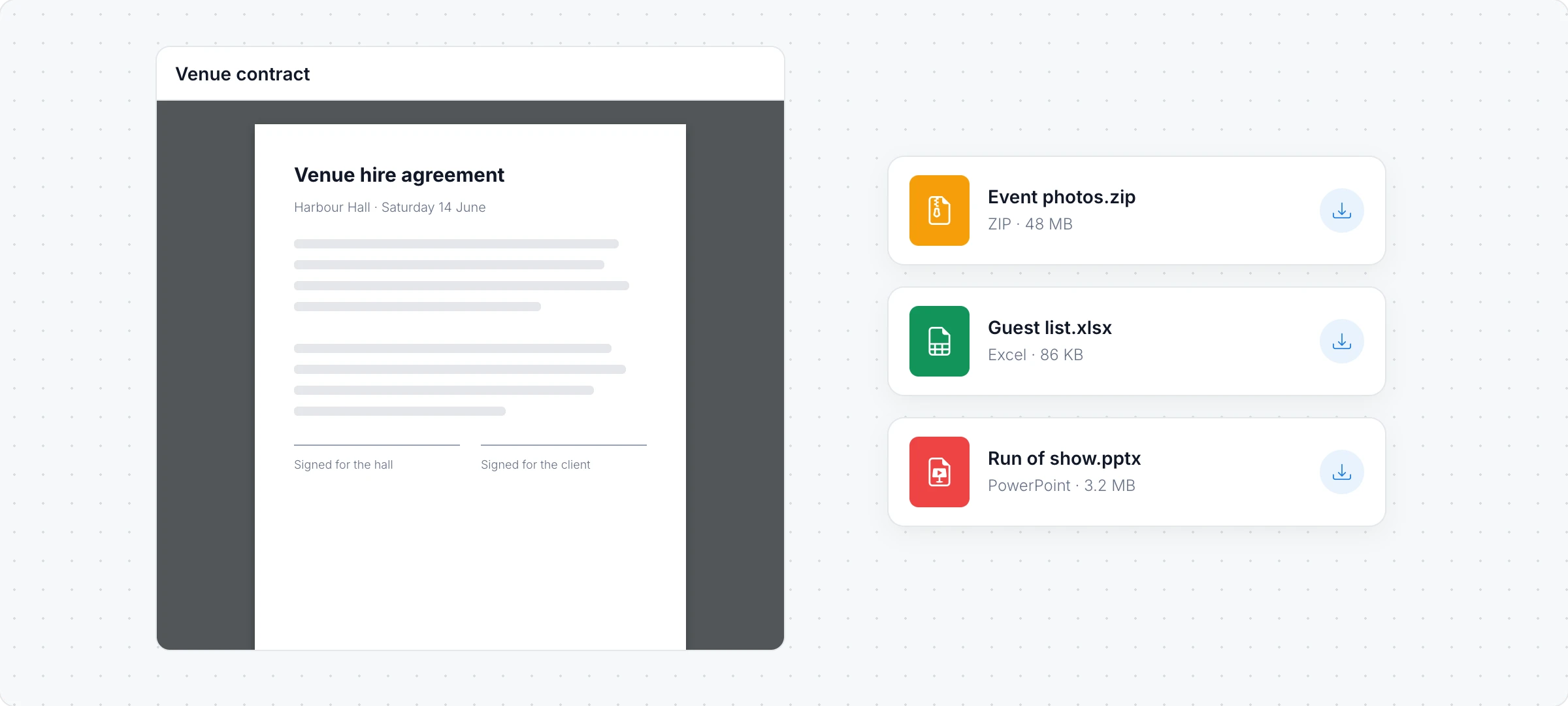
Keep a jam as it was
Drag the PDF onto the board and it opens in a PDF viewer you can scroll, next to this term’s work. On every plan. See Add a PDF or a downloadable file.
Make a jam editable Plus
Open Mida, click +, choose Digitalize Whiteboards and pick the PNG. Ask for “editable sticky notes” and the notes and drawings come back as items you can move. See Turn images and whiteboard photos into a board.
A Jamboard alternative for teachers.
Classrooms were Jamboard’s biggest home. MockFlow keeps the quick sticky note lesson and adds the tools teachers kept asking for. More on MockFlow for education.

Every student takes part Plus
Run an exit ticket with a poll, time group work with a shared timer and let students upvote the best ideas.
Apps and games for class Plus
Quizzes, flashcards and classroom tools run live on the board for the whole class. Browse classroom apps and games.
Students, teachers and schools get 50% off with the education license. Teaching? See the whiteboard for teachers, or whiteboards for every team.
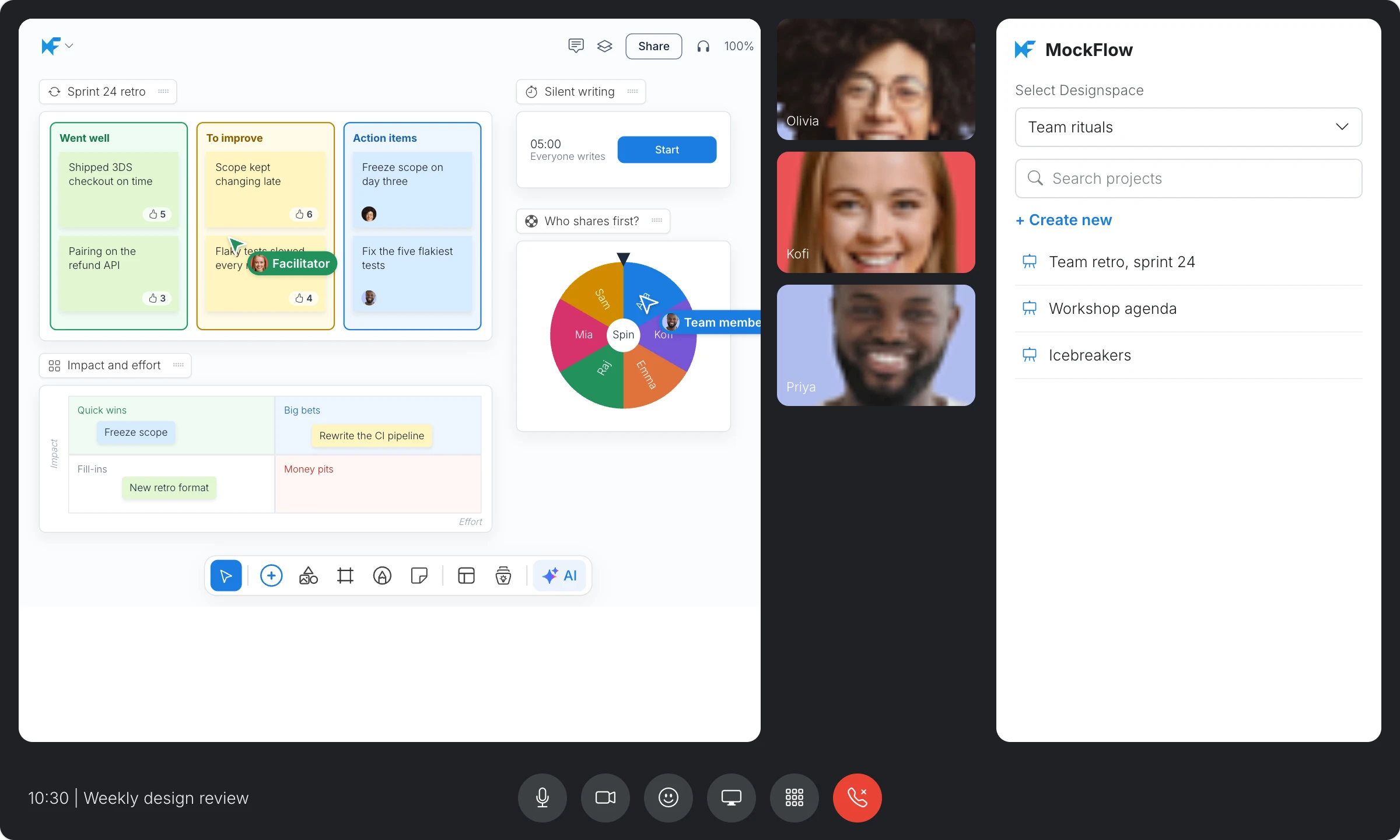
The board on your Google Meet call.
Teams that opened a jam in every Meet call can open a MockFlow board on the meeting stage instead, and work on it while they talk.
- Open it from Activities. Install the add-on, click Activities in the call and choose MockFlow.
- Everyone joins the board. People in the call who are not on the board yet are added to it.
- Retros and workshops. Silent writing, voting and a spinning wheel to pick who shares first.
 Add to Google Meet
The add-on works on every plan; editing together needs Plus or Max. See MockFlow for Google Meet and whiteboard for meetings.
Everything a jam did, and much more.
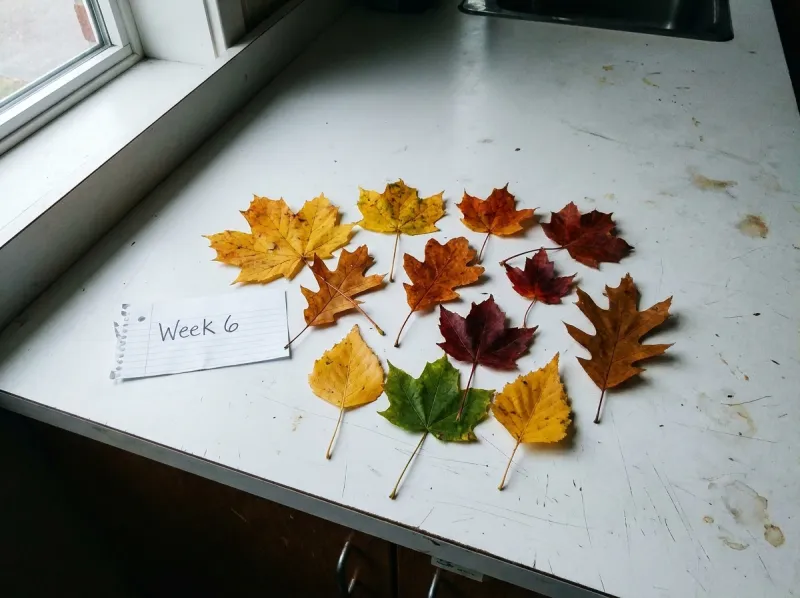
Jamboard was a place for quick notes. MockFlow is a board where the notes turn into plans, lessons, designs and decisions.
| A | B | C | D | |
|---|---|---|---|---|
| 1 | Tree | Length (cm) | Colour | Fallen |
| 2 | Maple | 11.2 | Red | Yes |
| 3 | Oak | 9.6 | Green | No |
| 4 | Birch | 6.1 | Yellow | Yes |
| 5 | Horse chestnut | 18.4 | Orange | Yes |
| 6 | Average | =AVERAGE(B2:B5) |
AI that builds with you
Mida, the AI on the board, makes a mind map, a lesson plan or a quiz from one sentence. Boards are never used to train AI. More on the AI whiteboard.
Components for real work
Kanban boards, timelines, tables, charts, maps, storyboards and documents sit beside the sticky notes. See what you can put on a board.
Meet and present
Audio meetings and Live Present on Plus, video on Max, right on the board. See present a board live.
Apps and games
Dot voting, icebreakers and quizzes that everyone uses together, on Plus and Max. See all apps and games.
Prefer to start with notes only? Online sticky notes covers them in depth. Still comparing tools? Read the best online whiteboards and our whiteboarding guide, or go back to the online whiteboard.
Who moved from Jamboard.
Three people who used a jam every week, and what they use now.
A science teacher
Marcus ran every Year 9 lesson from a jam. Now the starter notes, his sketch, the class photo and the exit ticket poll sit on one board, and last term’s jams sit beside them as editable notes.
A product team on Meet
Olivia’s team opened a jam for every Friday retro. They now open the retro board on the Meet stage, vote on the notes and move the actions straight into a kanban.
A workshop facilitator
Elena runs community workshops. Each group gets its own Whiteboard frame on one board, a timer keeps the rounds on track, and she exports the results as an image for the report.
Ready made boards for class and team.
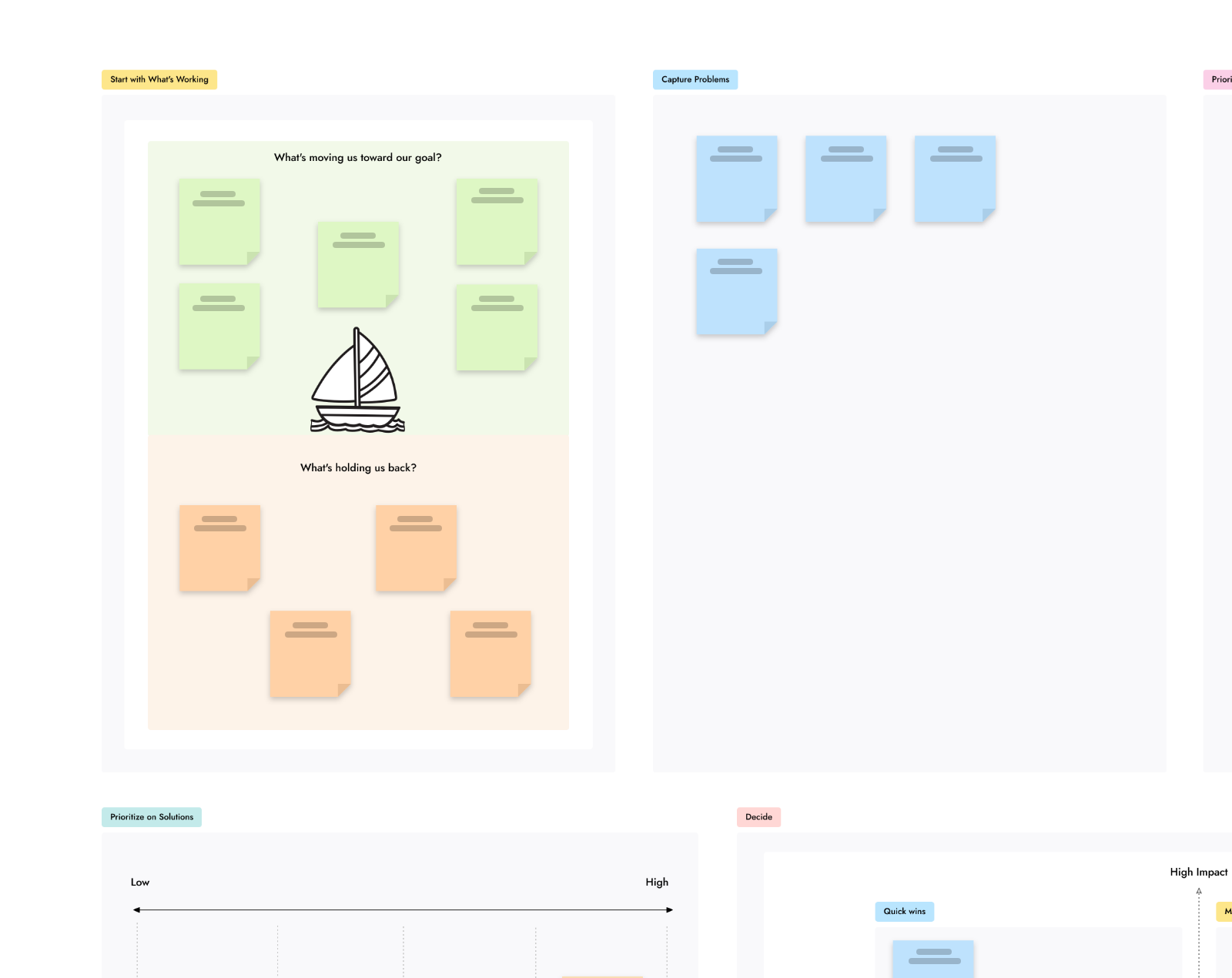
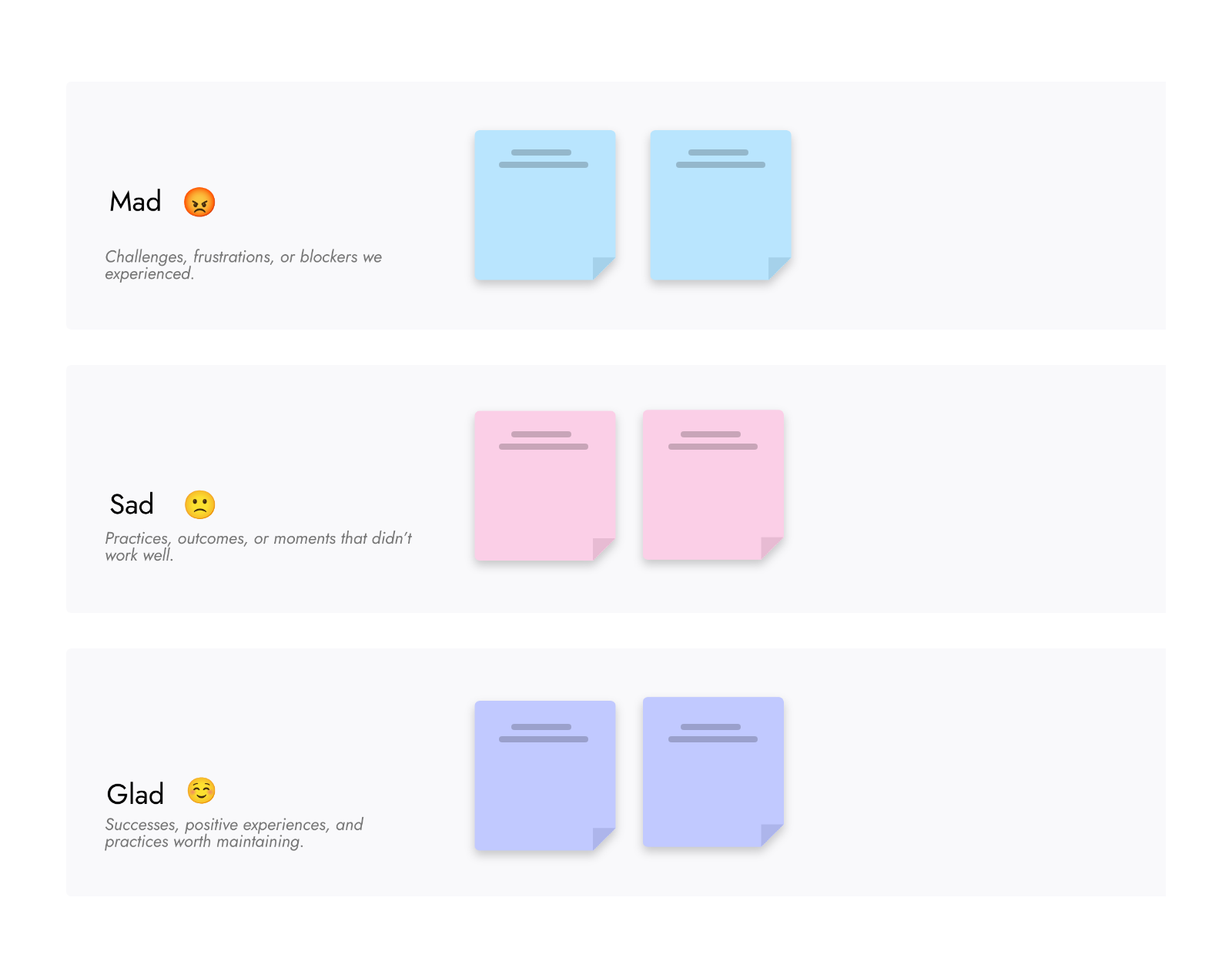
Free templates for the activities people used to run on a jam. Browse all templates
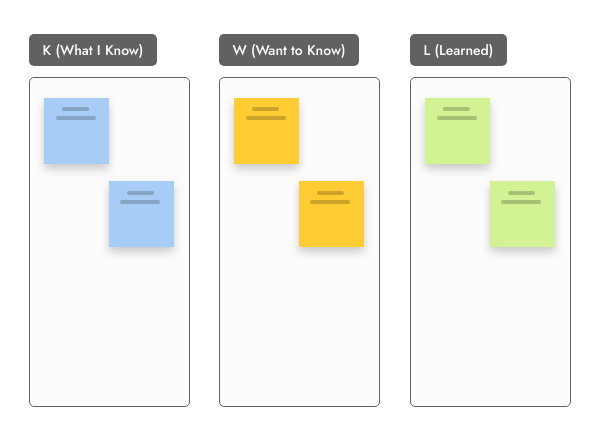
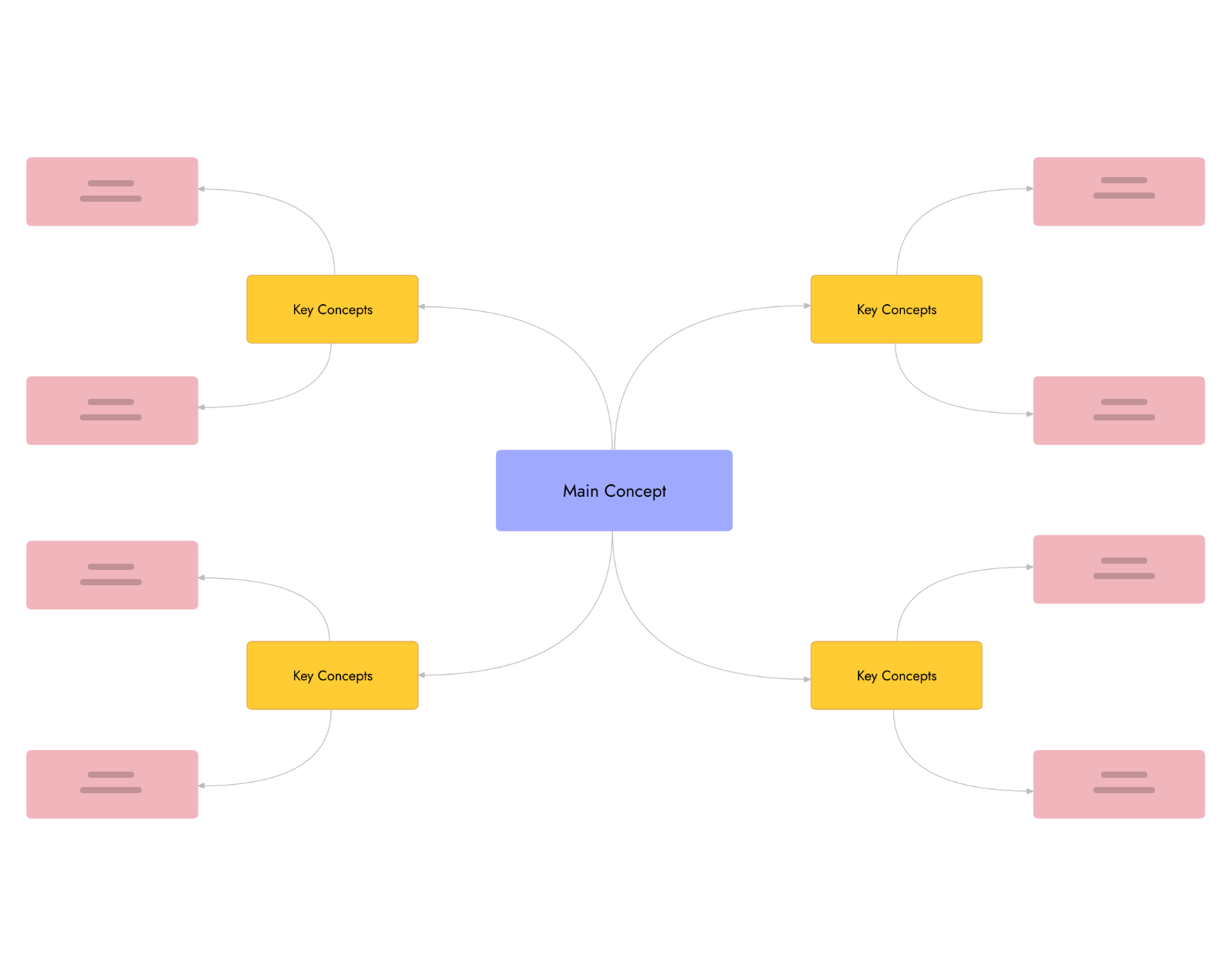
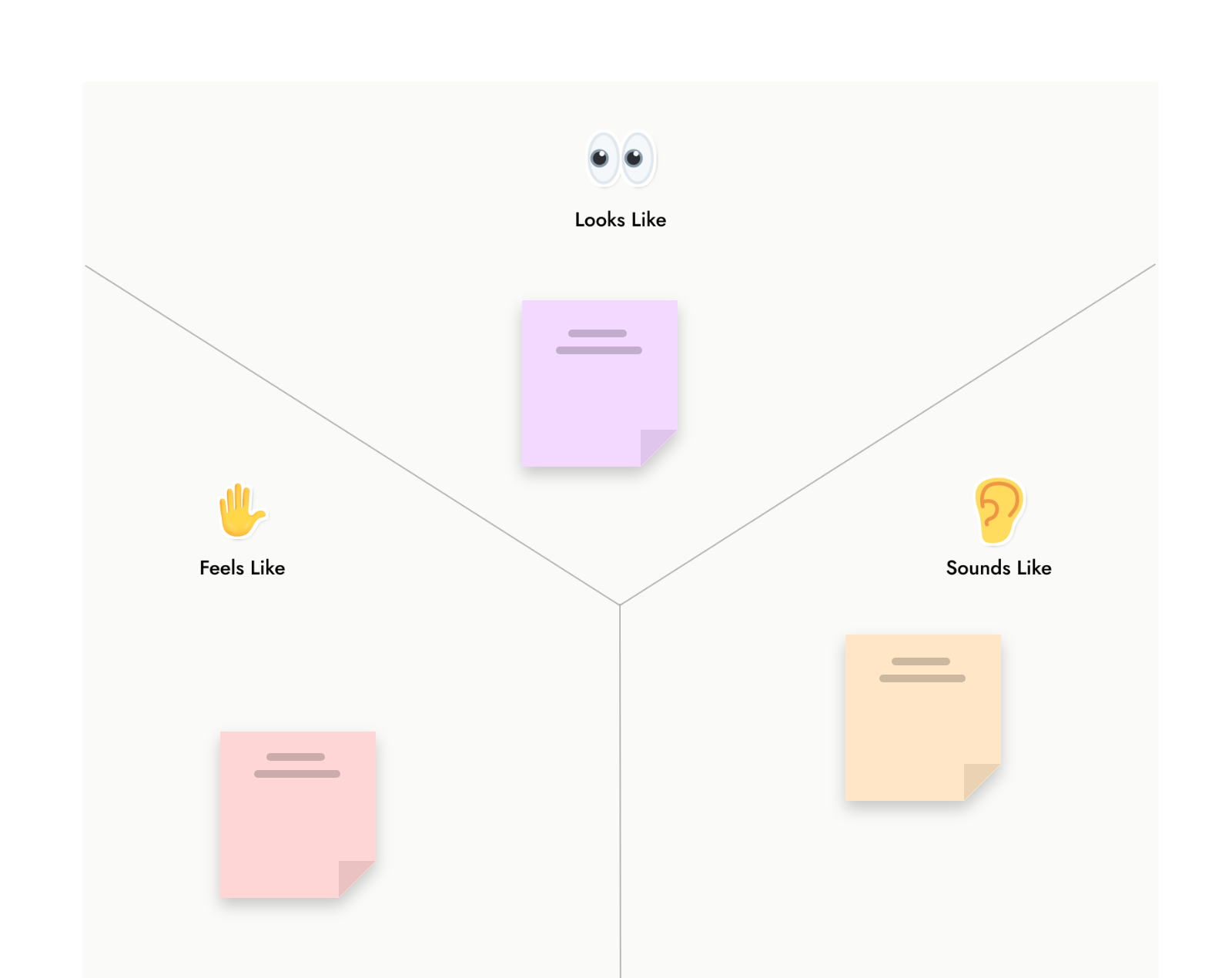

A free Jamboard alternative, with room to grow.
Jamboard was free with a Google account, and MockFlow Basic is free forever. Plus and Max bring the whole class or team onto the board. Compare plans.
| Feature | Basic | Plus | Max |
|---|---|---|---|
| Price | Free | Per editor | Per editor |
| Sticky notes, drawing, images and PDFs | |||
| Google Meet add-on | |||
| Boards | 3, plus 1 WireframePro project | Unlimited | Unlimited |
| People who edit together | 1, with 5 reviewers | As many as you add | As many as you add |
| AI credits each month | 100 | 800 per editor | 2,000 per editor |
| Turn a jam image into editable notes | |||
| Polls, timers, upvotes, apps and games | |||
| Meetings on the board | Audio | Audio and video |
Basic is for personal and nonprofit use. Schools and students: claim 50% off on MockFlow for education.
Jamboard alternative questions.
Old jams, Google Meet, classrooms and plans.
What replaced Google Jamboard?
Is there a free Jamboard alternative?
Can I import my Jamboard files into MockFlow?
Where are my old jams now?
Does MockFlow work inside Google Meet like Jamboard did?
Does MockFlow have frames like a jam?
Can students draw and handwrite on the board?
Is MockFlow a good Jamboard alternative for teachers?
A full whiteboard in one click, ready for your first lesson or retro. Boards last 24 hours, so sign up to keep one.


 Brainstorm with MockFlow MCP


