From sketch to handoff.
Bring ideas to life, wireframe faster and deliver polished client work from one streamlined workspace.
Go from idea to UI on your own.
Start with a sketch, an idea or a spark. Explore freely, think visually and turn concepts into wireframes with ease.

Everything a freelance project needs.
Kits to start fast, a library that grows with you, and an easy way to bring clients into the work.

Wireframe in record time
Use ready made UI kits and templates to jumpstart client websites, apps and dashboards.

Collect inspiration visually
Save screenshots, UI references, ideas and links on your own board and use it like a mood board to shape direction.

Build a personal design library
Reuse your best work. Save components, layouts, custom UI kits, image libraries and boards across projects.

Share work, get feedback
Send a secure link with no logins. Clients comment right on what matters.

Redesigns made easy
Turn existing websites and apps into editable wireframes with MockFlow Clippy, our Chrome extension.
About ClippyAI as your design partner
MockFlow AI works like a creative teammate. It generates wireframes, layout ideas, UI content, images, colour palettes and tables, and reviews your design for accessibility and balance.
See the AI toolsA design partner on demand.
Pick a starting point and let AI do the first draft, then make it yours.

Brainstorm with AI
Explore directions for a client brief before you open a design tool.
Learn more
Wireframe with AI
Generate editable layouts from a prompt and refine them by hand.
Learn more
Sitemap with AI
Agree on the structure of a site with your client from day one.
Learn more
Diagrams with AI
Describe a user journey and get a flowchart you can edit.
Learn moreTemplates for client projects.
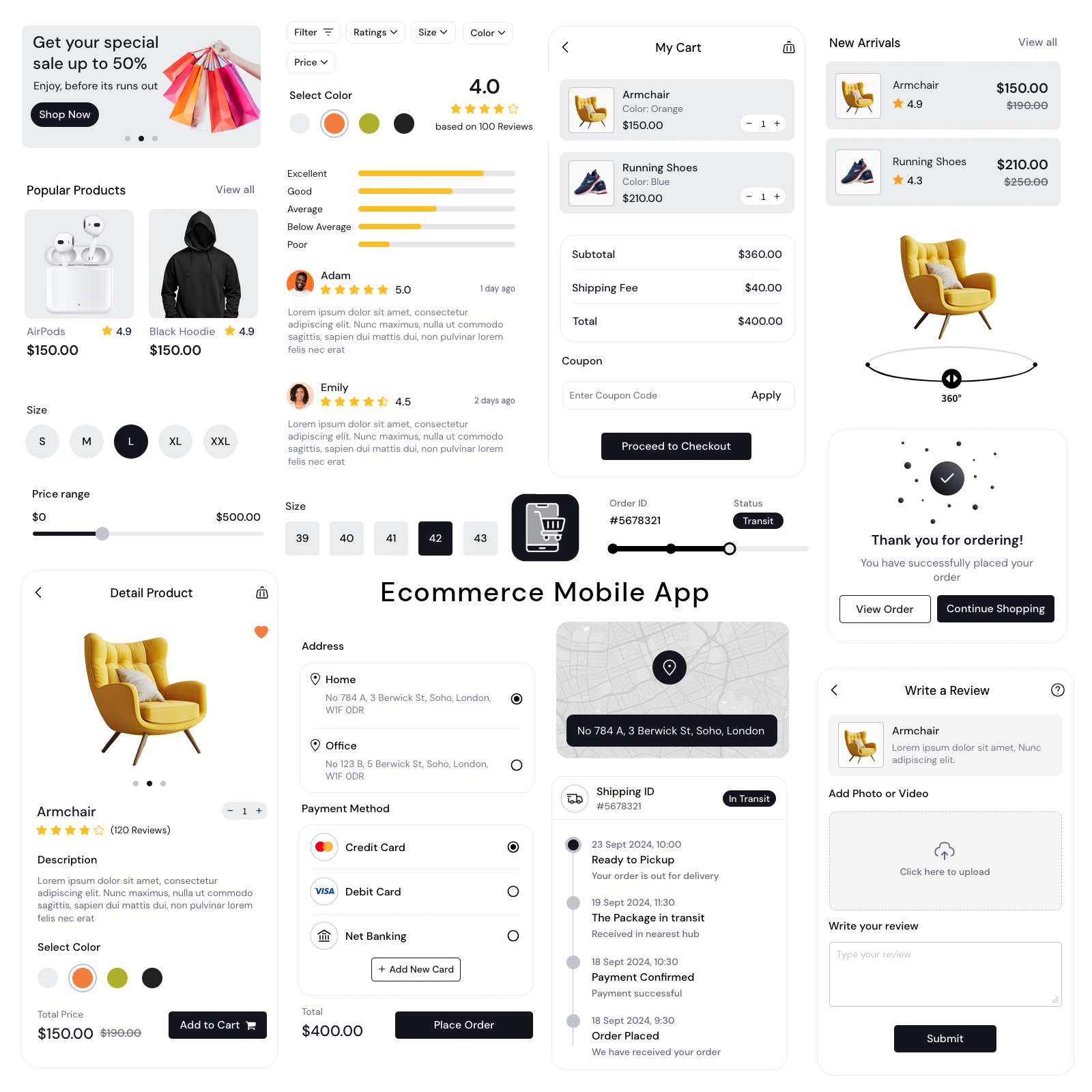
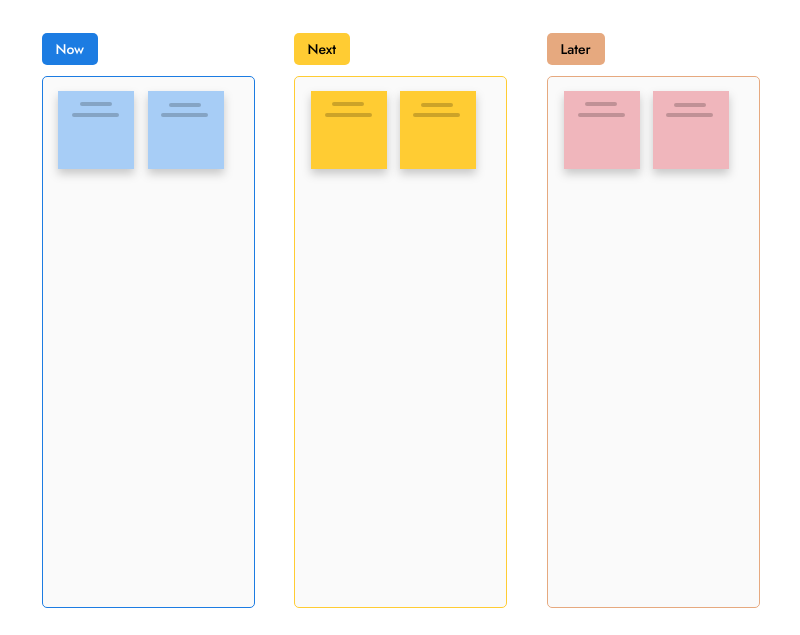
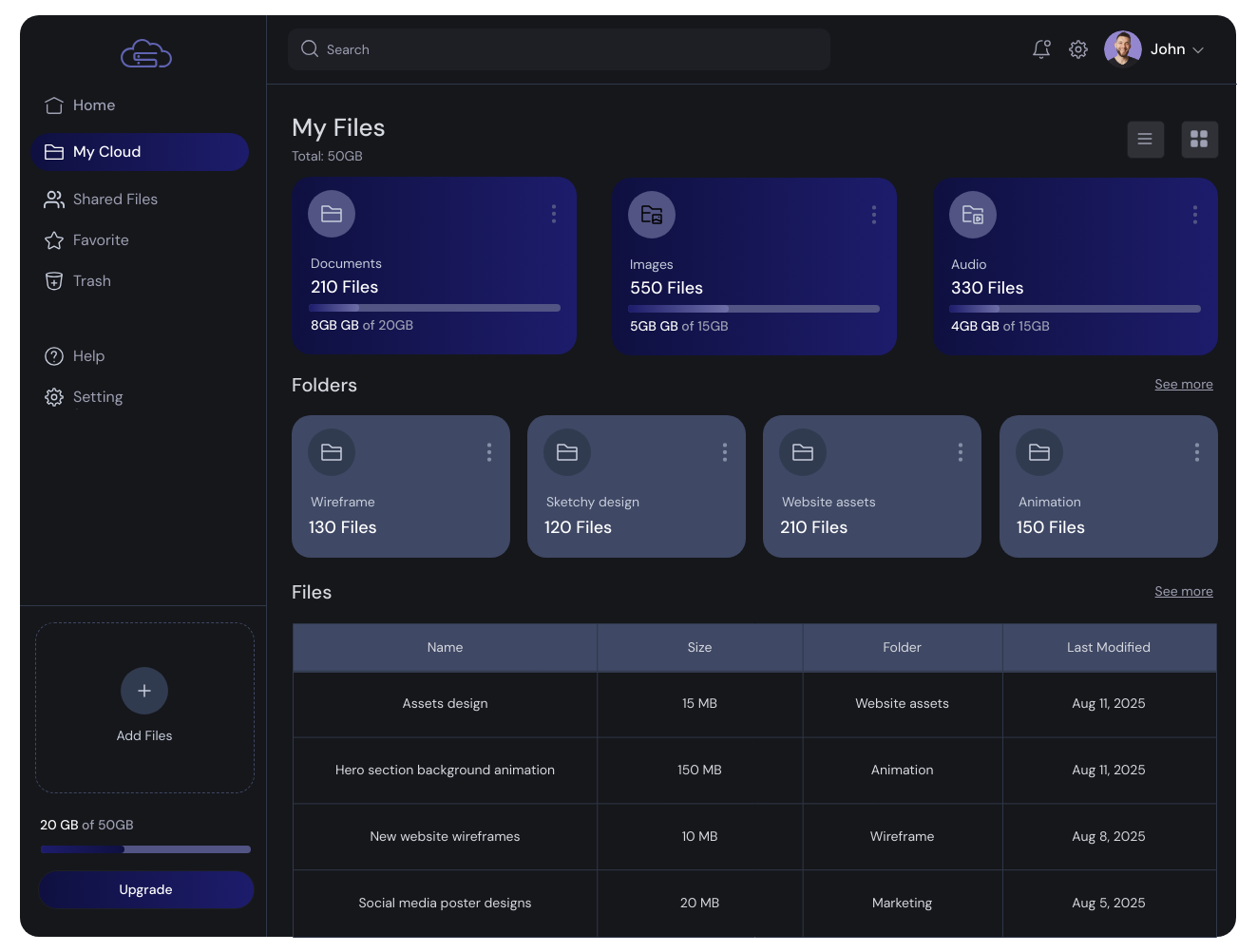
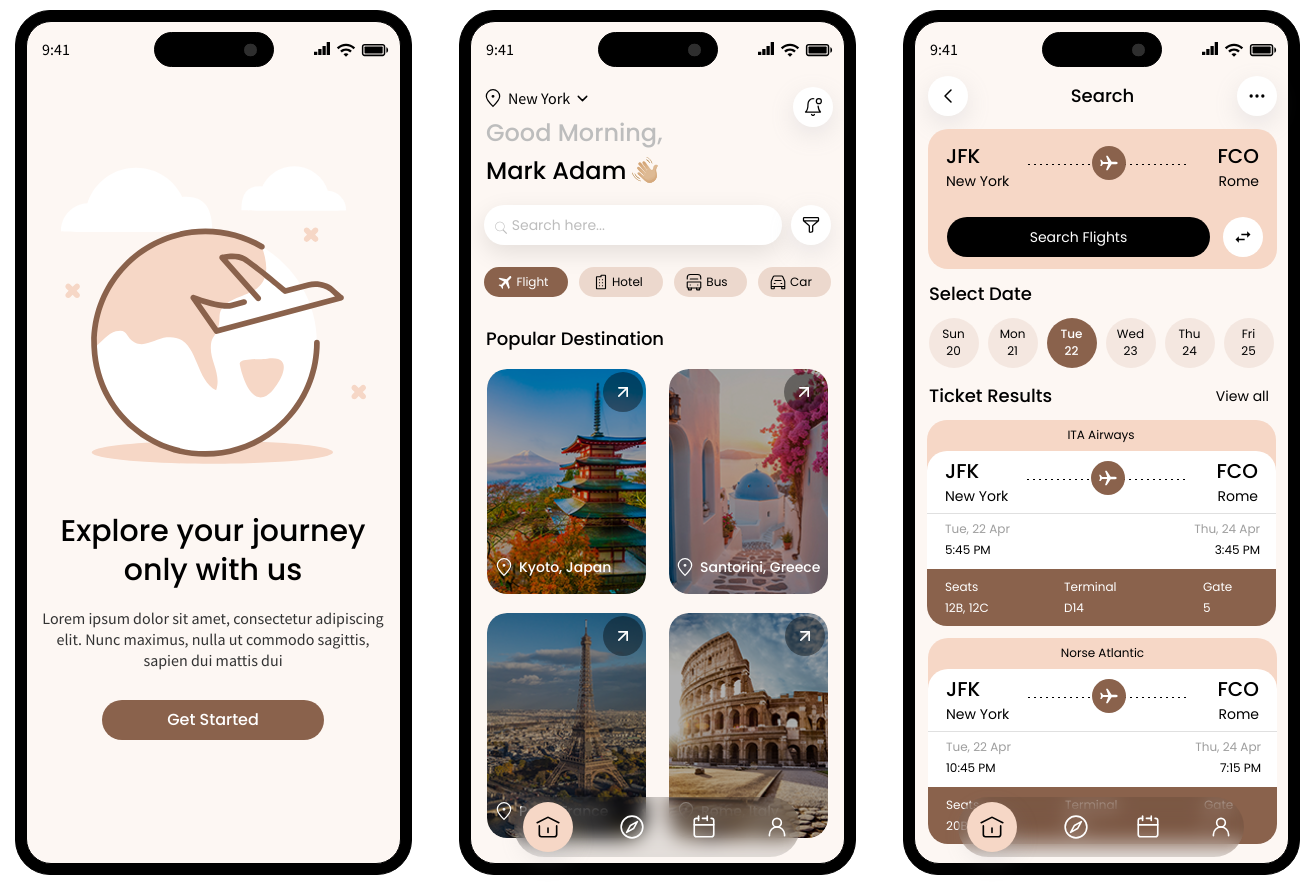
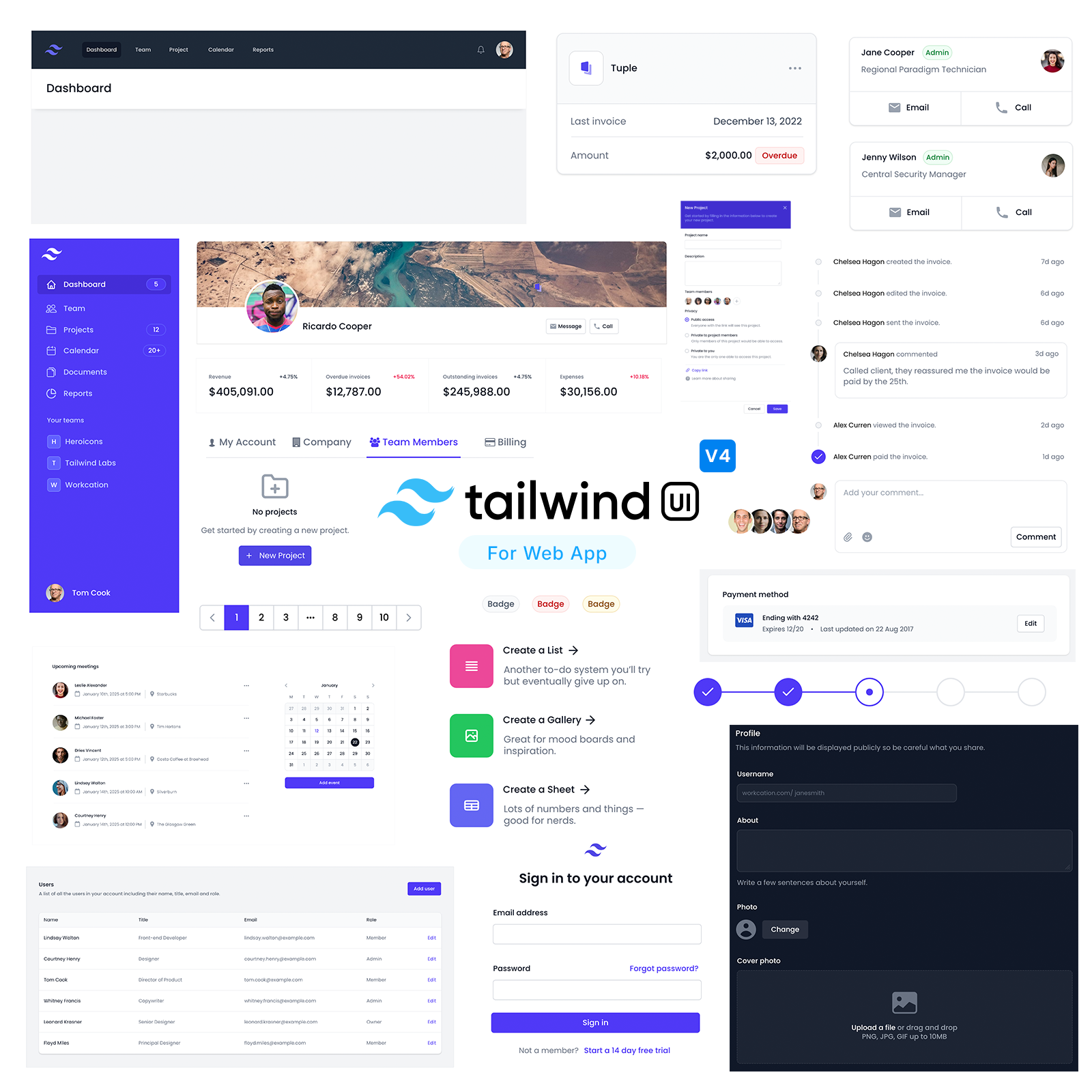
Mobile apps, web apps and planning boards ready to import and customise.

Open a blank board in one click and share the link with your team. Sign up to keep it.




 Brainstorm with MockFlow MCP



