



The online whiteboard your whole team can start in seconds.
Brainstorm, diagram, wireframe and plan together on one free board, with AI that builds alongside you.
What is an online whiteboard?
An online whiteboard is a shared canvas in your browser where a team puts ideas, plans and designs in one place and works on them at the same time. MockFlow’s whiteboard grows with your work, so one board can hold a ten minute brainstorm or a whole project, and every change appears for everyone as it happens.
A canvas with no edges
You never pick a page size. The board makes room as you add items, and the mini map jumps to any part of a large board.
Items for every kind of work
Sticky notes and drawings sit beside kanban boards, charts, documents, wireframes and videos, all on the same canvas.
Everyone at once
Each person’s cursor carries their name. Press M to say something right at your cursor.
Why MockFlow for your whiteboard?
Most whiteboards stop at sticky notes and shapes, so the plan, the diagram and the screens end up in other tools. In MockFlow they are all items on the same board, with AI that builds them for you and meetings that happen right on the canvas. The team brainstorms, decides and keeps working in one place, and nothing is lost between apps.
How to use an online whiteboard.
Five steps from a blank board to a working session. The getting started guide has every detail.
- Open a board.Open mockflow.com/new for a board with no account, or sign up free and create one in your workspace.
- Add items.Use the tool bar at the bottom: Add anything, Stationery for sticky notes, Draw and Assets.
- Let AI build with you.Open Mida from the AI chip, describe what you need and click Generate Board.
- Invite your team.Click Share and invite people as Reviewer, Editor or Admin.
- Meet on the board.Open the headset menu to start a meeting, chat or present the board live.
What you can put on the board.
Beyond sticky notes, the component library has a ready tool for each kind of work, and frames set up an area for diagrams, wireframes or mood boards. See every kind of item.
Planning
Ideas and thinking
Data
Writing and reference
Places
Design
Working together
Brainstorming
Make one of them the focus: flowchart maker, mind map maker, storyboard maker and wireframes with WireframePro.
An AI whiteboard that builds with you.
Describe what you need and Mida, the AI on your board, asks a few questions, shows the items it plans to make and builds the ones you pick, laid out and ready to edit.
- From a sentence. A launch plan, a sprint board, app screens or an architecture diagram.
- From what you have. Turn meeting notes, a document or a whiteboard photo into board items.
- With your own agent. Let Claude Code or another agent draw on the board through Bridge, with no MockFlow credits.
Every diagram type AI can draw is on AI on the board.
 Mida800


 E4 online
Work together, live.
Every board is multiplayer. Changes appear for everyone straight away, and the meeting happens on the board itself, with no separate link and no switching apps.
- Meetings on the board. Audio on Plus and video on Max, with screen sharing in a panel on the board.
- Present it live. Everyone follows your view as you move and zoom, on Plus and Max.
- Team chat with Mida. Pin a message to a spot on the canvas and ask @mida for the decisions, on Plus and Max.
- Comments and reactions. Feedback pinned to the exact spot, on every plan.
See Work on a board together and Start a meeting on a board.
Your whiteboard, wherever you meet.
Open the same board in a video call, a chat channel, a desktop app or the browser.

Google Meet
Open a board on the meeting stage and the whole call edits it together.

Microsoft Teams
Add a board as a tab in a channel, or post a snapshot to the chat.

Desktop app
A native app for Mac and Windows that saves boards as files and works offline on yearly Max plans.

Clippy
A Chrome extension that sends any web page to your board.
Google Meet and Teams boards with your team need Plus or Max. All apps are on MockFlow Apps.
One board for every kind of team.
Use it for a ten minute idea or a project that runs for months.
Product teams
Olivia runs a weekly product review across three time zones. The roadmap, the user flow and the open questions live on one board, so nobody hunts for the latest file.
Teachers and classes
Marcus teaches history online. Students add ideas to a shared mind map, vote in a poll and present their corner of the board. More on MockFlow for education.
Designers and developers
Sam sketches the screens and Lucas draws the architecture beside them, then the team reviews both in one meeting on the board.
Small businesses
Elena plans a shop refit. The floor plan, the mood board, the supplier table and the opening checklist sit side by side.
Start from a whiteboard template.
Free templates for brainstorms, retros and maps, ready to open and change. Browse all templates
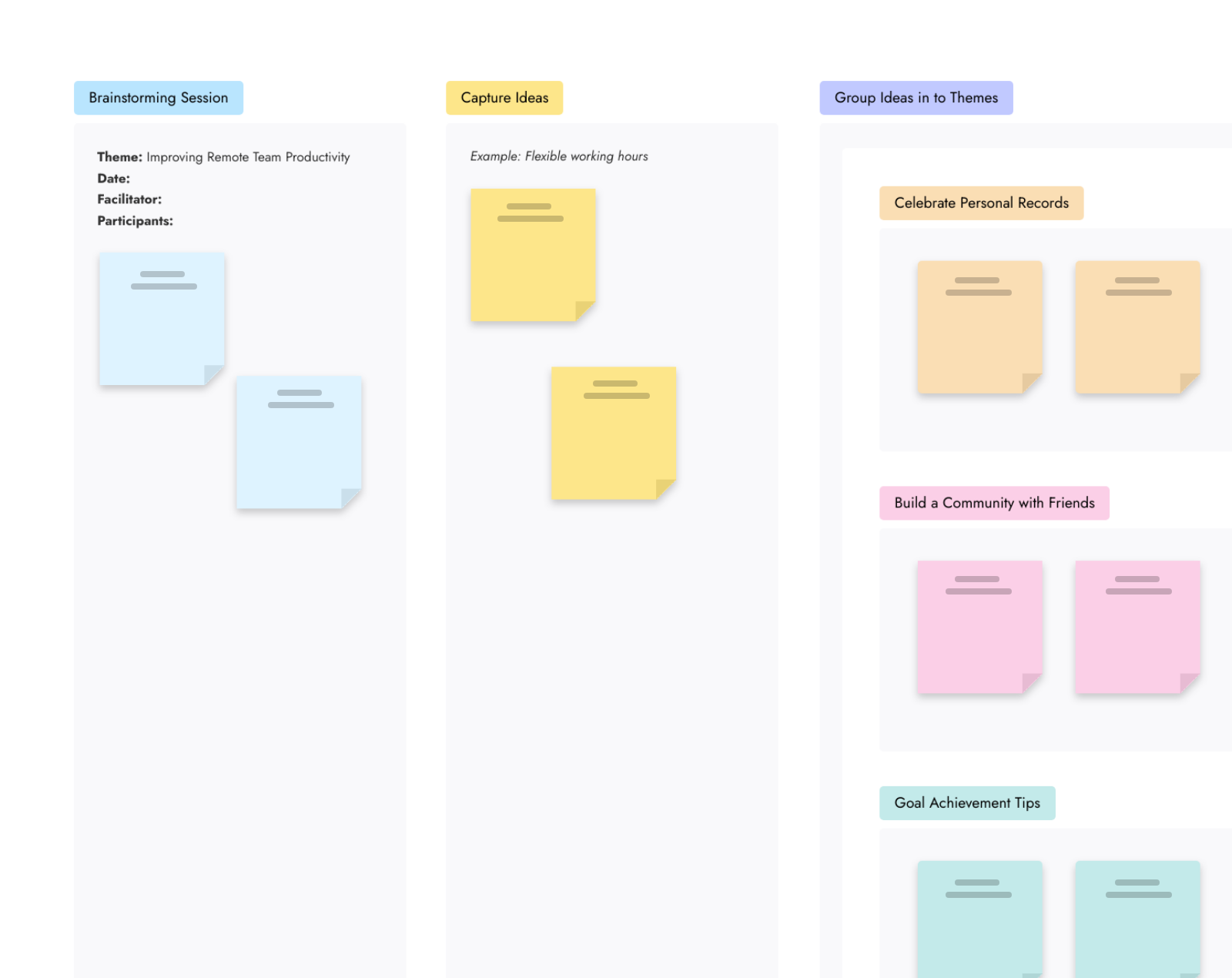
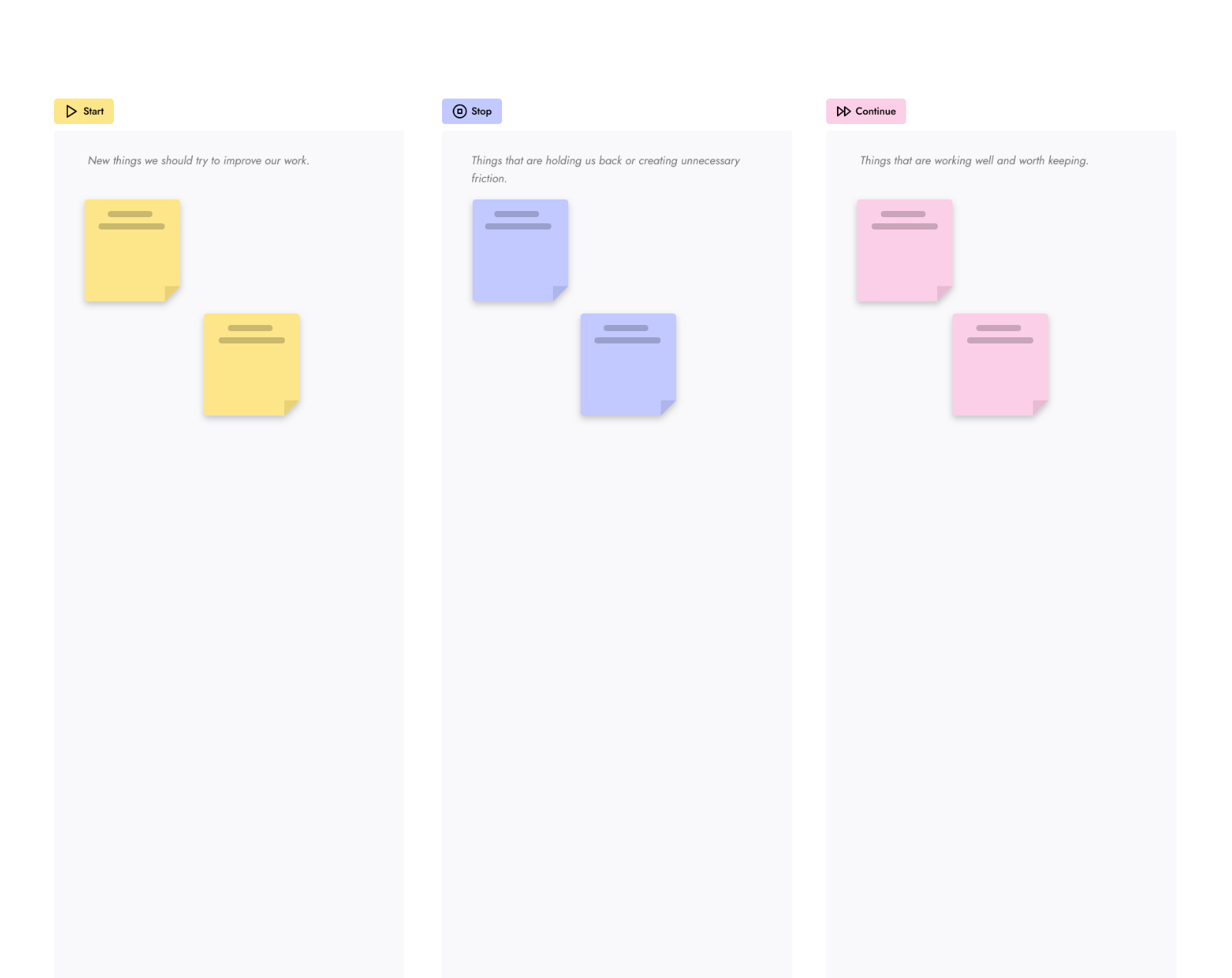

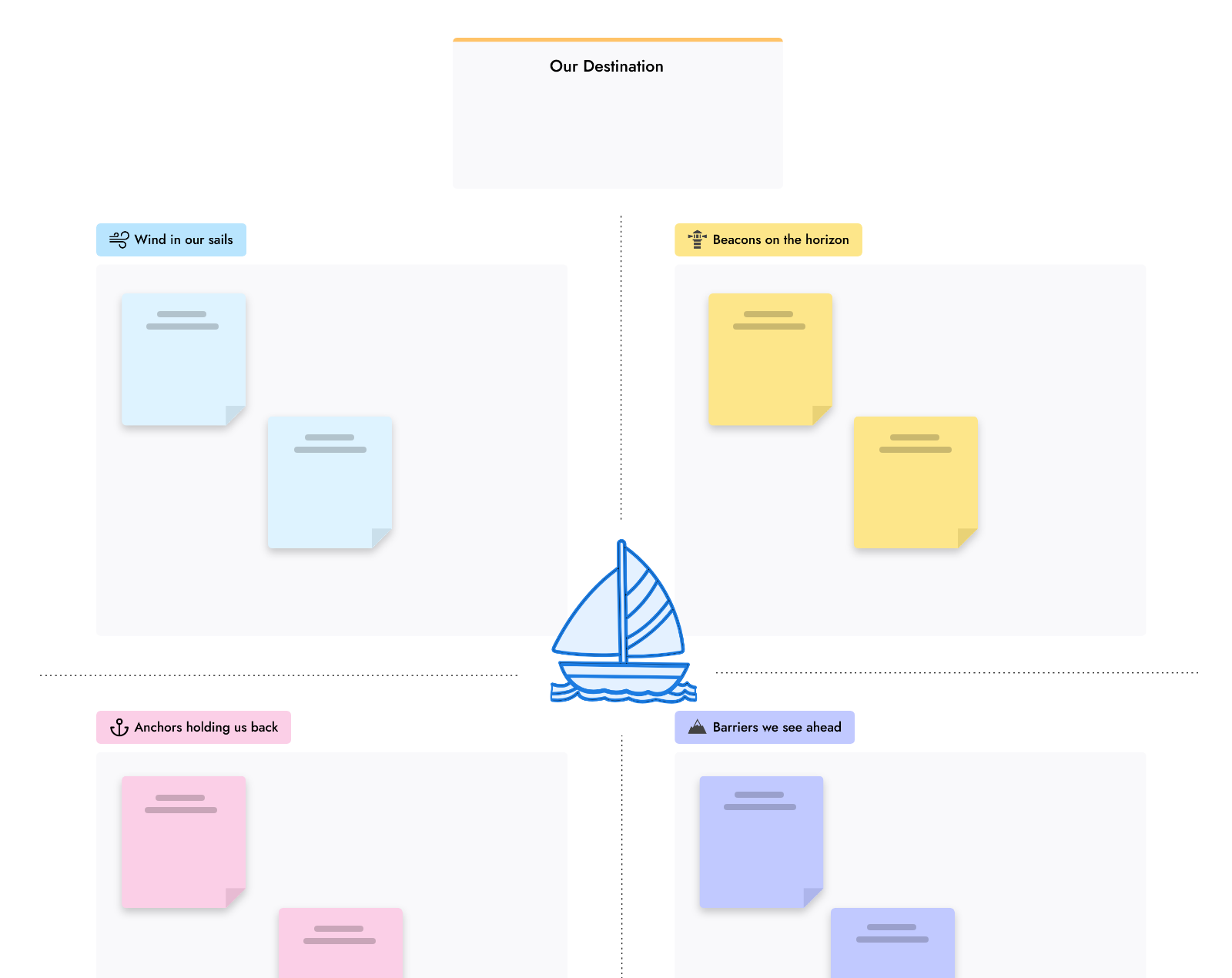


Free to start, ready for teams.
Basic is free forever. Plus and Max add editors, meetings and more AI. Compare plans. Weighing other tools? See Miro alternatives and MockFlow vs Miro.
| Feature | Basic | Plus | Max |
|---|---|---|---|
| Projects | 4 | Unlimited | Unlimited |
| People who can edit | 1 | As many as you add | As many as you add |
| People who can view and comment | 5 reviewers | Unlimited | Unlimited |
| AI credits each month | 100 | 800 per editor | 2,000 per editor |
| Team chat, audio meetings, present live | |||
| Video meetings | |||
| Offline desktop app | Yearly plans |
Online whiteboard questions.
Plans, accounts, AI, meetings and what you can put on a board.
Is MockFlow’s online whiteboard free?
Can I use the whiteboard without signing up?
How many people can work on one board?
What can I put on an online whiteboard?
Does the whiteboard have AI?
Can I hold meetings on the whiteboard?
Does the whiteboard work offline?
Is my board used to train AI?
A full whiteboard in one click. Share the link and anyone joins. Boards last 24 hours, so sign up to keep one.


 Brainstorm with MockFlow MCP


