A board for every classroom.
From whiteboarding ideas to wireframing real interfaces, MockFlow helps educators and students think visually and learn through hands on design.
UI design and visual thinking, together.
MockFlow brings UI design and visual thinking into one experience, so students learn the whole design process in one place.
Master UI design
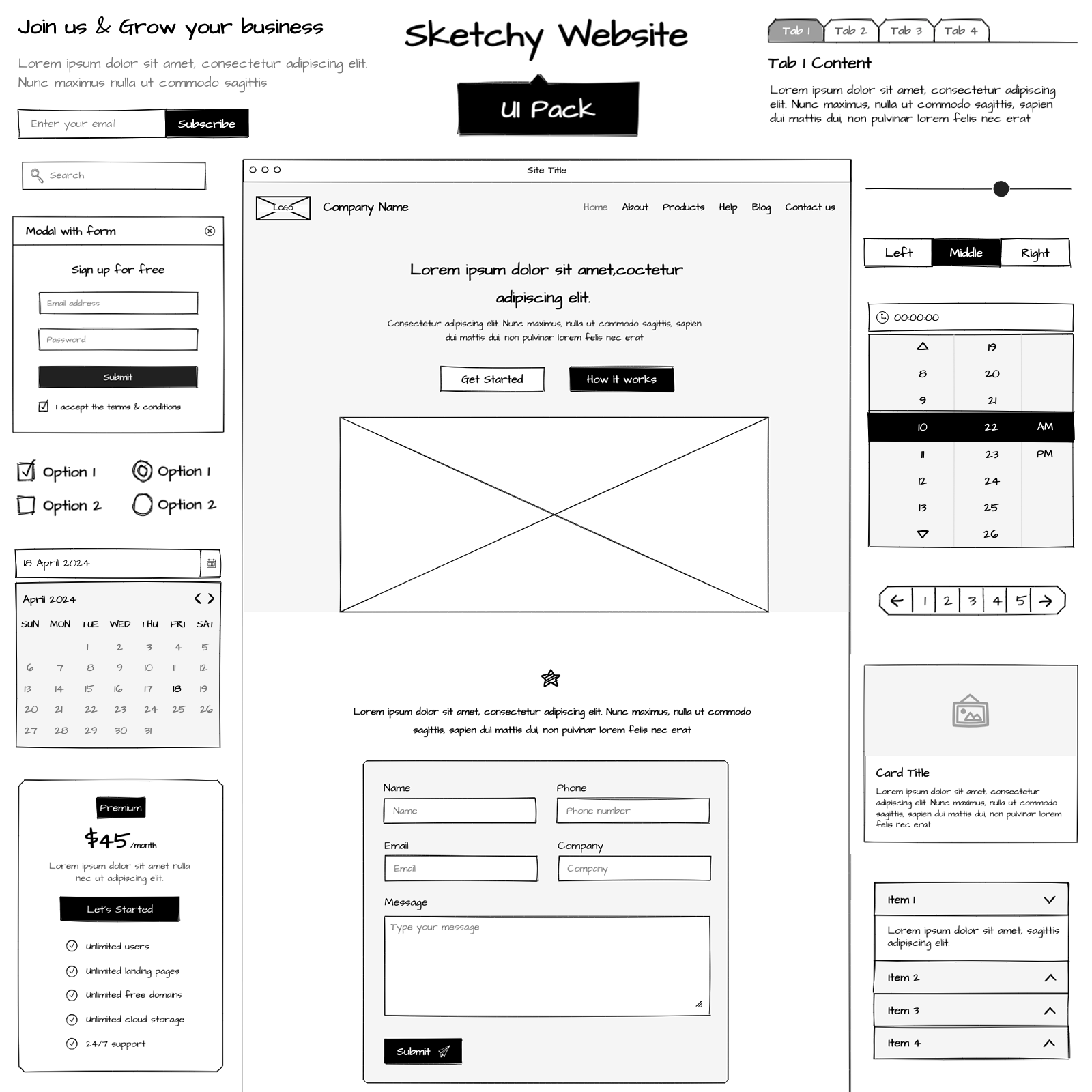
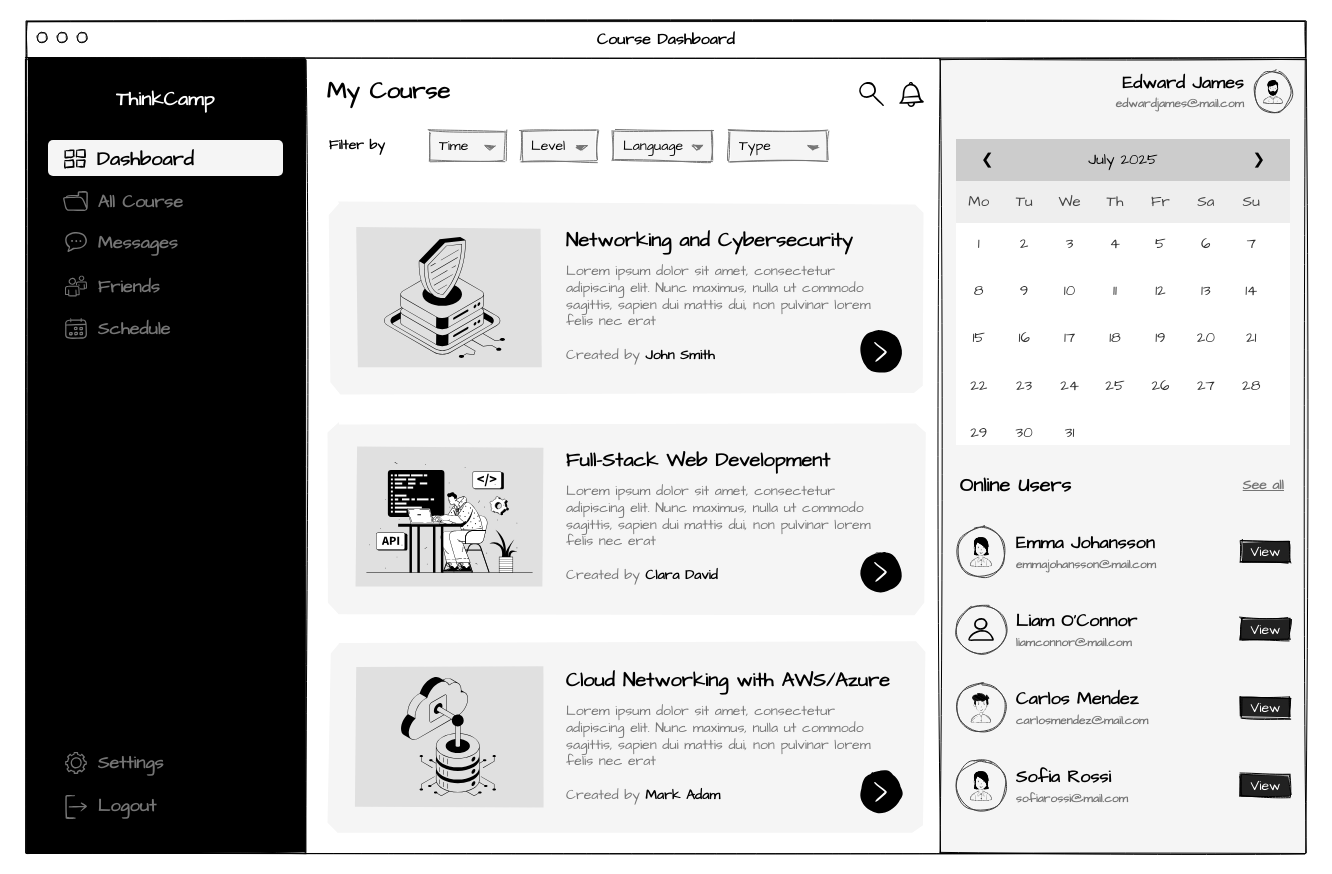
Students build real world wireframes with drag and drop UI kits, generate layouts with AI, and learn the fundamentals of user interface design.
Visual thinking in class
Flowcharts, sticky notes, mind maps and templates give students and instructors a space to brainstorm, collaborate and share ideas visually.
Everything students need to learn UI and UX design.
Easy enough for a first lesson, complete enough for a bootcamp.
Easy to start
Students start wireframing in minutes with no design tool experience, ideal for classrooms and fast bootcamps.
Drag and drop UI kits
Built in UI kits for web and mobile teach structure and help students make polished wireframes quickly.
Visual sitemap tool
Teach information architecture and user flows, so students understand structure, hierarchy and navigation.
Interactive prototypes
Design and test user journeys by turning wireframes into clickable prototypes.
A board for visual thinking and creative exploration.
Run classroom activities, explain topics and explore ideas together on one board, with classroom games and quizzes the whole class uses at once.
Sticky notes
Jot down thoughts, group information or run interactive classroom activities.
Flowcharts and diagrams
Create process flows, logic sequences or system diagrams for science, business or design topics.
Mind maps
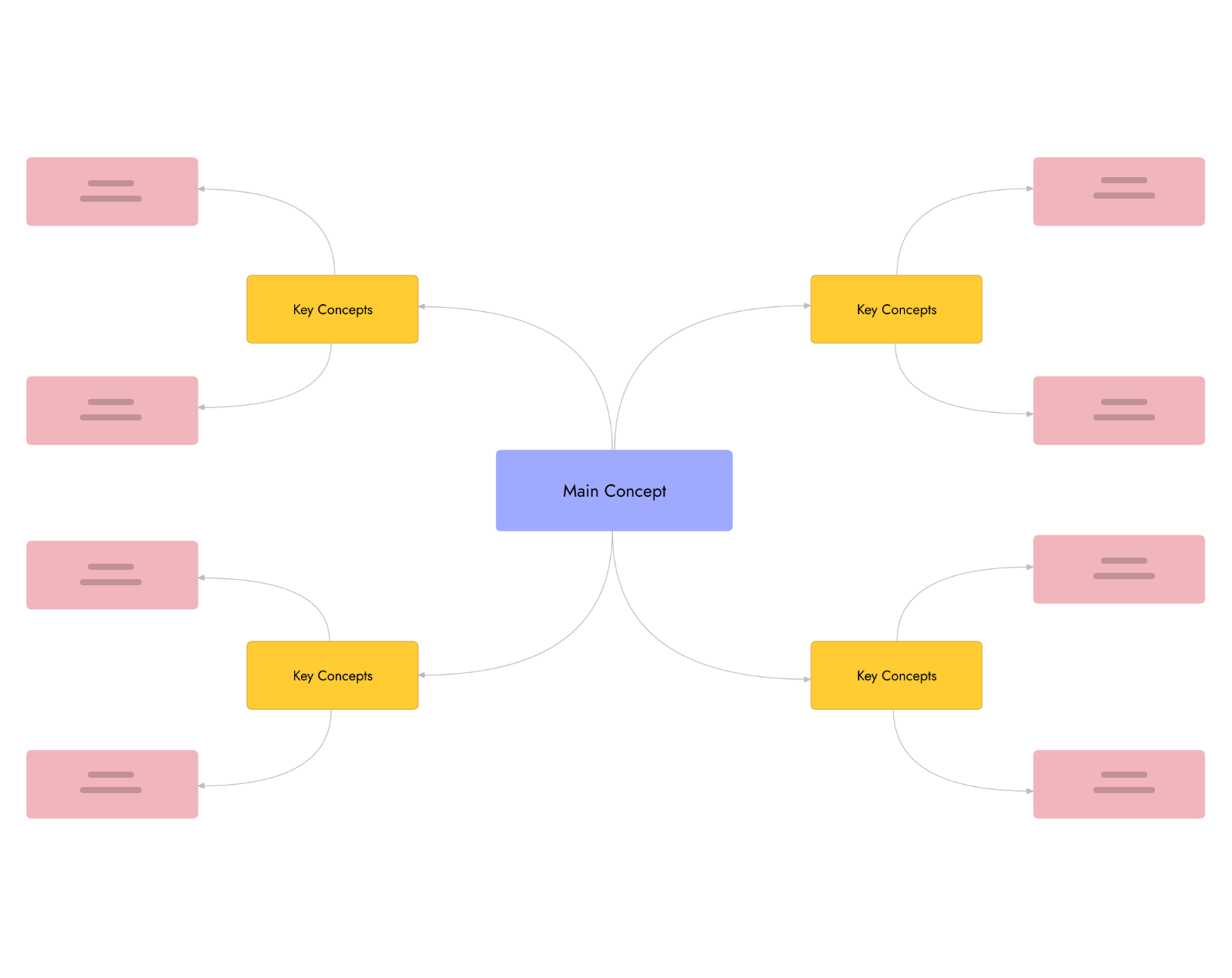
Organize and connect complex ideas, great for breaking down concepts and brainstorming.
Free hand drawing
Draw freely to illustrate concepts, annotate diagrams or express ideas during lessons.
Visual docs
Write lesson notes, group reflections or explanations right beside your ideas and diagrams.
Brainstorming templates
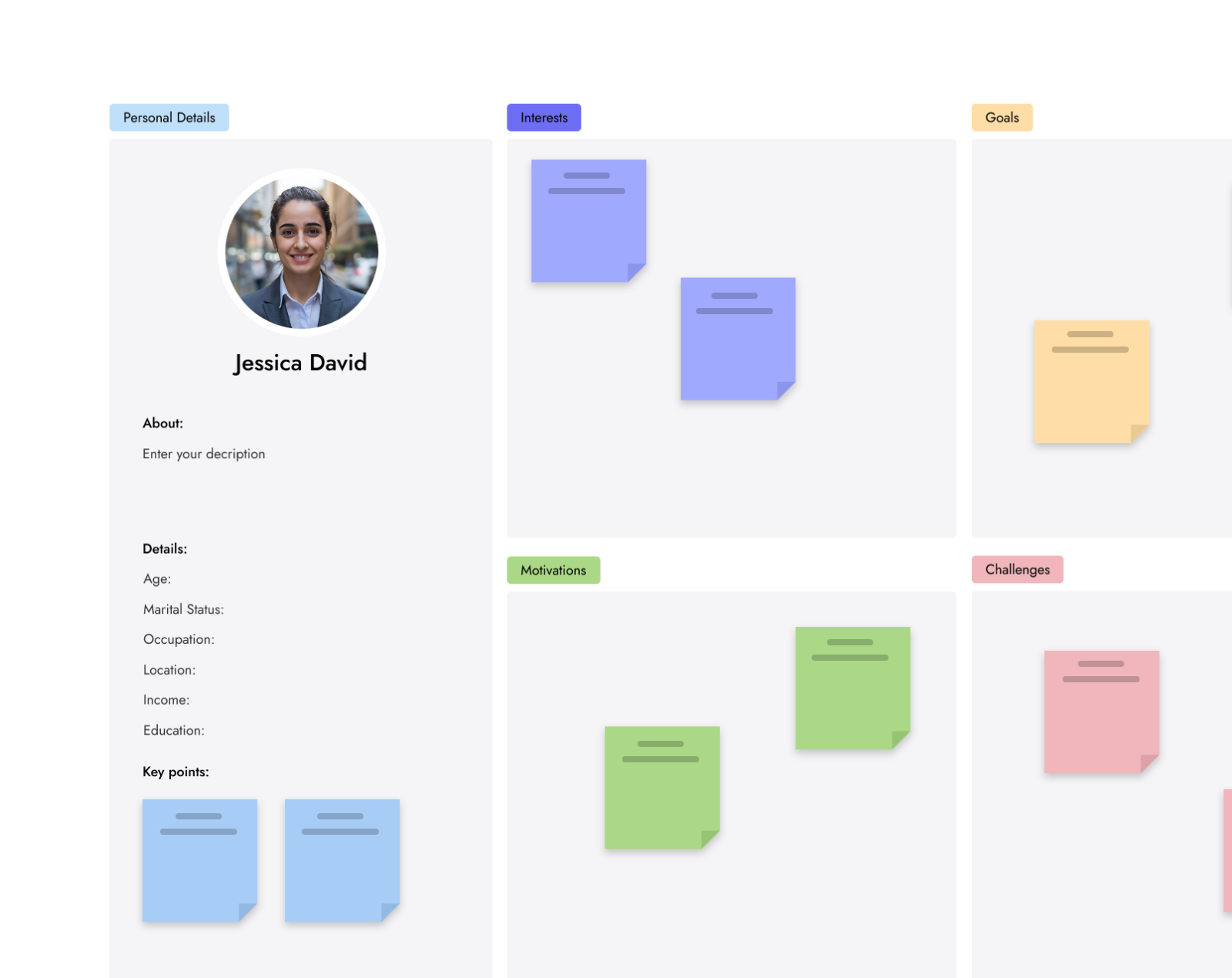
Teach structured thinking with templates like Empathy Maps, the 2x2 Matrix and SWOT.
AI that helps students get started.
Generate a first draft in seconds, then let students shape it, critique it and make it their own.
Diagrams with AI
Turn written inputs into flowcharts, process flows and architecture diagrams.
Learn moreDesign thinking meets UI design.
Start with ideas on the board, shape them into interfaces in WireframePro, and collaborate at every step, all in one place.
Education pricing, 50% off.
Students, teachers and educational institutions get 50% off every MockFlow plan. Teams and classrooms can ask for group access at support@mockflow.com.
WireframePro
- 1 user license
- Unlimited WireframePro projects
- Unlimited reviewers
- 25 GB of cloud storage
MockFlow board
- 1 user license
- Unlimited board projects
- Unlimited reviewers
- 25 GB of cloud storage
Bring MockFlow to your classrooms.
Educators and academic leaders bringing MockFlow to students at scale can join our Education Partner Program.
Bulk licensing
Classroom setup support
Offline mode
Curriculum aligned templates
Instructor resources
Co branded collaborations
Ready made templates for lessons.
Open a template and adapt it for your class. Browse all templates
Give your students the tools to think, design and collaborate visually.
Licensing a whole class or school? Write to support@mockflow.com and we will set up group access.




 Brainstorm with MockFlow MCP



