Free video templates

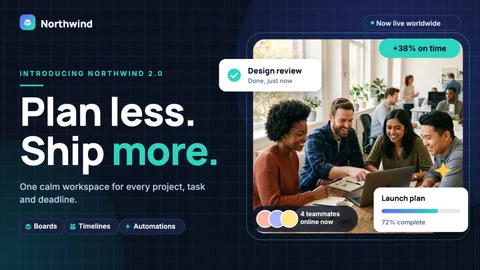
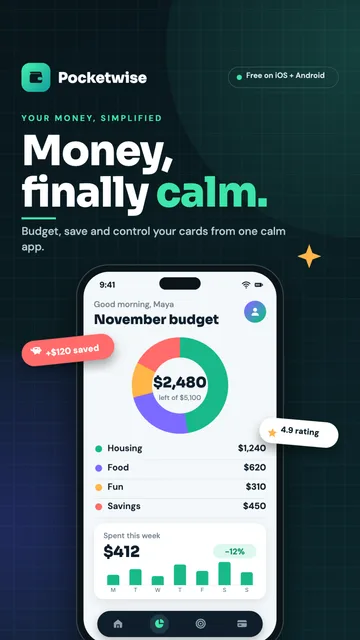
Animated posts, stories, promos and explainers to edit on a MockFlow board and export as MP4.

Videos

YouTube

Reels and Shorts

Product launch

Product demo
How-to

Data and reports

Events

Testimonials

Hiring and team

Course lessons

Sales and promos

UGC videos

Get started

Your next video, ready in minutes.

MCPBrainstorm with MockFlow MCP

Add MockFlow as an MCP connector in Claude, Cursor, or any MCP-compatible AI assistant to generate flowcharts, mindmaps, architecture diagrams, and 16 types of visualizations.

Desktop App MCP Powerful
CLI Web MCP Developer
Web MCP Easiest

Built into the MockFlow Desktop App. AI creates visuals directly on your open canvas — no URLs, no waiting.

1
Open Desktop App → open a MockFlow project
2
In Claude Code / Cursor, run:
claude mcp add --transport http -s user mockflow-ideaboard http://localhost:21193/mcp
3
Ask: "Create a flowchart for..."

Best for: Designers, product teams, daily MockFlow users.

Download Desktop App →

Install from npm, log in via browser (OAuth), and boards are saved to your MockFlow account.

1
npm install -g @mockflow/ideaboard-mcp
2
mockflow-ideaboard-mcp login
3
mockflow-ideaboard-mcp

Best for: Developers using Claude Code, Cursor, or VS Code Copilot.

npm Package →

Add MockFlow as a connector in Claude.ai or ChatGPT. No installation. A new board is created and you get a shareable URL.

1
Open Claude.ai → Settings → Connectors
2
Paste this URL, then click Connect and sign in to MockFlow: https://app.mockflow.com/ideaboard/connector/mcp
3
Ask Claude to create a flowchart — done!

ChatGPT or no account: no login needed, use https://app.mockflow.com/ideaboard/mcp

Best for: Managers, marketers, anyone using Claude.ai or ChatGPT in the browser.

Welcome back

Don't have an account? Sign up

Faster ways in

Sign in with an account you already use.