



The whiteboard your whole class works on.
Build the lesson board in minutes, teach from it live and let students add their ideas, right beside the map, the chart and the quiz.
 Sofia

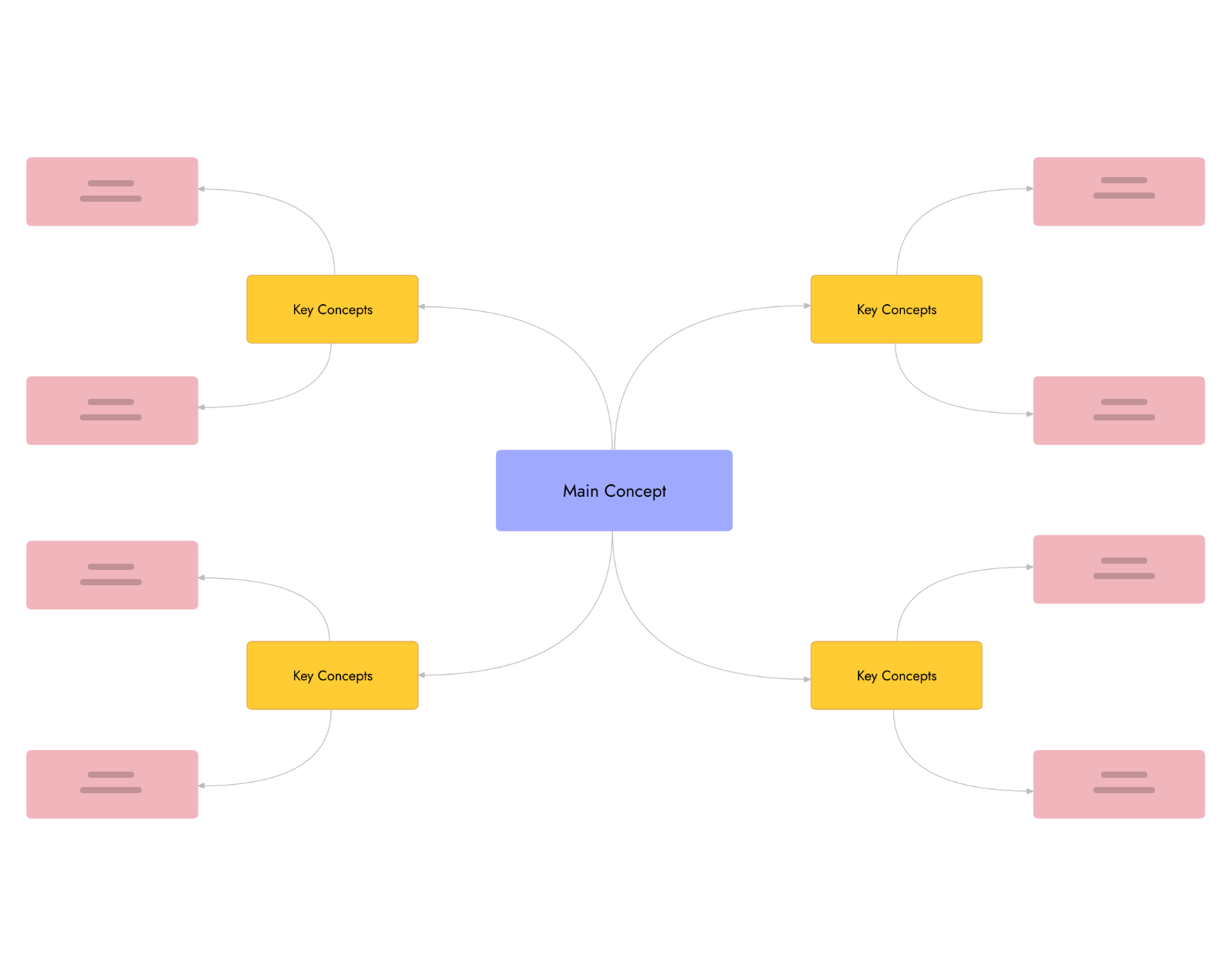
MockFlow is an online whiteboard for teachers. One board holds the whole lesson: a map or a mind map to teach from, a KWL chart, sticky notes for group work, a timer, a poll and a quiz, all in the same place. Students join the same board and add their ideas as you teach, and the board stays ready for the next class. Moving from Jamboard? See the Jamboard alternative.
One lesson, start to finish.
Sofia teaches rivers of the world to Year 6. Here is how the board works through the hour.
-
Before classSunday evening
AI builds the lesson board.
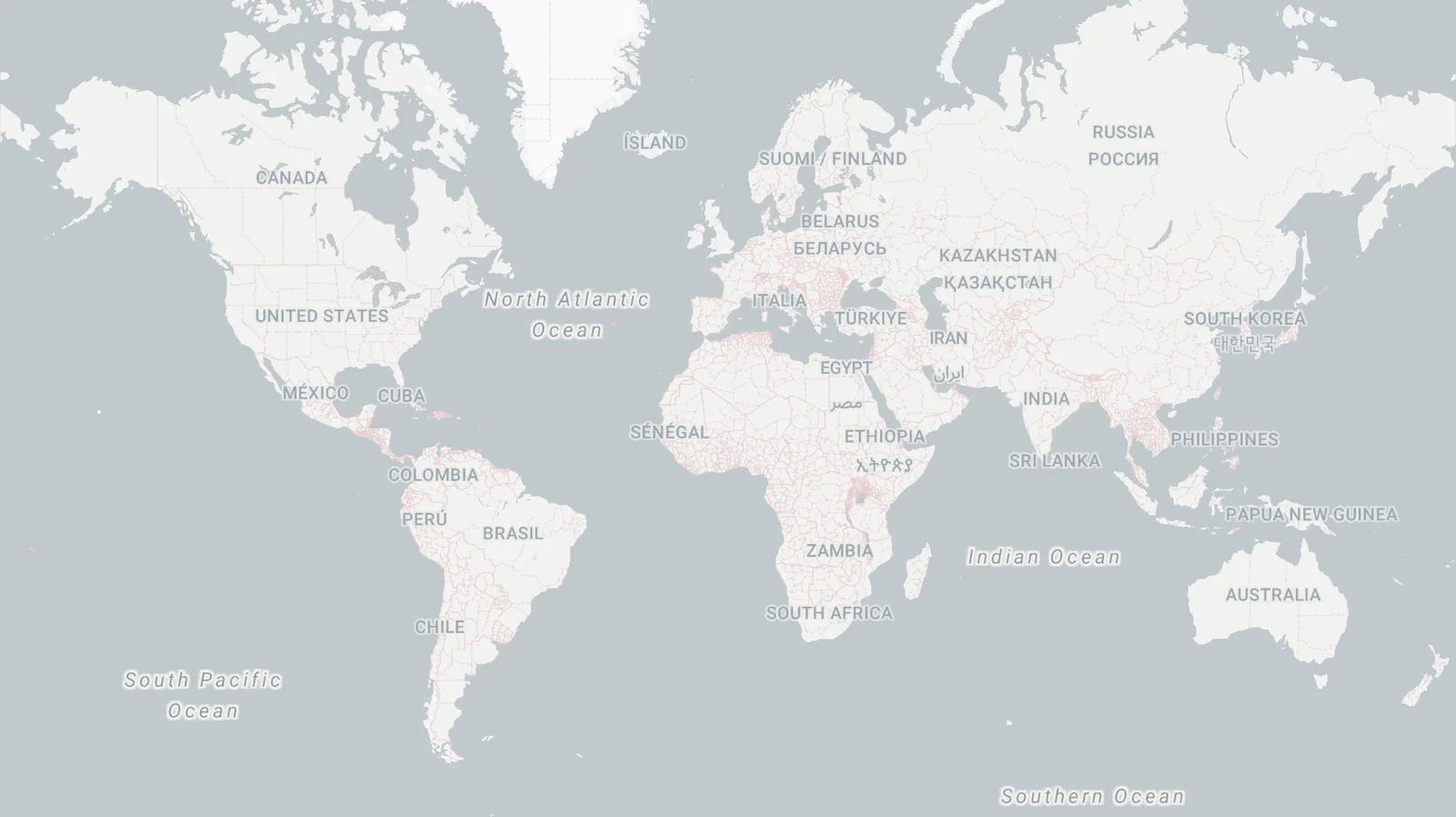
Sofia describes the lesson and Mida, the AI on the board, adds the map, the KWL chart and the lesson plan, laid out and ready to edit. See Generate a board from a prompt.
 MidaMake a Year 6 lesson board on rivers of the world: a map of the big rivers, a KWL chart and a 50 minute planSelect items to generateRivers of the worldPin MapsKWL chartTableLesson planTo do list
Generated 3 items on your board.
-
9:00Warm up
Wake the room up.
Play a short clip on the board, then take a quick show of hands. The whole class sees the result at once. Shows of hands are on Plus and Max.
How a delta forms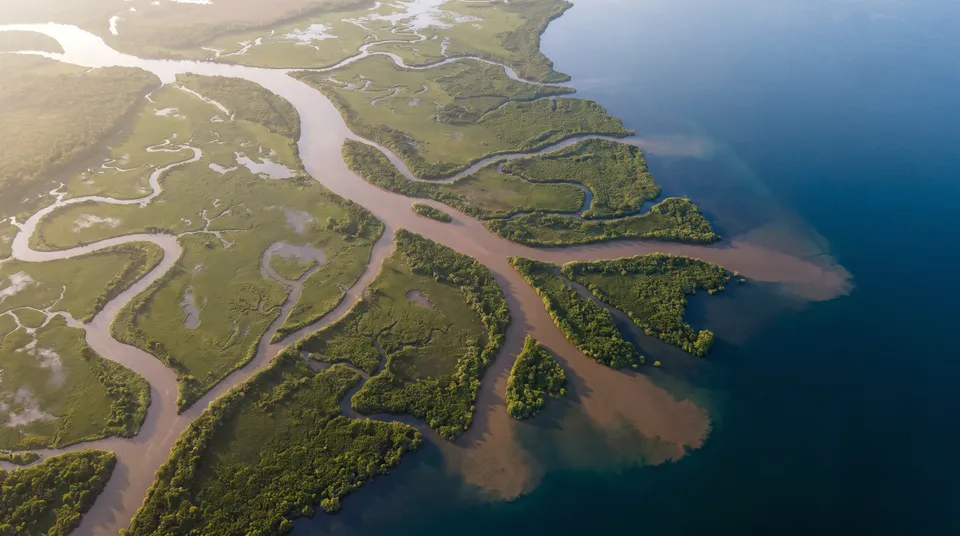 0:48 / 2:10Show of handsPlus
Have you ever seen a river delta?
Raised 19ALNMLowered 7EJ -
9:10Group work
Every group fills its own row.
One river per group. Each group adds its facts to the class table while a shared timer counts down for everyone. See Work with numbers in a spreadsheet.
Group work 08:42PlusRiver factsA B C D 1 River Length, km Countries Mouth 2 Amazon 6,400 3 Atlantic Ocean 3 Nile 6,650 11 Mediterranean Sea 4 Mekong 4,900 6 South China Sea -
9:35Check understanding
See who got it, live.
A poll shows the answers as students vote, and quiz apps add a scoreboard. Polls and apps and games are on Plus and Max.
PollPlusWhich river is the longest?26 votes · voting is openNile54%Amazon38%Yangtze8% -
After classHome time
Share it with students and parents.
Send a view only link so anyone can look back at the lesson without an account, or export part of the board as an image. Public links are on Plus and Max. See Share a board with a public link.
SharePlusAnyone with the link can view this projectapp.mockflow.com/iview/rivers-of-the-world-6bCopy linkExport as imageExport as PDFProtect with key
A classroom whiteboard on every table.
Groups gather their ideas together. Whatever they add appears on the board at the front.
 Link the river words from our notes
Starts in the mountains of Tibet and flows through six countries.
Ends in a wide delta in Vietnam, where floating markets sell fruit from boats.
Group 3 links its river words, and the graph appears at the front.
The board on the classroom screen updates as students work, so Sofia teaches from what the class just wrote. See Create a knowledge graph.
Ready made for teachers.
Templates, apps and AI helpers that fit a lesson, all from the MockFlow library.
Templates
All templates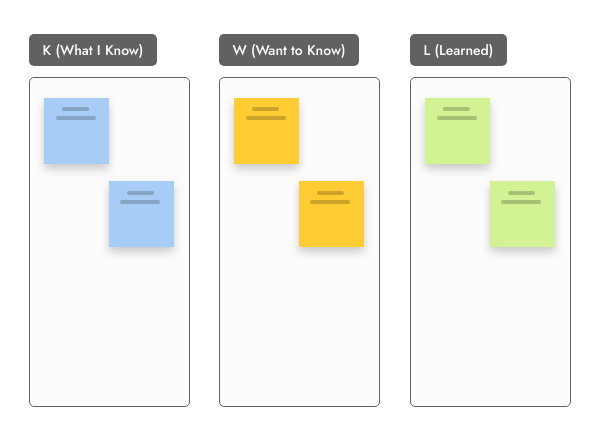

Apps and games
All artifacts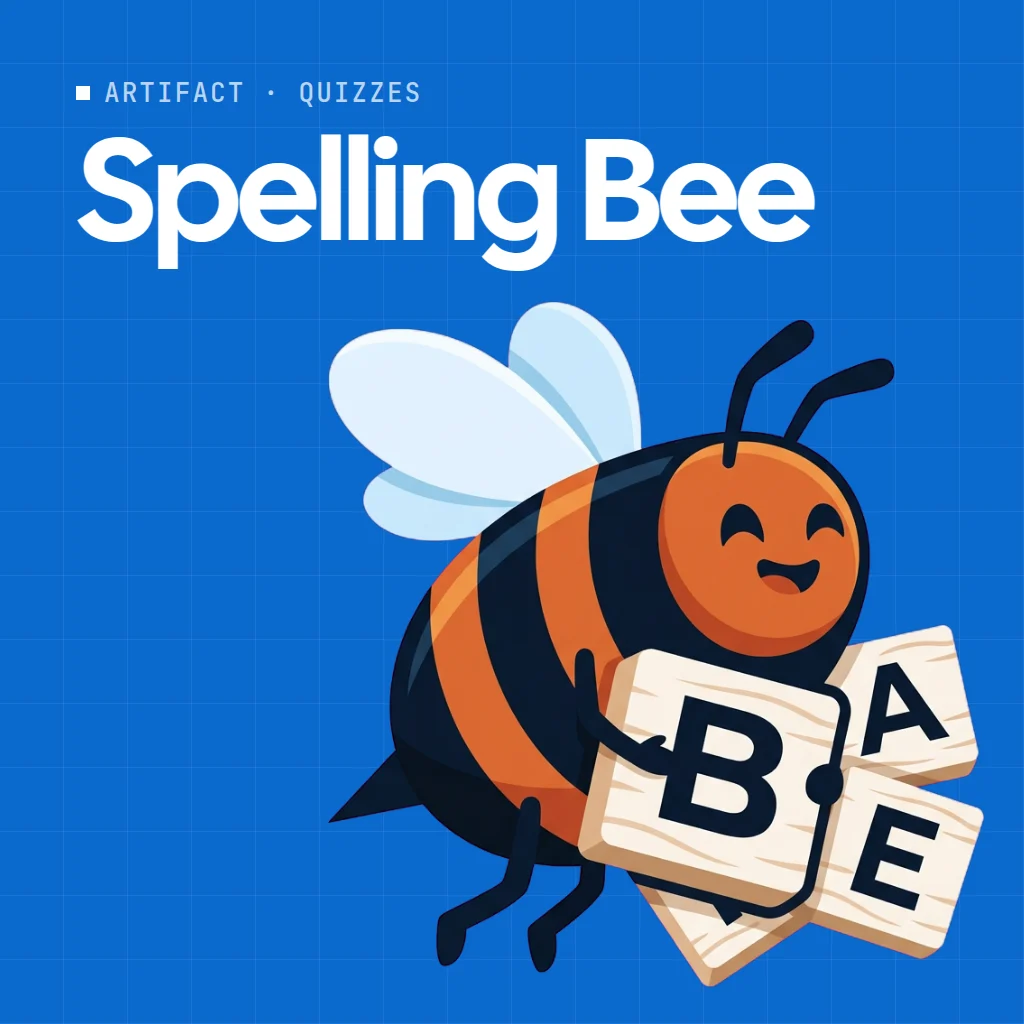
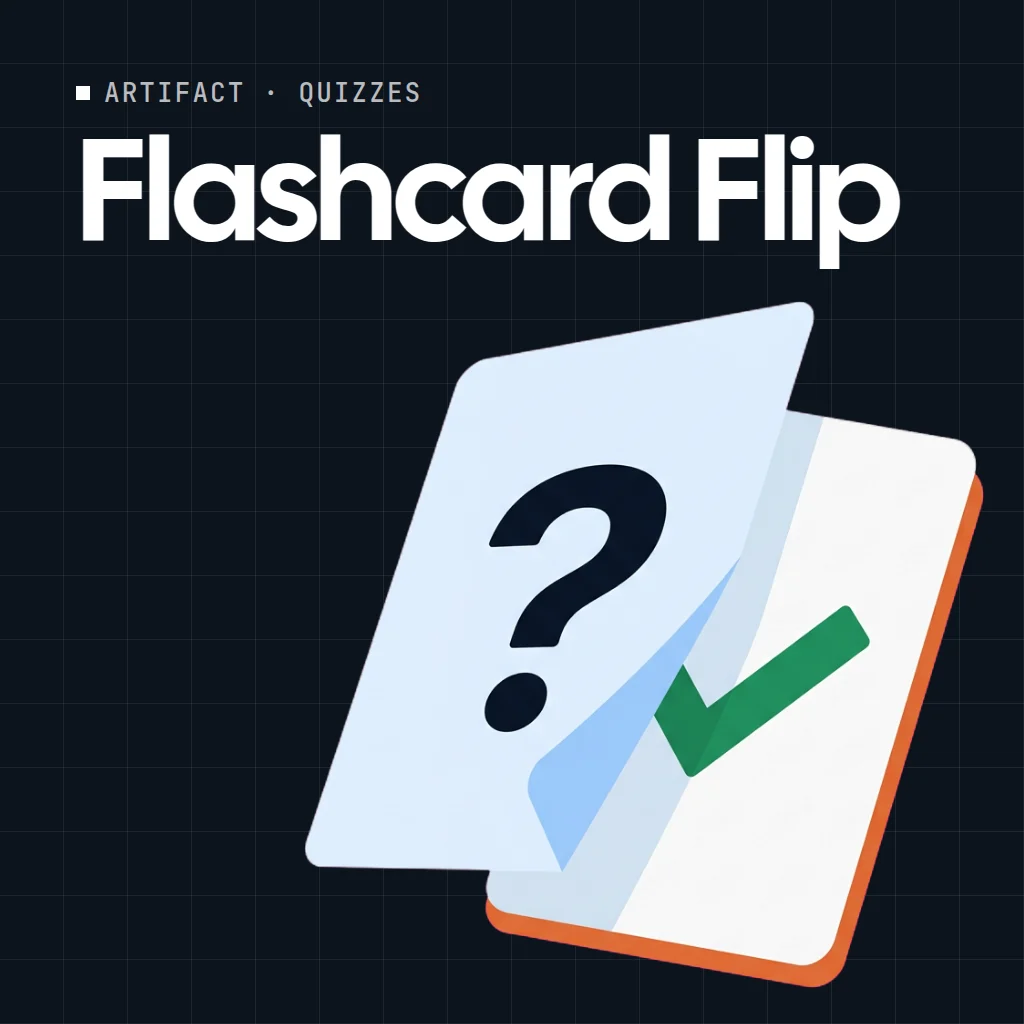
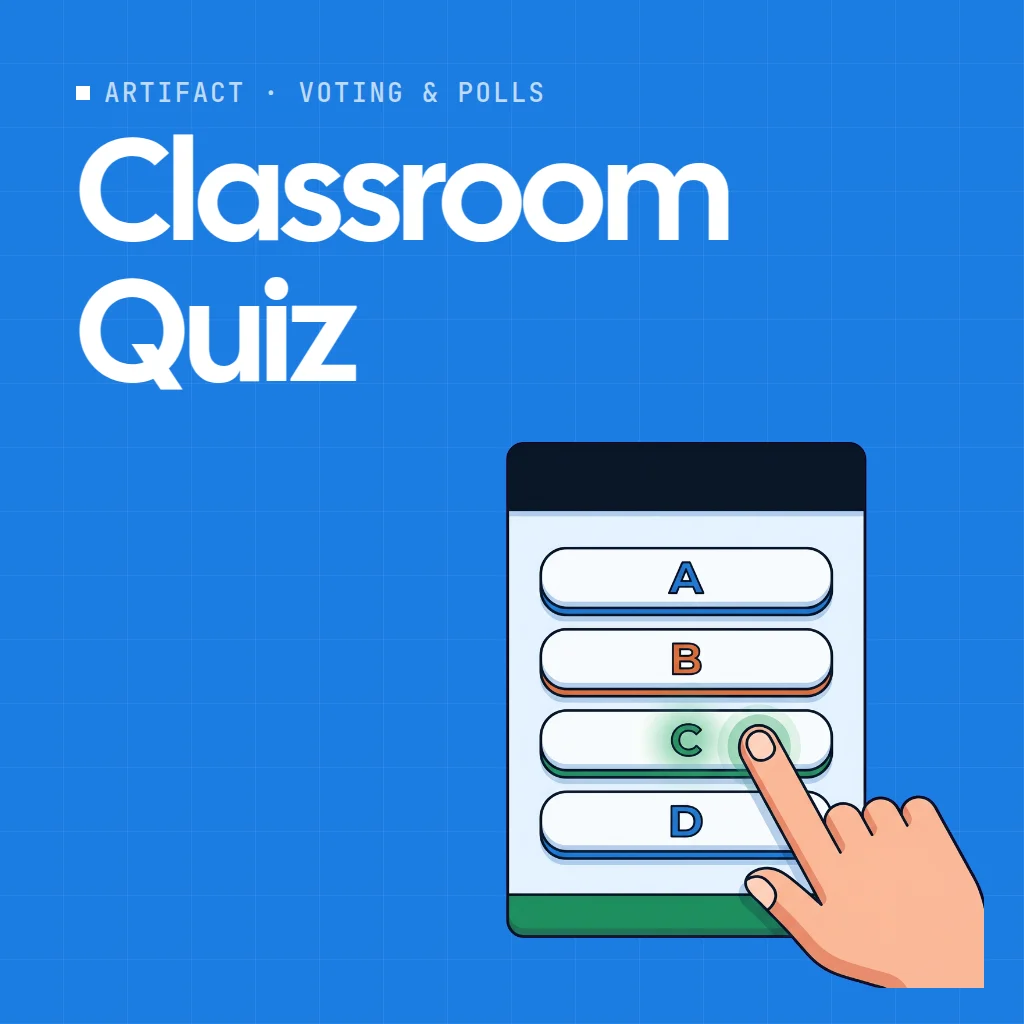
AI experts
All Concept Builders Curriculum ArchitectCollaborates with your team to design a complete learning experience, from core outcomes and lesson sequences to assessments and resources, on a shared visual board.


Agent skills
All skills


Automations
All automation templates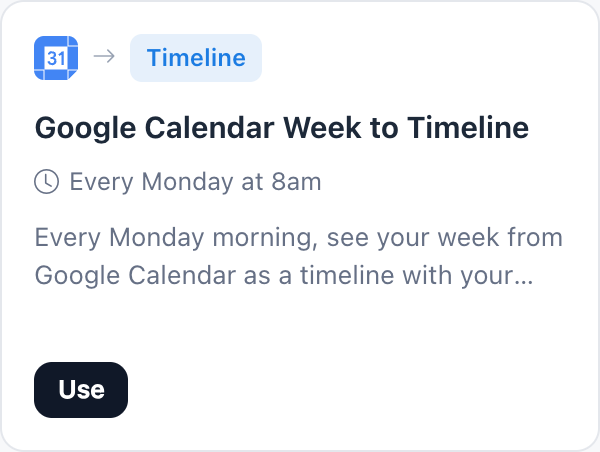
Free to plan, half price for schools.
Basic is free forever. Plus and Max bring the class onto the board. Compare plans.
Education licence: 50% off for students, teachers and schools. Open the education page and choose Claim education pricing.
Claim education pricing| Feature | Basic | Plus | Max |
|---|---|---|---|
| Lesson boards, templates and maps | 3 boards | Unlimited | Unlimited |
| Mida AI credits each month | 100 | 800 per editor | 2,000 per editor |
| Students who edit with you | Per editor seat | Per editor seat | |
| Students who view, comment and react | 5 reviewers | Unlimited | Unlimited |
| Polls, timers, wheels and show of hands | |||
| Quiz apps and games (Artifacts) | |||
| View only links for parents | |||
| Present live, audio lessons on the board | Plus video |
More for your role and your board: MockFlow for education Whiteboard for workshops Whiteboard for designers All solutions Online whiteboard AI whiteboard Whiteboarding guide
Whiteboard for teachers questions.
Is MockFlow free for teachers?
Can my students edit the board together?
Do students need an account?
Is there an education discount?
What can I put on a lesson board?
Can I run a quiz or a poll with my class?
Can I use the whiteboard in Google Meet?
Can AI build a lesson board for me?
Open a board in one click and try the canvas before class. Sign up free to keep it and share it.


 Brainstorm with MockFlow MCP


