



One online whiteboard, made for every team.
Pick your team and see its board: the components, templates and AI help that fit the work.
MockFlow is an online whiteboard that teams shape to their own work. A designer maps a user flow, an engineer draws a system, a teacher builds a lesson and a team runs a retro, all on the same kind of board, with the same components, templates and AI. Everyone edits live, reviewers comment for free, and Mida, the AI on the board, turns a sentence, a meeting or a photo into board content you can edit.
Find the board that fits your team.
Seven teams, seven boards. Pick yours to see what it holds.

 Olivia

Designers. Mood boards, user flows, screens, posters and research on one board, with reviewers commenting for free.
 TemplateCard Sorting
 AI expertPlusDesign System ArchitectBuild a design system from the ground up: color roles, type scale, spacing, buttons, cards, forms, states, and the rules that keep it all consistent.
 Agent skillSketch Lo-fi WireframesRough hand drawn whiteboard wireframes that show page structure only, for the first conversation about a screen.See the whiteboard for designers

 Lucas
Developers. Architecture, databases, specs and sprints beside the code, and your coding agent can draw on the same board.
 Agent skillAzure Diagram CreatorDesign Azure architecture diagrams with standard Azure services
 AI expertPlusSystem Architecture DesignerTranslate a technical vision into a concrete blueprint. Maps out infrastructure, data models, APIs, and security layers so engineering teams can actually start building.
 Agent skillTroubleshooting FlowchartFind step by step solution to a problem with flowchart makerSee the whiteboard for developers
Product managers. Roadmaps, priorities, goals and the reasons behind them, in one place the whole team can see.
 TemplateOpportunity Canvas
 AI expertPlusProduct Hunt Launch PlannerPlans a Product Hunt launch end to end: the tagline and gallery, hunter and timing, the comment-day playbook, supporter outreach, and what counts as a win.
 Agent skillOKR TrackerObjectives with their key results, owners, target and current numbers, progress and a confidence rating.See the whiteboard for product managers
Teachers. Lessons with pictures and diagrams, then polls, timers and group work with the whole class.
 TemplateCause & Effect Cycle
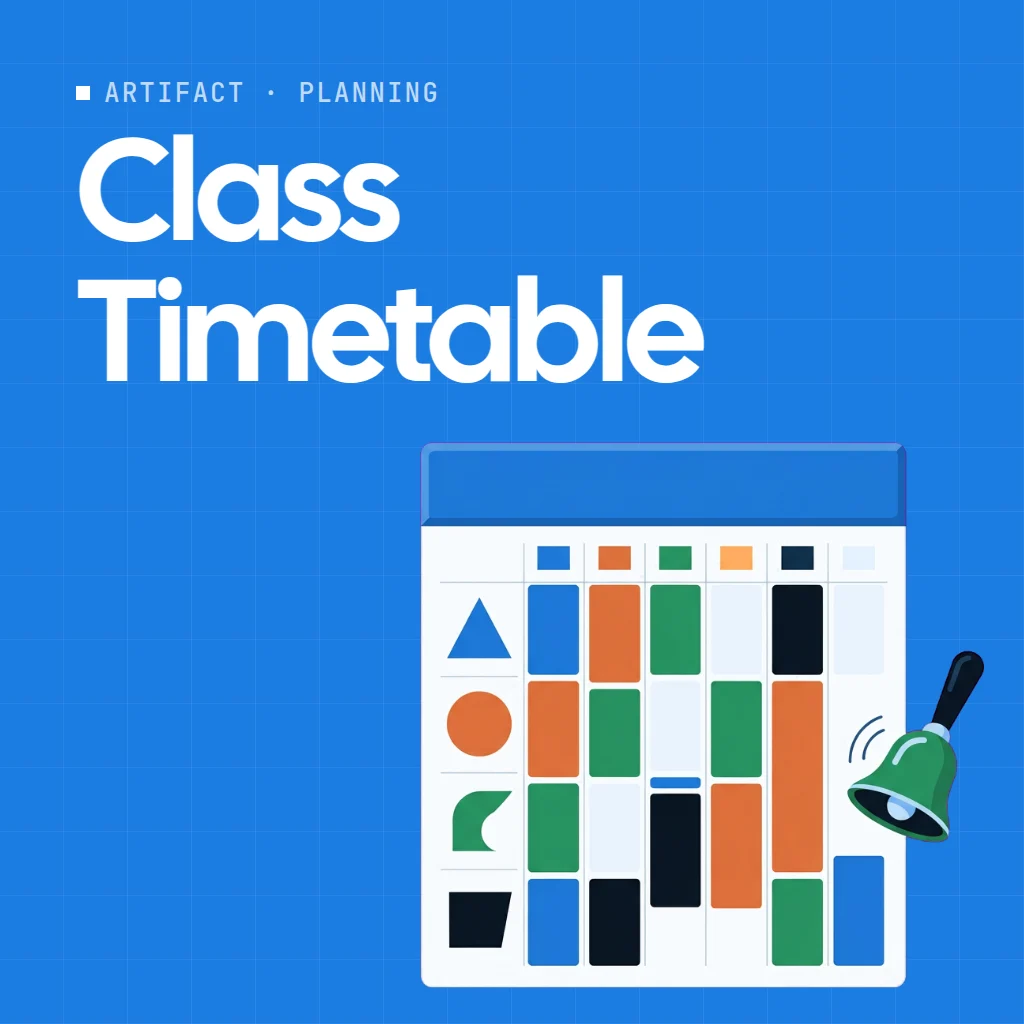 App or gamePlusClass TimetableA school timetable (class schedule) the whole board can edit: set your own days, period times and breaks, paint subjects onto periods, keep a timetable per class, see any teacher's or room's week, and spot double bookings at once.
 Agent skillWeekly Study PlanBreak any learning goal into a week-by-week scheduleSee the whiteboard for teachers
Marketing teams. Campaigns, content calendars, posts, ads and video, reviewed and approved on one board.
 TemplateProduct Launch
 AI expertPlusPoster DesignerBuilds out a poster concept from message to mockup: visual theme, layout direction, headline, imagery ideas, and where the call to action lands.
 Agent skillInfluencer Content CalendarPlan a month of social media content for any influencer nicheSee the whiteboard for marketing teams
Facilitators. Brainstorms, retros and decisions with timers and votes, so the session ends with a plan everyone saw being made.
 TemplateBrainwriting 6-3-5
 App or gamePlusTeam stopwatchOne shared stopwatch that everyone on the board sees in sync. Start, pause, record laps and reset, with time shown down to hundredths of a second.
 Agent skillIcebreaker WheelGenerate a fun spinning wheel of icebreaker questions for meetingsSee the whiteboard for workshops
Operations. Processes, locations and routes, floor plans and events, with the checklists right beside them.
 Template5S Framework
 AI expertPlusRetail Location PlannerFigures out where to open your shop, café, clinic, or gym. Weighs the catchment, the foot traffic, the competition nearby, the rent math, and the shortlist of candidate sites.
 Agent skillTravel Route PlannerPlan a multi-city trip route plotted on a mapSee the whiteboard for operations
Every team on the same page.
Design, engineering and marketing plan the launch on one board, so nobody hunts for the latest file.

 Plan the spring launch with design, engineering and marketing
One request, three teams. Mida drafts the plan, then each team owns its part and everyone sees the changes live. See meetings on the board.
Plans and pricing that fit your company.
Collaborative whiteboard use cases.
Start from the work instead of the team.
 MeetingsMeet, present, vote and decide on the board.
 BrainstormingOnline sticky notes that turn into plans.
 Working with AIAn AI whiteboard that builds the board with you.
 Video and storiesStoryboards beside the script and the plan.
 ProcessesA flowchart maker for any process.
 IdeasMind maps that grow from one topic.
 ScreensWireframes for websites and apps.
 Remote teamsOne board across time zones.
 Private workAn offline whiteboard saved on your computer.
Not on the list? Researchers start with the whiteboard for designers, which covers UX research, founders with MockFlow for startups, and creators with the storyboard maker.
Whiteboard for teams, answered.
Which MockFlow plan is right for my team?
Do reviewers need a paid seat?
Can each team have its own space?
Is there pricing for schools, startups and large companies?
Can our team use the AI tools it already has?
Open a board in one click and try the canvas. Sign up free to invite your team and keep it.


 Brainstorm with MockFlow MCP


