



Where your whole campaign comes together.
Plan it, design it, film it and get it approved on one board your team and your clients share.


 Emma


A whiteboard for marketing teams is one shared board for the whole campaign. In MockFlow the brief, the ideas, the mood board, the content calendar, the social posts, the ads and the video sit side by side, so nobody hunts through folders for the latest version. AI drafts any of them from a sentence, your brand kit keeps them on brand, and clients review on the board for free. It suits in house teams, agencies and founders who do their own marketing.
From brief to launch, on one board.
Every stage of the campaign stays in view, next to the one before it.
| A | B | C | D | |
|---|---|---|---|---|
| 1 | Channel | Owner | Pieces | Budget |
| 2 | Reels | Emma | 4 | $2,400 |
| 3 | YouTube ad | Lucas | 1 | $3,000 |
| 4 | Stories | Sam | 6 | $900 |
| 5 | Marcus | 2 | $300 | |
| 6 | Dawn trail run | Emma | 1 | $1,400 |
| 7 | Total | 14 | $8,000 |
Launch reel, 15 seconds
Scene 1Fog lifts off the trail. “Autumn changes the ground.”
Scene 2Close on the outsole. “Trail 2 grips it.”
Scene 4“Run with us Saturday at dawn.”
 Trail 2 grips it.



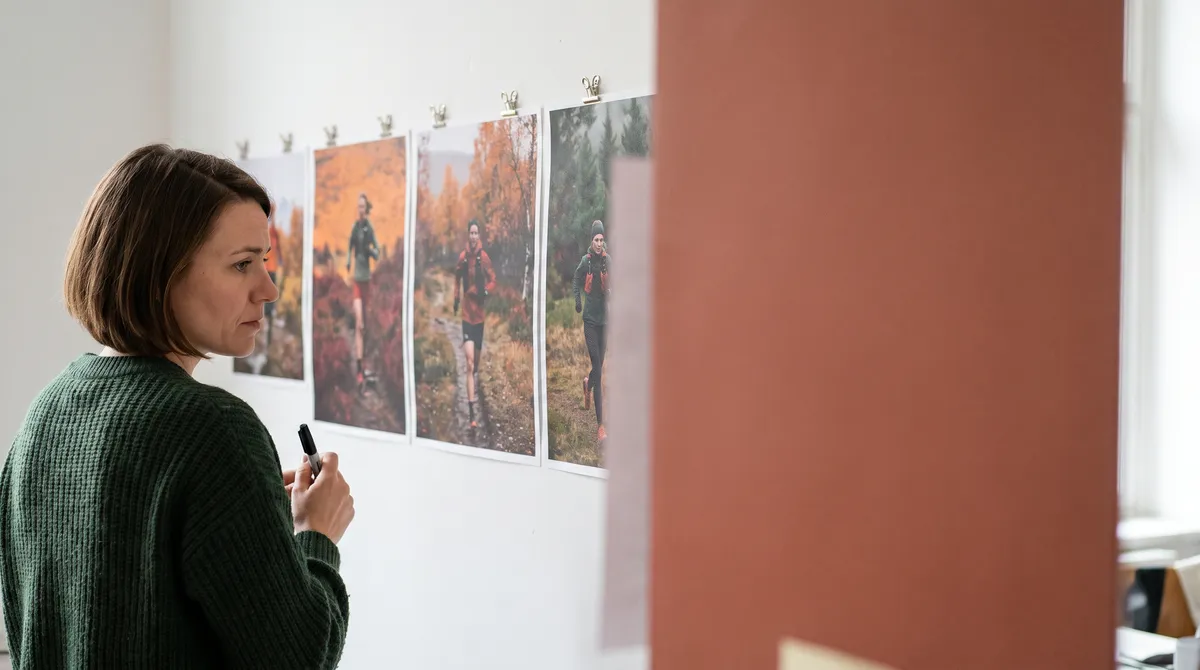
Brief. Set the budget in a spreadsheet and map the channels beside it.
Ideas. Brainstorm hooks on sticky notes and map the runner’s journey from first look to first run.
Make. Write the script, record the voiceover and cut the reel in Video Maker, side by side.
Review. The team and the client comment on the exact spot. Reviewers are free on every plan.
Launch. Put launch fortnight on a timeline and watch pre-orders in a chart beside it.
Start from the marketing campaign plan or ask an AI expert such as the SaaS Campaign Strategist (Concept Builders are on Plus and Max).
A month of content from one brief.
Ask once and the posts land on the calendar, ready for the team to shape.
 Turn our launch brief into a month of posts
Brief signed offEmma
Reel cut and captionedSam
Club run route sharedMarcus
Emma plans launch month before lunch.
The calendar shows Day, Week, Month, Year and Agenda views, imports from an iCal address and exports to iCal or CSV. See Add a calendar to a board.
Make the assets right beside the plan.
No exporting from one tool and uploading to another.
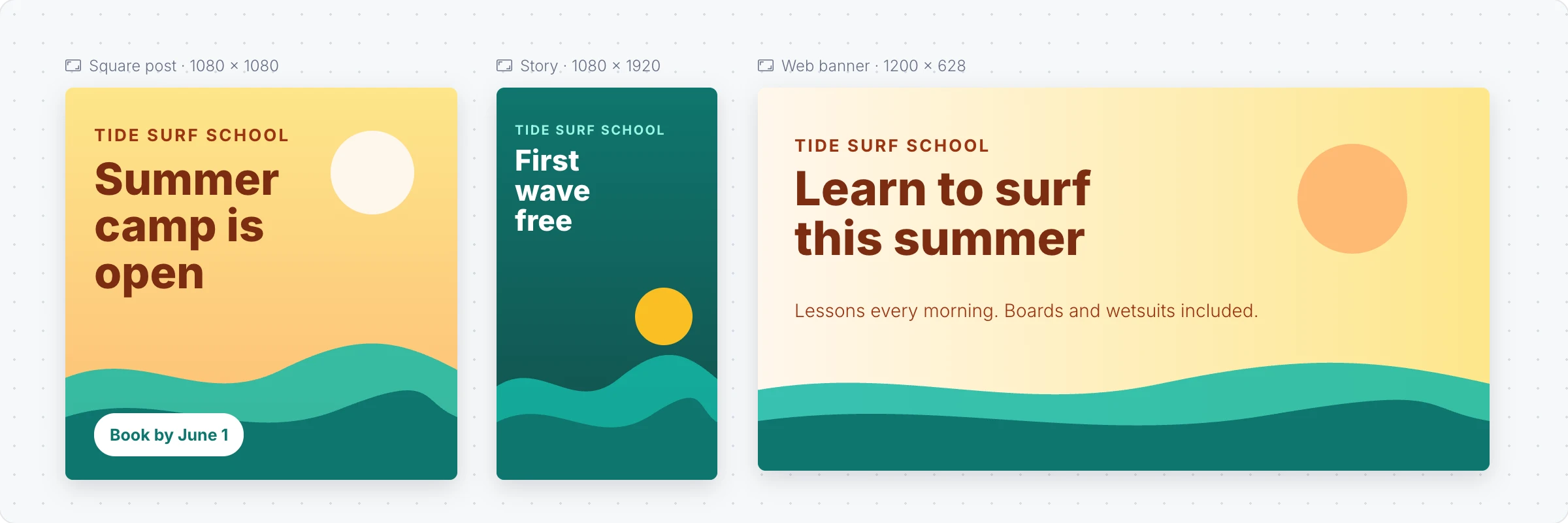
- On brand. A brand kit puts your logos in the frame’s Library and your colours first. Creating kits needs a paid plan. Brand kits
- One design, every size. Adapt a square post to a story or a banner, or convert it to video.
- Plans. Design frames and Video Maker are on every plan. AI uses credits, and video uses more. Basic exports video up to 720p and 30 seconds.
Plan a shoot frame by frame with the storyboard maker, or start from design templates and video templates.
Feedback without the email thread.
Share the board and every comment lands on the exact post, frame or date it is about. Nobody compares screenshots.
- Reviewers are free. Clients and stakeholders view live and comment. 5 on Basic, unlimited on Plus and Max.
- Say it instead. Audio comments on Plus, video comments on Max, up to 2 minutes each.
- Walk them through it. Present the board live while everyone follows your view, on Plus and Max.
See video and audio comments and reviewer, editor and admin roles.
Ready made for marketing teams.
Templates, apps, AI experts, skills and automations picked for campaign work.
Templates
All templates


Apps and games
All artifacts

AI experts
All Concept Builders Content Repurposing ArchitectTake one strong piece and stretch it across every channel. Works out the core message, then the blog, threads, newsletter, visuals, video and podcast cuts, plus a calendar to ship them all.


Agent skills
All skills


Automations
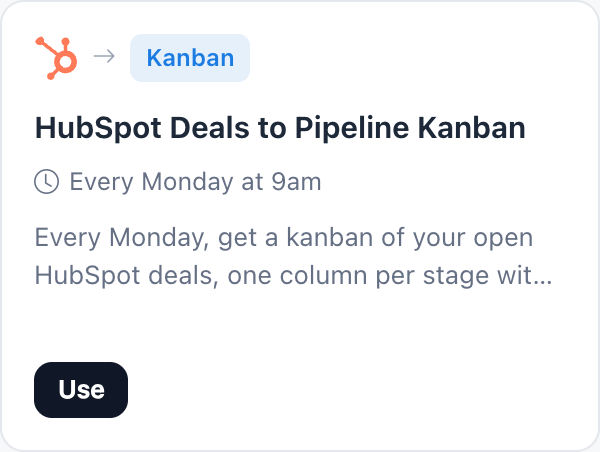
All automation templates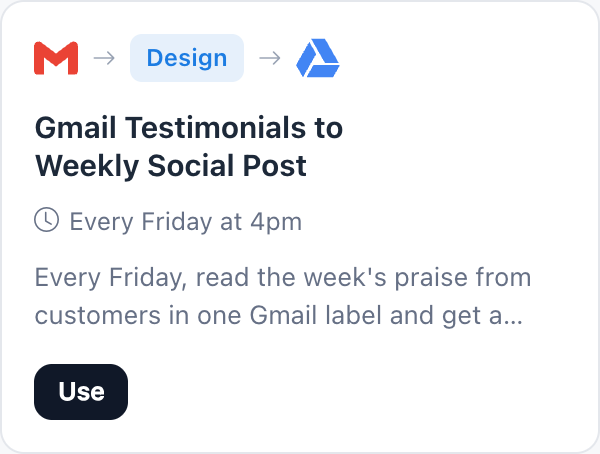
Pay for editors. Reviewers are free.
Basic is free for one editor, for personal and nonprofit use. Teams and client work need Plus or Max. Compare plans.
| Feature | Basic | Plus | Max |
|---|---|---|---|
| Design frames, Video Maker, calendar, mood boards | |||
| People who edit | 1 | As many as you add | As many as you add |
| Reviewers who view and comment | 5 | Unlimited | Unlimited |
| AI credits each month | 100 | 800 per editor | 2,000 per editor |
| Audio comments, team chat, present live | |||
| Video comments and video meetings | |||
| Commercial use |
More whiteboards for your team: Designers Product managers Workshops Developers Agencies All solutions Online whiteboard AI whiteboard
Marketing whiteboard questions.
What is a whiteboard for marketing teams?
Can we plan a content calendar on the board?
Can we design social posts and ads in MockFlow?
Can we make videos for social media?
How do clients and stakeholders give feedback?
Can AI follow our brand?
Is MockFlow free for a marketing team?
Is our campaign work used to train AI?
Open a board in one click and try the canvas. Sign up free to use AI, invite reviewers and keep the board.


 Brainstorm with MockFlow MCP


