



Run the whole workshop from one board.
Warm up, collect ideas, vote, decide and keep time on the same board, with the facilitator tools already in it.
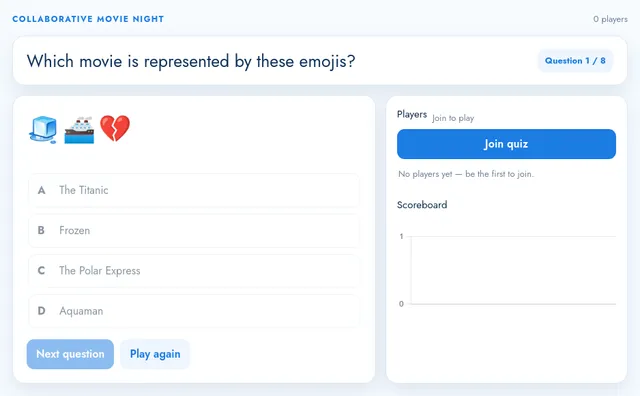

A whiteboard for workshops is an online whiteboard with the facilitator’s tools built in. In MockFlow the agenda, the sticky notes, the votes, the timer and the decision sit on one board that everyone joins, in the room or remote. Facilitators, team leads, agile coaches and teachers use it for retros, brainstorms, decision sessions and team building, and the board they finish with is the record of what was agreed. New to running sessions? Start with the whiteboarding guide.
Your facilitator controls, on the board.
Everything you would bring to a workshop room, built into the board everyone already has open.
Timer Plus
One countdown everyone sees, from one minute to thirty.
Which theme first?
Poll Plus
Ask, let the room vote, end the poll to lock the result.
9Share drafts earlier
7Pair on every pitch
3Rotate the stand up host
Upvote ideas Plus
Anyone adds an idea, the favourites rise to the top.
Ready to decide?


 +4
 +1
Show of hands Plus
A quick yes or no, with faces under each side.
Spinning wheel Plus
Pick who goes first, or the next question, at random.
Live Present Plus
Everyone follows your view as you move and zoom.
Hide cursors
Clear the crowd of cursors while people write.
Bring everyone here Plus
In a meeting, pull every participant to your view.
Details in the docs: timer, poll, upvote ideas, show of hands, spinning wheel and Live Present.
Retro, brainstorm, decide, bond.
Each format starts from a template and ends with something the team keeps.
Actions
Cut handoffs to one per featureLucas, by 28 Nov
Friday demo slotOlivia, next week
Ticket template with contextSam, by 2 Dec
Design review every TuesdayEmma, from 3 Dec
Share the retro with the client teamMarcus, done
Knowledge graph
Decision
Launch a shared feedback inbox for every client by January.
LisbonMarcus, Sofia
LondonEmma
BerlinSam
StockholmOlivia
Offsite venuePorto, June
 Lisbon
Porto
London
Berlin
Stockholm
| A | B | C | |
|---|---|---|---|
| 1 | Name | Coffee or tea | Fun fact |
| 2 | Marcus | Coffee | Surfs before work |
| 3 | Emma | Tea | Ran a marathon |
| 4 | Sam | Coffee | Bakes sourdough |
| 5 | Olivia | Tea | Speaks four languages |
| 6 | Sofia | Coffee | Plays the cello |
Retros that end in actions. Silent writing on a timer, dot votes, then owners and dates. Start from the Sailboat Retrospective or ask the Incident Postmortem Facilitator.
Brainstorms where every voice counts. Branch ideas out on a mind map, then link them to the problems they solve. Try Brainwriting 6-3-5, SCAMPER or 6 Thinking Hats.
Decisions in under an hour. Vote on problems, test the favourite with a what if model, write down who decides. Use the Lightning Decision Jam, Eisenhower Matrix or DACI Model.
Team building that sticks. Pin where everyone lives, share a fun fact each, then fill in a canvas together. Start from Team Canvas or Team charter, and pick an icebreaker Plus.
You run the room. The board keeps time.
Talk to the people in front of you while the votes and the clock update for everyone.

 Set up a sprint retro with a 5 minute timer
Dot votes by theme
Session notes
Retro, round 2Feedback arrives in five places, so drafts wait days for a reply.
AgreedTry one shared inbox with two clients first, then review at the next offsite.
Marcus asks Mida for the retro, then runs it.
The room and the people on the call vote on the same board, and the chart and the notes fill in as they go. Open it on the Google Meet stage, as a Microsoft Teams tab, or meet on the board itself. More on the whiteboard for meetings.
The workshop ends. The board keeps working.
Nobody types up notes afterwards. The decisions, the owners and the votes are already on the board.
- Ask Mida for the summary. Mention @mida in team chat and it lists what was decided and who owns it, on Plus and Max.
- Export what you need. Save any area as a PNG for a slide or an email, on every plan.
- Share one link. A view link lets anyone who missed it catch up, on Plus and Max.
See Chat with your team on a board and Export part of a board as an image.
- Launch one feedback inbox for every client. Emma
- Weekly client demos on Fridays. Marcus
- A brief template for sales. Sam
Ready made for facilitators.
Templates, apps, AI experts, agent skills and automations that fit a workshop.
Templates
All templates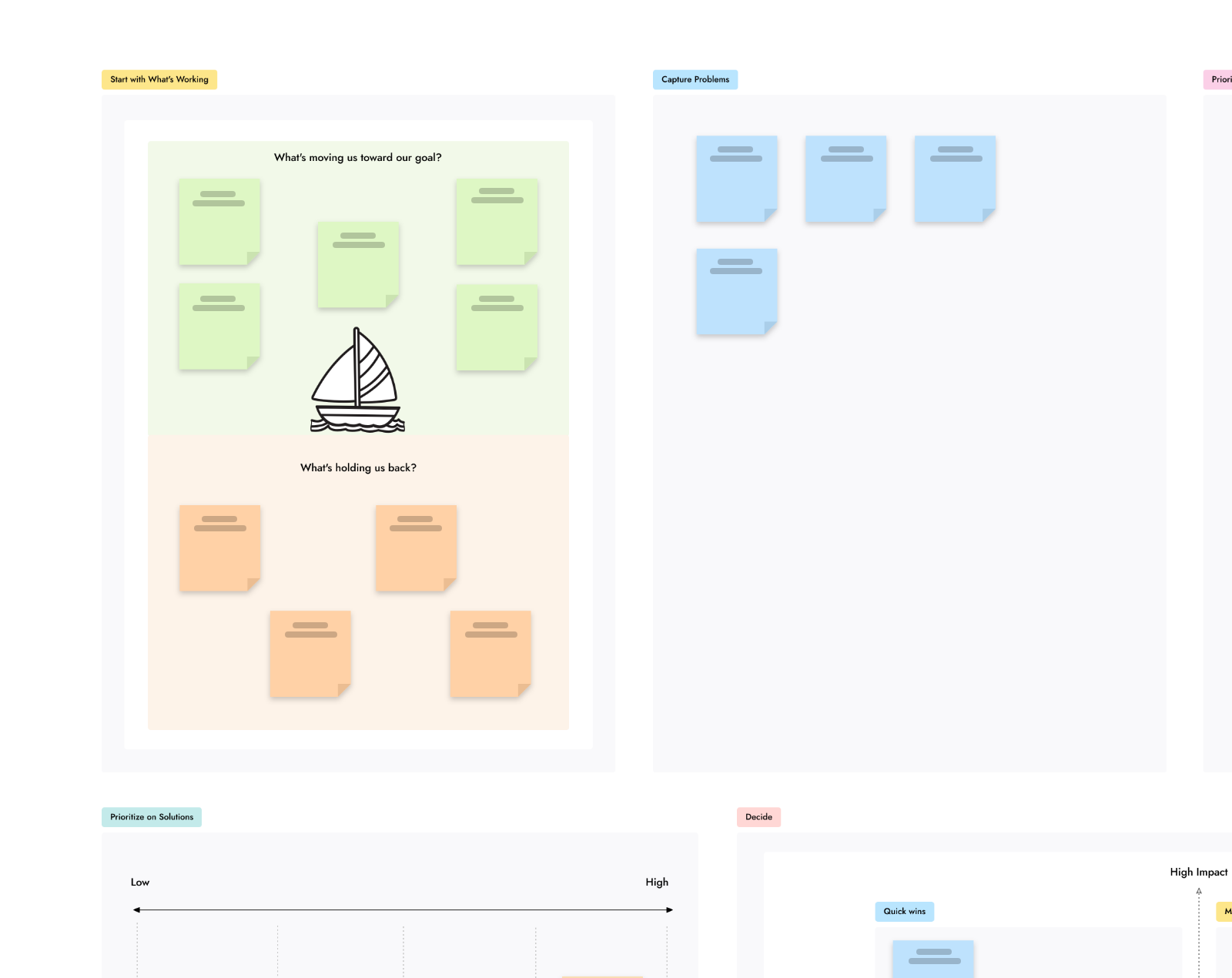
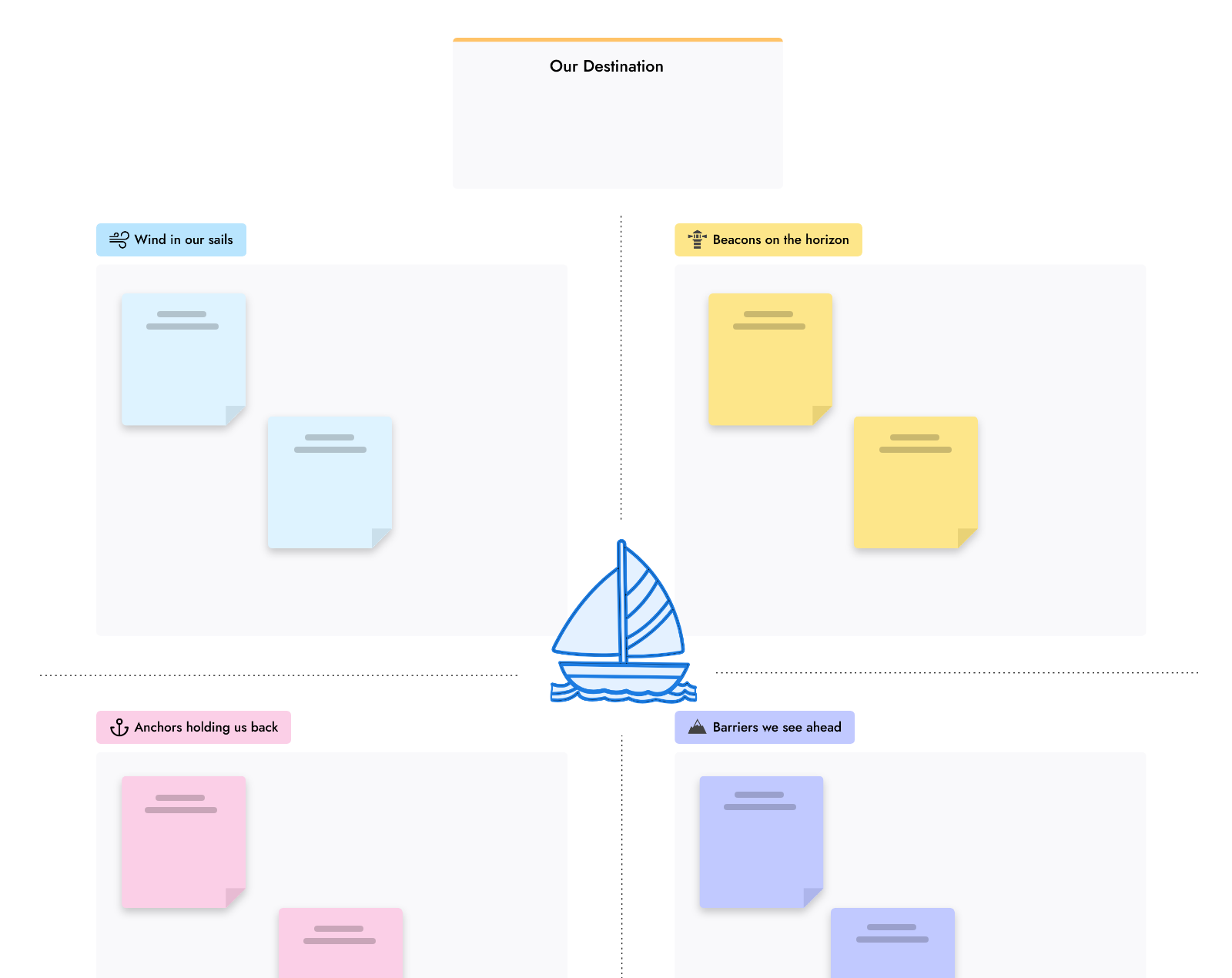

Apps and games
All artifacts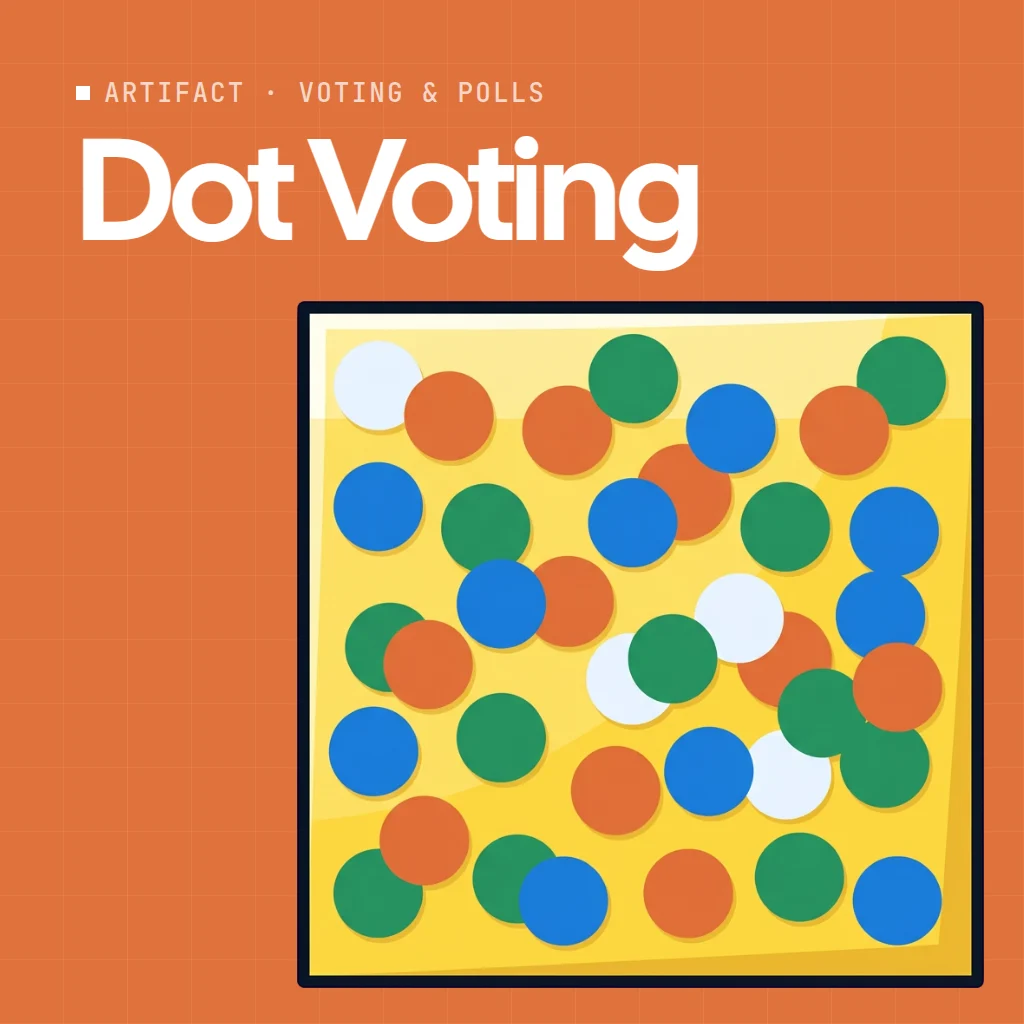
AI experts
All Concept Builders Hackathon ArchitectBuild a high-energy coding event from the ground up. Shape the challenge tracks, timeline, judging criteria, and tech stack into a hackathon developers actually want to attend.

Agent skills
All skills


Automations
All automation templates
Free to plan the workshop. Plus to run it.
Basic is free forever. Plus and Max add the facilitation tools, meetings and editors. Compare plans.
| Feature | Basic | Plus | Max |
|---|---|---|---|
| Board, sticky notes, frames and templates | |||
| People who can edit with you | Reviewers only | As many as you add | As many as you add |
| Timer, poll, upvote ideas, show of hands, spinning wheel | |||
| Live Present, team chat, audio meetings | |||
| Icebreakers and other apps and games | |||
| Video meetings with cameras | |||
| AI credits each month | 100 | 800 per editor | 2,000 per editor |
More for teams: Whiteboard for meetings Whiteboarding guide Online sticky notes AI whiteboard Whiteboard for teachers Whiteboard for product managers Whiteboard for designers All solutions
Workshop whiteboard questions.
What is a whiteboard for workshops?
Is the workshop whiteboard free?
Do participants need an account?
Can I run a workshop inside Google Meet or Microsoft Teams?
Which workshop templates are there?
Can AI help me prepare or wrap up a workshop?
What happens to the board after the workshop?
Sketch the agenda on a blank board in one click. Sign up free to invite the group and keep it.


 Brainstorm with MockFlow MCP


