



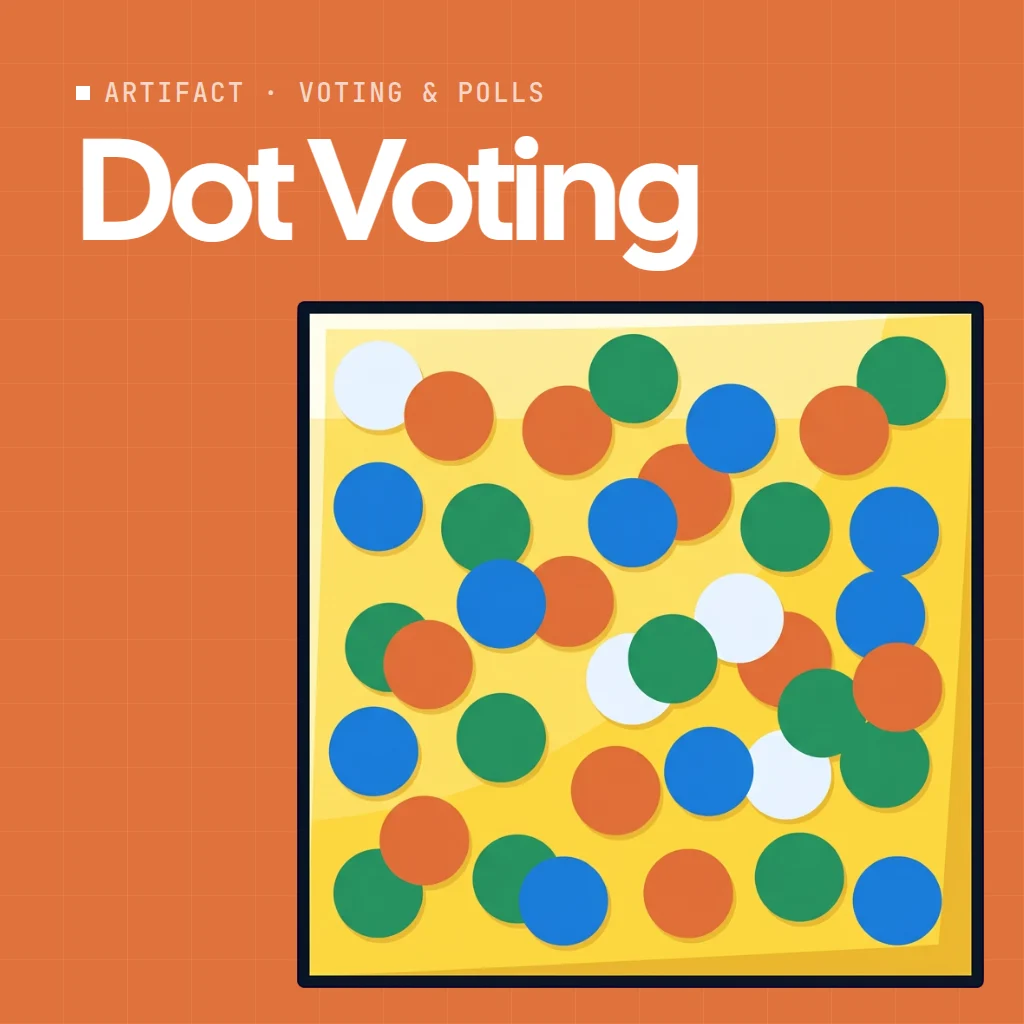
 Dot Voting
Dot Voting is an online dot voting tool that turns a list of ideas into a wall of sticky notes. Everyone gets the same number of dots and sticks them on the ideas they back: all on one, or spread across several.
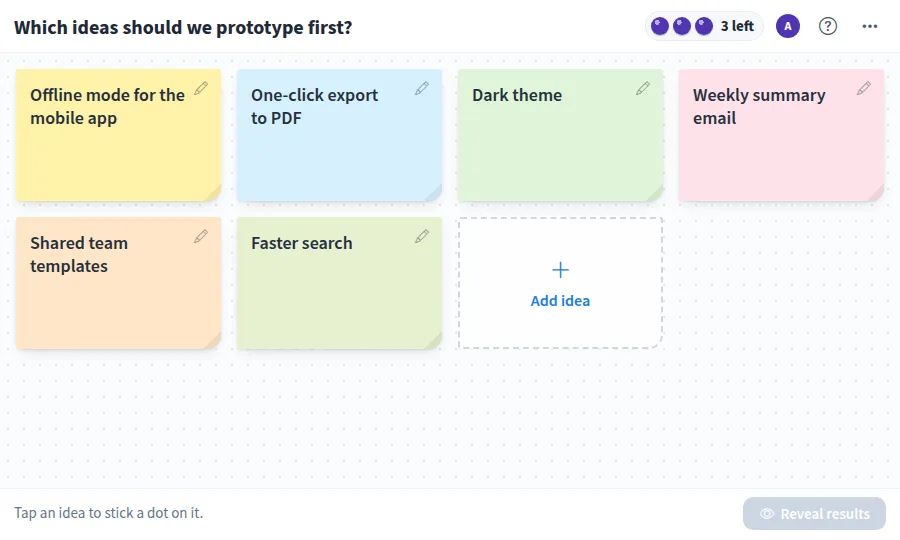
Use Dot Voting together on your board.
Dots stay hidden while people vote, so nobody follows the crowd. When the group is ready, Reveal results puts the notes in order with the top pick first and shows who backed each idea.
It runs on a shared MockFlow board, right next to the work you are deciding on. Everyone on the board votes in the same app at once and sees the same wall.
- Sticky note wall. Ideas appear as colored sticky notes, and dots sit on them like real stickers.
- Hidden until the reveal. Dots stay private while people vote, which keeps the vote honest. You can turn this off to vote in the open.
- Sorted results. Revealing puts the most backed idea first, marks the top pick and calls out a tie when two ideas share the lead.
- See who backed what. After the reveal, each idea shows the people who put dots on it.
- Flexible rules. Give everyone between 1 and 10 dots, and cap the dots on one idea at 1, 2 or any number.
- Who has voted. The avatar stack shows each person's progress: not voted yet, dots placed, or all dots placed.
- Undo. Cleared the dots or deleted an idea by mistake? Undo brings it back.
How to use Dot Voting.
Set the question
Type what you are voting on at the top, for example which ideas to prototype first.
Add the ideas
Press Add idea, type it and press Enter to stick it on the wall. Anyone can add, edit or delete an idea.
Choose the rules
In the more actions menu, set the dots per person, how many dots can go on one idea, and whether dots stay hidden until the reveal.
Stick your dots
Tap an idea to add a dot, and tap it again to stack another. The top bar shows how many you have left.
Change your mind
Tap one of your dots to peel it off and place it somewhere else.
Reveal the results
Press Reveal results. The notes sort themselves by dots, the winner is marked Top pick, and each idea shows who backed it.
Vote again
Press Back to voting to move dots, or Clear all dots from the menu to start a fresh round on the same ideas.
Who uses Dot Voting.
A product team planning the next release
List the candidate features and let everyone spend their dots on what to build next.
A remote team ending a retro
Vote on which discussion points or action items deserve time before the session runs out.
A design sprint picking a direction
After sketching, put the concepts on the wall and dot vote on which to prototype.
A workshop facilitator closing a brainstorm
Turn a long list of ideas into a clear ranking the whole room can see.
A team choosing the offsite location
Add the options, vote in secret, and reveal the winner together.
Add Dot Voting to your board.
Use on a board opens a new board with Dot Voting already on it. To add it to a board you already have, follow these steps. Each copy keeps its own data, so a vote on one board never changes another.
Open your board
Open the MockFlow board you want to use it on.
Add it from the Artifact Library
Click Add anything (the plus button) in the toolbar at the bottom of the board, switch to Artifacts and pick Dot Voting under Voting & Polls. Adding it does not use AI credits.
Use it together
Click Interact with Component (the hand button), or switch the board to Play mode. Everyone on the board uses the same app, and Reset shared data clears it for the next session.
Update content with AI changes the content without changing how the app works, for example "Vote on different ideas, for example where to hold the team offsite or which features to b".







 Brainstorm with MockFlow MCP


