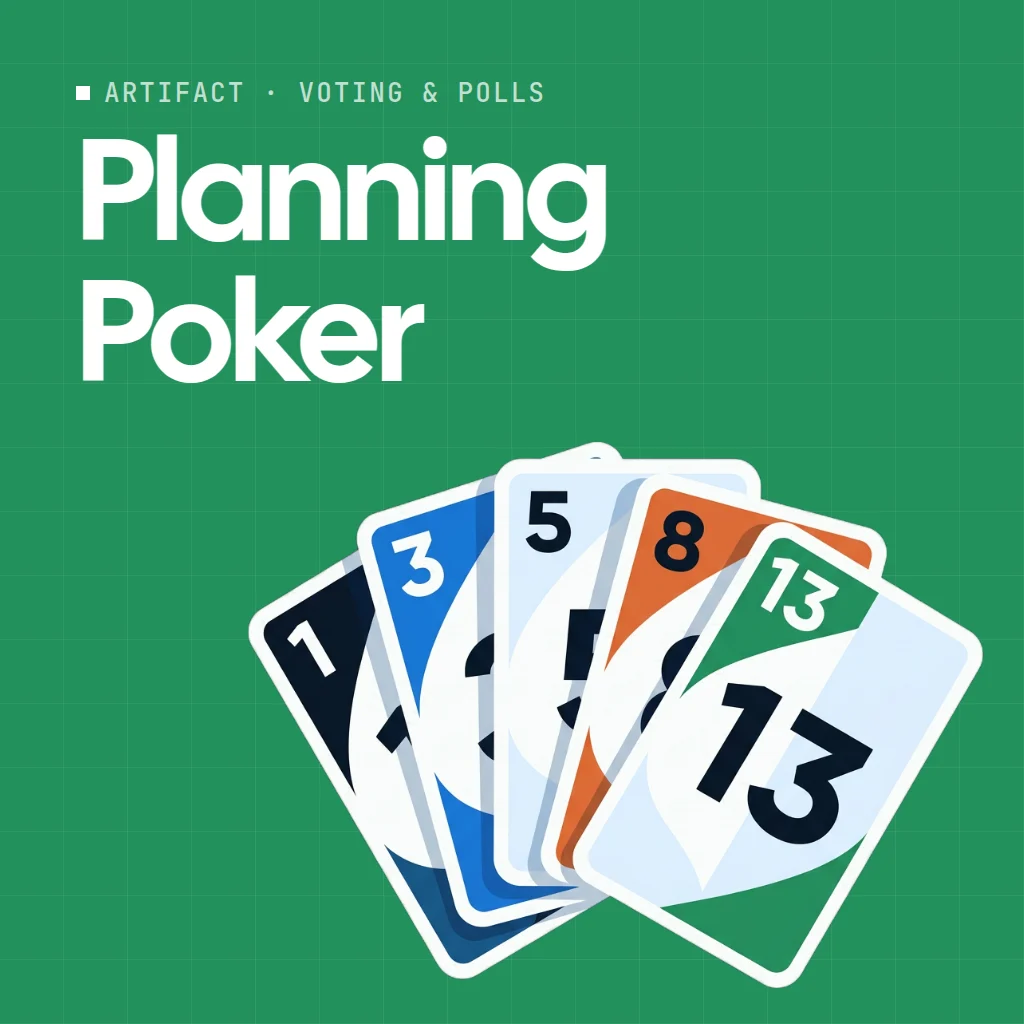
 Planning Poker
Planning Poker is an online planning poker table for agile estimation. Everyone reads the story, picks a card face down, and the cards flip over at once so nobody is swayed by anyone else.
Use Planning Poker together on your board.
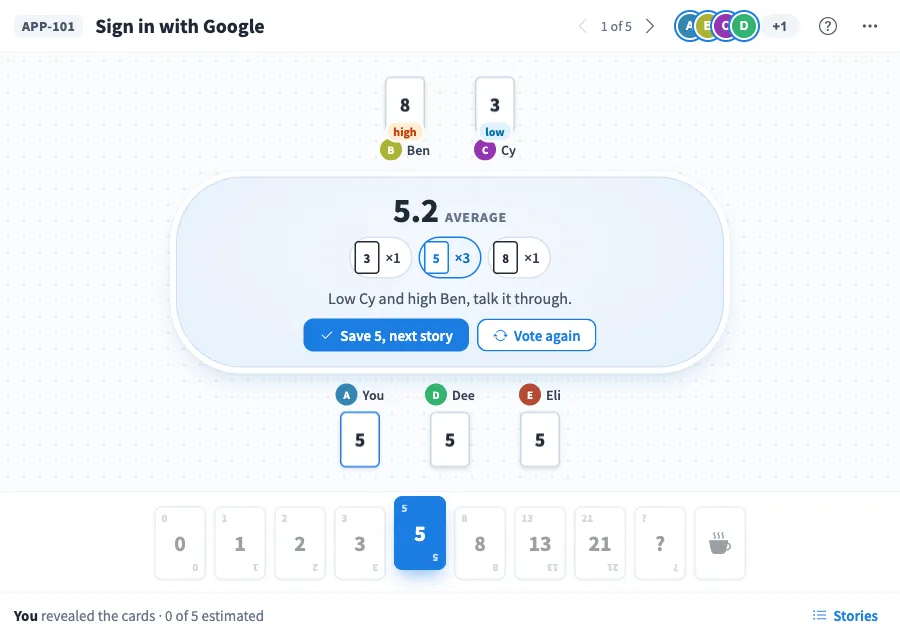
When the cards are up, the table shows the average, who picked lowest and highest so they can talk it through, and a suggested card to save. Save it and the next story comes up.
It runs on a shared MockFlow board, next to the backlog and notes you are planning with. Everyone on the board sits at the same table and the cards stay in sync for all of them.
- Face down cards. Picks stay hidden until the reveal, so the first loud voice does not set the number.
- Four decks. Fibonacci, Modified Fibonacci, T-shirt sizes and Powers of 2, each with a question mark card and a coffee card for a break.
- Average and spread. After the reveal you see the average, a count of each card picked, and who was lowest and highest.
- Suggested estimate. The table suggests the card closest to the average, and you can choose any other card that was picked before saving.
- Story list. Keep the backlog in the app with story keys, see how many are estimated, and jump to any story.
- Who has picked. The avatar stack shows who has picked and who has not, without showing their cards before the reveal.
- Undo. Deleted a story or cleared the estimates by mistake? Undo brings them back.
How to use Planning Poker.
Add your stories
Open Stories, type a story key and title, and press Enter. Add as many as the session needs, and delete any you do not want.
Pick the deck
In the more actions menu, choose Fibonacci, Modified Fibonacci, T-shirt sizes or Powers of 2.
Pick a card
Read the story and pick the card that matches how big it feels. Your card goes face down on the table, and you can change it until the reveal.
Reveal the cards
Press Reveal cards to turn every card over at once. The table shows the average, or that everyone picked the same card.
Talk it through
If the numbers are far apart, the table names who went low and who went high. Discuss, then press Vote again for a fresh round.
Save and move on
Choose the agreed card and press Save to record it and bring up the next story. Saved stories show their estimate, and you can pick again to re estimate.
Who uses Planning Poker.
A scrum team in sprint planning
Estimate the stories for the next sprint in story points and save each number as you go.
A remote team refining the backlog
Size new stories together from different locations without anyone anchoring the vote.
A product owner preparing a roadmap
Use T-shirt sizes for a quick rough sizing of larger items before they are split.
A new team learning to estimate
Reveal, compare the low and high picks, and talk through why the views differ.
Add Planning Poker to your board.
Use on a board opens a new board with Planning Poker already on it. To add it to a board you already have, follow these steps. Each copy keeps its own data, so a vote on one board never changes another.
Open your board
Open the MockFlow board you want to use it on.
Add it from the Artifact Library
Click Add anything (the plus button) in the toolbar at the bottom of the board, switch to Artifacts and pick Planning Poker under Voting & Polls. Adding it does not use AI credits.
Use it together
Click Interact with Component (the hand button), or switch the board to Play mode. Everyone on the board uses the same app, and Reset shared data clears it for the next session.
Update content with AI changes the content without changing how the app works, for example "Estimate a different backlog, for example the stories for a checkout redesign or a mobile".






 Brainstorm with MockFlow MCP



