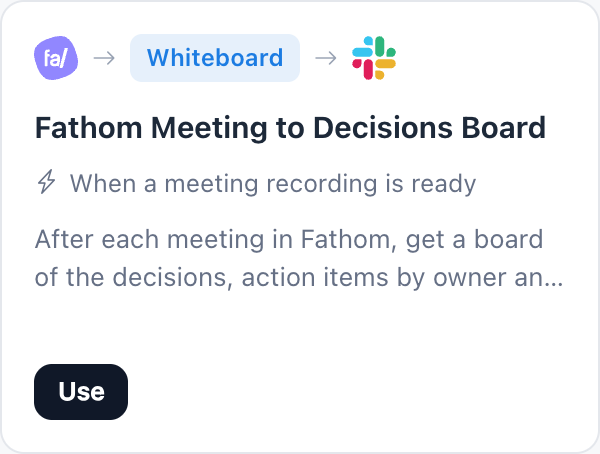
Fathom Meeting to Decisions Board
This Fathom meeting notes automation turns every finished meeting into a decisions board on MockFlow. When a meeting recording is ready in Fathom, MockFlow reads that meeting's notes and lays out the decisions, the action items grouped by owner, the open questions and the parked topics.
What it does.
From Fathom, when a meeting recording is ready, read that meeting's notes, make a decisions board, then post it to a Slack channel.
 Whiteboard
- Runs
- When a meeting recording is ready
- Reads
- Fathom
- Makes
- Whiteboard: Decisions board
- Then sends it to
- Slack
Why teams use it.
Then it posts the board to a Slack channel, so people who missed the meeting see what was agreed without watching the recording.
Turn it on.
Use this template opens the Automations page in MockFlow with every part already filled in.
Open the Fathom Meeting to Decisions Board template
Select Use this template to open it in MockFlow Automations, filled in and ready.
Connect Fathom and Slack
Sign in to both with your own accounts: Fathom to read meetings, Slack to post the board.
Choose the channel and space
Pick the Slack channel to post to and the space where each decisions board is made.
Turn it on
Try it with Run now on a real meeting, then turn it on for every meeting after.
Who uses it.
A team lead after a weekly sync
Everyone gets the decisions and their own action items in Slack minutes after the call ends.
A project manager tracking follow ups
Open questions and parked topics stay visible on the board until someone picks them up.
A remote team across time zones
People who could not join read the outcome in the channel instead of the transcript.





 Brainstorm with MockFlow MCP



