



An AI whiteboard built for the whole job, not just the brainstorm.
Claude Whiteboards gives you a canvas and Claude. MockFlow gives your team the meeting, the vote, the design and the plan on one free board, and Claude still works on it.
 Lucas
Claude Whiteboards, and where MockFlow fits.
Anthropic launched Claude Whiteboards in beta on 10 November 2026: a shared canvas inside Claude for teams on paid Claude plans. MockFlow is an AI whiteboard with a free plan, your choice of AI, and meetings, voting apps, wireframes and plans on the same board. It also works with Claude: add MockFlow as a connector and Claude creates right on your MockFlow board.
Free to start
MockFlow Basic is free forever. Claude Whiteboards is in beta on paid Claude plans, with pricing after the beta not yet announced.
Only editors pay
On paid plans, viewers and reviewers are free, so clients and stakeholders cost nothing to bring in.
Works with Claude
Add MockFlow as a connector in Claude.ai, let Claude Code draw on boards, or run the board’s AI on your own Claude Code with Bridge.
Claude Whiteboards details from Anthropic’s help article and launch coverage on Unite.AI, read on 17 November 2026. MockFlow plans from mockflow.com/pricing.
A canvas helps you think. A MockFlow board helps you finish.
An AI canvas is great for the first hour of an idea. The rest of the job needs meetings, decisions, design and a plan. Here is how teams get that done on MockFlow.
Run a client workshop
The gap. A workshop needs a call, a vote and a plan, not only a canvas.
- The client reviews and comments for free.
- Run the call on the board, then dot vote on the ideas.
- Mida turns the winning ideas into a timeline with owners.
Go from idea to a working screen
The gap. A brainstorm ends with notes. Your team still has to design, test and build.
- Turn the notes into AI wireframes and a clickable prototype.
- Copy any screen to Claude Code as a build prompt.
- Turn the screens into a kanban of build tasks.
Plan the sprint and run the retro
The gap. Estimates and retros need the whole team taking part at once, with real tickets.
- Estimate together with planning poker on the board.
- Bring live Jira or GitHub issues onto the board on Max.
- Mention @mida in chat to list the action items.
Plan a launch and make the content
The gap. The plan is only half of a launch. The graphics and the video come next.
- Set the look with a mood board of photos, colours and type.
- Make social posts and stories at the right size with Design frames.
- Turn scenes into a launch video with Video Maker.
Teach a lively class
The gap. Students do not have paid AI plans, and a class needs more than a canvas.
- Students join the board from a link.
- Run quizzes, timers and games everyone plays at once.
- Schools get MockFlow on an Education license.
Plan an office move or an event
The gap. Real plans need a layout, a budget and a schedule, not only sticky ideas.
- Ask Mida for a floor plan of the new space.
- Track costs in a spreadsheet beside the layout.
- Keep the dates on a timeline everyone can see.
Why teams choose MockFlow.
The benefits of a MockFlow board, next to Claude Whiteboards.
Free
A free plan, forever. Upgrade when your team grows.



Only editors pay. Viewers are free on paid plans.

Your choice of AI. GPT, Claude and Gemini models.


Meet on the board. Calls, presenting and chat.
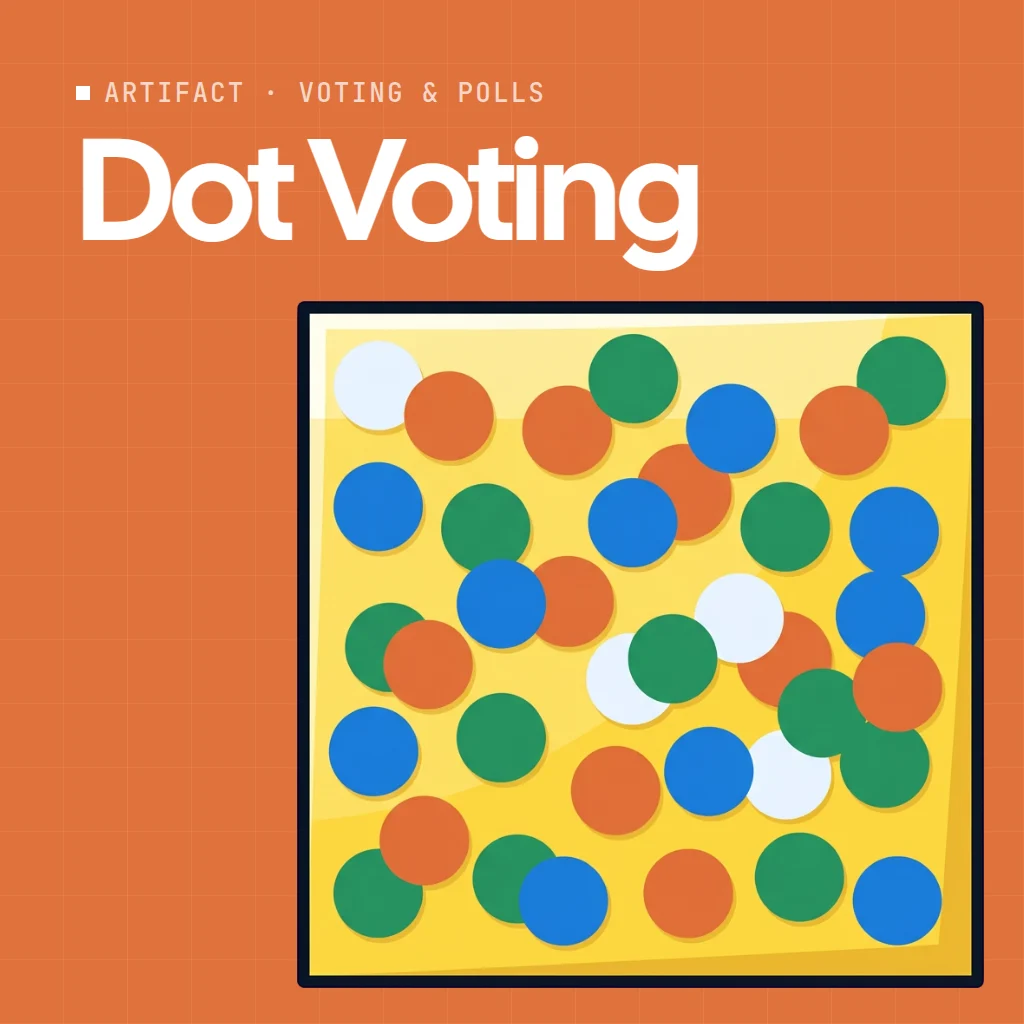
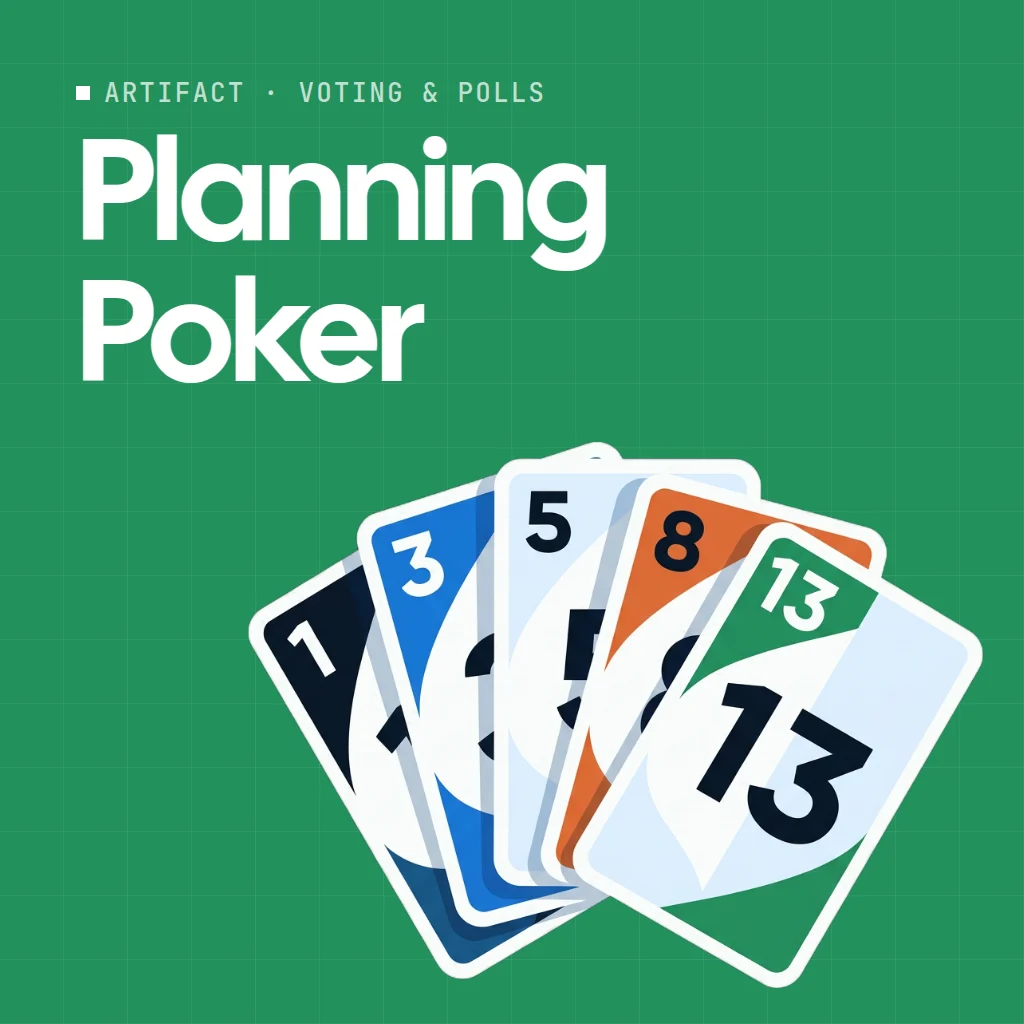
Decide together. Voting, poker and timers.
Design
From idea to product. Wireframes and prototypes.
No AI plan required
Claude Whiteboards needs a paid Claude plan for each person on it. MockFlow Basic is free, and on paid plans only editors pay. The board’s AI uses MockFlow credits, or your own Claude Code through Bridge.
Free for viewers and reviewers
On paid plans only editors pay. Clients, students and stakeholders view, comment and vote at no extra cost.
Pick the right model for the job
Mida, the AI on the board, uses GPT, Claude and Gemini models, and on Max you pick the model yourself. It makes plans, diagrams, wireframes, floor plans, images and video, and reuses saved skills your team shares.
The meeting happens on the board
Start an audio or video call, present live, chat with the team and leave voice or video comments on any item. Mention @mida in chat to list action items. See whiteboard for meetings.
Apps and live data on the board
Artifacts add dot voting, planning poker, timers and quizzes, or an app made from a sentence. Connectors bring Jira, GitHub, Notion and Google Sheets onto the board on Max.
Your work stays yours
MockFlow never uses boards, prompts, files or chats to train AI, on any plan. Teams get ISO 27001, SOC 2, SSO, SAML and SCIM.
Pick the board that fits how your team works.
Both put AI on a shared canvas. They suit different teams.
Claude Whiteboards is a good fit when
- Your team already uses Claude every day.
- You want the board to live inside your Claude chats.
- The work ends as a doc or deck in Claude, or in Lucid, Miro or Zoho Vani.
MockFlow is a good fit when
- You want a free plan, or free seats for viewers and reviewers.
- You want to choose the AI, or run it on your own Claude Code.
- The board is where the work gets done: meetings, voting, plans, wireframes and prototypes.
- You want Claude and your board together. Claude creates on MockFlow through the connector.
MockFlow and Claude Whiteboards side by side.
What each offers today. Claude Whiteboards is new and in beta, so expect it to change.
| MockFlow | Claude Whiteboards | |
|---|---|---|
| Status | Generally available | Beta, launched 10 November 2026 |
| Free plan | Yes, Basic is free forever | No, paid Claude plans only |
| AI on the board | Mida on GPT, Claude and Gemini models (you pick on Max), or your own agent through Bridge | Claude |
| Works with Claude | Yes, through the MockFlow connector for Claude.ai and the MCP server for Claude Code | Built in |
| What goes on the board | Mind maps, wireframes, spreadsheets, maps, polls, Gantt charts, storyboards, designs and much more, each a full component | Shapes, arrows and sections, plus pictures and videos |
| Live data from your tools | Connectors bring Jira, GitHub, Notion, Google Sheets and more onto the board, on Max | Works from what is on the board; does not use your connected apps |
| Meetings on the board | Audio and video calls, live presenting, team chat, voice and video comments | Claude Meetings is a separate product |
| Apps on the board | Artifacts: voting, planning poker, timers, quizzes, and apps made from a sentence | Not described by Anthropic |
| Integrations | Boards in Slack, Microsoft Teams, Google Meet, Jira, Confluence and Trello; Claude, ChatGPT, Codex, Cursor and VS Code; Figma, Zapier and live data connectors | Inside Claude; send a board to Lucid, Miro or Zoho Vani |
| Wireframes and prototypes | AI wireframes, UI kits and clickable prototypes, with WireframePro built in | Not described by Anthropic |
| Where it runs | Web, plus desktop apps for Mac and Windows | Inside Claude on web, desktop and mobile |
| Take the work further | Wireframes to Figma and front end code on Max; build prompts for Claude Code, Codex or Cursor | Turn into a doc or deck, send to Lucid, Miro or Zoho Vani, or export a PNG |
| Your data and AI training | Never used to train AI, on any plan | See Anthropic’s terms |
Claude Whiteboards details from Anthropic’s help article. “Not described by Anthropic” means the article does not mention it, not that it is missing. Compared on 17 November 2026.
More than a canvas: a place where the work gets done.
Plan with AI, then meet, decide and build on the same board, with your whole team.
Meet and decide where the work is
Start a call on the board, present it live and take a show of hands right there. Audio meetings on Plus, video on Max. MockFlow also runs inside Google Meet.
Decide together with apps on the board
Artifacts are apps and games everyone uses at once: dot vote on options, estimate with planning poker, run a retro or a quiz. Need one that does not exist? Describe it and it appears. On Plus and Max. See Artifacts.
Your board, inside the tools your team already uses.
Claude Whiteboards lives inside Claude and hands a board on to Lucid, Miro or Zoho Vani. MockFlow goes to where your team already works: chat, meetings, tickets, docs, design tools and every major AI app.


Chat and meetings
Share a board in a Slack thread, pin it as a Microsoft Teams tab, or run it right inside a Google Meet call.
Slack, Teams and Meet apps


Tickets and docs
Open boards in Jira tasks, Confluence pages and Trello cards, so the plan sits next to the work it describes.
Jira, Confluence and Trello apps


Every major AI app
Claude, ChatGPT, Codex, Cursor and VS Code create on your board through the MockFlow MCP server. Bridge runs the board’s AI on your own Claude Code, Codex or opencode.
Whiteboard for ChatGPTWhiteboard for Codex
Design tools
Send wireframes to Figma as editable layers on Max. Clippy, the free Chrome extension, captures any website or web app onto the board.
MockFlow to Figma
Live data and automation
Connectors bring data from tools such as Jira, GitHub, Notion and Google Sheets onto the board for Mida to work with, read only, on Max. Zapier adds items when a form is filled, a ticket opens or a deal is won.
Browse connectorsSign in and admin
Single sign on with Google Workspace, Okta or Azure AD, plus SAML and SCIM for teams that manage people centrally.
Sign in optionsKeep Claude. Give it a board everyone can open.
You do not have to choose between Claude and MockFlow. Claude works on MockFlow boards in three ways, and the simplest needs no connector at all.
- In Claude.ai. In Settings, then Connectors, add
https://app.mockflow.com/ideaboard/connector/mcp, click Connect, sign in and click Authorize. Then ask Claude for a plan, a diagram or a wireframe, and share the board with anyone. Full steps in Connect MockFlow to Claude or ChatGPT. - In Claude Code. Claude Code draws architecture, flows and screens from your repo onto a shared board, and any wireframe copies back as a build prompt. See whiteboard for Claude Code.
- As the board’s AI, with no setup in Claude. MockFlow Bridge runs Mida on your own Claude Code, so there is no connector to add and board generations use no MockFlow credits.
Already pay for Claude? Use it right on the board.
With MockFlow Bridge, Mida, the AI on the board, runs on Claude Code with the Claude plan you already pay for. No connector, no MCP setup: install Bridge, pair your board once and ask in Mida. Claude works natively on the board, reads files you share and edits what is already there.
No connector to set up
No MCP server, URL or config file. Bridge runs on your computer and the board talks to it directly.
Ask in Mida as usual
You stay on the board. Mida works the same way, and Claude Code does the thinking and the drawing.
No MockFlow AI credits
Your Claude plan does the work, so board generations use no MockFlow AI credits. Images, video, sound and 3D still come from MockFlow AI.
- Sign in to Claude Code on your computer.Install Claude Code with
npm i -g @anthropic-ai/claude-codeand runclaudeto sign in with your Claude account. - Install and start MockFlow Bridge.
npm i -g @mockflow/mockflow-bridge
mockflow-bridge
Needs Node.js 18 or newer. Leave the window open. - Pair your board once.Open Mida on your board, click Connect on the Connect your local agent strip and enter the code from the Bridge window.
 Claude Codeby Anthropic
npm i -g @mockflow/mockflow-bridge   # install once
mockflow-bridge                      # start it

# Enter the pairing code on your board.
# Then ask Mida as usual:
"Turn the launch brief into social posts"
 Turn the launch brief into social posts
Bridge works on every plan. On Basic it runs Claude Code on one board with a daily number of free generations. Plus and Max include Bridge Pro, with no daily limit, several boards and other agents such as Codex. Full steps in Set up MockFlow Bridge.
Start free, upgrade when your team grows.
Only editors pay. Viewers and reviewers are free on paid plans. Prices per editor a month, billed yearly.
Basic, free
4 projects, up to 200 items on each board, 5 reviewers, wireframing, lite prototyping and 100 AI credits a month. For personal and nonprofit use.
Plus, $9
Unlimited projects and boards, prototyping with no page limits, audio meetings and 800 AI credits per editor each month.
Max, $14
Everything in Plus, with export to Figma, Build mode for code, team UI kits, video meetings and 2,000 AI credits per editor each month.
See every feature on MockFlow pricing. Your boards, prompts, files and chats are never used to train AI models, on any plan.
Claude Whiteboards alternative questions.
Claude Whiteboards, using Claude with MockFlow, and plans.
What is Claude Whiteboards?
Is Claude Whiteboards free?
What is the best Claude Whiteboards alternative?
What are the benefits of MockFlow over Claude Whiteboards?
Can I use Claude with MockFlow?
Does MockFlow integrate with Slack, Microsoft Teams and Jira?
Can I use my Claude plan inside MockFlow?
Which AI models does MockFlow use?
Can I move a Claude Whiteboard to MockFlow?
Is my work used to train AI?
Read more before you choose.
The AI on the board, Claude setups and other whiteboards.
AI whiteboard
Describe what you need and AI builds it on a shared board.
MockFlow for Claude
Set up the MockFlow connector in Claude.ai.
Whiteboard for Claude Code
Diagrams and screens from your repo, on a board your team can open.
Whiteboard for meetings
Calls, presenting and notes on the same board.
Miro alternatives
Whiteboards compared on free plans, AI and price.
Best online whiteboards
The whiteboards teams use, and what each does best.
Open a board in one click and ask Mida for a plan. Boards last 24 hours, so sign up to keep your work.



 Brainstorm with MockFlow MCP


