



Plan what to build, with everyone on one board.
Feedback, priorities, the roadmap and the launch plan sit side by side, and AI drafts each one from what you already have.

MockFlow is an online whiteboard where product managers do the thinking behind the roadmap with their team. Interview notes become themes, ideas get scored and voted on, and the roadmap, the goals and the launch plan sit beside the reasons for them. AI drafts a matrix, a timeline or a whole board from a sentence or a PRD, and designers, engineers and stakeholders all work on the same canvas.
Listen. Decide. Plan. Launch.
The product management whiteboard follows the work, from the first interview to launch day.
-
01
Listen.
Paste interview notes or attach a research PDF, and Mida sorts what people said into themes you can read in a minute.
Documents need Plus. Turn notes into a board · Online sticky notes
customer-interviews.pdf12 callsInvites are hard to find“Where do I add my team?”“Took me a day to find Share”The template saves time“Roadmap in ten minutes”“Our board meeting deck”Alerts belong in Slack“I live in Slack”“Ping me on changes” -
02
Decide.
Put the ideas on an impact and effort matrix, then let the team vote. The list sorts itself, so the favourites rise to the top.
Upvotes and polls need Plus. Impact effort matrix · MoSCoW matrix
What should we build next?9Onboarding checklist 7Team invites in the top bar
 4Slack alerts for changes
 2Dark modeAdd idea

-
03
Plan.
Lay out the product roadmap as a timeline with Now, Next and Later, and the launch as a Gantt chart with owners and dates. Quick planning, right beside the decisions.
Every plan. Timeline · Gantt chart · Now, Next, Later
Launch planJul 21Jul 28Aug 4Aug 11Aug 18Checklist designOliviaBuild and testLucasHelp articleEmmaLaunch emailSamLPublic launch -
04
Launch.
Run go to market from a checklist beside the one pager, then present the board live to stakeholders while everyone follows your view.
Presenting needs Plus. Go to market strategy · Present a board live · Whiteboard for meetings
Go to marketPricing page copy
Help article
Sales one pager
Launch email
In app announcement
PresentingOnboarding checklistOne pagerProblem. New teams take a week to invite people and build a first plan.
Bet. A five step checklist on every new board.
Measure. Activation in the first week, from 38% to 45%.
A roadmap the whole team can see.
Ask for it in a sentence. Then move it, vote on it and present it.

 Put the Q3 launches on a calendar and break our activation goal into a KPI tree
Olivia turns the plan into dates and numbers.
Mida adds a Calendar with every launch date and a Tree diagram that breaks the goal into the steps a new team takes, so everyone sees when and why. More on the AI whiteboard.
Decide with the numbers in view.
Show my current Jira sprint as a kanbanJiraLive data from your tools. Connect Jira, Linear, Notion, Slack, Amplitude or Mixpanel, and Mida brings what is in them onto the board. Max Connectors
What if we change the trial? The Data Simulator builds a live forecast with sliders, and pinned scenarios to compare. On every plan. Data Simulator
Ready made for product managers.
Templates, apps, AI experts, agent skills and automations that fit the work.
Templates
All templates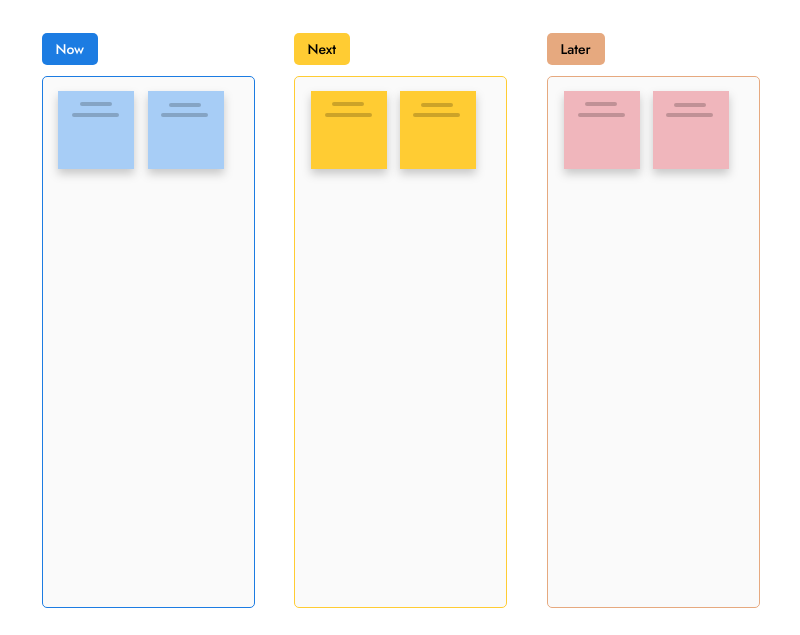


Apps and games
All artifacts

AI experts
All Concept Builders MVP Scope ShaperCuts a sprawling product idea down to a shippable first version: the core problem, must-have features, what waits for later, the risks, and a realistic release plan.


Agent skills
All skills


Automations
All automation templates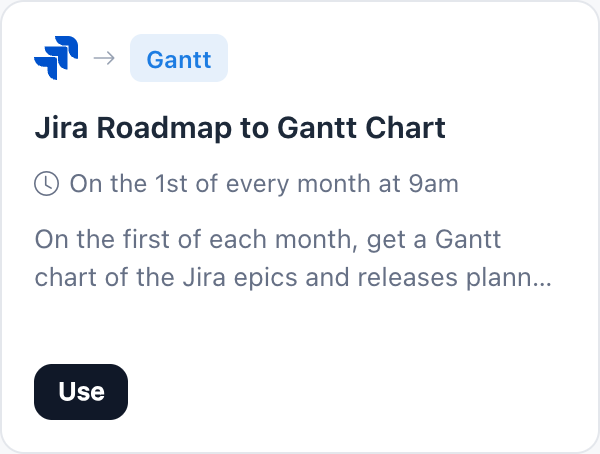
Free to start, ready for your team.
Pay for editors only. Stakeholders review for free. Compare plans.
| Feature | Basic | Plus | Max |
|---|---|---|---|
| Timeline, Gantt chart, table and journey map | |||
| Boards | 3 | Unlimited | Unlimited |
| Reviewers who view and comment | 5 | Unlimited | Unlimited |
| AI credits each month | 100 | 800 per editor | 2,000 per editor |
| Polls, voting and timers | |||
| PRDs and transcripts to a board, AI experts | |||
| Present your board live | |||
| Live data from Jira, Linear and more (Connectors) |
For the rest of the team: Designers Developers Marketing teams Workshops Operations Startups All solutions
Product manager whiteboard questions.
Is MockFlow a good whiteboard for product managers?
Can I build a product roadmap on a whiteboard?
How do I prioritize features with my team on the board?
Can AI turn a PRD or interview notes into a board?
Does MockFlow connect to Jira and other product tools?
Is MockFlow a project management tool?
Is the product management whiteboard free?
Can stakeholders review the roadmap without a paid seat?
Open a board in one click and sketch the plan. Sign up free to use AI, invite the team and keep it.


 Brainstorm with MockFlow MCP


