Log in
Automation template ยท Product

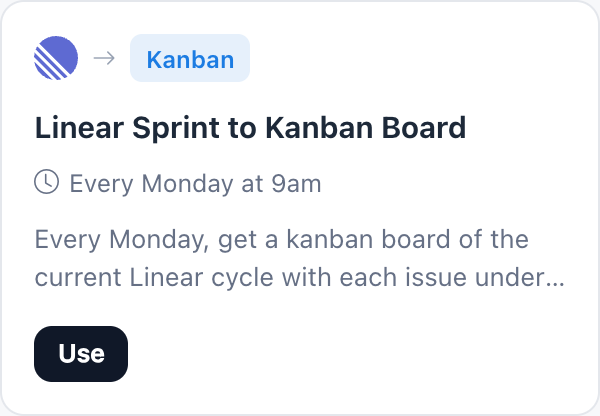
Linear Sprint to Kanban Board

sprint planningkanbanagile

This Linear sprint to kanban board automation gives your team a clear view of the current cycle every week. Every Monday at 9am, MockFlow reads the issues in your team's current Linear cycle, with status, assignee, priority and due date.

What it does.

From Linear, every Monday at 9am, read issues in the current cycle, make a kanban of the sprint.

LinearKanban
Runs
Every Monday at 9am
Reads
Linear
Makes
Kanban: Sprint kanban
Linear Sprint to Kanban Board in the MockFlow Automations gallery

Why teams use it.

It makes a kanban with one column per status, so planning and check ins start from the same picture.

Turn it on.

Use this template opens the Automations page in MockFlow with every part already filled in.

1

Open the Linear Sprint to Kanban Board template

Select Use this template and it opens in MockFlow Automations.

2

Connect Linear

Sign in with your own Linear account and pick the team.

3

Pick the space

Choose where each week's sprint board is made.

4

Turn it on

Run now draws the current cycle. Turn it on for a new board every Monday.

Who uses it.

A product team starting the week

The cycle's work is laid out by status for the Monday planning call.

A stakeholder who does not use Linear

The board shows progress without needing a Linear seat.

A manager balancing work

Assignees and priorities on every card show who has too much.
Questions about Linear Sprint to Kanban Board.

What does it read from Linear?
The issues in the current cycle of your team, with status, assignee, priority and due date.
How is the board organized?
One column per status, each card with its assignee, priority and due date.
Which day is the sprint kanban made?
Every Monday at 9am, and you can change it before turning it on.
Does it change anything in Linear?
No. It reads the cycle and makes a board in MockFlow.
Get started

Let the board make itself.

New to MockFlow

Sign up free and try it out. Automations run on the Max plan.

MCPBrainstorm with MockFlow MCP

Add MockFlow as an MCP connector in Claude, Cursor, or any MCP-compatible AI assistant to generate flowcharts, mindmaps, architecture diagrams, and 16 types of visualizations.

Desktop App MCP Powerful
CLI Web MCP Developer
Loginless Web MCP Easiest

Built into the MockFlow Desktop App. AI creates visuals directly on your open canvas — no URLs, no waiting.

1
Open Desktop App → open a MockFlow project
2
In Claude Code / Cursor, run:
claude mcp add --transport http -s user mockflow-ideaboard http://localhost:21193/mcp
3
Ask: "Create a flowchart for..."

Best for: Designers, product teams, daily MockFlow users.

Download Desktop App →

Install from npm, log in via browser (OAuth), and boards are saved to your MockFlow account.

1
npm install -g @mockflow/ideaboard-mcp
2
mockflow-ideaboard-mcp login
3
mockflow-ideaboard-mcp

Best for: Developers using Claude Code, Cursor, or VS Code Copilot.

npm Package →

Add MockFlow as a connector in Claude.ai or ChatGPT. No installation, no account required. A new board is created and you get a shareable URL.

1
Open Claude.ai → Settings → Connectors
2
Paste this URL: https://app.mockflow.com/ideaboard/mcp
3
Ask Claude to create a flowchart — done!

Best for: Managers, marketers, anyone using Claude.ai or ChatGPT in the browser.

Welcome back

Don't have an account? Sign up

Faster ways in

Sign in with an account you already use.