Free online process mapping tool.
Map out processes, collaborate and brainstorm with your team to improve and establish processes for smooth business process flows.
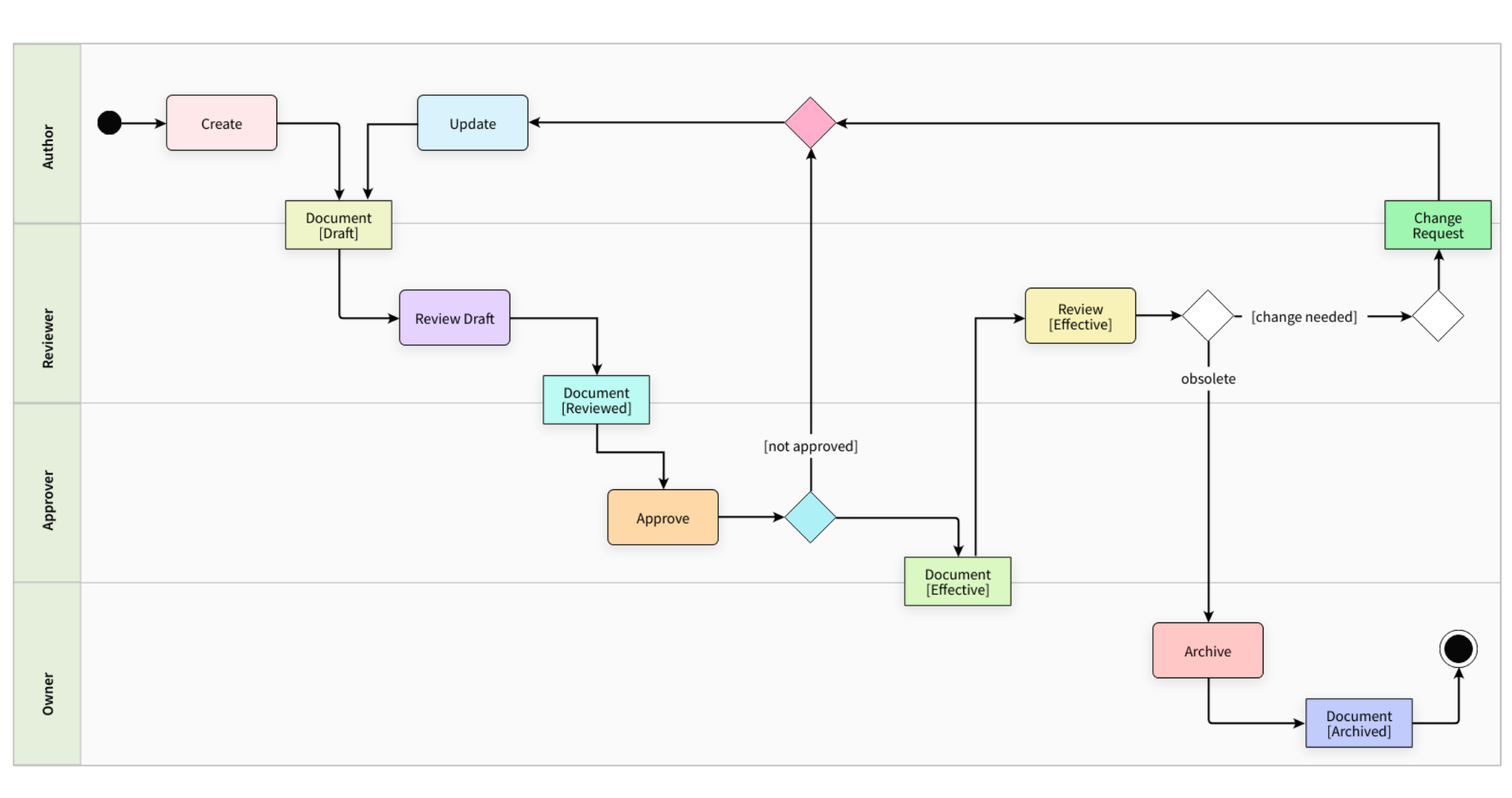
Map out complex processes with ease.
Efficiently map your organization's processes by drawing process flow diagrams, BPMN diagrams, swimlanes & more by using MockFlow, utilizing its super-intuitive editor and in-built shapes pack.
- Process flowcharts with AI, drawn from a plain language description.
- Swimlane diagrams with AI, with lanes for each role or team.
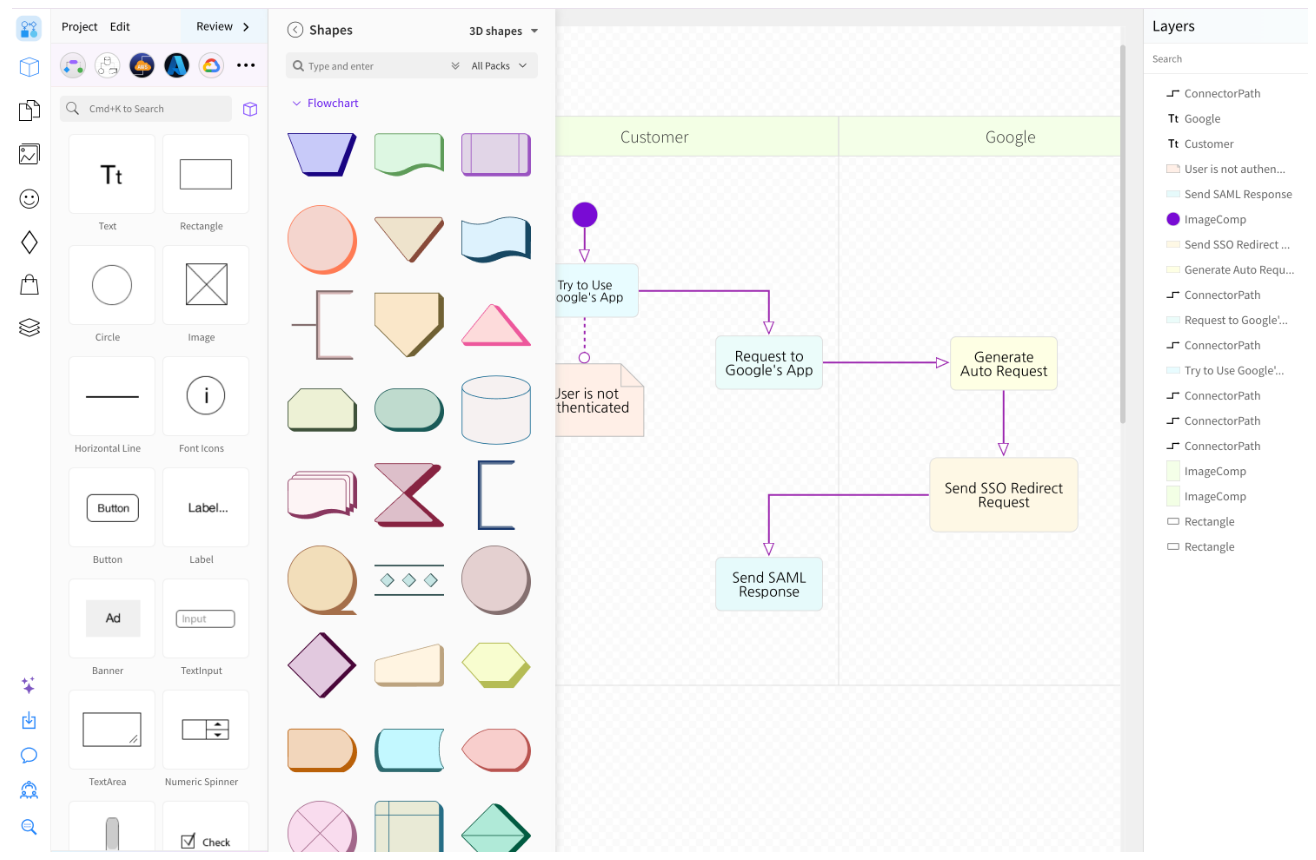
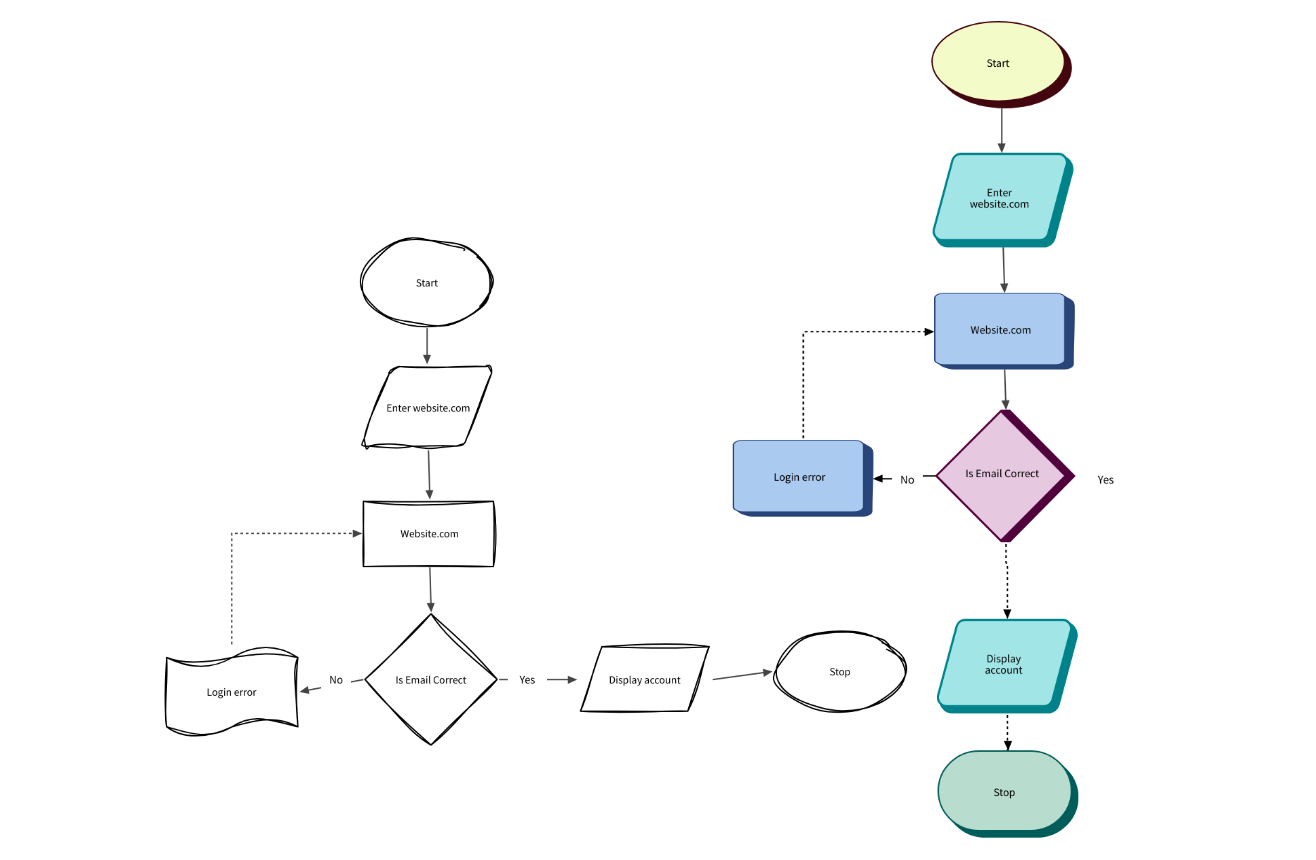
Format your process flow diagrams.
Easily create visually appealing, professional and detailed process flow diagrams using the customization options available in MockFlow Process Mapping tool.
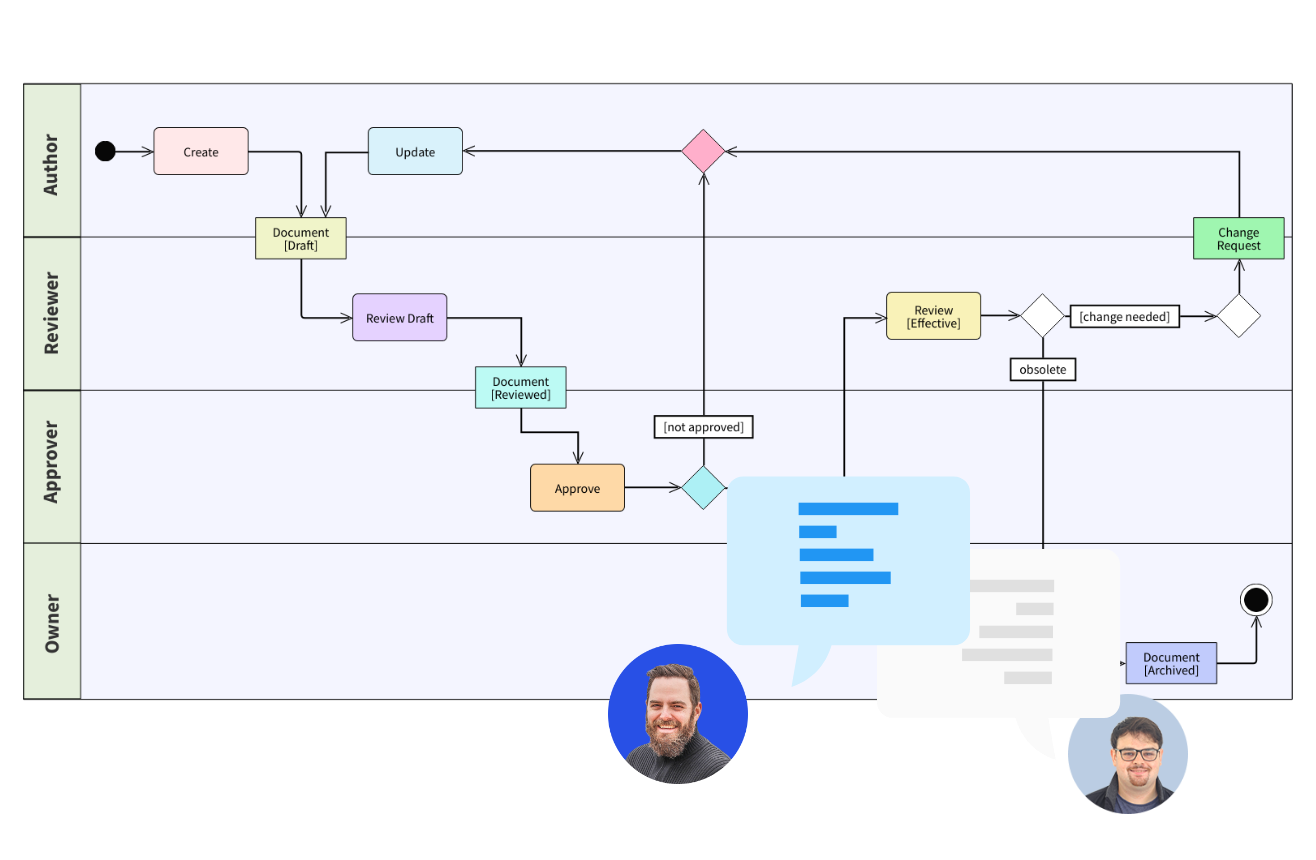
Collaborate with your team.
Bring your team onboard and map out processes together making it more effective in designing and documenting process flows by accommodating feedback and comments.
Embed anywhere, work offline.
Put your process maps where your team reads them, or keep working in the desktop app.
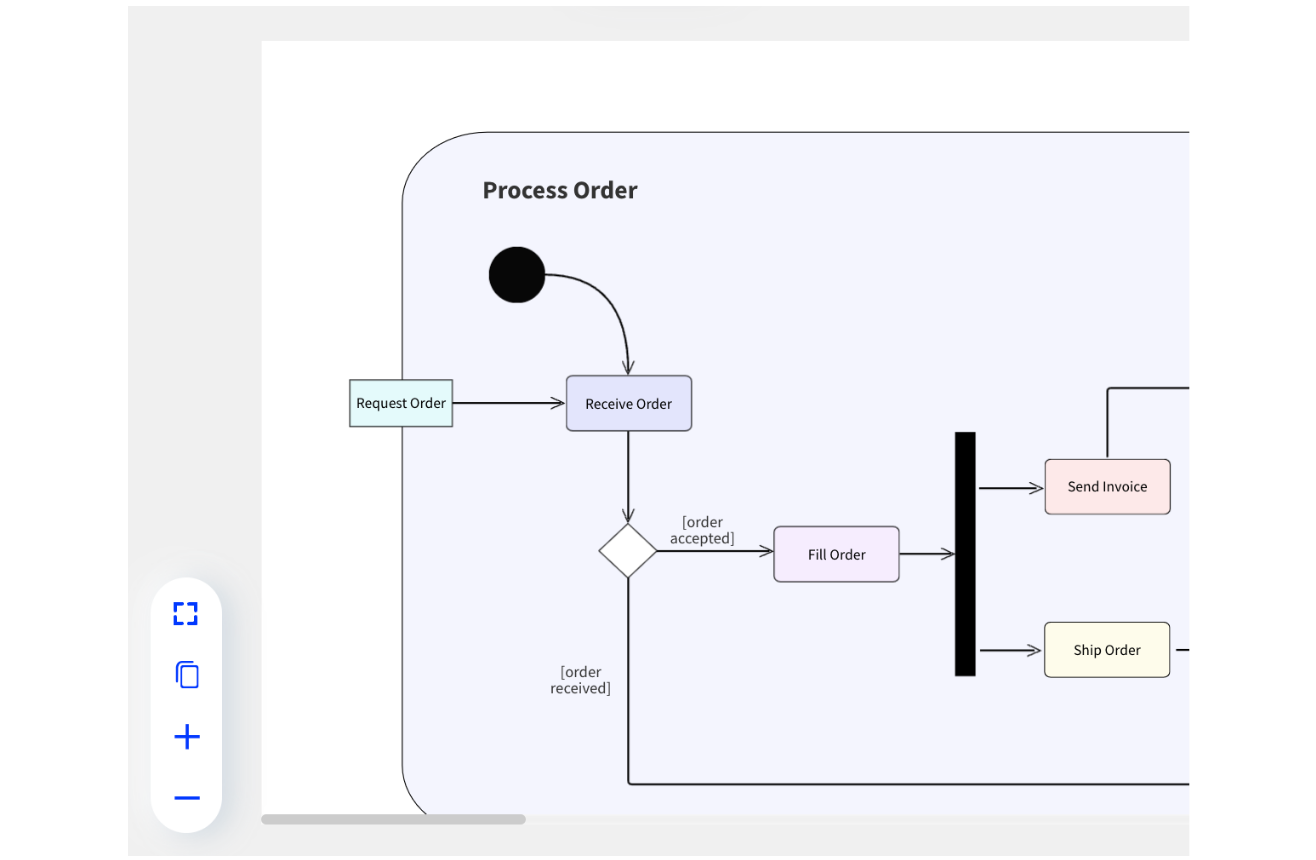
Embed process maps anywhere
Embed your process flow diagrams anywhere with the embed code. Or export your process maps and process flow diagrams as images, or share them directly with a public link.
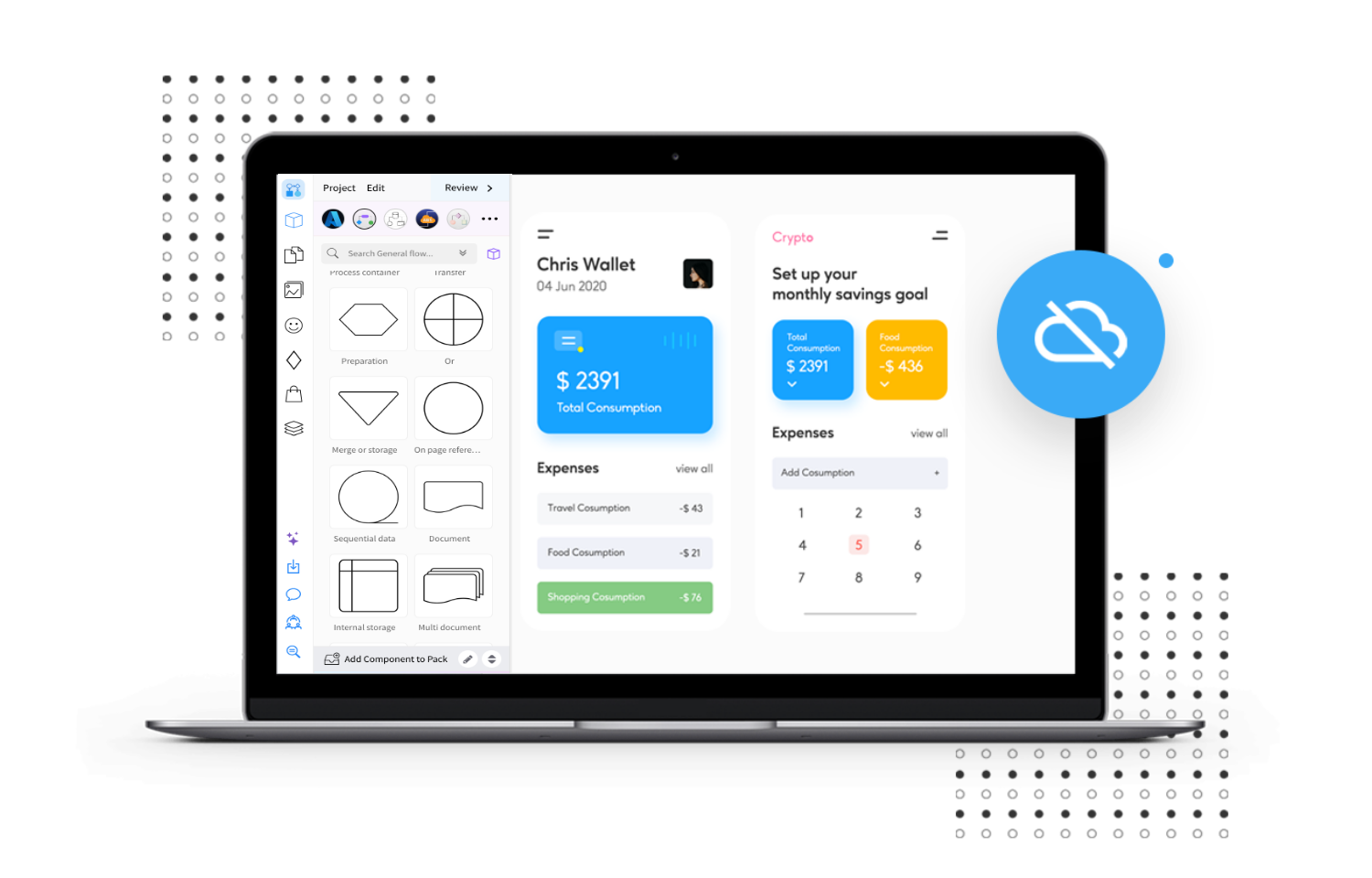
Create process maps offline with desktop app
MockFlow offers a desktop app for both Windows and macOS platforms for increased productivity and efficiency. Create and store Process flow diagrams locally with the offline mode without any hassles.
Get the desktop appMap out business process flows online with MockFlow.
Process flows, BPMN and swimlanes on one board your whole team can edit.




 Brainstorm with MockFlow MCP



