




Diagramming Free templates
Free templates for brainstorming, diagrams and teamwork, ready to customize in MockFlow.
Page 1 of 3 (Showing 50 templates)
Start exploring
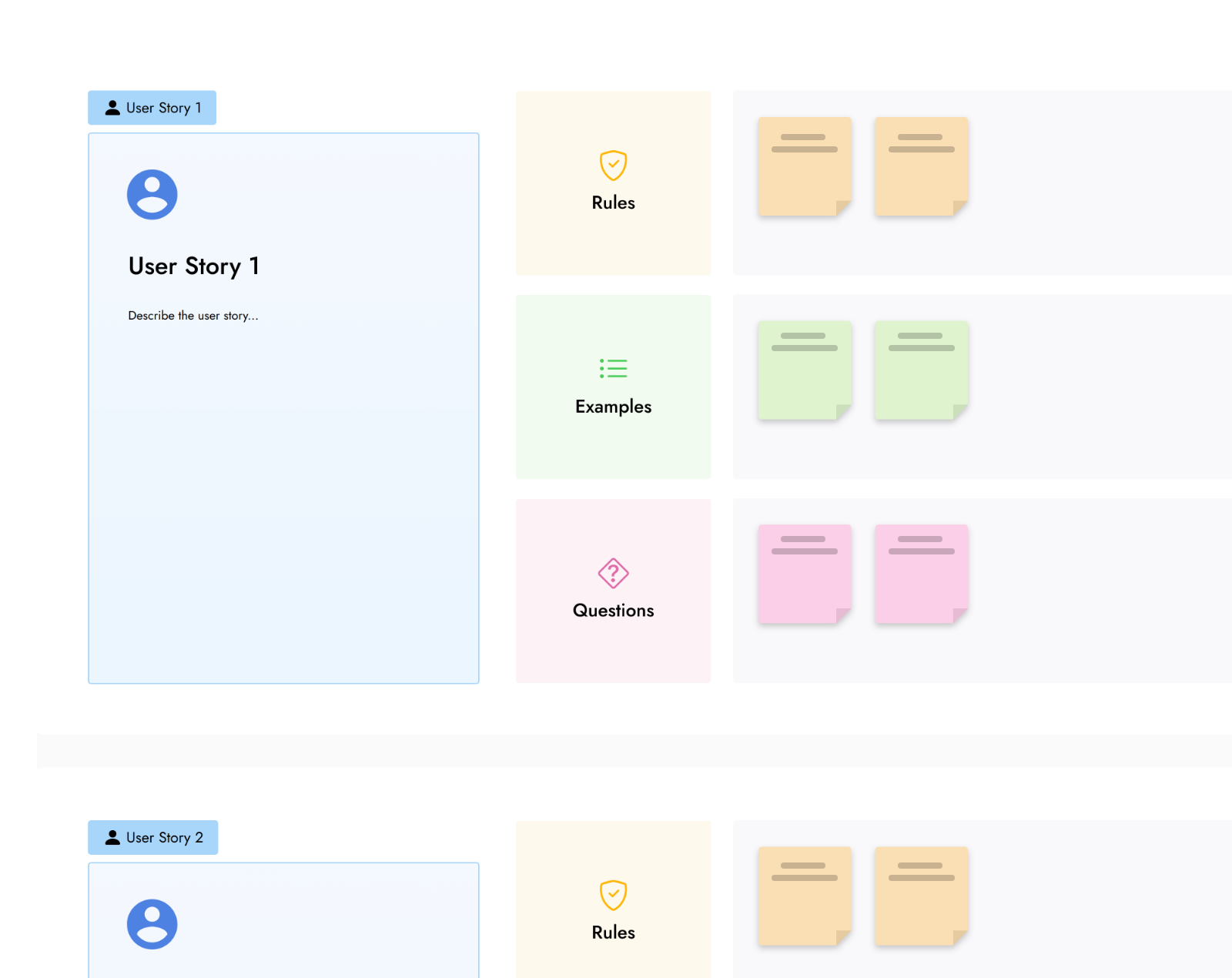 Example Mapping
Brainstorm
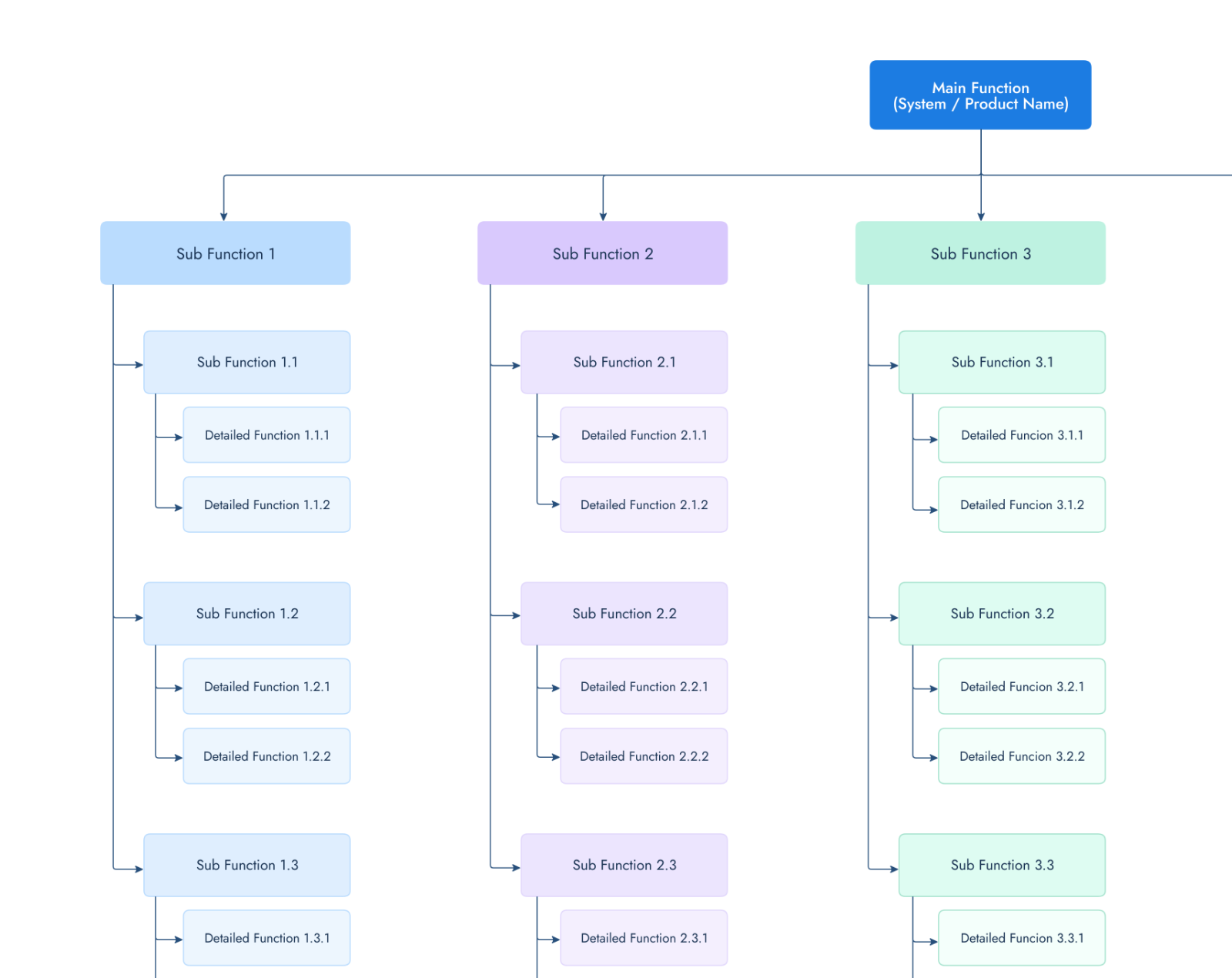 Functional Decomposition Diagram
Diagramming
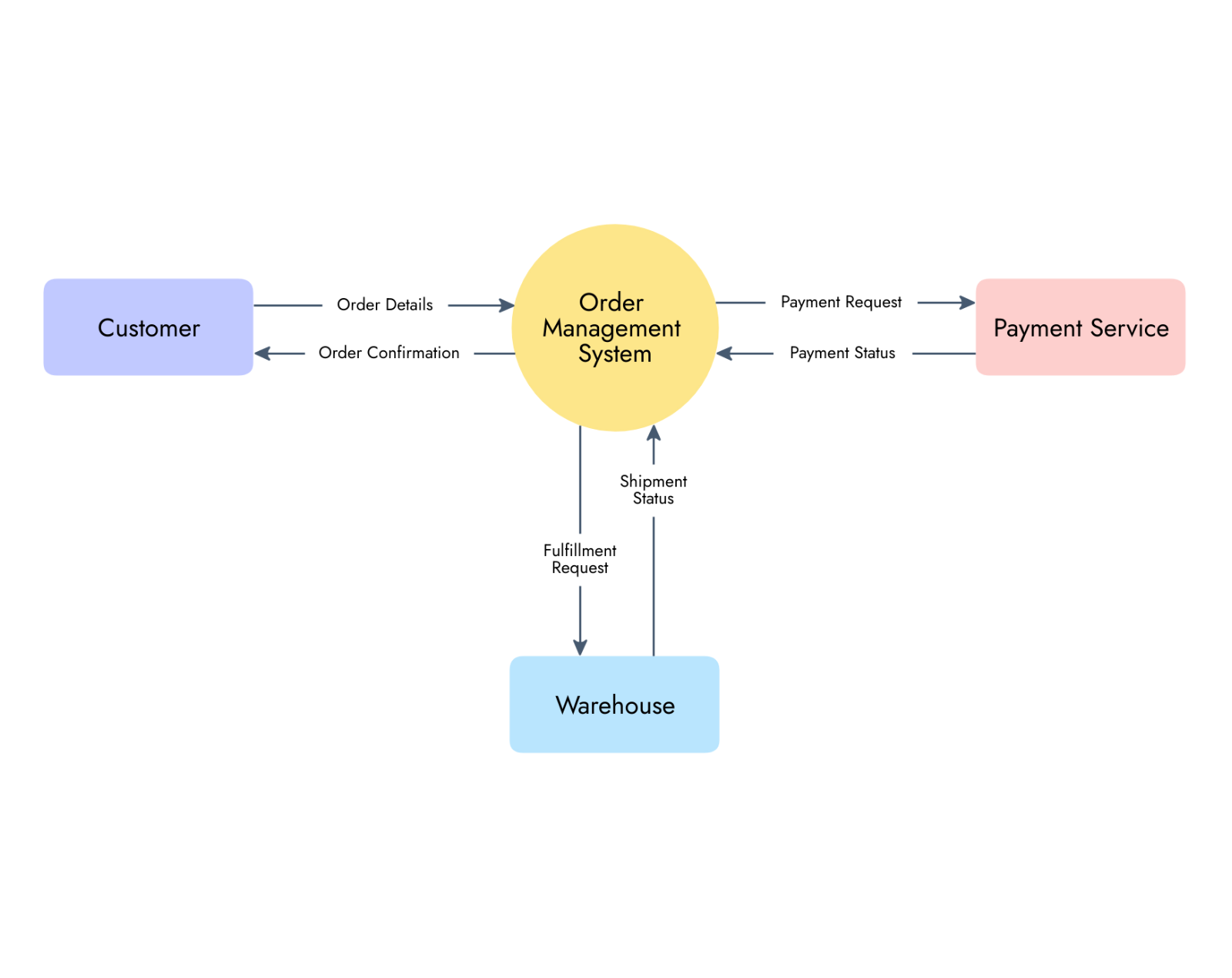 Data Flow Diagram - Level 0
Diagramming
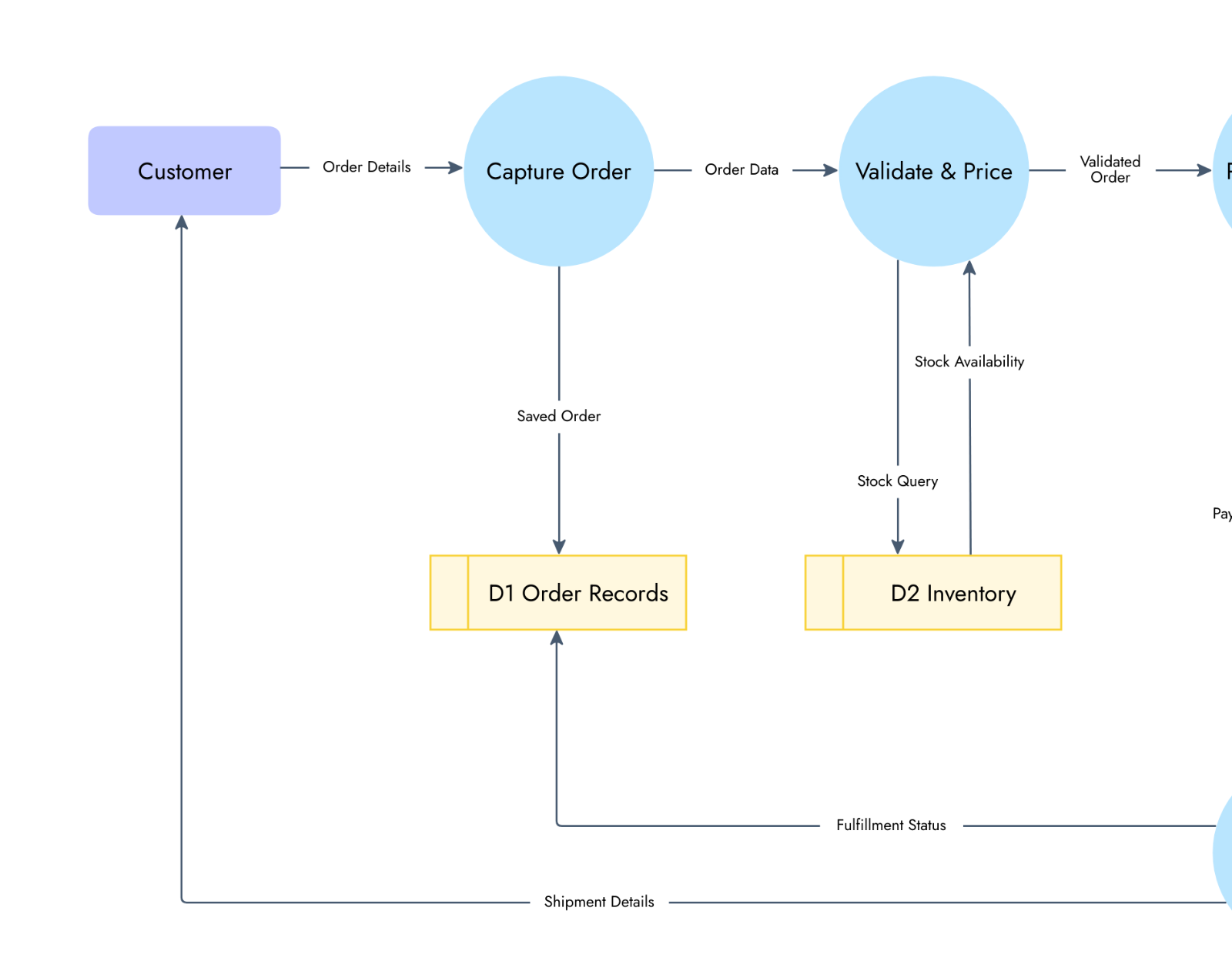 Data Flow Diagram - Level 1
Diagramming
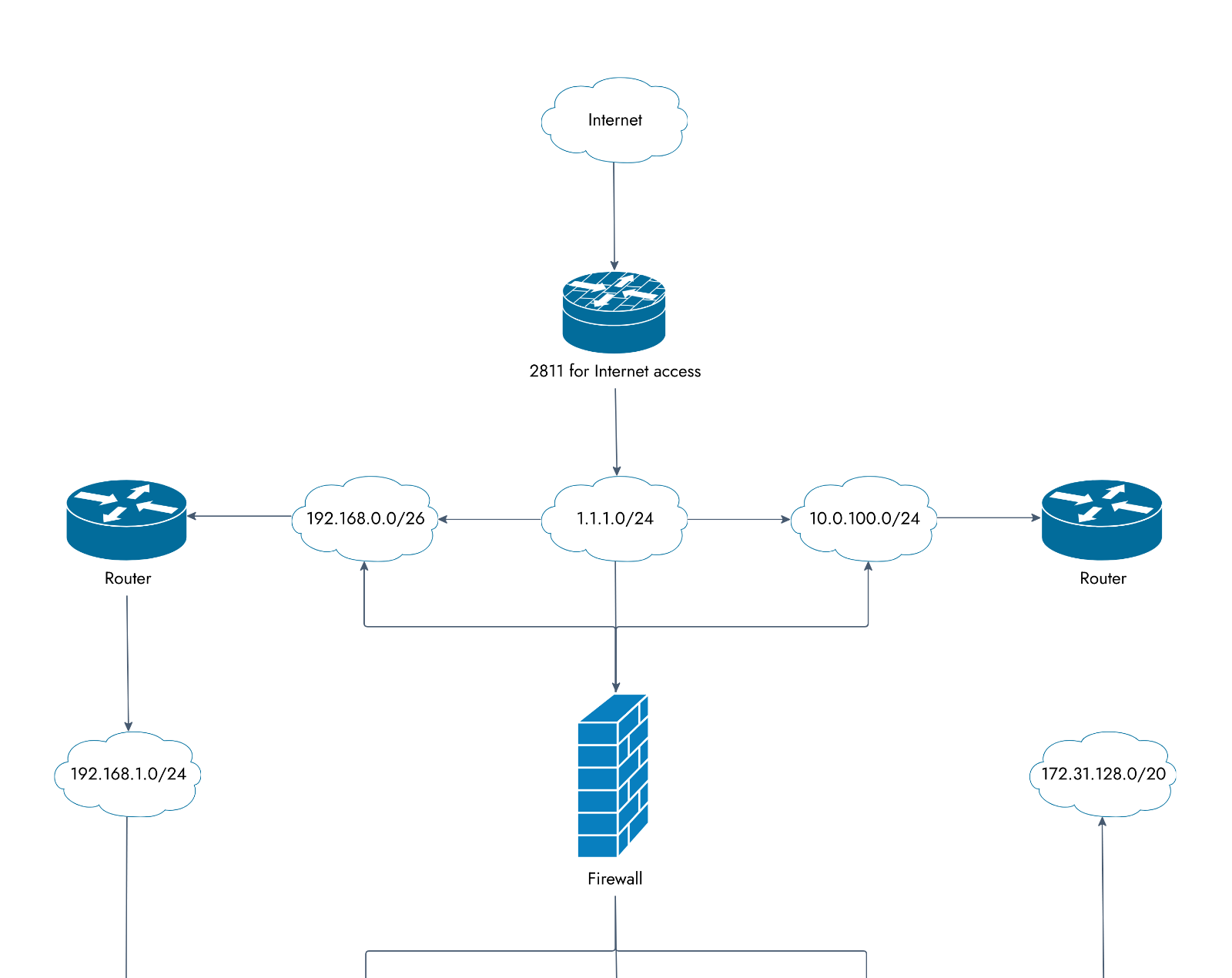 Logical Network Diagram
Diagramming
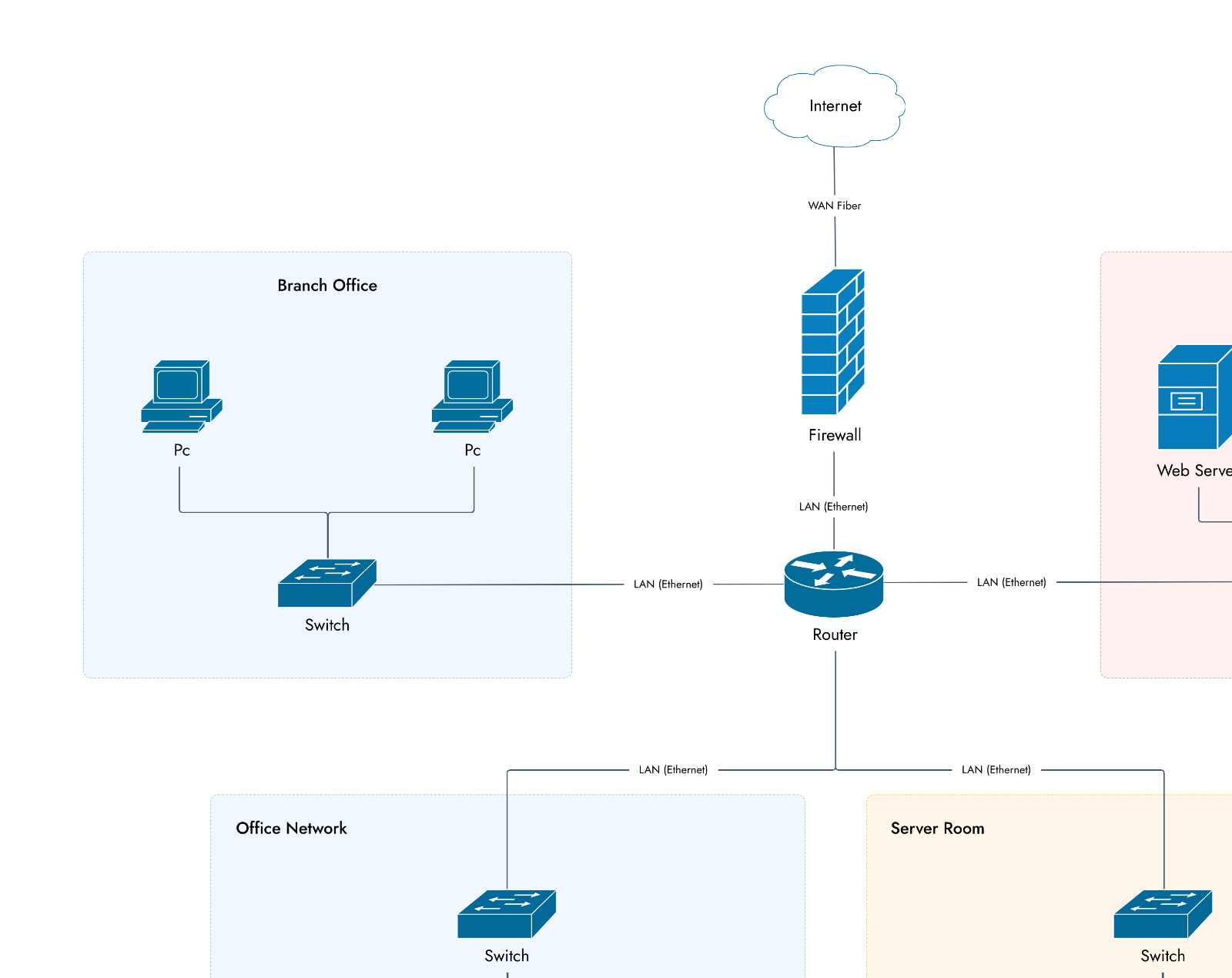 Physical Network Diagram
Diagramming
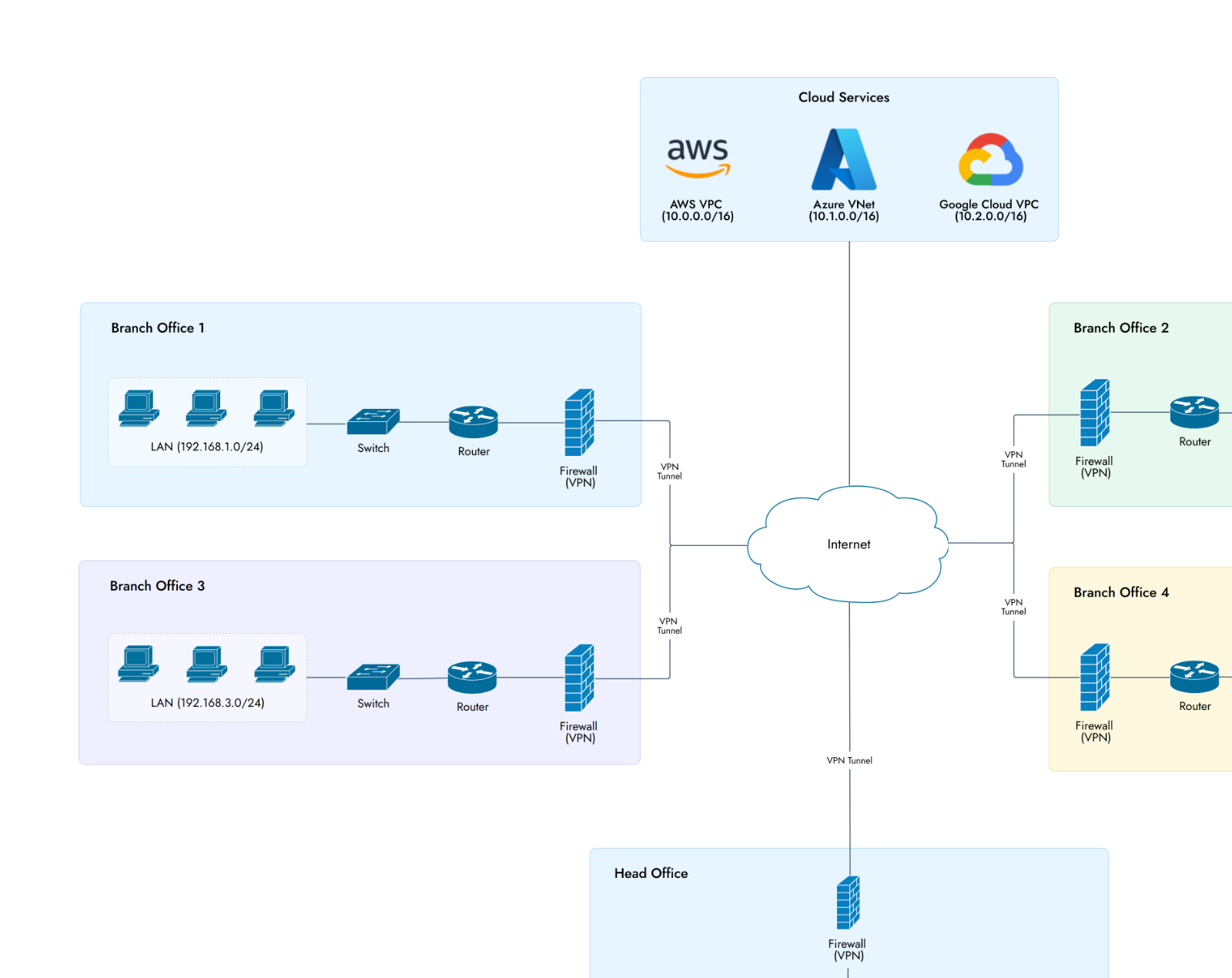 WAN Network Diagram
Diagramming
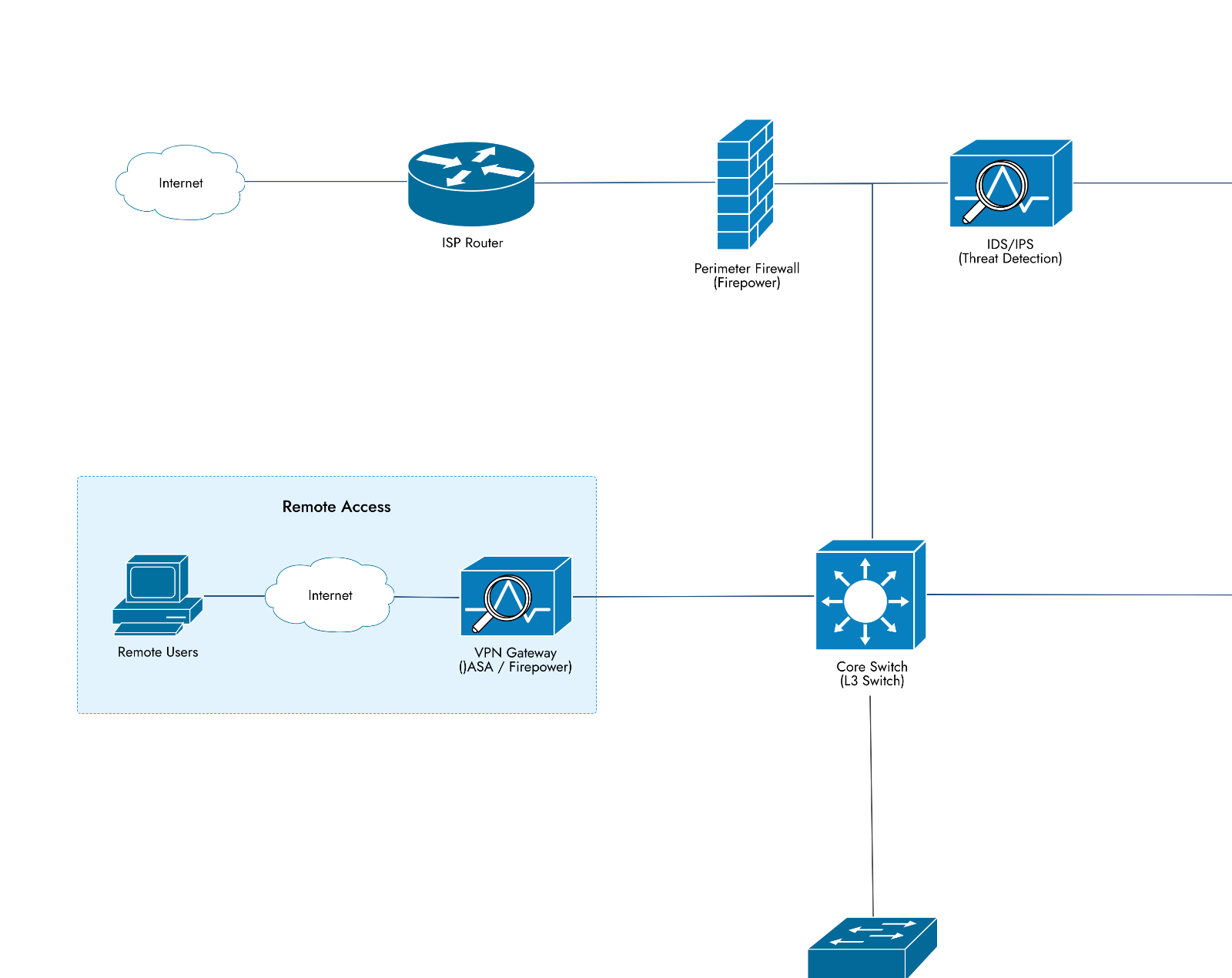 Security Network Diagram
Diagramming
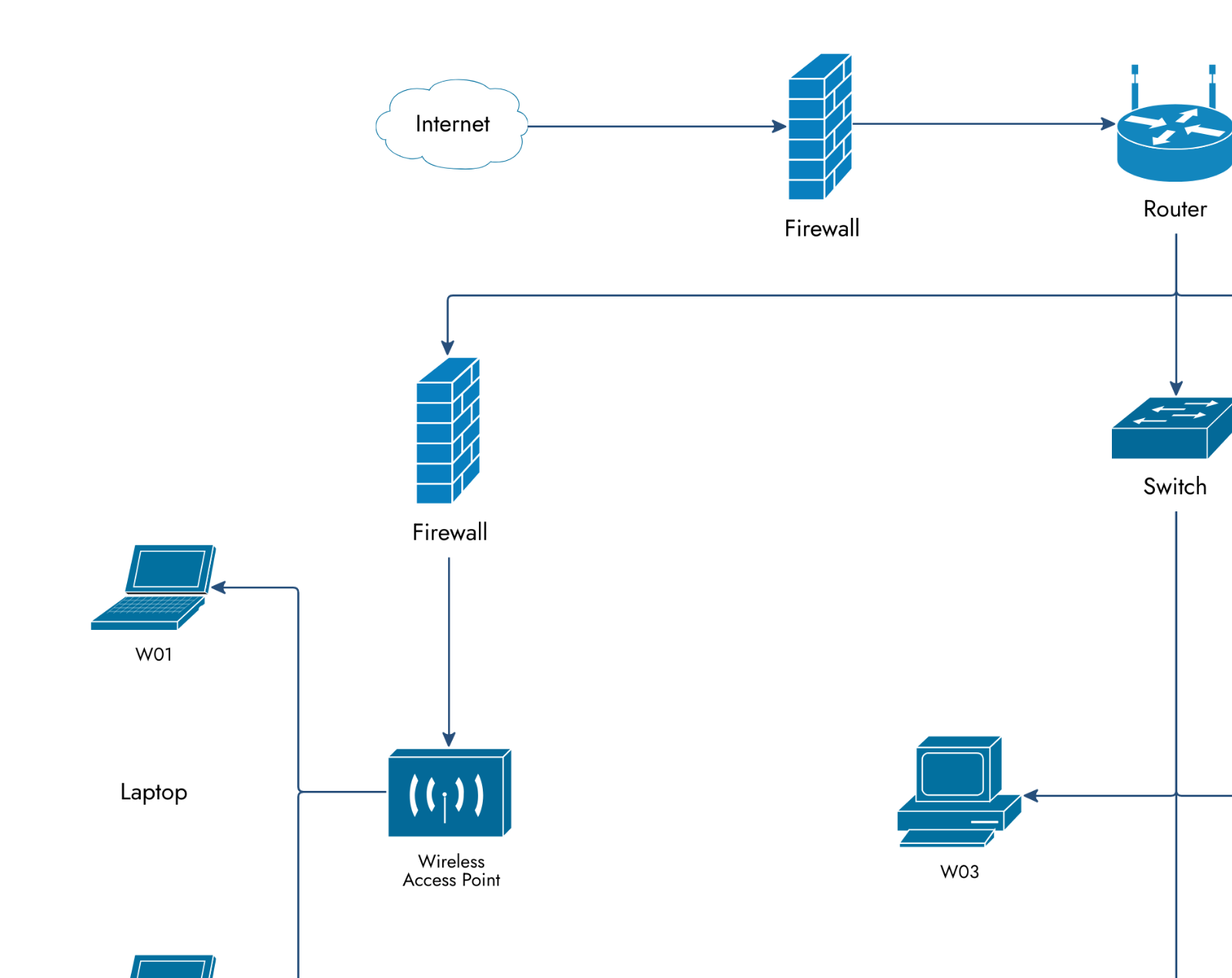 Office Network Diagram
Diagramming
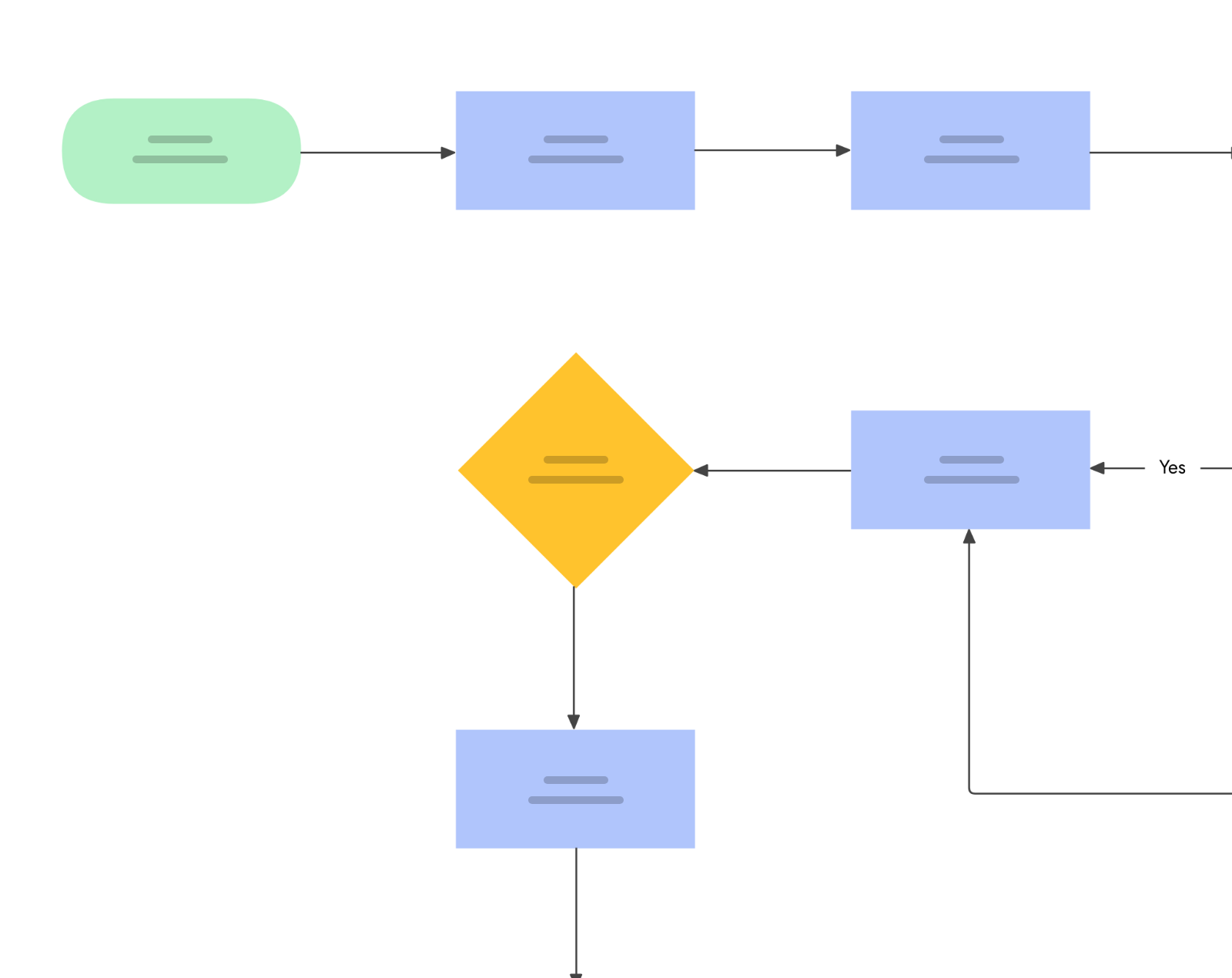 Sales Process Flowchart
Diagramming
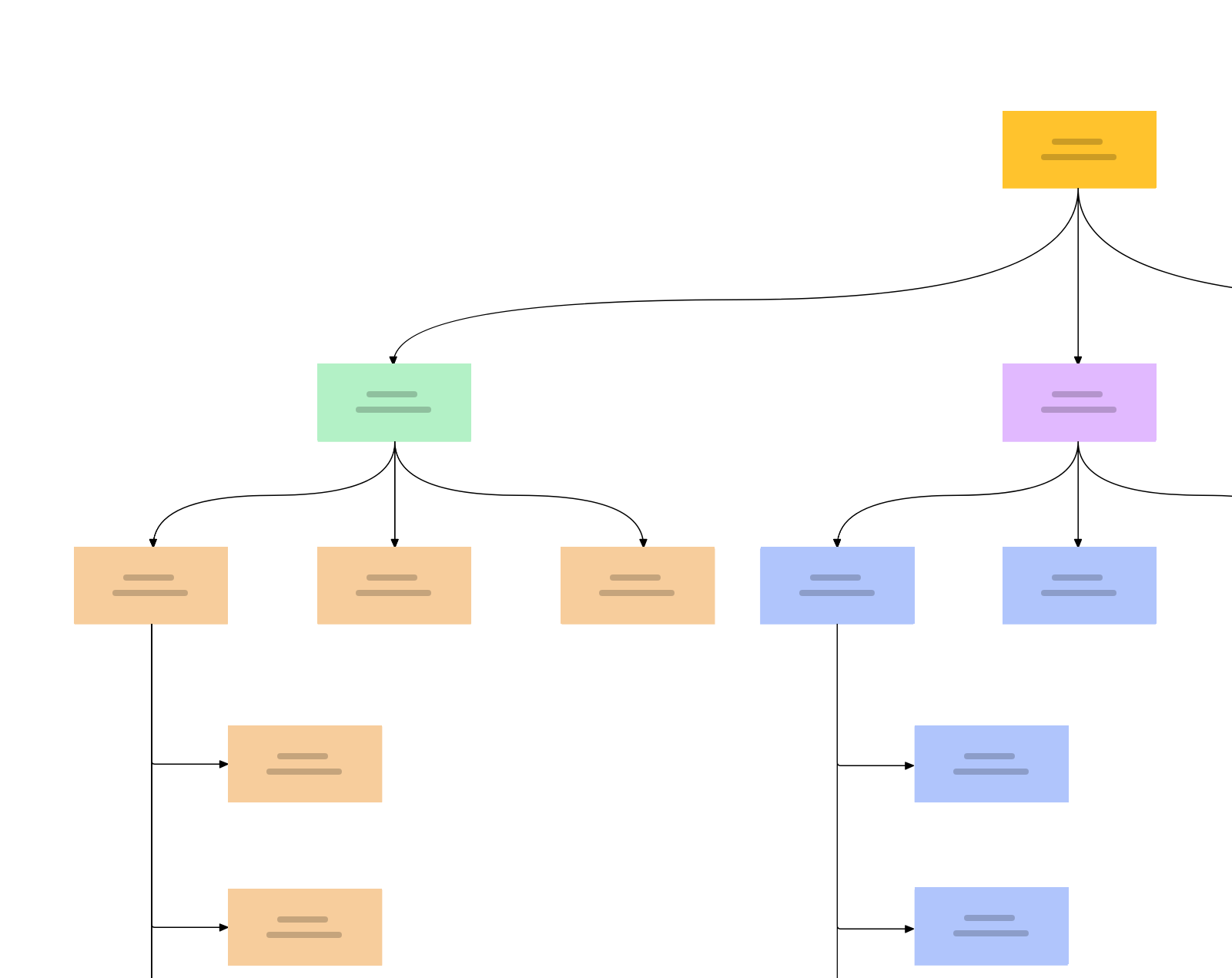 Opportunity solution tree
Diagramming
 Deploy a migrated MongoDB workload to Oracle Autonomous Transaction Processing Serverless
Diagramming
 Business process flow
Diagramming
 SAP deployment on Azure using an Oracle database
Diagramming
 Troubleshooting Flowchart
Diagramming
 Pressurized vessel PID
Diagramming
 Operations workflow flowchart
Diagramming
 Integrate ERPs with Oracle Cloud Infrastructure Generative AI
Diagramming
 Bubble Map - E-commerce Product Description
Diagramming
 Bubble Map - Product Feature Analysis
Diagramming
 Bubble Map
Diagramming
 Cross-Functional Technical Support Workflow
Diagramming
 BPMN Diagram - Employment Application
Diagramming
 Decision Tree - Launching a New Mobile App
Diagramming
 Workflow Diagram - Online Course Development
Diagramming
 Real-time analytics on data by using Azure Service Bus and Azure Data Explorer
Diagramming
 Star topology
Diagramming
 Bus topology
Diagramming
 Mesh topology
Diagramming
 Ring topology
Diagramming
 Building a unified catalog with Amazon DataZone
Diagramming
 Data Mesh Reference Architecture with Amazon DataZone
Diagramming
 Simple Process Control PID
Diagramming
 Power Plant Cycle PID
Diagramming
 Car Battery Manufacturing Unit Spaghetti diagram
Diagramming
 Electronics Assembly Plant Workflow Spaghetti diagram
Diagramming
 Heat Exchanger PID
Diagramming
 Mixing Station PID
Diagramming
 Smart Delivery Hub Context Diagram
Diagramming
 Network Troubleshooting Workflow Spaghetti diagram
Diagramming
 Spider Diagram
Diagramming
 Secure connectivity with SAP Private Link service
Diagramming
 Location-enabled Data Science with Precisely on AWS
Diagramming
 Deploy an AI-powered chatbot
Diagramming
 Securely managed web applications
Diagramming
 Amazon OpenSearch Trending Queries with AWS Glue and Amazon Bedrock
Diagramming
 Generative AI on SAP BTP
Diagramming
 Procurement & Purchase Order Workflow
Diagramming
 WordPress on Azure Kubernetes Service
Diagramming
 API flowchart
Diagramming
More to start from




 Brainstorm with MockFlow MCP


